Powerful EcoFlow stations for energy anywhere!

{{ totalProductsCount }}
In cart {{totalProductsCount}} item(s)
In cart {{totalProductsCount}} item(s)
Total:
{{sum | formatAmount}}
Your cart is empty
Pc Components
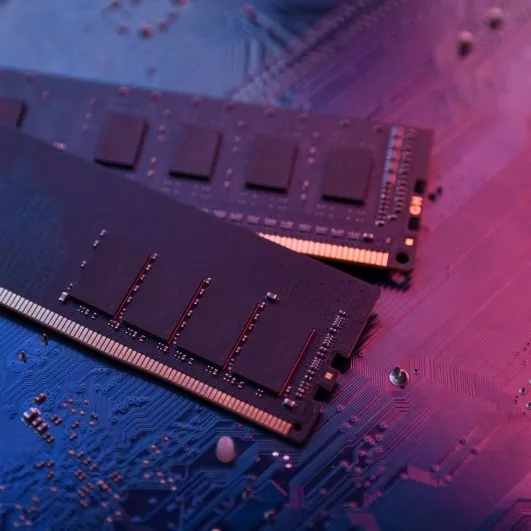
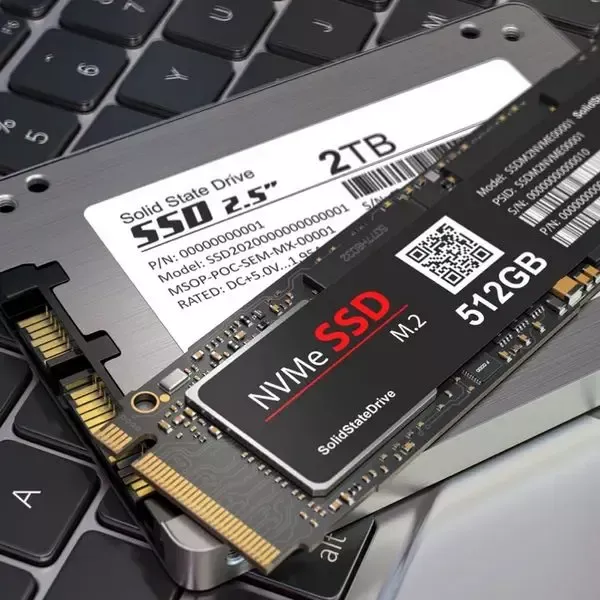


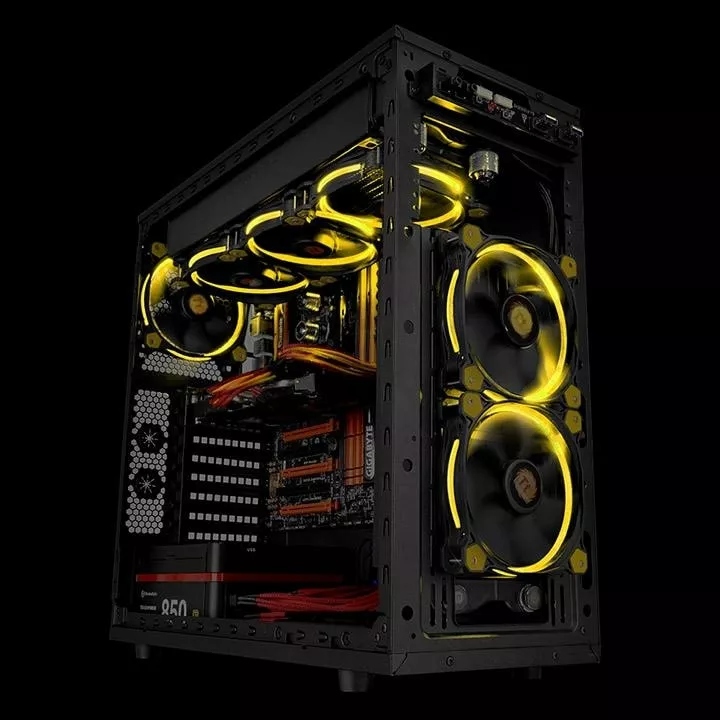


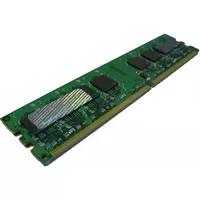
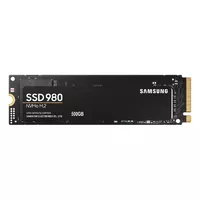

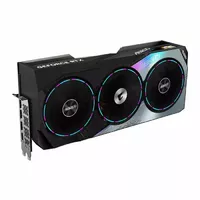
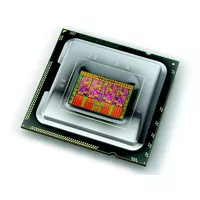
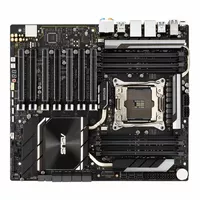
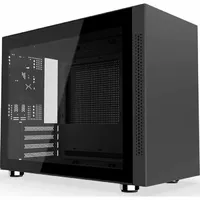
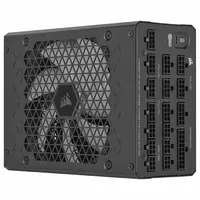
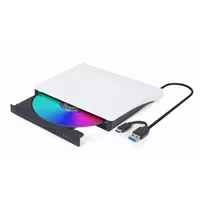
Pc Components refers to the individual hardware parts that make up a personal computer system, including processing units, memory modules, storage devices, power delivery, cooling, and expansion interfaces. These components are used to assemble, upgrade, repair, or customize desktop and workstation systems for tasks such as general computing, content creation, gaming, virtualization, and professional workloads. Customers select components when building a new system from parts, replacing failing elements, improving performance, or matching compatibility requirements for specific software and peripherals. Technical specifications, physical form factors, interface standards, and thermal and power characteristics determine how components fit and work together within a system chassis and motherboard. Compatibility with the motherboard socket, memory type, power supply connectors, and case dimensions is essential when choosing components to ensure reliable operation and ease of installation.
Types of Pc Components
The main categories of pc components cover core and supporting hardware types used in modern systems.
- Central Processing Units (CPUs): processors that execute instructions and determine overall system compute capability.
- Motherboards: main circuit boards that provide sockets, chipsets, expansion slots, and connectivity for other components.
- Memory (RAM): volatile modules that store active data and affect multitasking and application responsiveness.
- Storage Drives: HDDs and SSDs for long-term data storage, available in SATA, NVMe, and M.2 interfaces.
- Graphics Cards (GPUs): dedicated or discrete units for rendering graphics, compute tasks, and video output.
- Power Supplies (PSU): units that convert mains electricity to regulated voltages for system components.
- Cooling Solutions: air or liquid cooling for processors and GPUs to manage operating temperatures.
- Cases and Chassis: enclosures that house components and affect cooling, noise, and expansion capacity.
- Expansion Cards and Peripherals: network adapters, sound cards, capture cards, and interface controllers.
- Storage Controllers and RAID Cards: hardware for managing multiple drives and advanced configurations.
What are Pc Components used for?
Pc components are used to construct complete computer systems and to maintain or modify existing systems. Builders combine components to achieve specific performance profiles, such as higher processing throughput, larger memory capacity, faster storage access, or improved graphics rendering. Components support a range of practical uses: running operating systems, office applications, multimedia editing, 3D rendering, gaming, scientific computing, server roles, and virtualization. They are also used for repairs—replacing faulty parts—or for incremental upgrades to extend system life and meet changing software requirements. Proper selection and configuration of components ensure system stability, adequate cooling, and efficient power delivery for intended workloads.
Key Differences between Pc Components
Pc components differ by function, form factor, performance characteristics, interfaces, and compatibility constraints.
- Function: CPUs execute instructions, storage keeps data, GPUs render images—each has a specific role in a system.
- Form Factor: Components come in different physical sizes and connector standards (ATX, Mini-ITX, M.2, DIMM) that affect installation.
- Performance Metrics: Clock speed, core count, memory frequency, IOPS, throughput, and TDP are common measures that vary by component.
- Interfaces and Standards: PCIe, SATA, NVMe, USB, and SATA express determine how components communicate and their speed limits.
- Compatibility: Socket type, chipset support, BIOS/firmware requirements, and power connector types can limit interchangeability.
- Cooling and Power Needs: Higher-performance parts typically require more cooling capacity and greater power delivery from the PSU.
How to Choose "Pc Components"?
Selecting pc components requires matching intended use, compatibility, budget, and future upgrade plans.
- Define Use Case: Identify primary tasks (office, gaming, content creation, server) to prioritize CPU, GPU, RAM, and storage choices.
- Check Compatibility: Verify motherboard socket, chipset, RAM type (DDR4/DDR5), form factor, and PSU connectors before purchase.
- Balance Performance and Budget: Allocate budget to components that most affect your use case (e.g., GPU for gaming, CPU for rendering).
- Consider Cooling and Power: Ensure case airflow, cooling solution, and PSU wattage meet component TDP and peak load requirements.
- Plan for Upgrades: Choose motherboards and power supplies that allow future expansion and additional storage or memory.
- Review Specifications: Compare benchmarks, interface speeds (NVMe vs SATA), and warranty or support information from manufacturers.


