


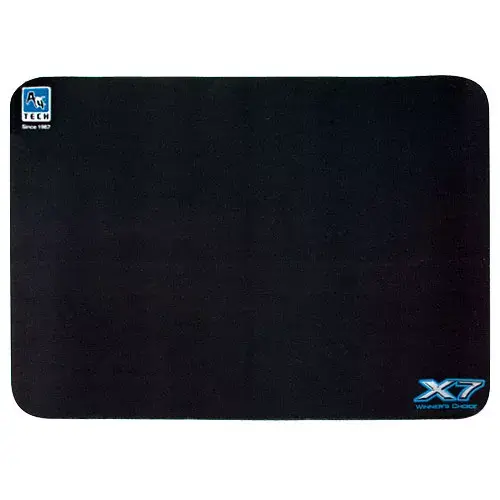
Mouse pad A4Tech XGame X7-500MP — A4Tech X7500MP, gaming surface for precise mouse control (A4TPAD33459)


Short description


Cheapest delivery:
Unisend LV
Product information
Description
A4Tech XGame X7-500MP (X7500MP) is a cloth gaming mouse pad engineered to deliver a consistent tracking surface for both optical and laser mice. The pad provides a textured glide area that balances low friction for smooth aiming with enough control for precise cursor placement. Its flat profile and stable base make it suitable for desktop and gaming setups where uniform surface response and repeatable movements matter.
Advantages
The surface texture is designed to ensure accurate sensor tracking and predictable glide, reducing micro-corrections during fast maneuvers. A low-friction finish supports smooth cursor movement while the controlled texture maintains stopping accuracy. The pad's flat construction offers stability and prevents unwanted bunching or rolling, keeping the mouse movement consistent across extended sessions.
Suitable for
- Competitive and eSports gaming where precise tracking is required
- Casual gaming and everyday desktop work with mice
- Low- to high-DPI playstyles that need consistent glide and stopping
Key specifications
- Surface type: textured cloth optimized for optical and laser sensors
- Friction level: low-friction finish for smooth aiming
- Profile: flat, slim design suitable for standard desks
- Stability: non-slip base to reduce movement during use
- Intended use: gaming and precision mouse control
How to use
Place the mouse pad on a clean, flat desk surface and ensure the non-slip base contacts the desktop evenly. Align your mouse sensor over the textured glide area and adjust your in-game or system DPI/sensitivity settings to match the surface response. Maintain the pad by wiping with a damp cloth when necessary and allowing it to dry fully before use. Avoid folding the pad; store it flat or rolled (if designed for rolling) to preserve its flat profile.
Usage recommendations
For consistent performance, keep the pad free of debris and oils by cleaning periodically. Pair the pad with a mouse tuned to your preferred DPI range to take advantage of the balanced glide and control offered by the textured surface.


