


Mouse C-TECH Scarab GM-18 Wired USB Optical for Right-Handed 7200 DPI Black
Short description

Cheapest delivery:
Unisend LV
Product information
Description
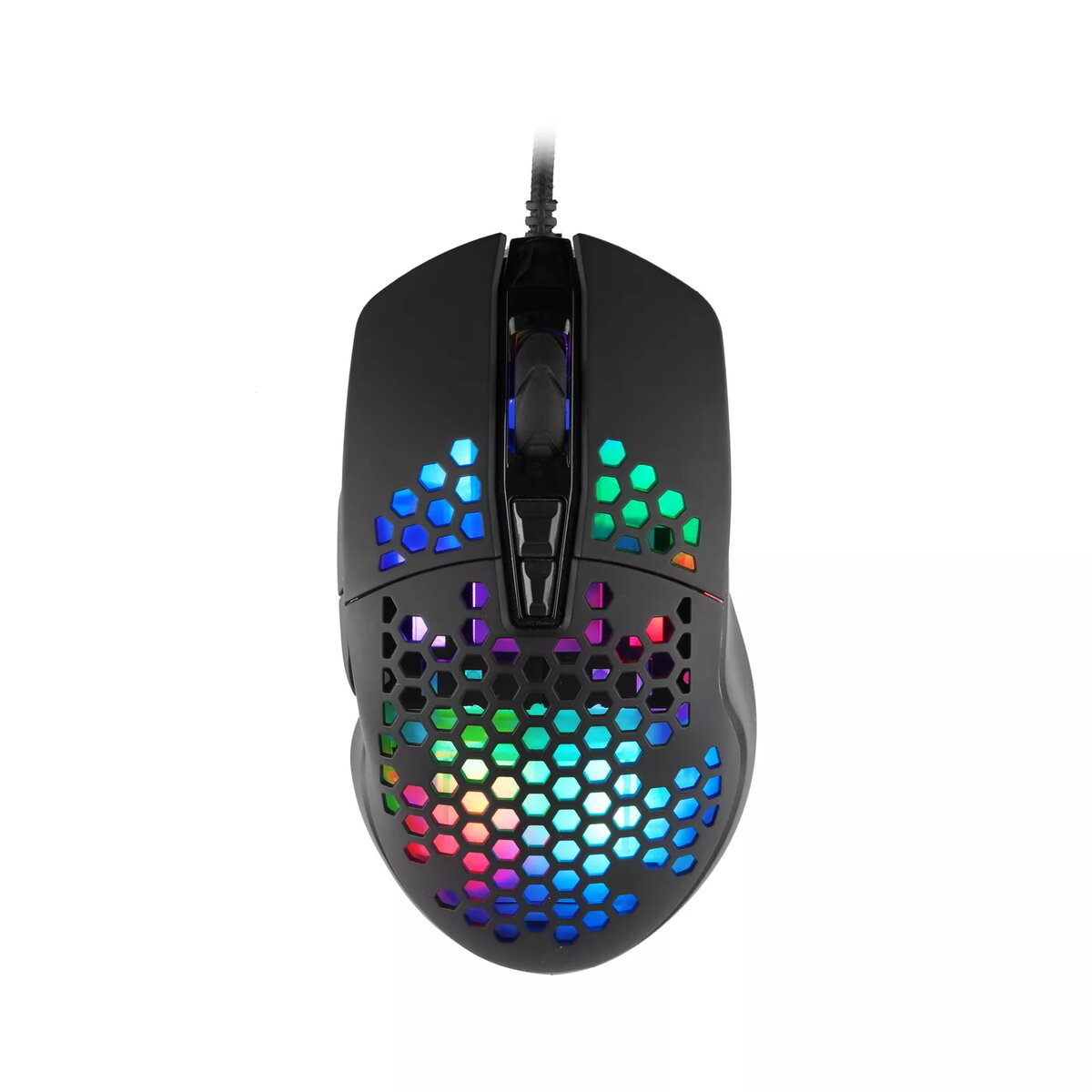
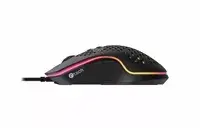
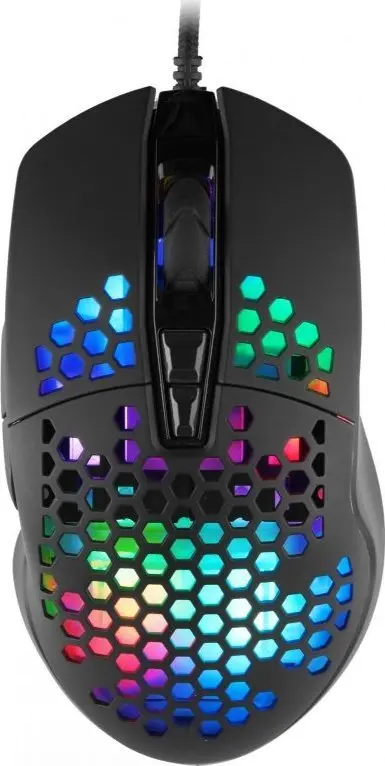
The C-TECH Scarab GM-18 is a wired USB optical mouse for right-handed users, featuring an Instant 725F sensor with up to 7200 DPI. It has an ergonomic shape, rubberized top surface for comfortable grip and a braided 1.5 m USB cable. The mouse provides RGB illumination with multiple modes and a dedicated DPI button to switch sensitivity across six levels, each signalled by a distinct color.
Advantages
The mouse offers precise tracking up to 7200 DPI adjustable in six steps, quick visual feedback for DPI changes via color indication, and customizable RGB lighting with multiple modes. Its ergonomic design and rubberized surface increase comfort for extended use, while the braided cable and USB 2.0 connection improve durability and compatibility with common systems.
Suitable for
- Gaming where adjustable DPI and quick response are needed
- Office and daily computer tasks requiring comfortable long-term use
- Right-handed users seeking an ergonomic wired mouse
- Setups that benefit from RGB lighting for aesthetics or low-light visibility
Key specifications
- Sensor: optical Instant 725F
- Resolution: 1200 / 1600 / 2400 / 3200 / 4800 / 7200 DPI
- DPI color indicators: yellow, blue, purple, green, red, light blue
- Buttons: 7 (including DPI and RGB mode buttons)
- Switch type: Hauno, rated 4 million clicks
- RGB lighting: 12 modes + off, 16.8 million colors
- Connection: USB 2.0, braided shielded cable, 1.5 m
- Dimensions: 123 x 67 x 40 mm
- Weight: 75 g
- Compatibility: Windows 7 / 8 / 10 / XP / Vista
How to use
Connect the mouse to a USB port using the braided cable. Use the DPI button to cycle through the six sensitivity levels (1200–7200 DPI); each level is indicated by a specific color. Switch RGB lighting modes with the dedicated RGB button to select one of the available illumination effects or turn lighting off. Use standard left, right and extra buttons during gaming or work; no additional drivers are required for basic functionality on supported Windows systems.
Usage recommendations
For best performance, use the mouse on a clean, flat mousepad and adjust DPI according to the application: higher DPI for fast in-game movements and lower DPI for precise editing or pointing tasks. Keep the cable untangled and avoid sharp bends to prolong cable life.


