


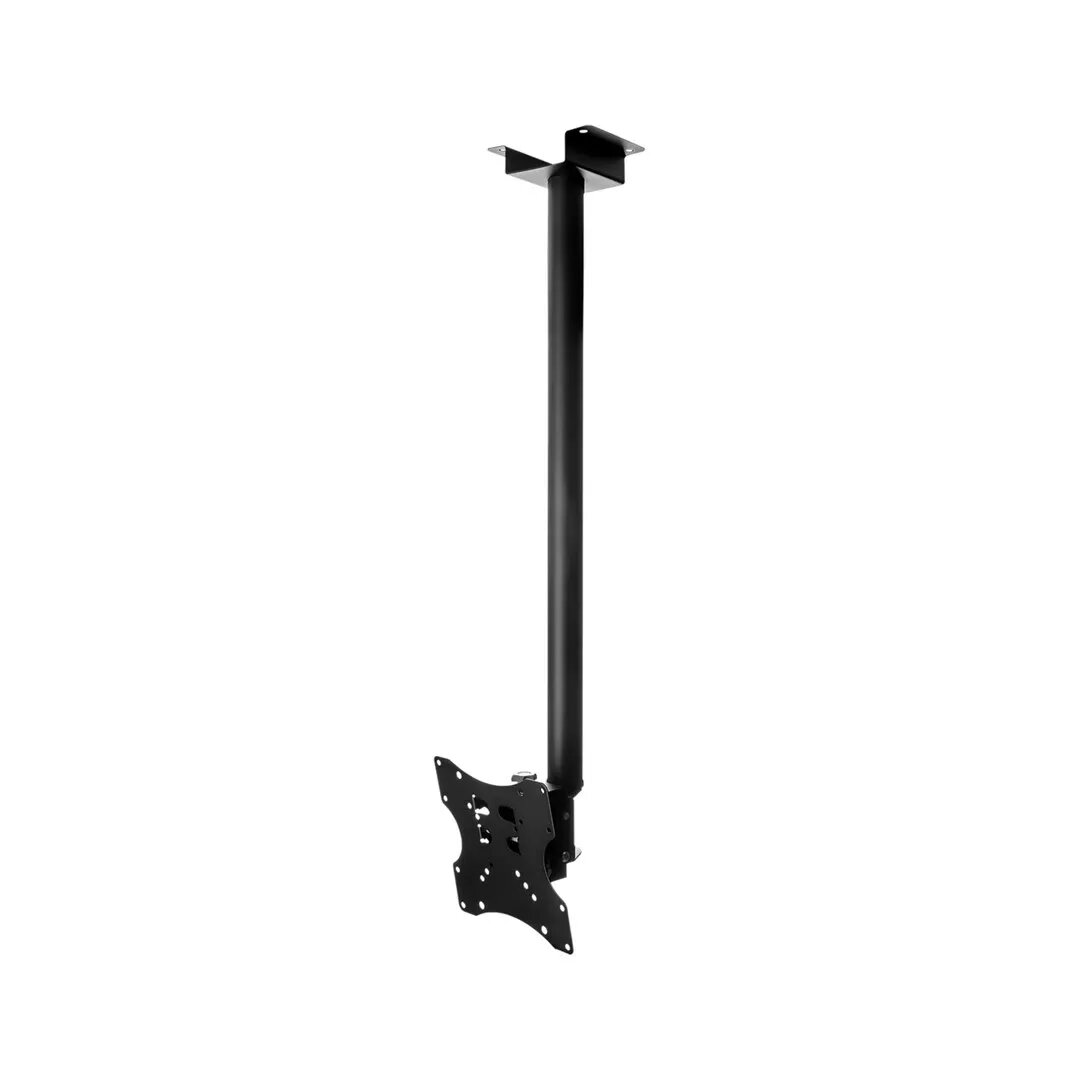
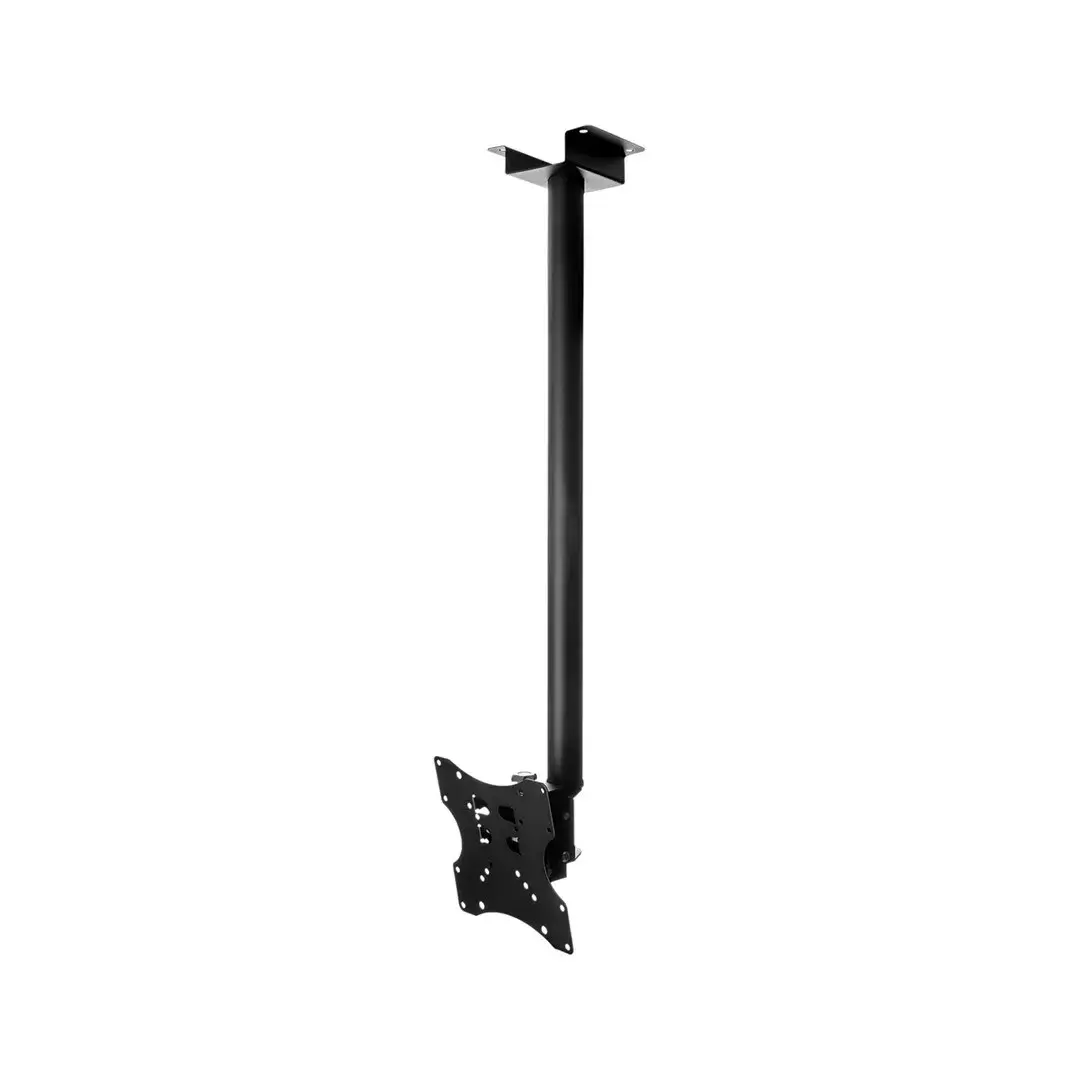
Cabletech LEC-UCH0076A LCD Ceiling Mount Black
Short description

Cheapest delivery:
Latvijas Pasts nodaļa
Product information
Description
The Cabletech LEC-UCH0076A LCD Ceiling Mount Black is a sturdy and reliable mounting solution designed for overhead installation of flat panel displays. Ideal for commercial spaces, offices, and modern home entertainment setups where wall mounting is not feasible, this ceiling mount ensures secure positioning and optimal viewing angles for your screen, combining durability with a sleek, professional appearance.
Advantages
This ceiling mount provides a dependable installation option when standard wall mounting is impossible or impractical. Its robust construction guarantees safe overhead placement for flat panel displays, reducing the risk of accidental tipping or shifting. The black finish offers a discreet and modern aesthetic that integrates seamlessly into professional office environments, retail spaces, and contemporary residential interiors. By utilizing overhead space, it helps optimize room layouts and ensures screens are positioned effectively for viewing by a larger audience.
Suitable for
- Commercial spaces and retail environments
- Office conference rooms and boardrooms
- Modern home entertainment setups
- Public display areas requiring overhead mounting
When it may not be suitable
This product may not be suitable for rooms with extremely high ceilings where extended drop poles are required and not supported, or where ceiling structures lack the necessary load-bearing capacity to safely anchor an overhead mount and display.
Key specifications
- Product type: LCD ceiling mount
- Color: Black
- Installation type: Overhead ceiling installation
- Compatibility: Flat panel displays
How to use
Begin by selecting a secure overhead location on a structurally sound ceiling capable of supporting the combined weight of the mount and the display. Attach the mounting bracket securely to the ceiling using appropriate hardware according to the installation guidelines. Fasten the display interface brackets to the back of the flat panel screen, then carefully lift and secure the screen onto the ceiling mount assembly. Adjust the position and viewing angle as needed to achieve optimal visibility before tightening all connection points.
What to consider before purchase
- Verify that your ceiling structure is strong enough to support the weight of both the mount and your specific display
- Check the compatibility of your flat panel display with the mount
- Measure the ceiling height to ensure the screen will hang at a suitable viewing level
Regularly inspect all mounting hardware and connections to ensure stability and safety over time. Ensure installation is performed by qualified personnel using appropriate tools and fasteners for the specific ceiling type.
Product comparison
This comparison examines the Cabletech LEC-UCH0076A LCD Ceiling Mount Black, a sturdy ceiling mounting solution designed for overhead installation of flat panel displays where wall mounting is impractical. It is compared against several alternatives: the Cabletech LEC-UCH0129 wall mount, the Brateck PLB-CE344 ceiling mount, the Brateck BRATECK-LCD-CM344 ceiling mount, the Cabletech Universal TV Wall Mount UPA36-466, and the LH-GROUP PLB-CE3 ceiling arm mount. The primary commonality across all products is their core purpose of securely holding flat-screen displays in residential or commercial settings. The main differences lie in their mounting method (ceiling versus wall) and suitable display sizes.
⚙️ The specifications comparison table below highlights the key installation types, brand contexts, and practical design differences to help you choose the right mounting hardware.
| Parameter | Cabletech LEC-UCH0076A LCD Ceiling Mount Black | Cabletech LEC-UCH0129 | Brateck PLB-CE344 | Brateck BRATECK-LCD-CM344 | Cabletech Universal TV Wall Mount UPA36-466 | LH-GROUP PLB-CE3 | Practical significance |
|---|---|---|---|---|---|---|---|
| Mounting type | Ceiling | Wall | Ceiling | Ceiling | Wall | Ceiling | Determines installation requirements: ceiling models suit open areas and high ceilings, whereas wall models require a vertical load-bearing surface. |
| Brand | Cabletech | Cabletech | Brateck | Brateck | Cabletech | lh-group oy | Helps identify the manufacturer and ecosystem of the mounting accessory. |
| Target environments | Commercial spaces, offices, modern homes | Home and office wall setups | Conference rooms, classrooms, public areas | Offices, public spaces, retail installations | Home entertainment setups | Commercial environments, retail spaces, home theaters | Allows matching the mount to the room layout and architectural layout. |
◎ The suitability table below evaluates which product is best aligned with specific user needs and installation scenarios.
| Use case | Recommended product | Why |
|---|---|---|
| Overhead screen placement in an office or commercial showroom | Cabletech LEC-UCH0076A LCD Ceiling Mount Black | Provides secure suspended fixation and optimal viewing angles where traditional wall mounting is not feasible. |
| Wall installation for a standard living room television | Cabletech LEC-UCH0129 | Designed specifically for secure wall mounting of medium to large flat screen displays. |
| Display suspension in a meeting room or educational classroom | Brateck PLB-CE344 | Offers a compact overhead solution tailored for standard medium-sized panel displays. |
The Cabletech LEC-UCH0076A LCD Ceiling Mount Black is ideal for environments requiring an overhead display installation, particularly in commercial venues or open-plan offices where walls cannot be used. Choose this model if you need reliable ceiling suspension. If your installation plan requires mounting directly onto a vertical wall surface, one of the alternative wall mounts from the comparison will be more suitable.


