


Chief Medium Thinstall Tilt Wall Mount for 26" Screens with 45.36 kg Capacity and 12° Tilt
Offer for a legal entity, non-cash payment.
Short description


Cheapest delivery:
Unisend LV
Product information
Description
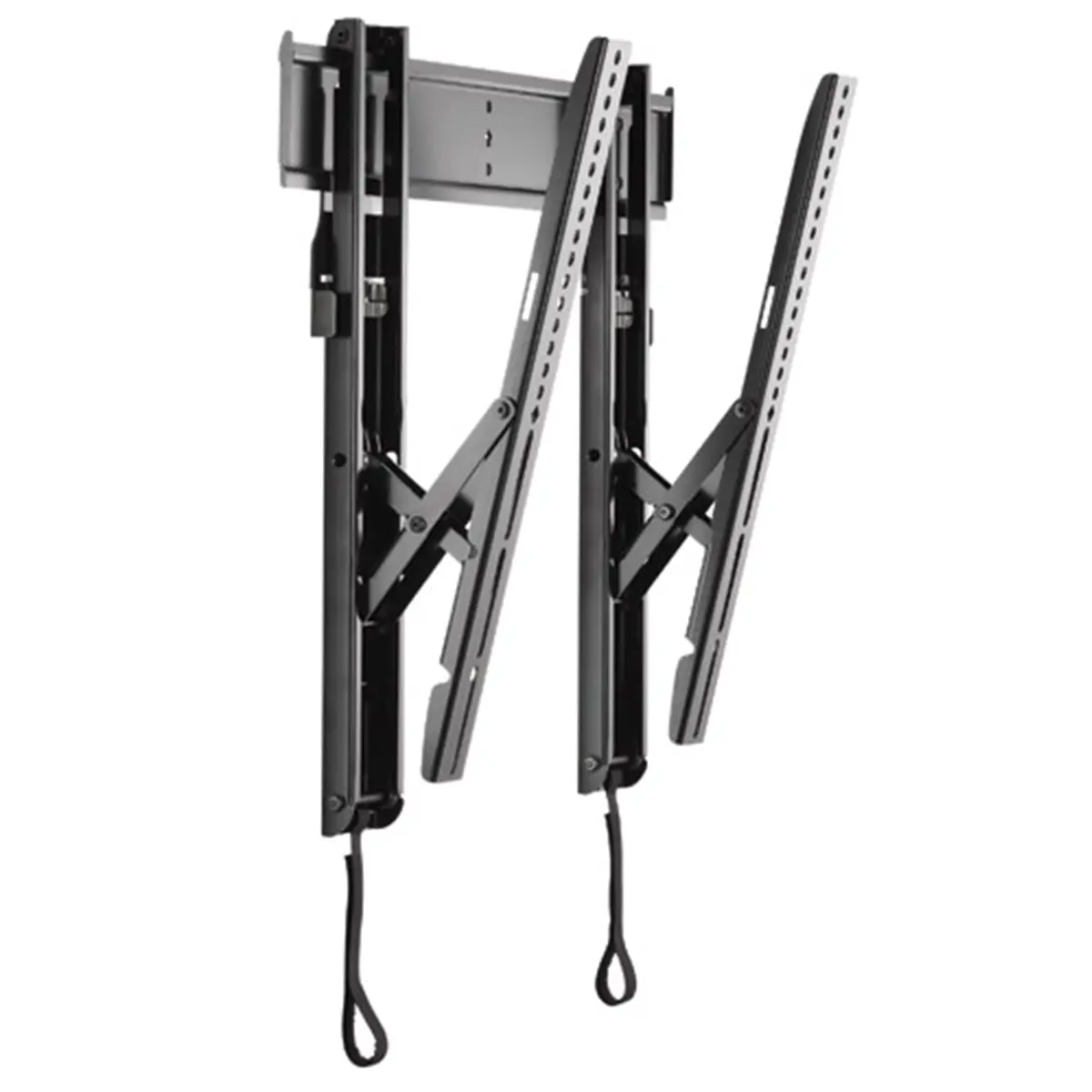
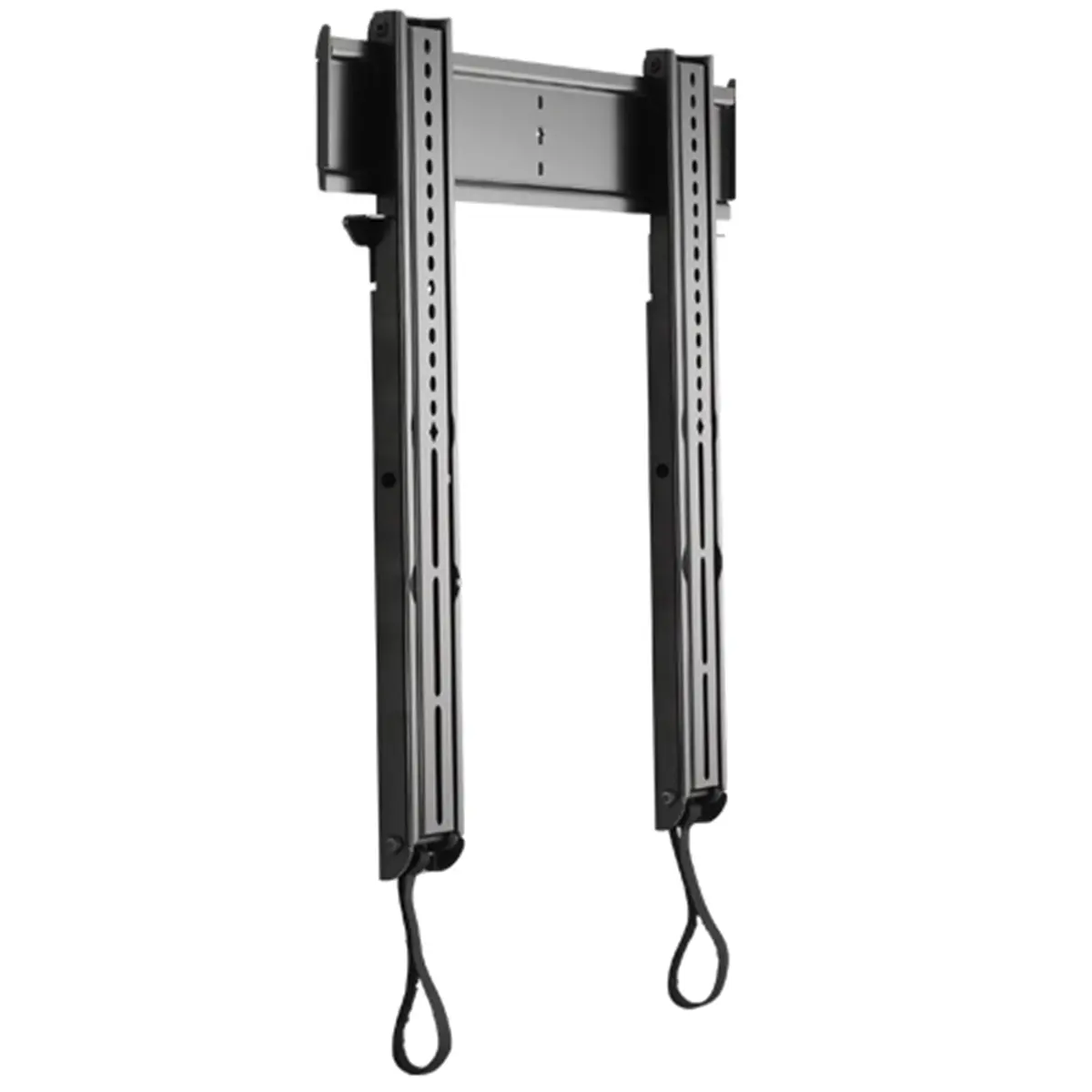
The Chief Medium Thinstall Tilt Wall Mount is a reliable mounting solution designed for secure wall installation of flat panel displays. It is engineered to support a minimum screen size of 66 cm or 26 inches and can handle a maximum weight capacity of 45.36 kg. Featuring a low-profile design that complements ultra-thin flat panel televisions, this black wall mount ensures a sleek appearance while providing functional adjustment capabilities.
Advantages
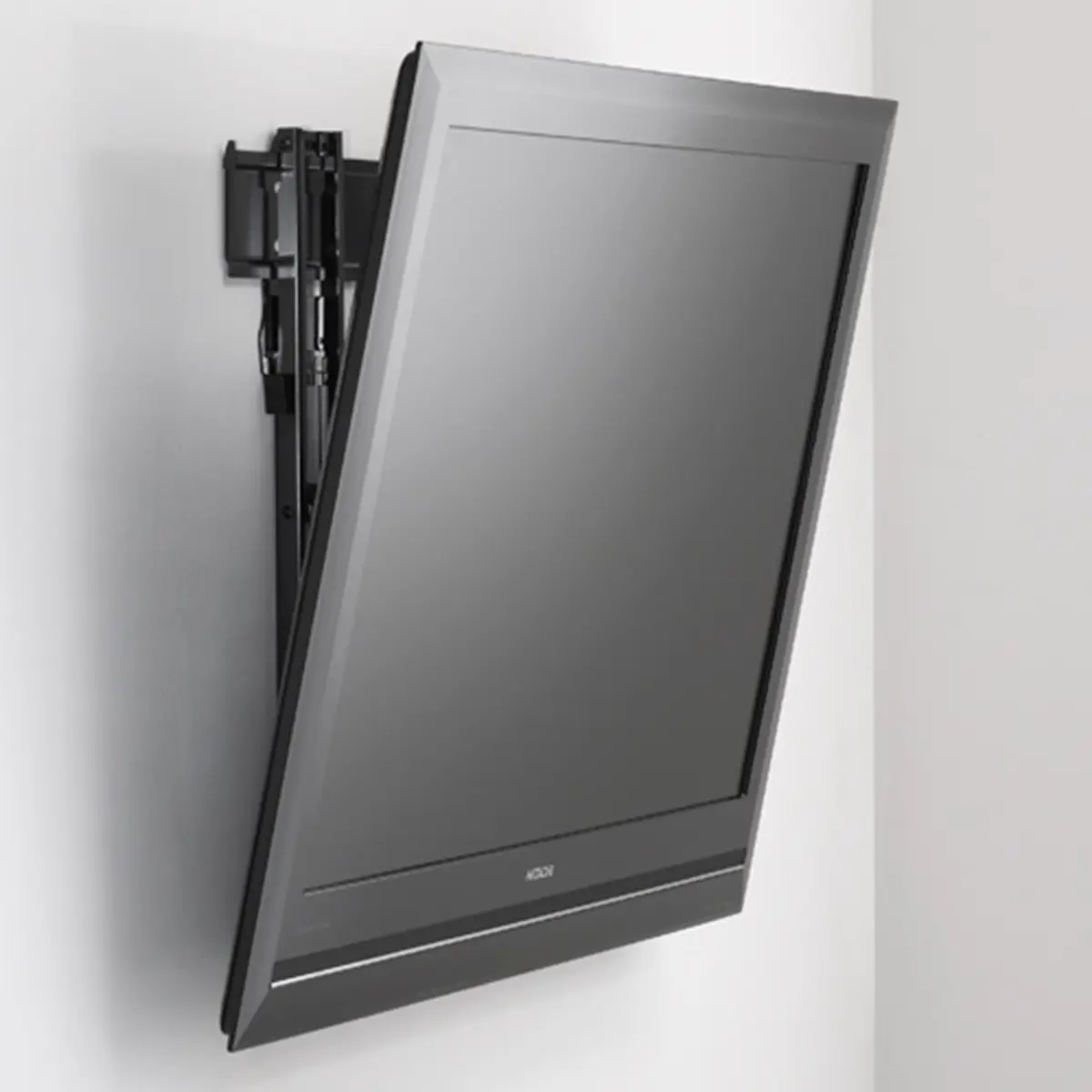
This wall mount offers a sturdy construction capable of supporting substantial display weights while maintaining an extremely thin profile against the wall. The integrated tilt mechanism allows for up to 12 degrees of tilt adjustment, enabling users to optimize viewing angles and reduce glare in various lighting conditions. Its universal design ensures broad compatibility with compatible displays, making it a versatile choice for both home and professional environments.
Suitable for
- Living rooms and home entertainment setups
- Corporate boardrooms and conference rooms
- Digital signage in retail environments
- Educational displays in classrooms
When it may not be suitable
This wall mount may not be suitable for screens that fall below the minimum size requirement of 26 inches or exceed the maximum weight capacity of 45.36 kg. Additionally, if full motion articulation such as swivel or extension is required, a fixed tilt-only mount will not meet those specific installation needs.
Key specifications
- Maximum weight capacity: 45.36 kg
- Minimum screen size: 66 cm (26 inches)
- Mounting type: Wall
- Tilt angle range: 12 degrees
- Product color: Black
How to use
Begin by selecting a secure wall stud or suitable wall structure capable of supporting the combined weight of the mount and the display. Attach the wall bracket securely using appropriate hardware according to the installation instructions. Next, attach the mounting brackets to the back of the compatible flat panel display. Carefully lift the display and hang it onto the wall bracket, ensuring it is securely locked in place. Adjust the tilt angle to the desired position before final tightening.
What to consider before purchase
- Verify the weight and dimensions of your display to ensure compatibility
- Check the wall construction type to ensure secure anchoring
- Determine if a 12-degree tilt range is sufficient for your viewing requirements
Ensure that the wall structure is verified for load-bearing capacity and that all mounting hardware is securely fastened during installation to maintain safety and stability.
Features
- Mounting type:
- Wall


