


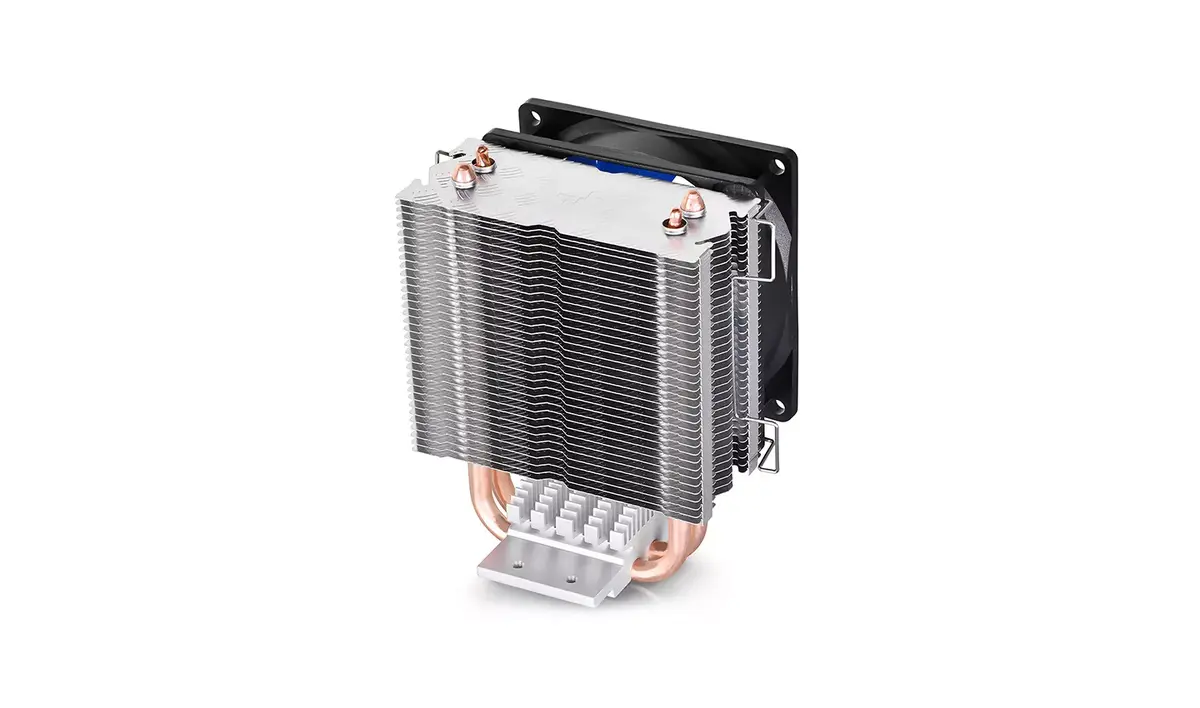
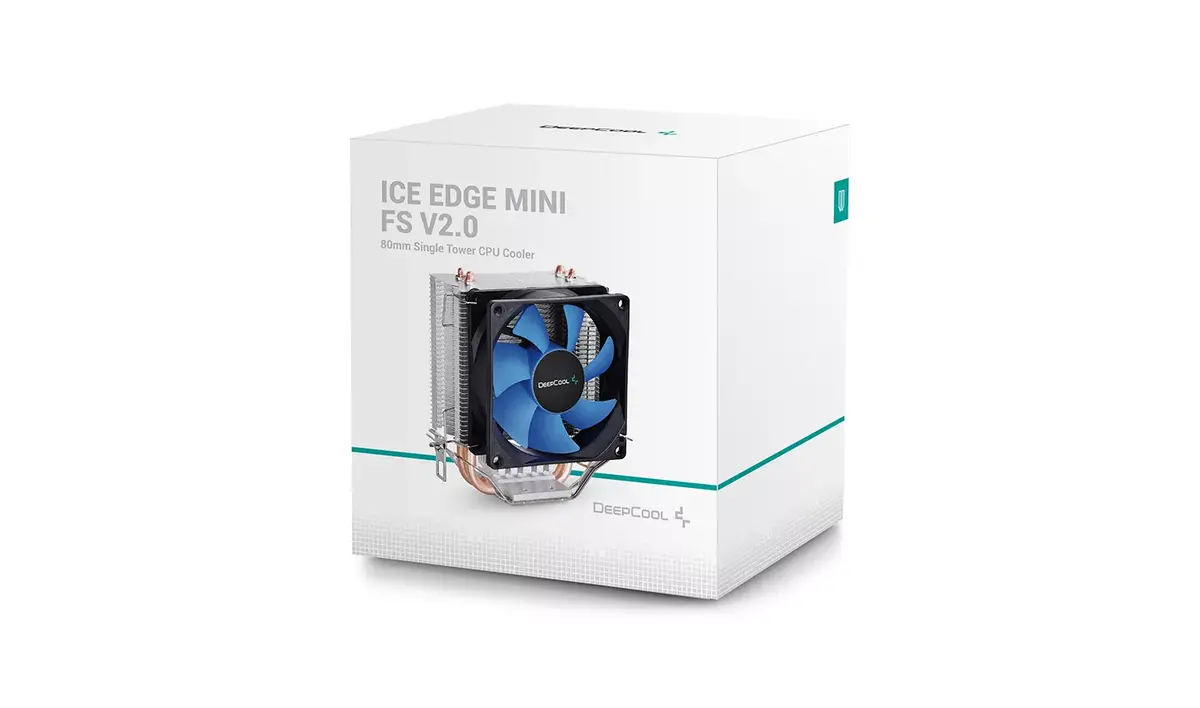
Air cooler DeepCool ICE EDGE MINI FS V2.0 — 80 mm fan, 2200 RPM, 25.13 CFM, compact 119×112×75 mm

View similar!
Short description


Product information
Description
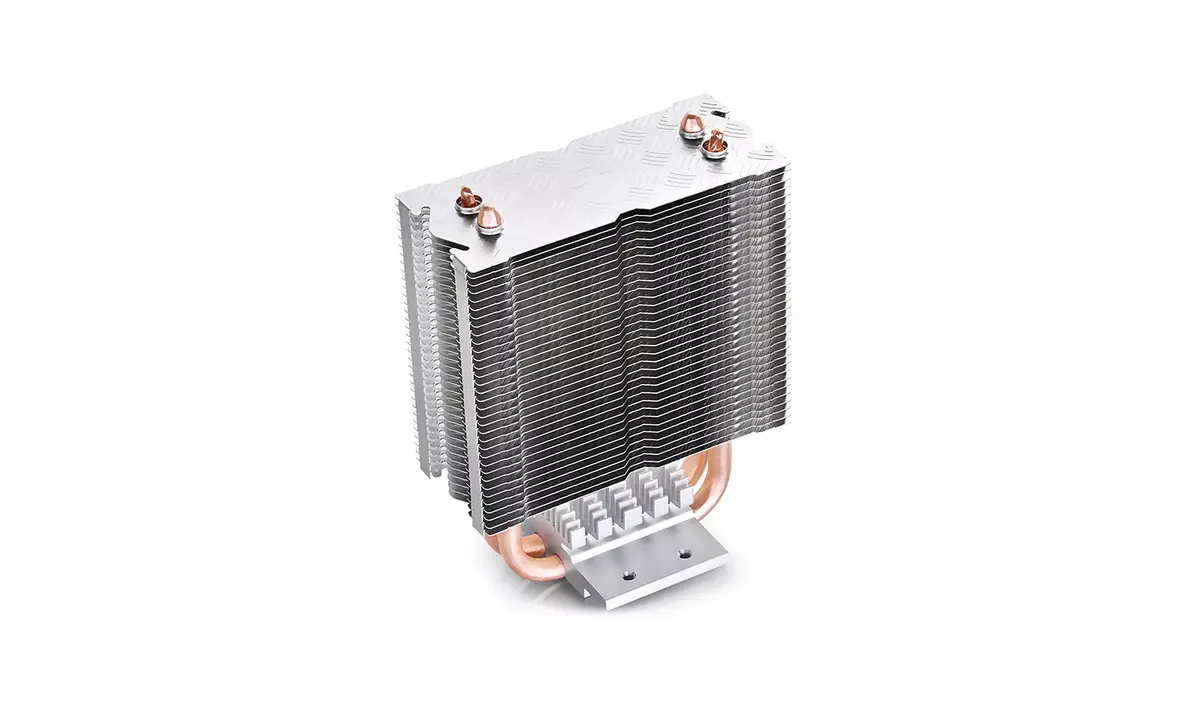
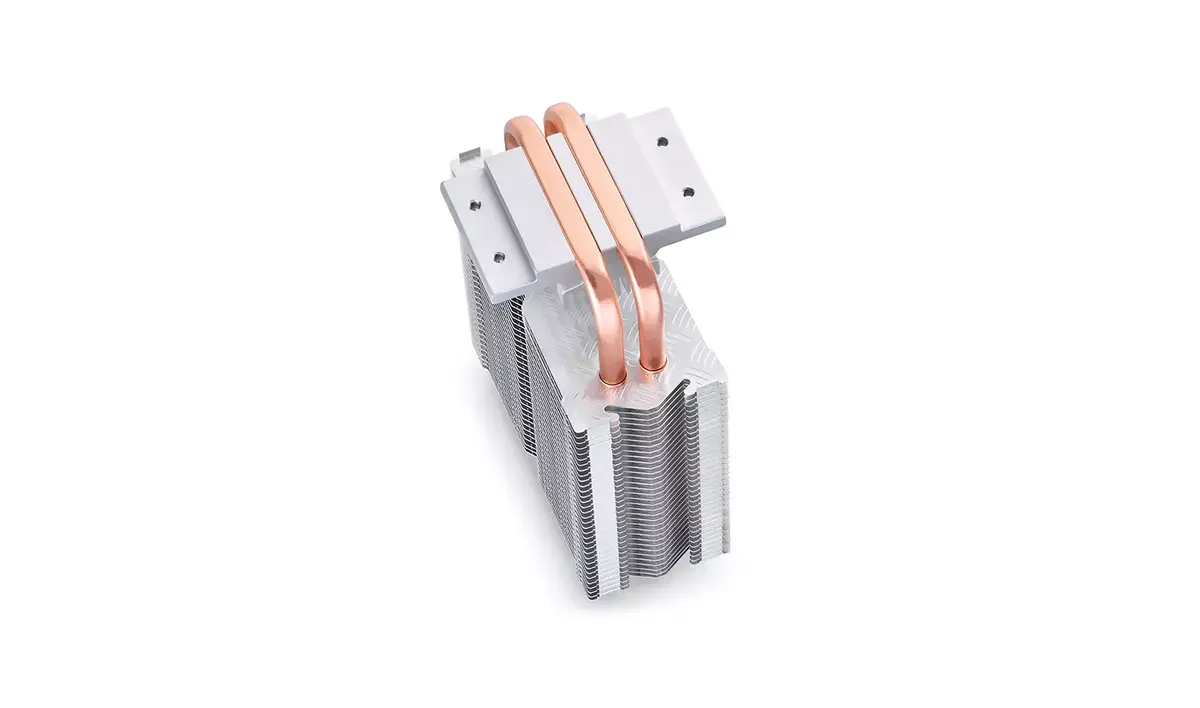
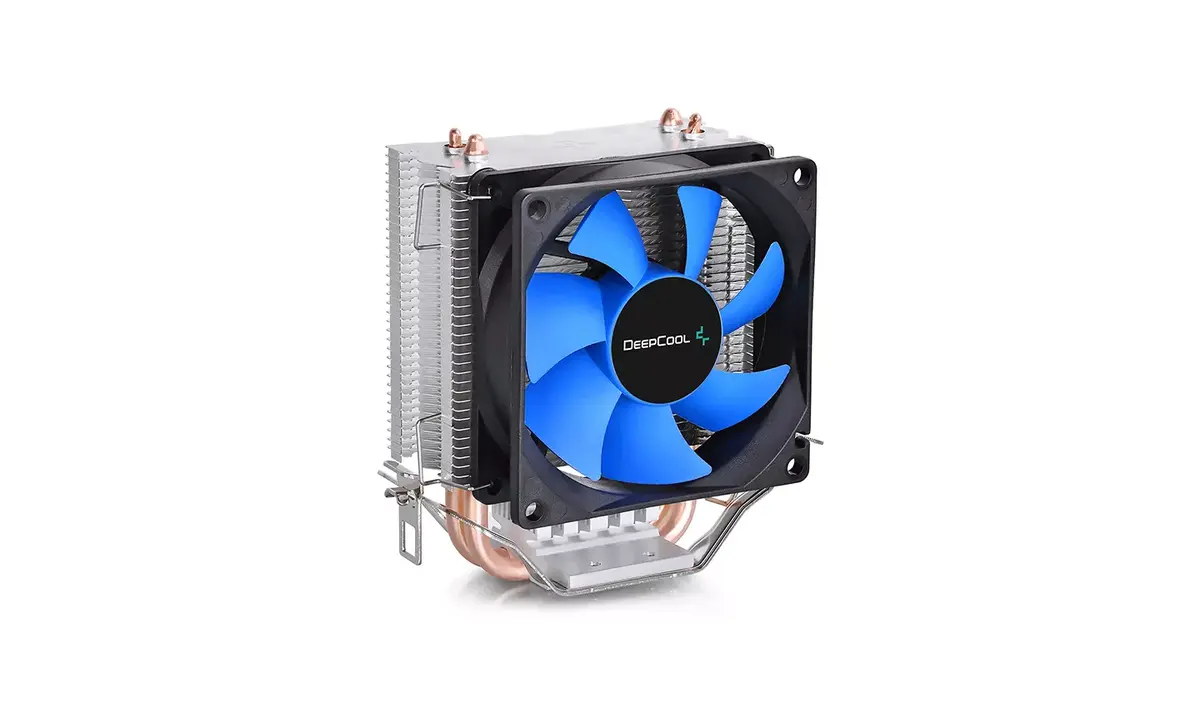
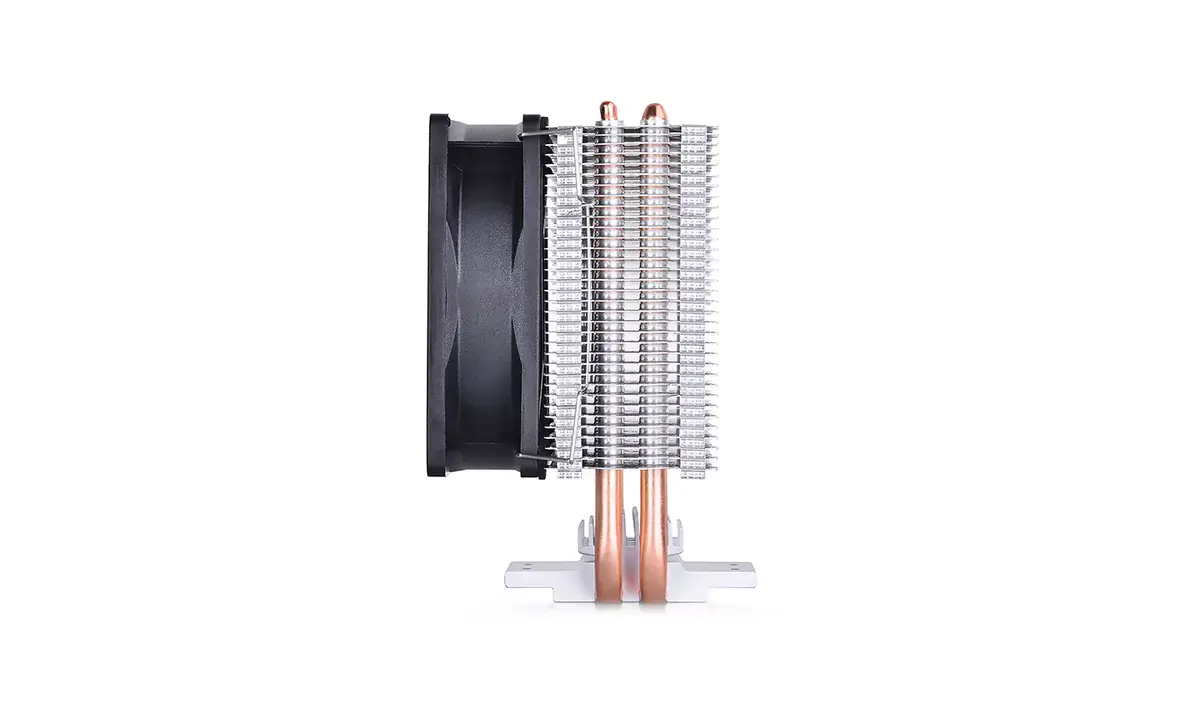
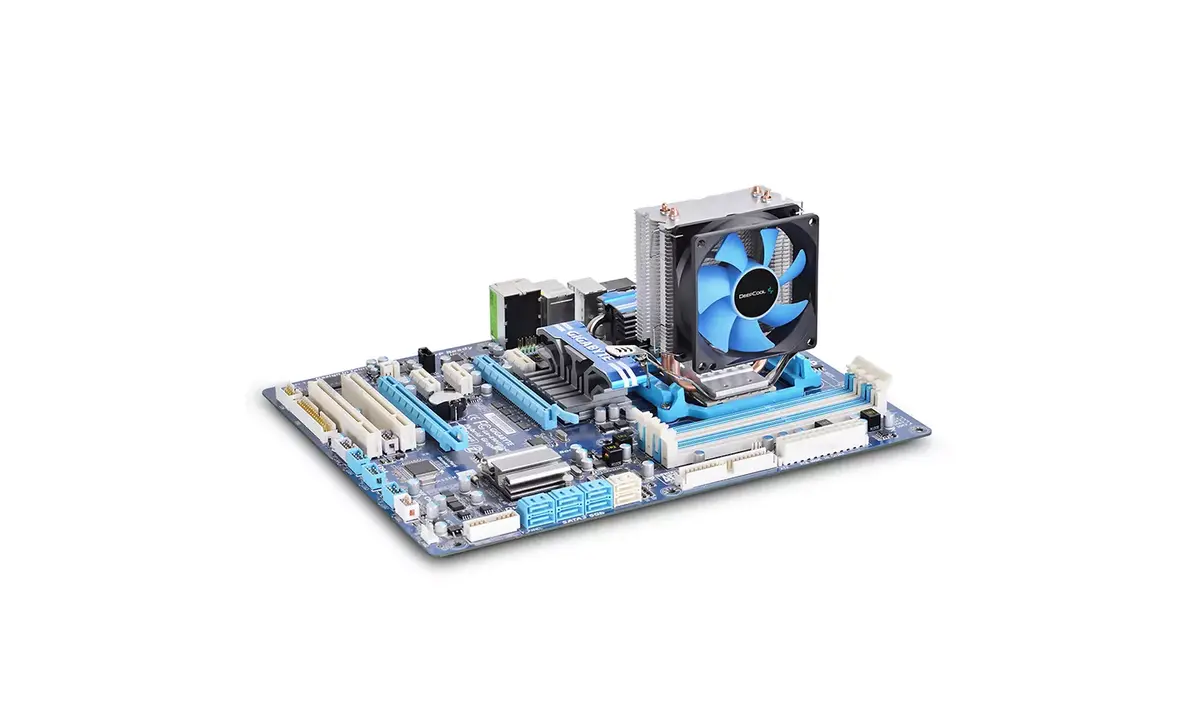
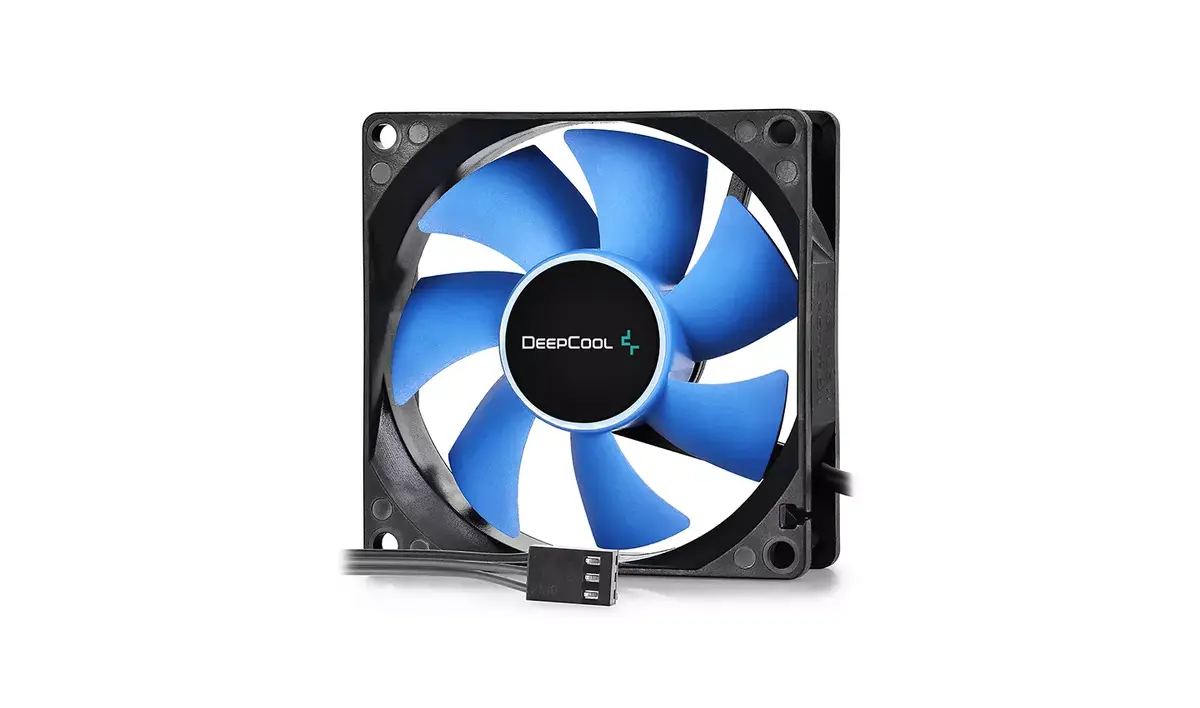
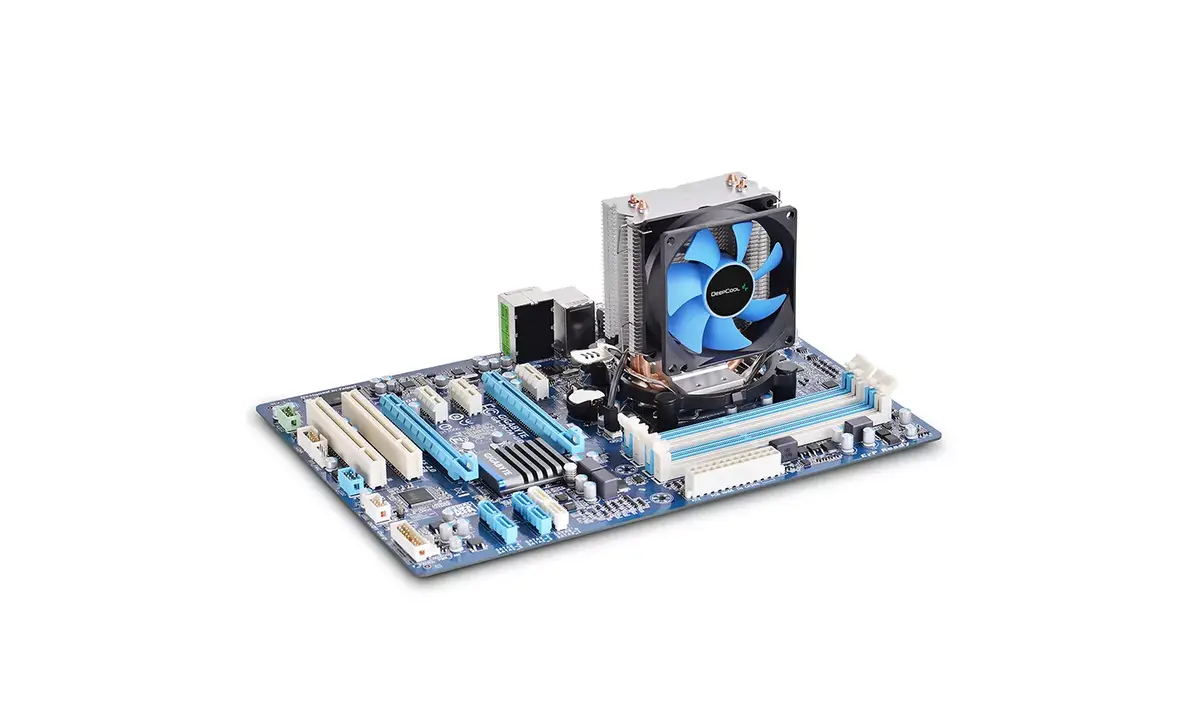
The DeepCool ICE EDGE MINI FS V2.0 is a compact air cooler designed for small form-factor PC builds. It combines an 80 mm fan with a low overall profile of 119×112×75 mm to deliver targeted processor cooling where space is limited. The fan spins up to 2200 RPM and provides 25.13 CFM of airflow while maintaining a reported noise level of 24.7 dB. Weighing 0.264 kg and finished in black, blue and silver tones, the unit supports a broad range of Intel and AMD sockets, making it suitable for many mainstream desktop and compact systems.
Advantages
The cooler offers a balance of compact dimensions and effective airflow, allowing reliable heat dissipation in tight cases. Its 80 mm fan delivers relatively high rotational speed and measurable airflow for its size while keeping acoustic output low. The lightweight construction reduces strain on the motherboard and makes installation and handling easier. Support for numerous Intel and AMD sockets ensures broad compatibility across older and current mainstream processors.
Suitable for
- Small form-factor desktops and mini-ITX builds
- HTPC systems where low profile cooling is required
- Office and home PCs with limited internal clearance
- Upgrading stock coolers on compatible Intel and AMD motherboards
Key specifications
- Type: air cooler
- Fan diameter: 80 mm
- Maximum fan speed: up to 2200 RPM
- Airflow: 25.13 CFM
- Noise level: 24.7 dB
- Dimensions: 119 × 112 × 75 mm (height × width × depth)
- Weight: 0.264 kg
- Colour: black, blue, silver
- Supported sockets: wide range of Intel and AMD mainstream sockets
How to use
Install the cooler on a powered-off system following the motherboard and cooler mounting instructions. Position the cooler so the 80 mm fan can intake or exhaust air according to the case airflow plan. Secure the cooler with the supplied mounting brackets or clips for the target socket type, ensuring even contact with the processor heatspreader and proper torque on mounting points. Connect the fan cable to the CPU_FAN or system fan header on the motherboard to allow automatic speed control. After first boot, verify fan operation and monitor temperatures in BIOS or with system monitoring software.
Usage recommendations
Use this cooler in cases with limited CPU cooler clearance and ensure unobstructed airflow around the fan. For optimal thermal performance, maintain case ventilation with at least one intake and one exhaust fan, apply a thin, even layer of thermal paste, and periodically clean dust from the fan and heatsink fins to preserve airflow and noise characteristics.
Features
- Type:
- Air cooler
- Product colour:
- Black, Blue, Silver
- Suitable location:
- Processor


