


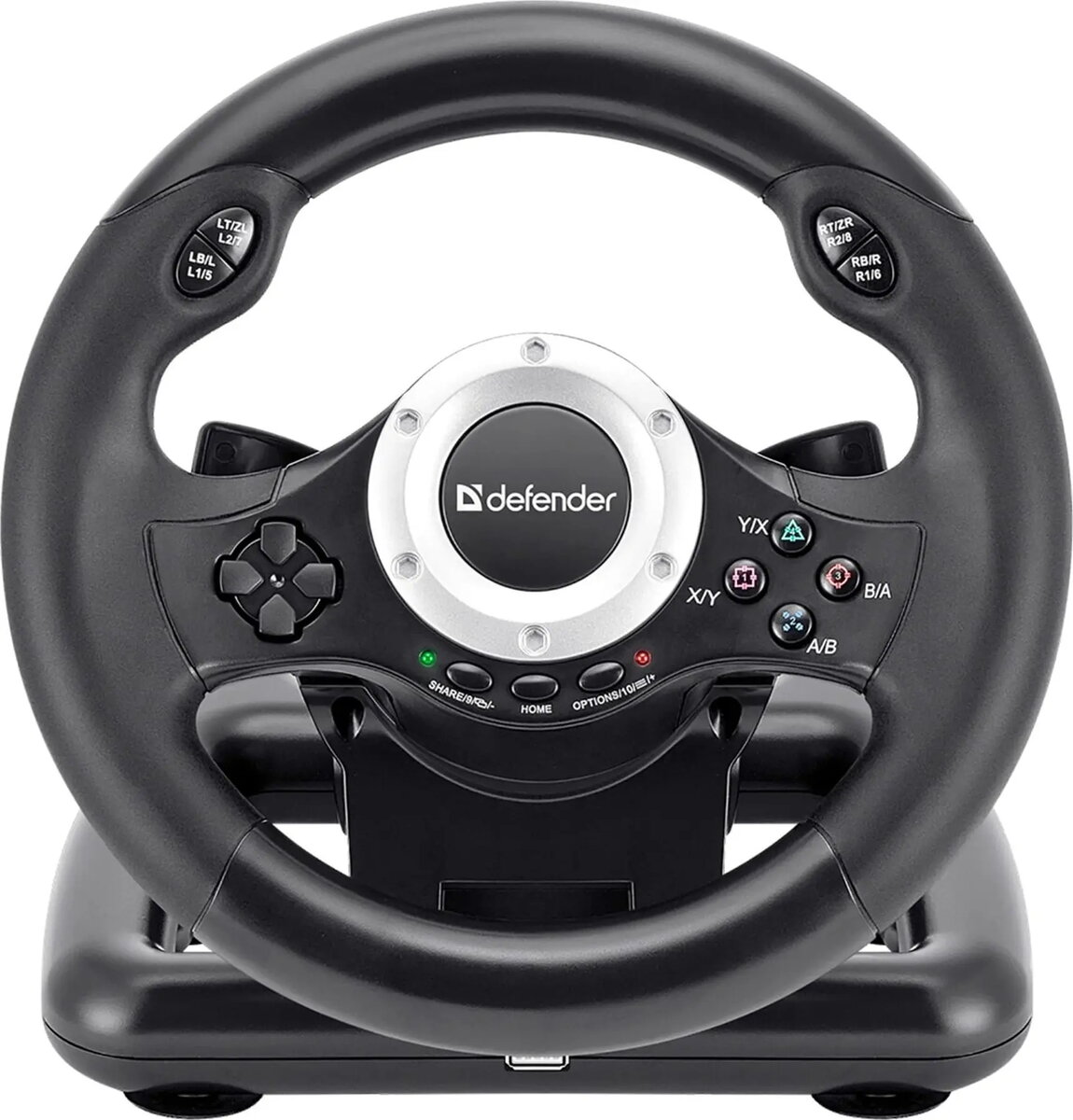
Steering Wheel DEFENDER Turbo Pro 64291 — gaming controller for PC, force feedback compatible
Short description

Cheapest delivery:
Unisend LV

Esto — pay in 6 equal parts
Product information
Description
DEFENDER Turbo Pro 64291 is a gaming steering wheel controller for PC that brings pedal-and-wheel control to driving simulators and racing titles. The device features an ergonomic wheel shape and pedal-style input to recreate realistic steering and throttle/brake interaction. Built to work with force feedback systems and standard control mappings, the wheel is intended to improve steering precision and immersion in a variety of driving environments.
Advantages
The Turbo Pro 64291 combines an ergonomic wheel rim with pedal-style controls to deliver responsive input and a natural hand position during long sessions. Force feedback compatibility provides tactile cues about road surface, traction changes and collisions, supporting better situational awareness in simulation titles. The controller uses standard PC control protocols to ensure broad game compatibility and straightforward setup, while durable construction and textured grip surfaces promote consistent performance over time.
Suitable for
- Racing simulators and arcade racing games on PC
- Driver training and practice software requiring realistic steering input
- Home simulator setups that include pedal units and wheel stands
- Casual gamers seeking improved steering precision over a gamepad
Key specifications
- Interface: PC-compatible wired connection
- Control elements: steering wheel and separate pedal unit
- Feedback: force feedback compatibility for tactile simulation
- Ergonomics: textured grip and wheel rim shaped for sustained use
- Compatibility: supports standard control mappings used by PC racing titles
How to use
Connect the steering wheel to a compatible PC via the supplied wired interface and install any required drivers or software following the manufacturer instructions. Position the wheel on a stable surface or wheel stand and place the pedal unit at a comfortable distance for foot operation. Calibrate controls within your chosen game or simulation software to set steering sensitivity, pedal response and force feedback intensity. Use the in-game or driver utility settings to adjust dead zones and linearity to match personal preference and the specific vehicle model in the simulation.
Usage recommendations
For optimal performance, secure the wheel to a dedicated wheel stand or desk clamp and ensure pedal feet are stable to prevent slippage. Start with moderate force feedback levels and increase gradually to avoid overloading the motor or causing discomfort. Periodically check mounting hardware and cable connections, and keep drivers updated to maintain compatibility with game updates and simulation platforms.


