


Gaming Keyboard Alienware AW920K USB RF Wireless Bluetooth Grey Mechanical

Short description


Cheapest delivery:
Unisend LV

Esto — pay in 6 equal parts
Product information
Description
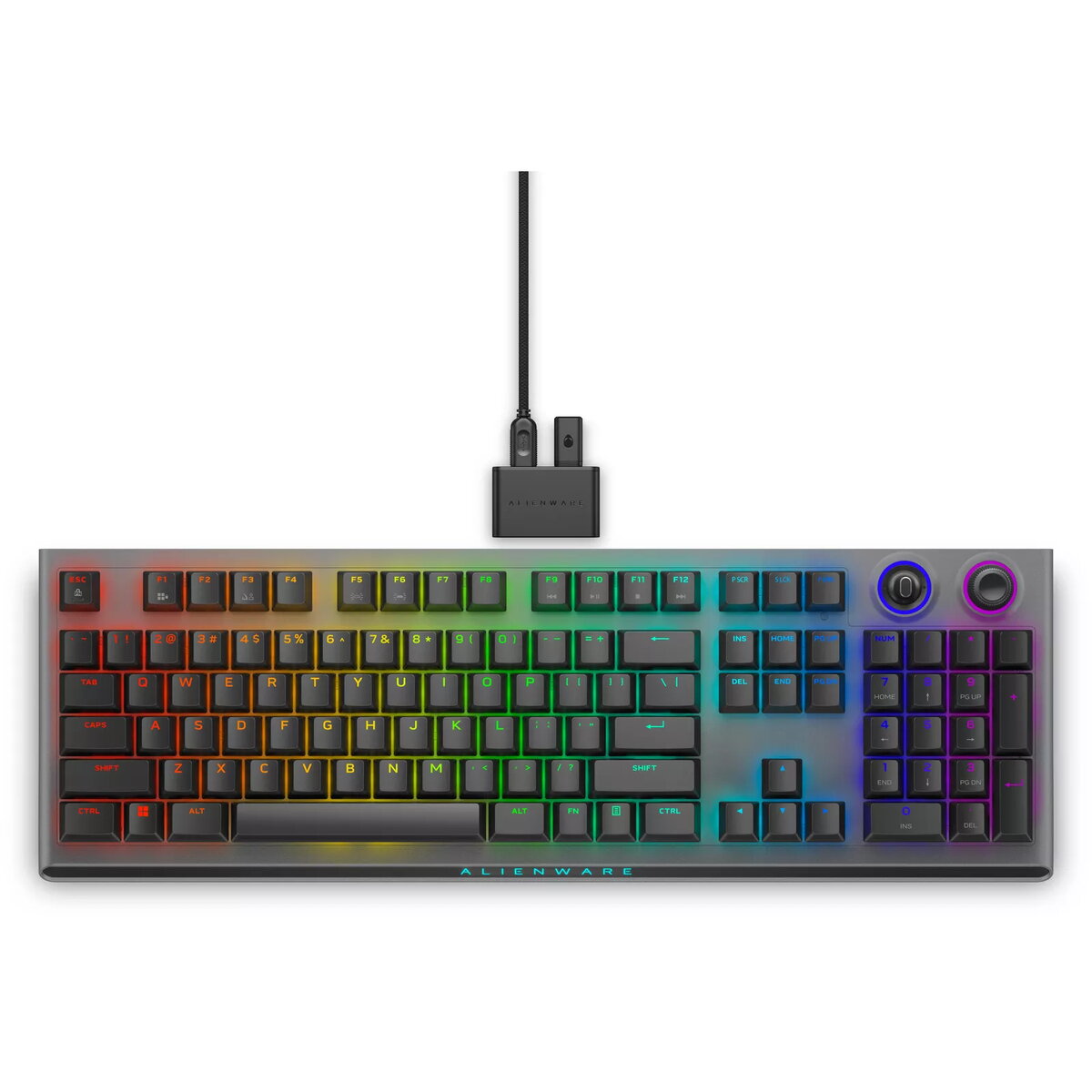
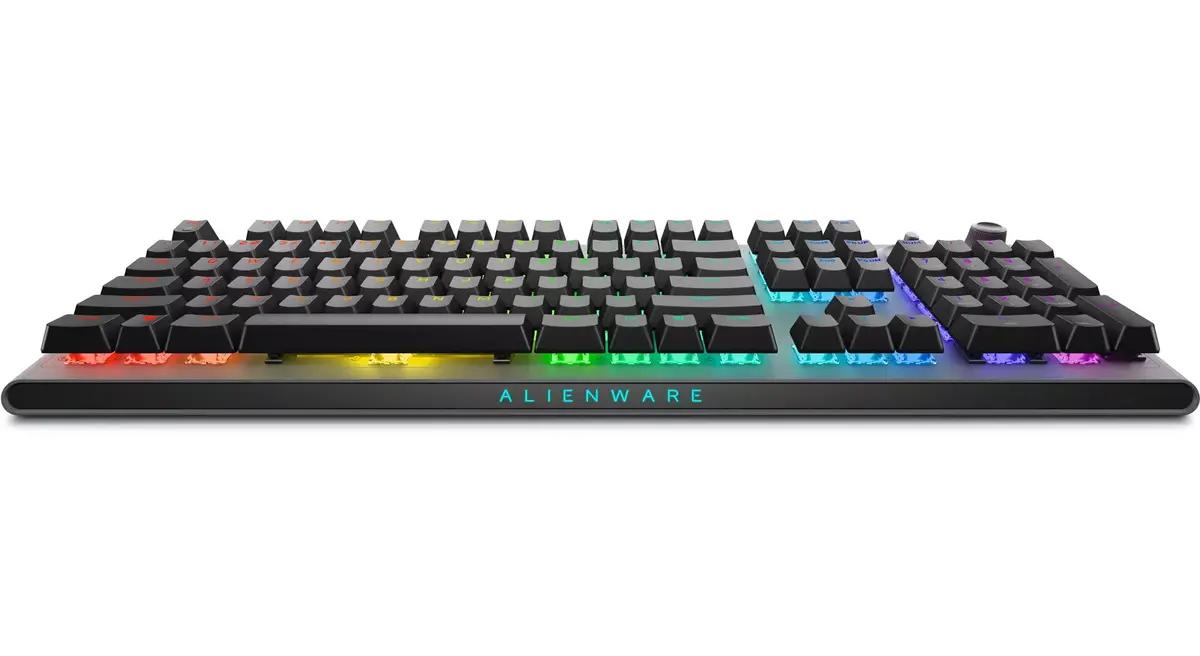
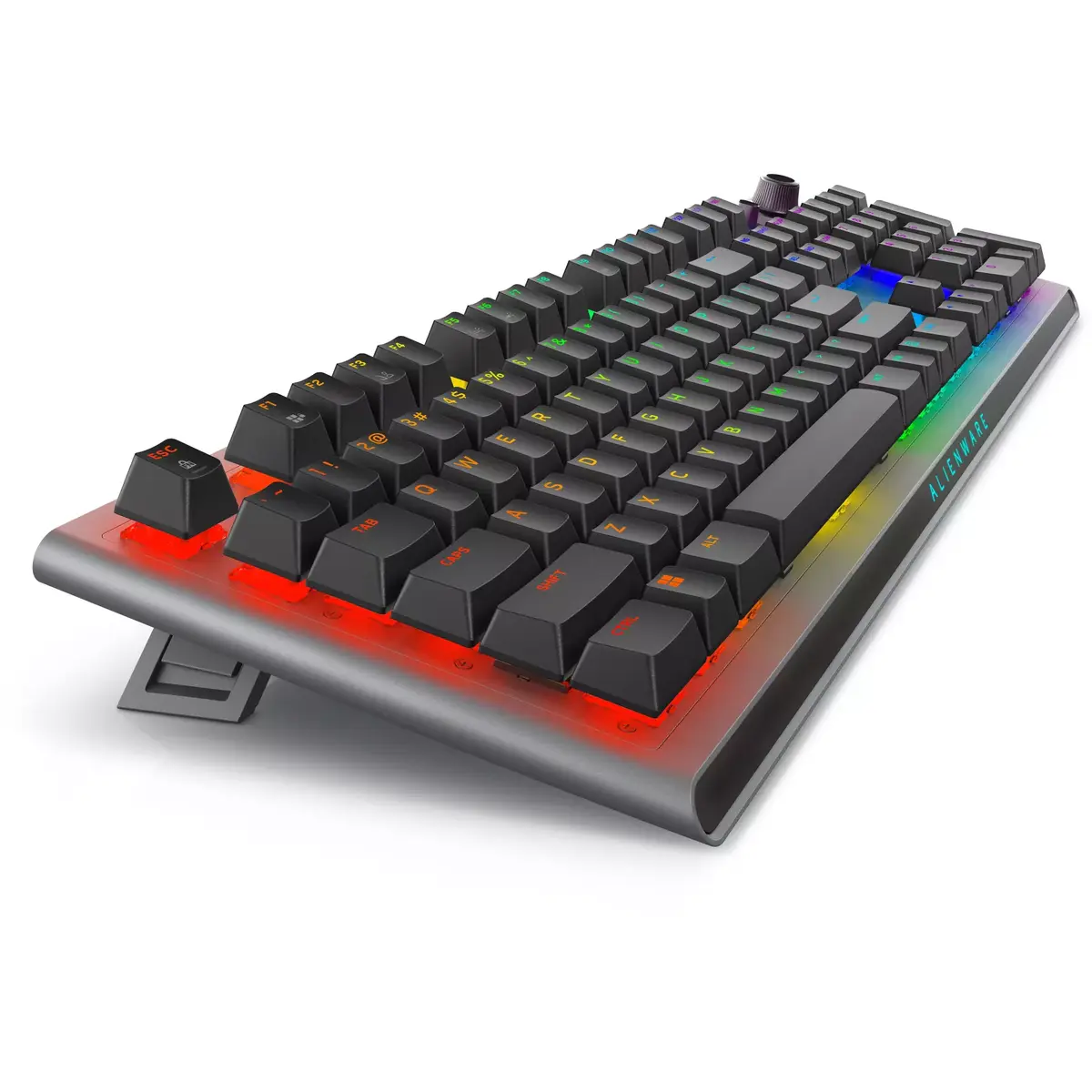
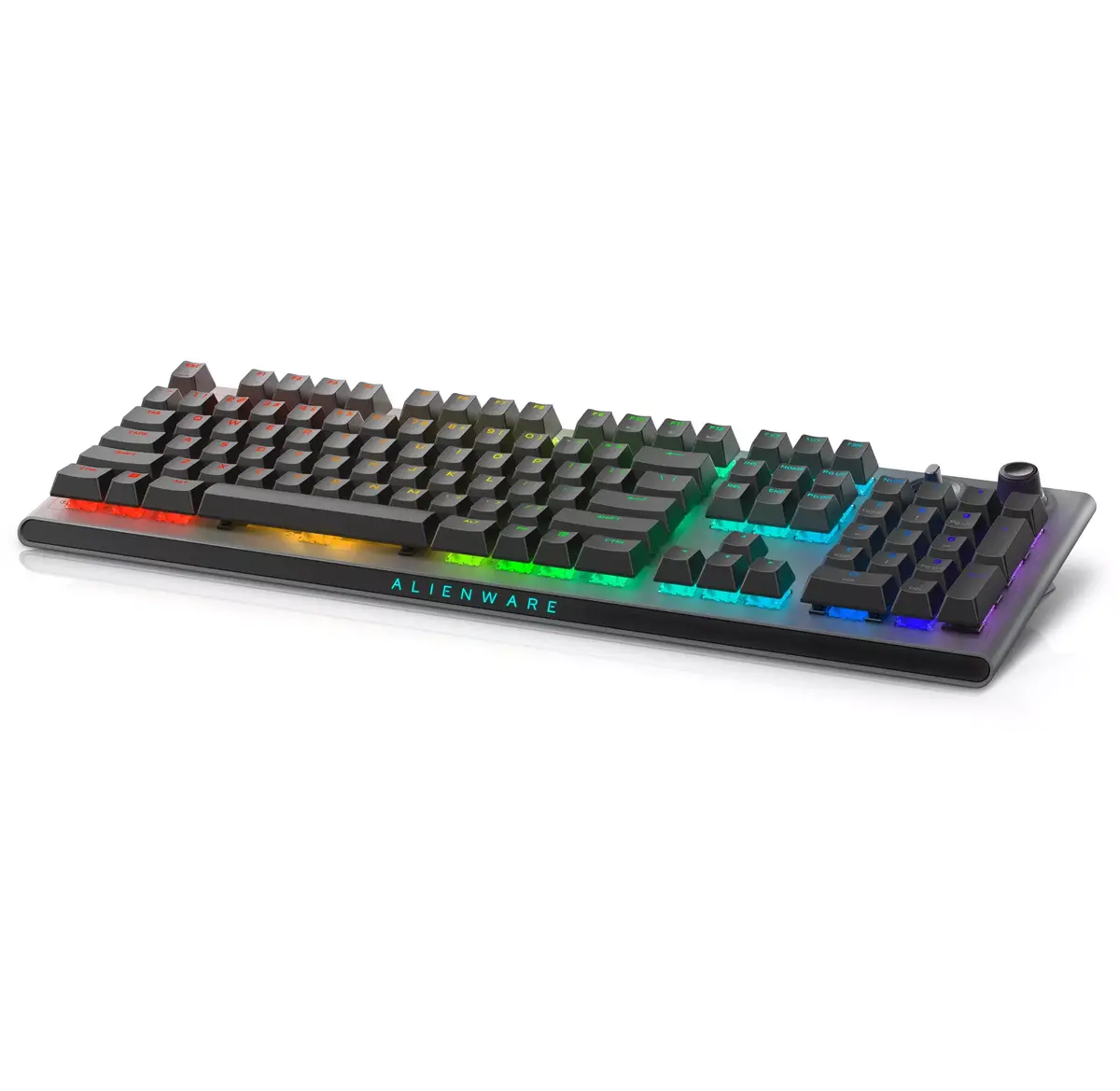
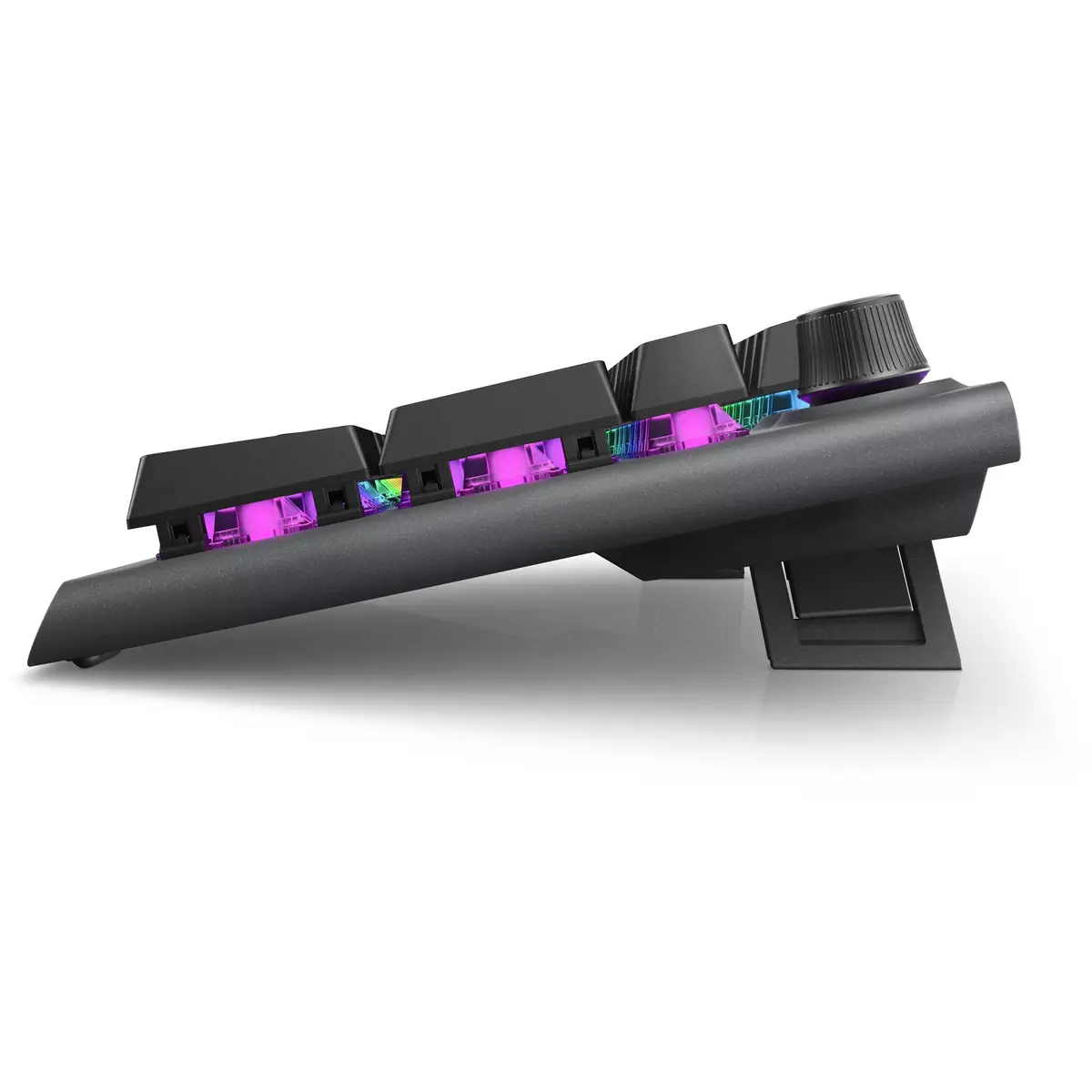
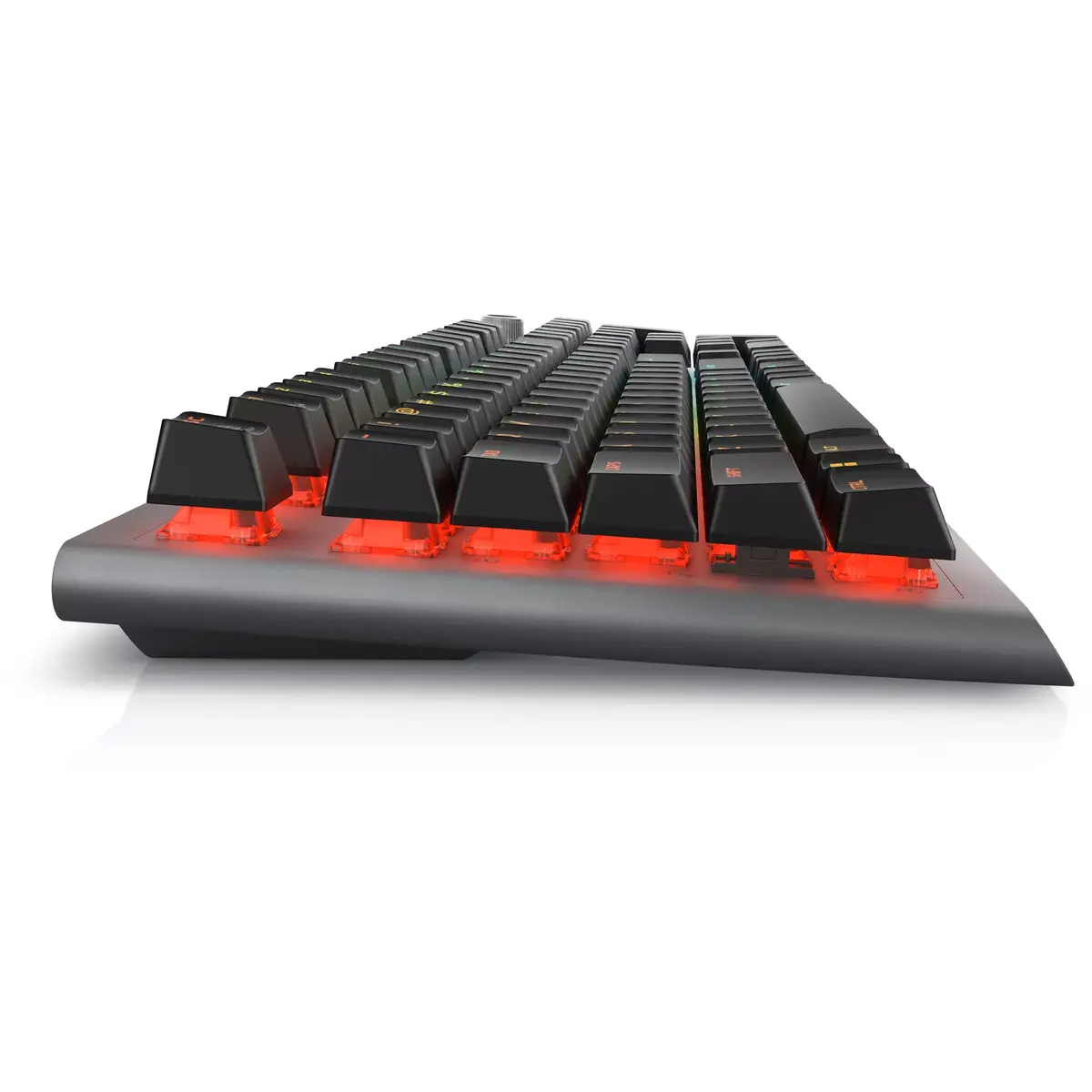
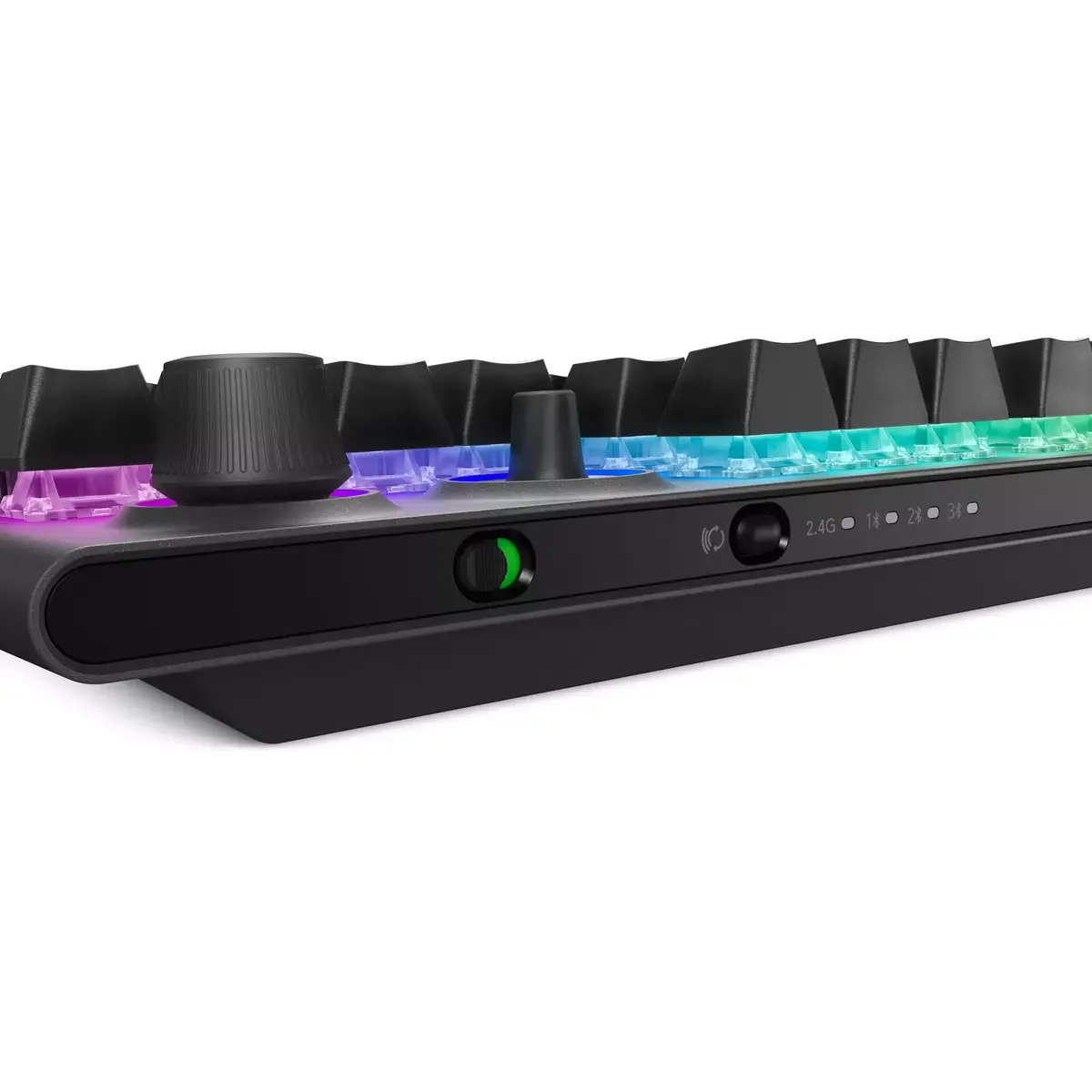
The Alienware AW920K USB RF Wireless Bluetooth Grey Mechanical is a full-size (100%) gaming keyboard offering three connectivity modes—USB wired, RF wireless, and Bluetooth—to fit desktop and mobile setups. It uses mechanical key switches and features RGB LED backlighting, combining tactile response with customizable lighting. The grey finish provides a neutral, modern look that complements a range of gaming rigs and workstations.
Advantages
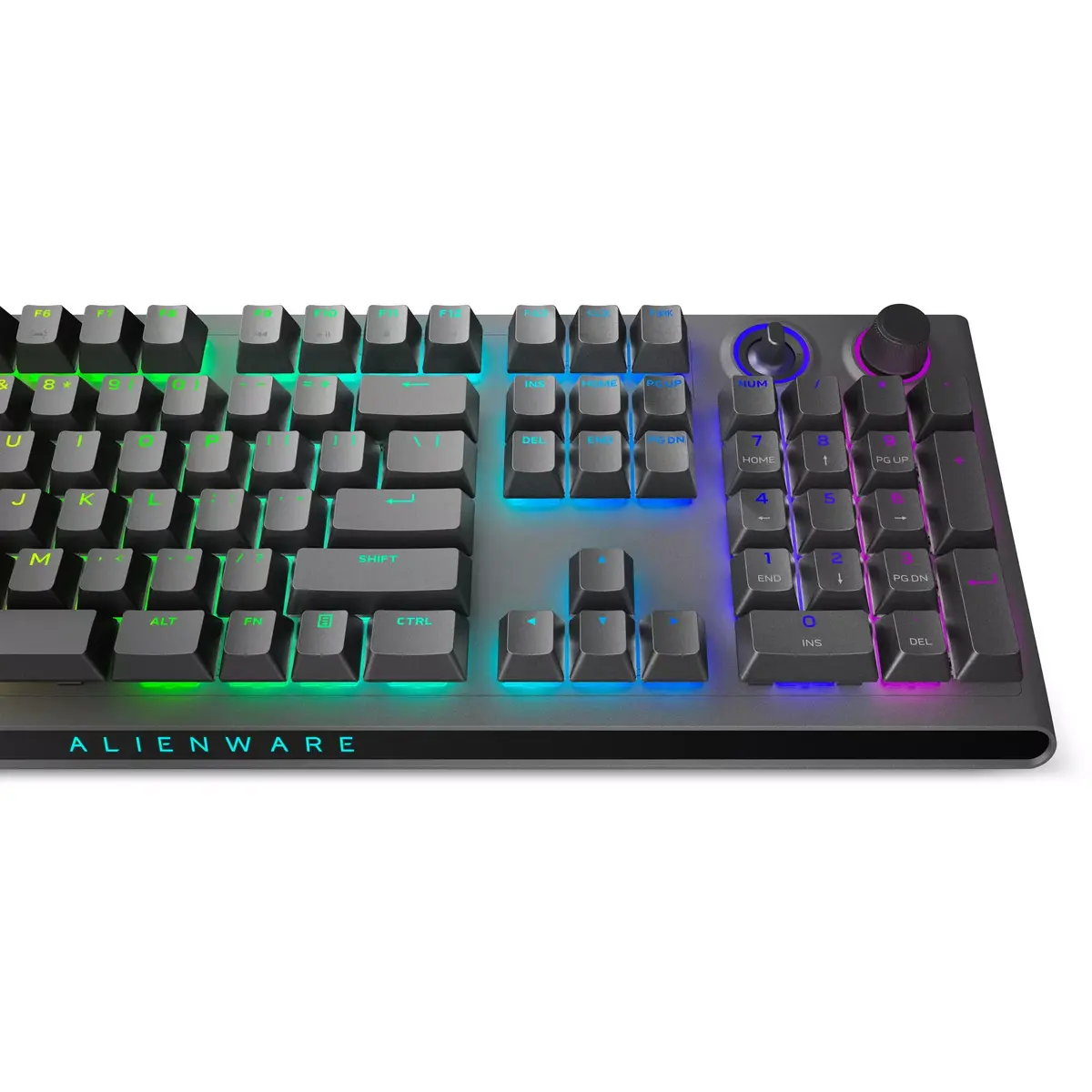
The keyboard’s triple-mode connectivity lets you switch between low-latency RF wireless for gaming, USB for stable wired connections and power, and Bluetooth for multi-device convenience. Mechanical switches deliver consistent tactile feedback and actuation suitable for fast typing and gaming. Integrated RGB LED backlighting supports visibility in low-light environments and allows personalization of key illumination. The full-size layout includes a numeric keypad and function row to support productivity tasks as well as gaming.
Suitable for
- Competitive and casual PC gaming where low-latency wireless or wired connections are needed
- Home office and productivity tasks requiring a full-size keyboard with numeric keypad
- Multi-device setups that require Bluetooth switching between laptop, tablet or phone
- Users who prefer mechanical key switch feel and RGB lighting customization
Key specifications
- Form factor: Full-size (100%) with dedicated numeric keypad
- Connectivity: USB wired, RF wireless, Bluetooth
- Key switch type: Mechanical switches (tactile mechanical actuation)
- Backlighting: RGB LED backlighting with customizable zones
- Colour: Grey finish
- Included pointing device: None (keyboard only)
How to use
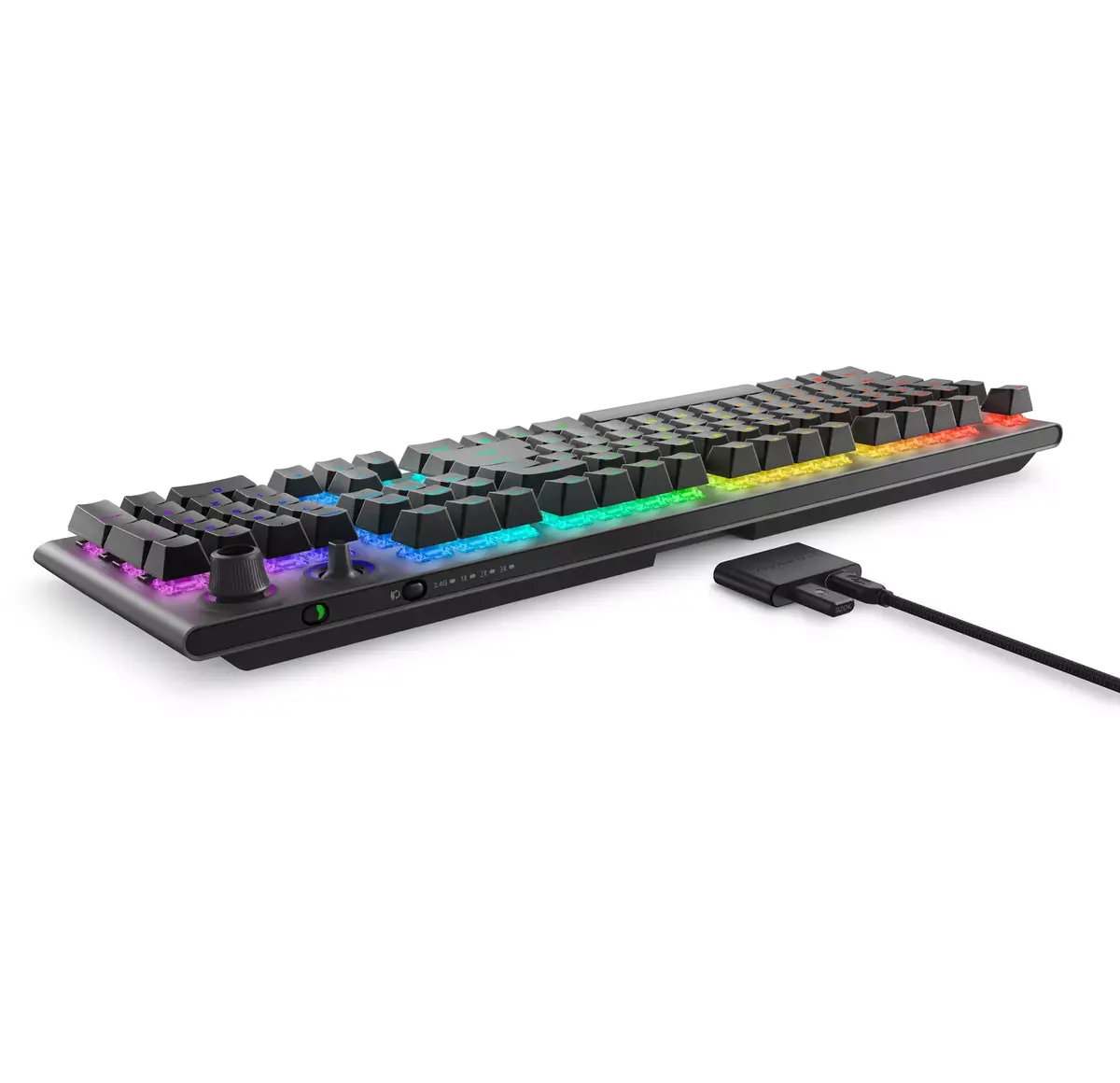
Connect the keyboard via USB to use it in wired mode and ensure maximum responsiveness and continuous power. To use RF wireless, insert and pair the included RF receiver into a compatible USB port on your computer, then power on the keyboard and follow the pairing procedure described in the user guide. For Bluetooth, enable Bluetooth on your host device, put the keyboard into Bluetooth pairing mode, and select it from the device list. Adjust RGB lighting and any onboard settings through the supported Alienware or Dell software if available, or use built-in key combinations to cycle lighting presets and profiles.
Usage recommendations
For competitive play prefer RF wireless or wired USB mode to minimize latency. Keep firmware and device drivers updated for best compatibility and security. When switching between devices via Bluetooth, confirm the active connection to avoid missed input. Clean the keyboard surface and keycaps periodically using a dry cloth or compressed air to maintain switch performance.
Features
- Number of products included:
- 1 pc(s)
- Mouse included:
- No
- Backlight:
- Yes
- Numeric keypad:
- Yes
- Keyboard form factor:
- Full-size (100%)
- Pointing device:
- No
- Device interface:
- USB + RF Wireless + Bluetooth
- Connectivity technology:
- Wired & Wireless
- Recommended usage:
- Gaming
- Power source type:
- Battery
- Product colour:
- Grey
Instructions

Customer reviews
Customer questions
How much does the Gaming Keyboard Alienware AW920K cost, and is it available for purchase?
If I order this product today, when will I receive my order?
What payment options are available?
Can Gaming Keyboard Alienware AW920K be purchased with a lease?
- Select the product on the website and add it to your cart;
- When placing your order, choose the payment method “Installments”;
- Fill in the required details for the lending partner;
- Receive a decision within a few minutes.


