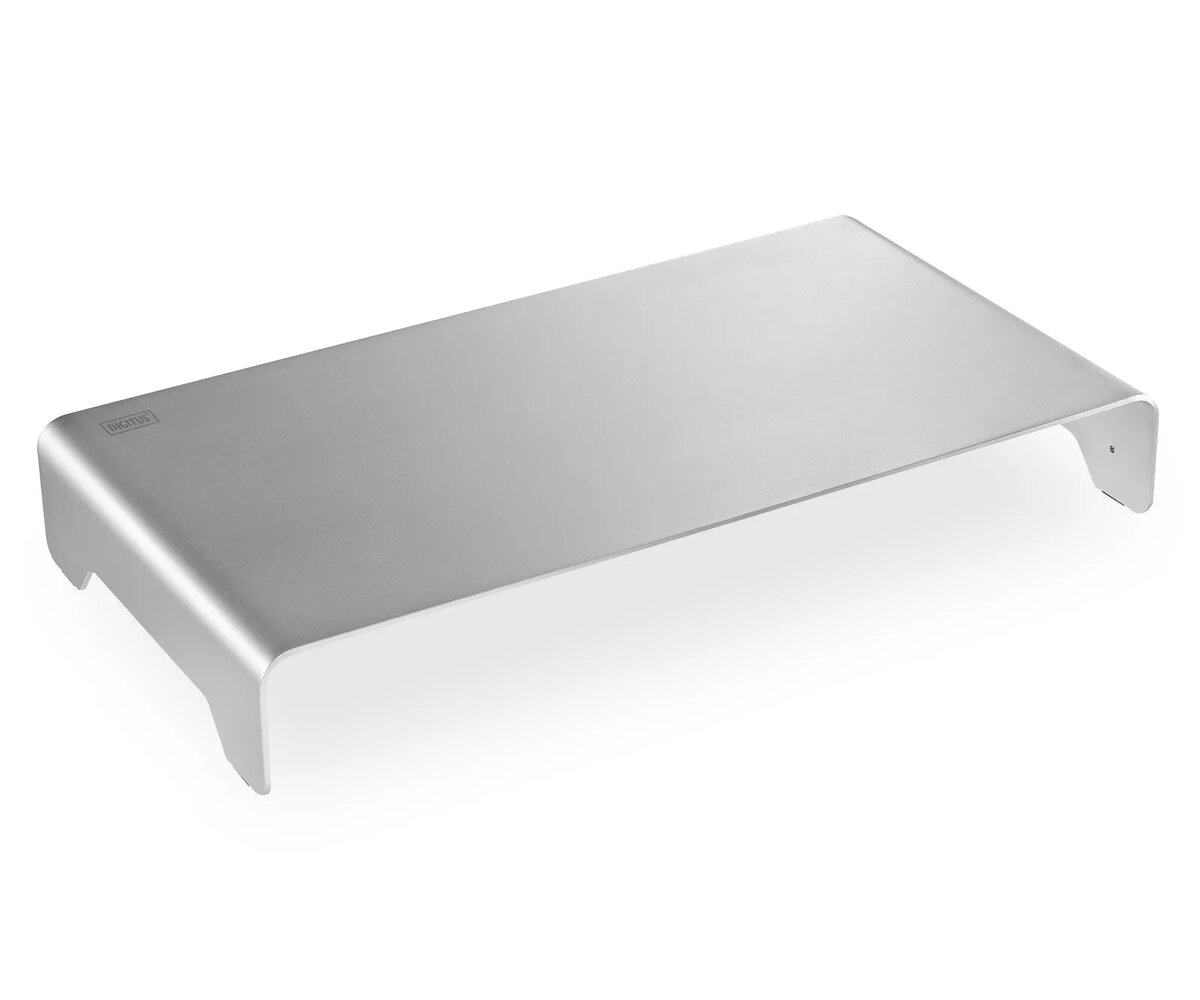
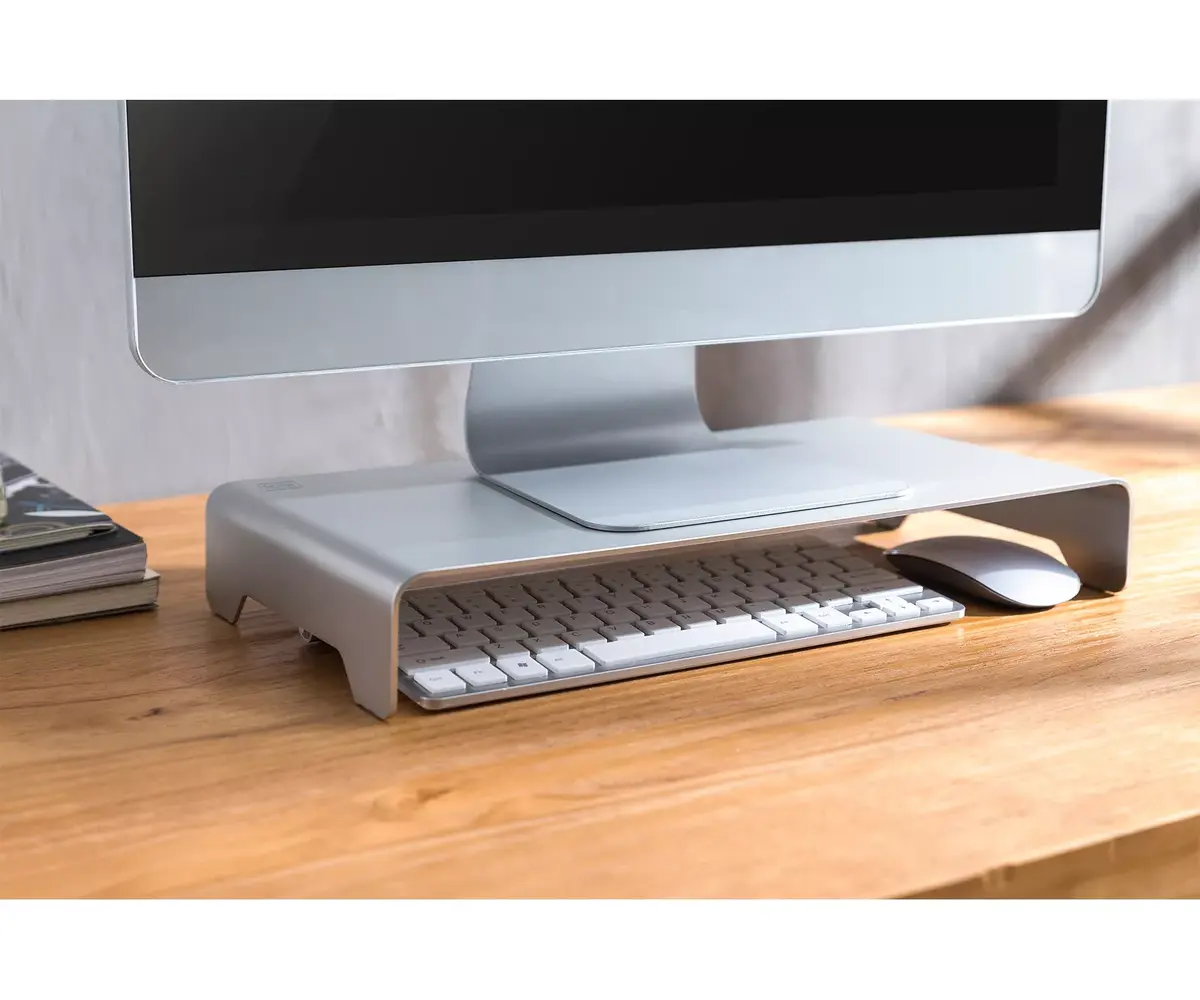
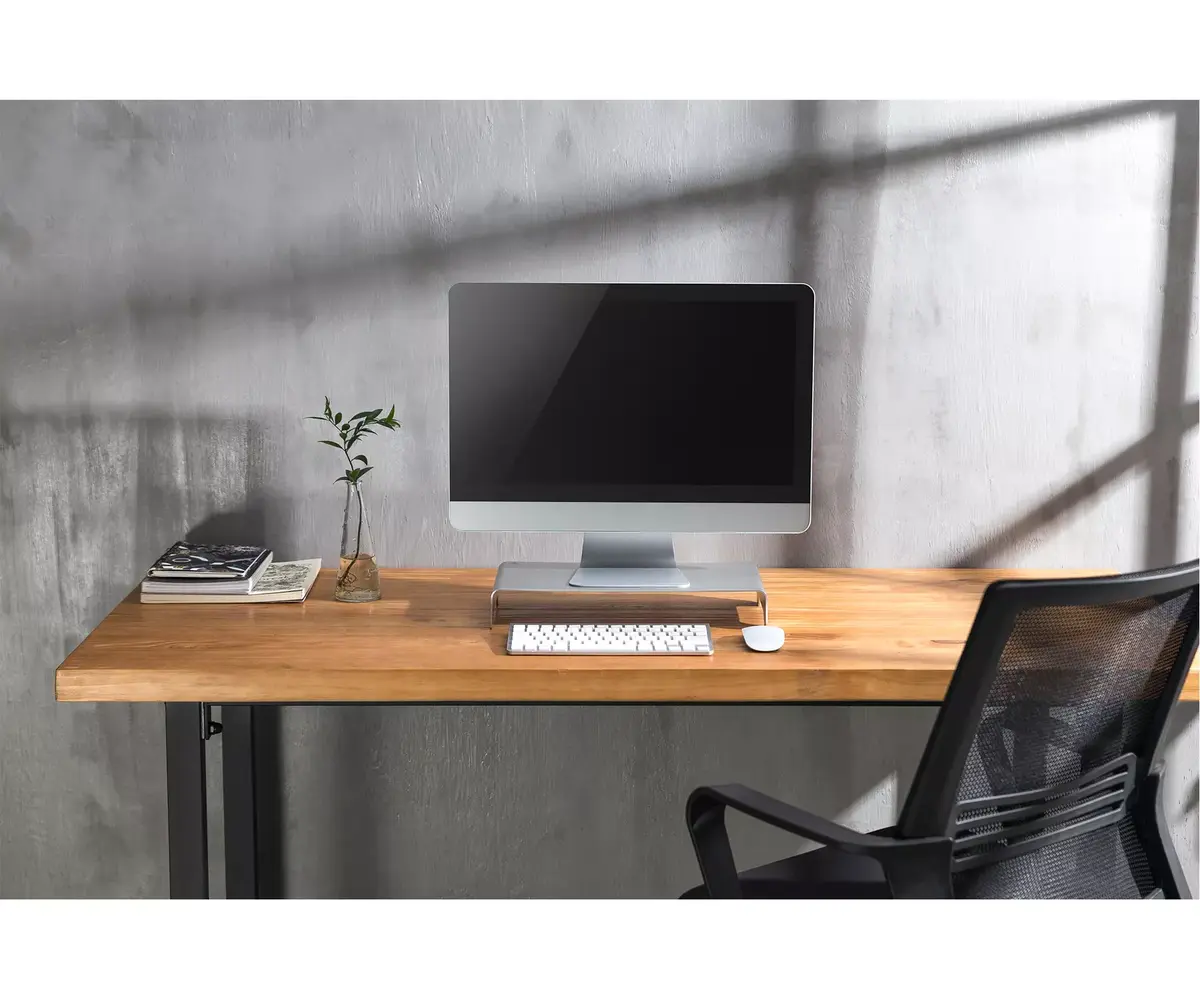
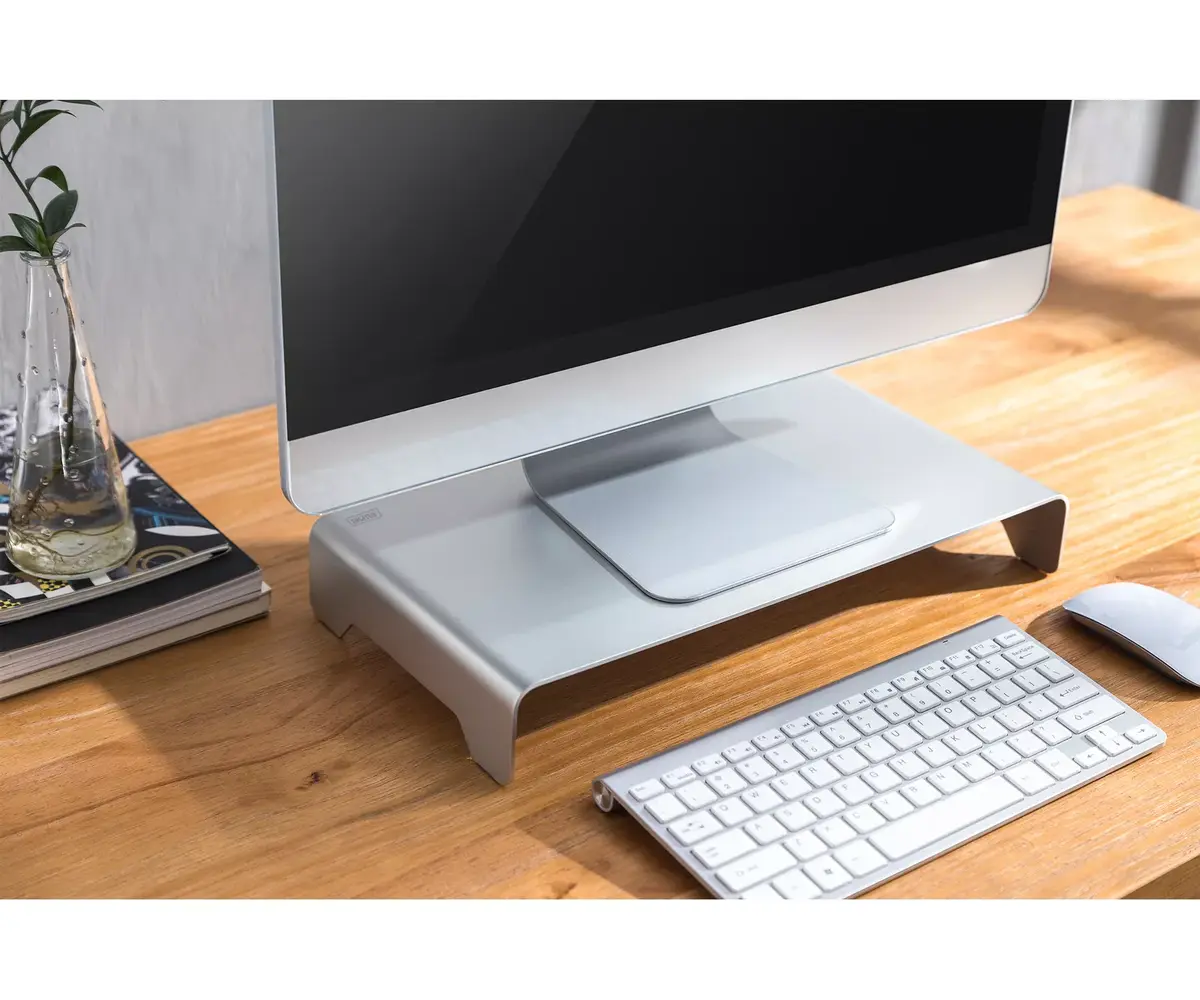
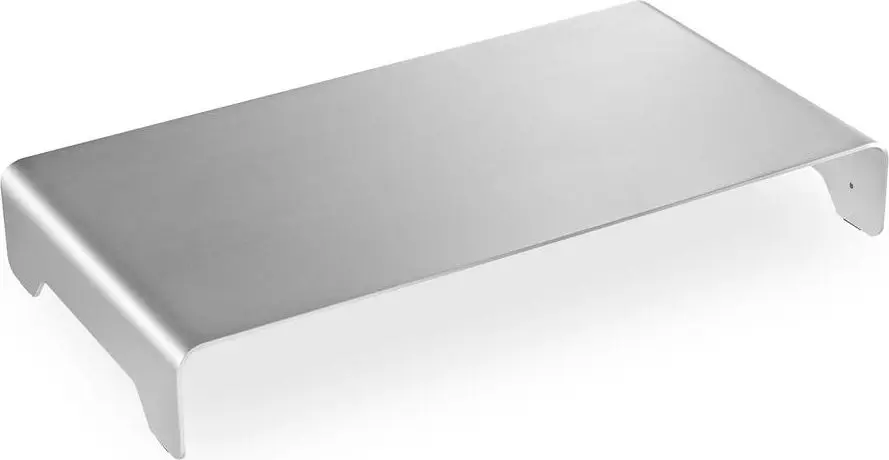
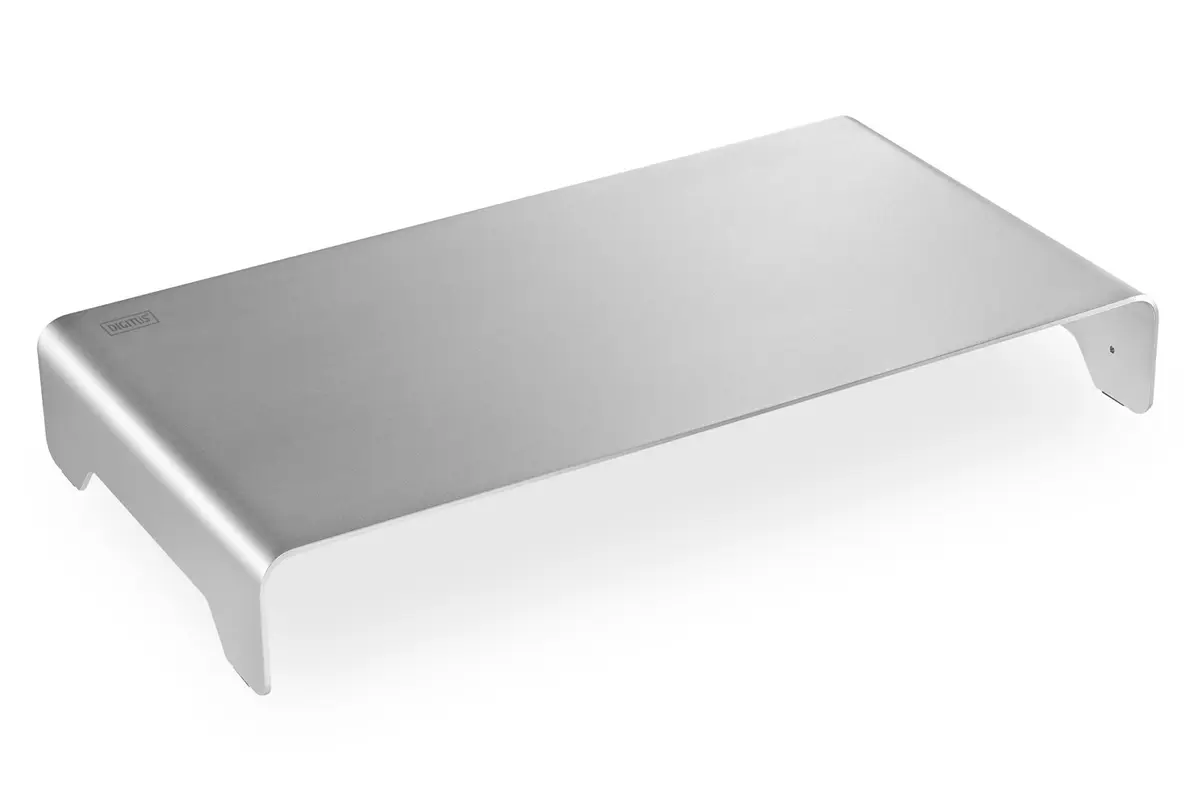
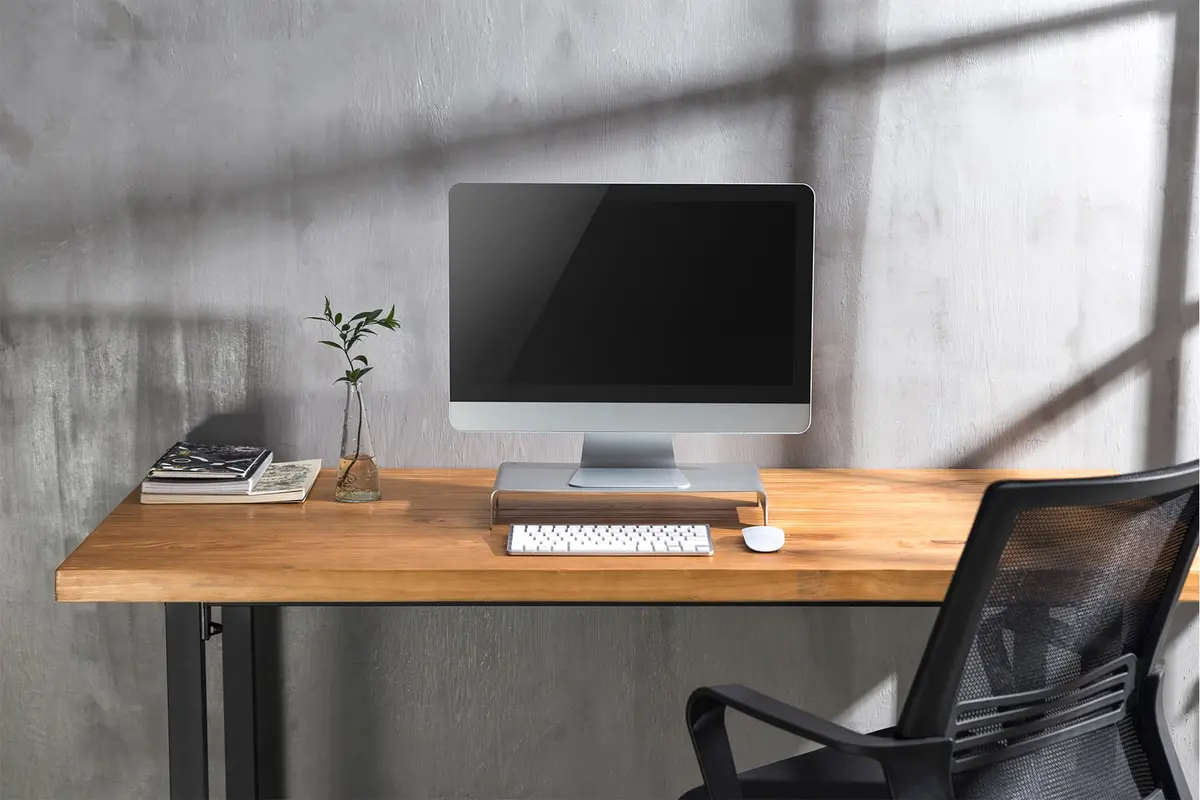
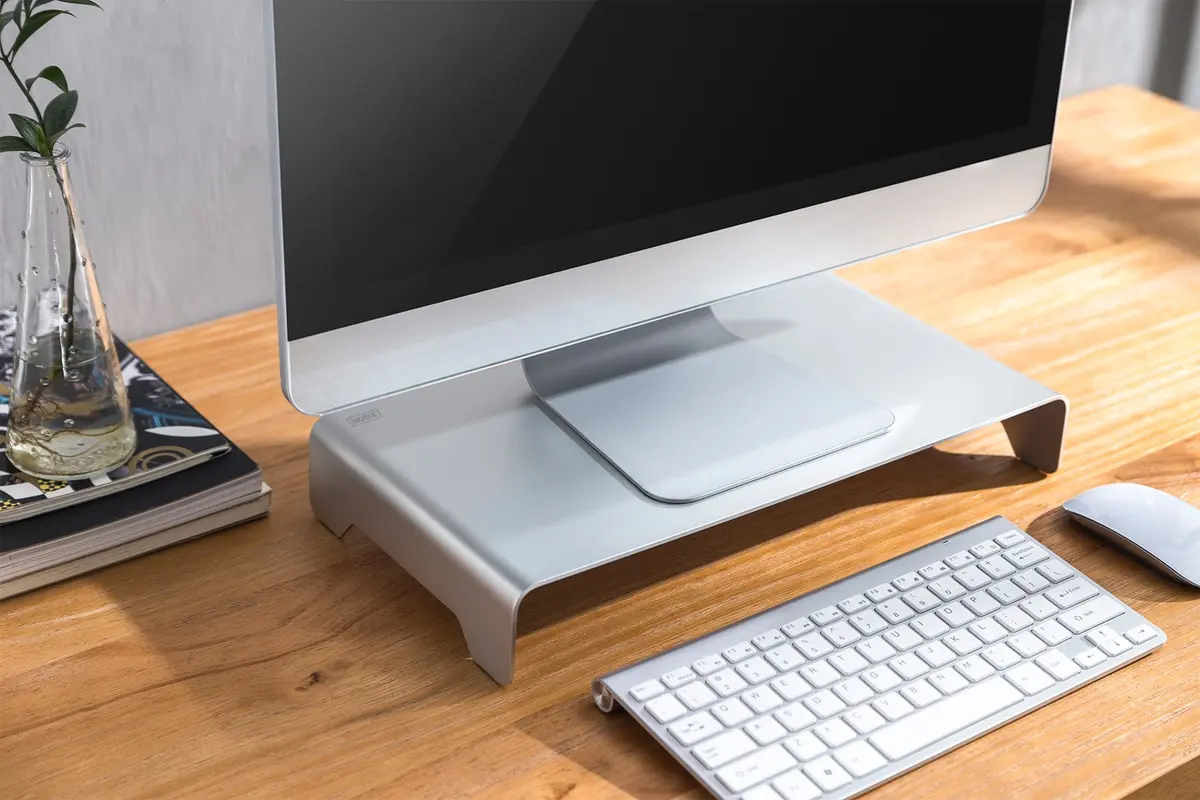
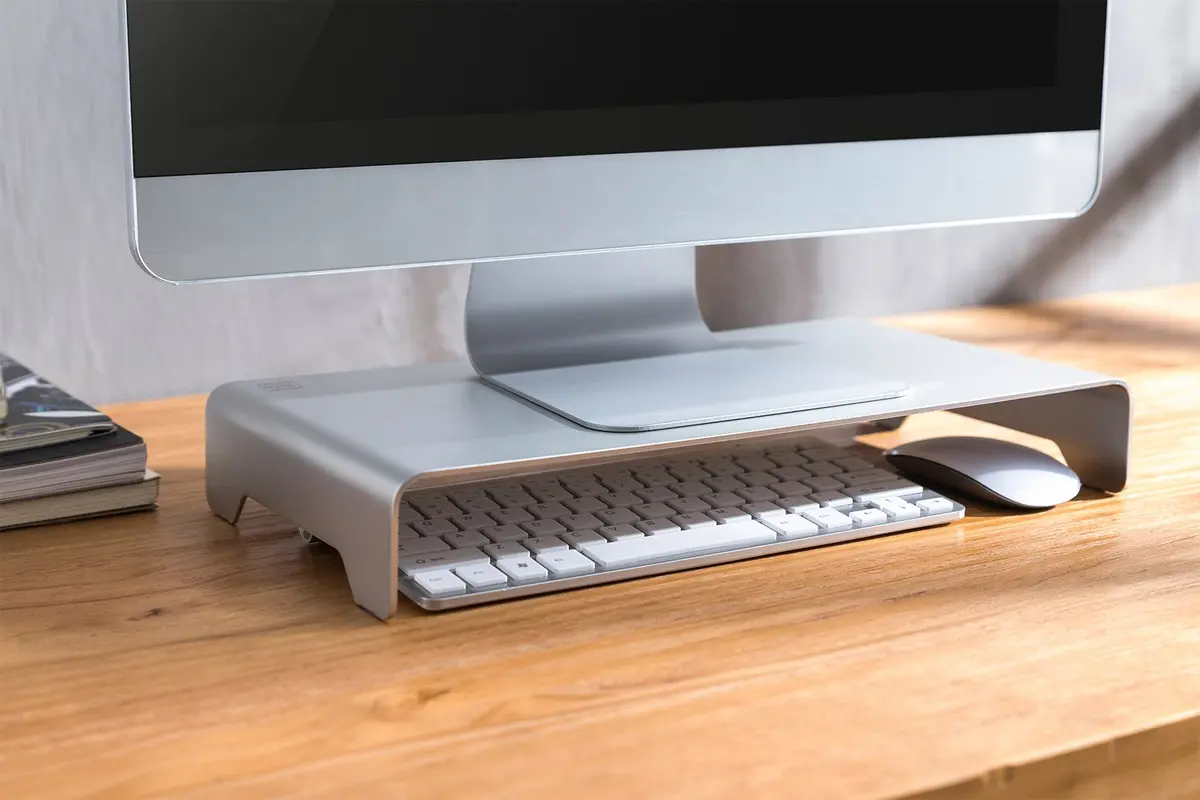
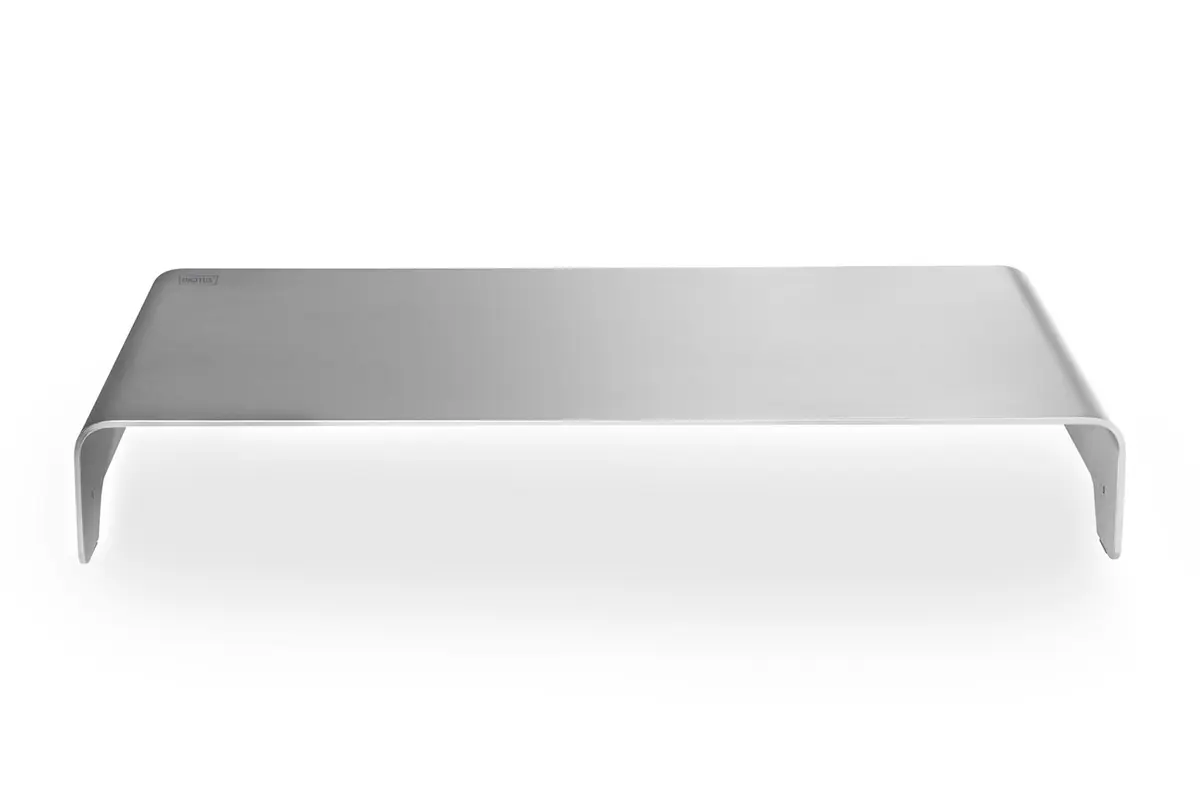
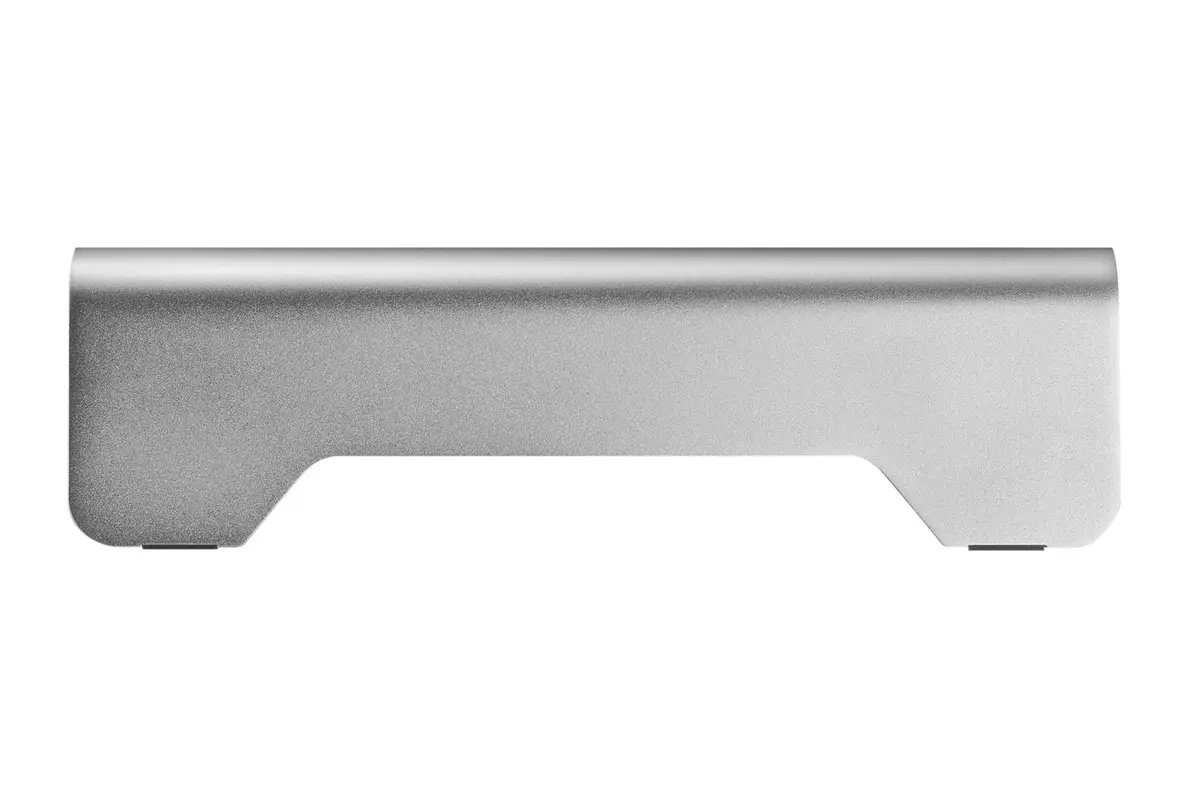
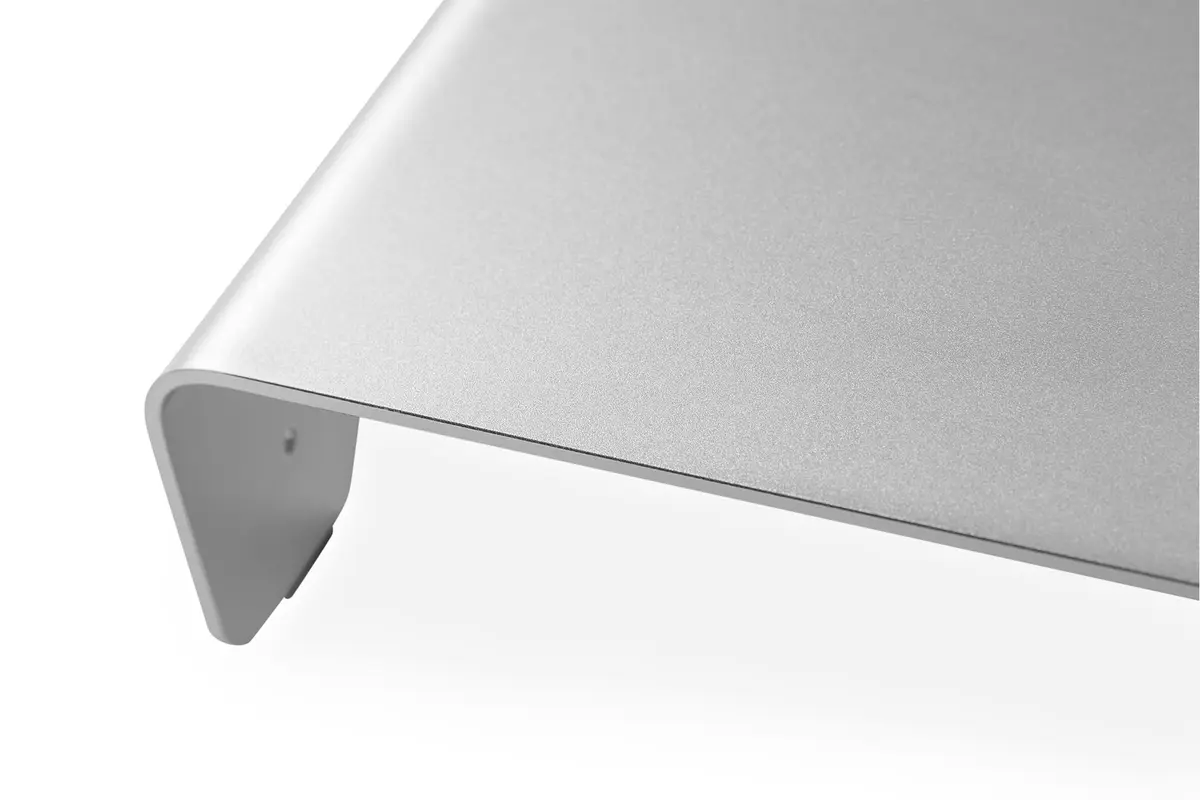
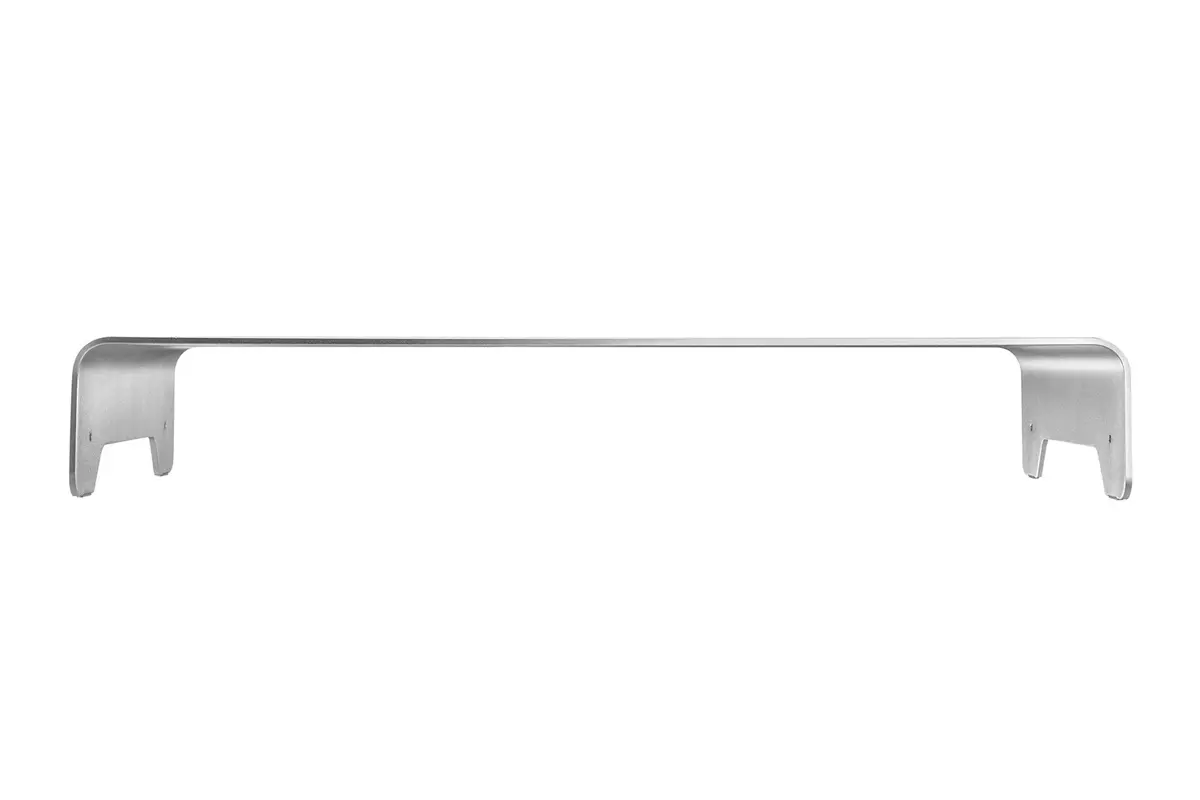
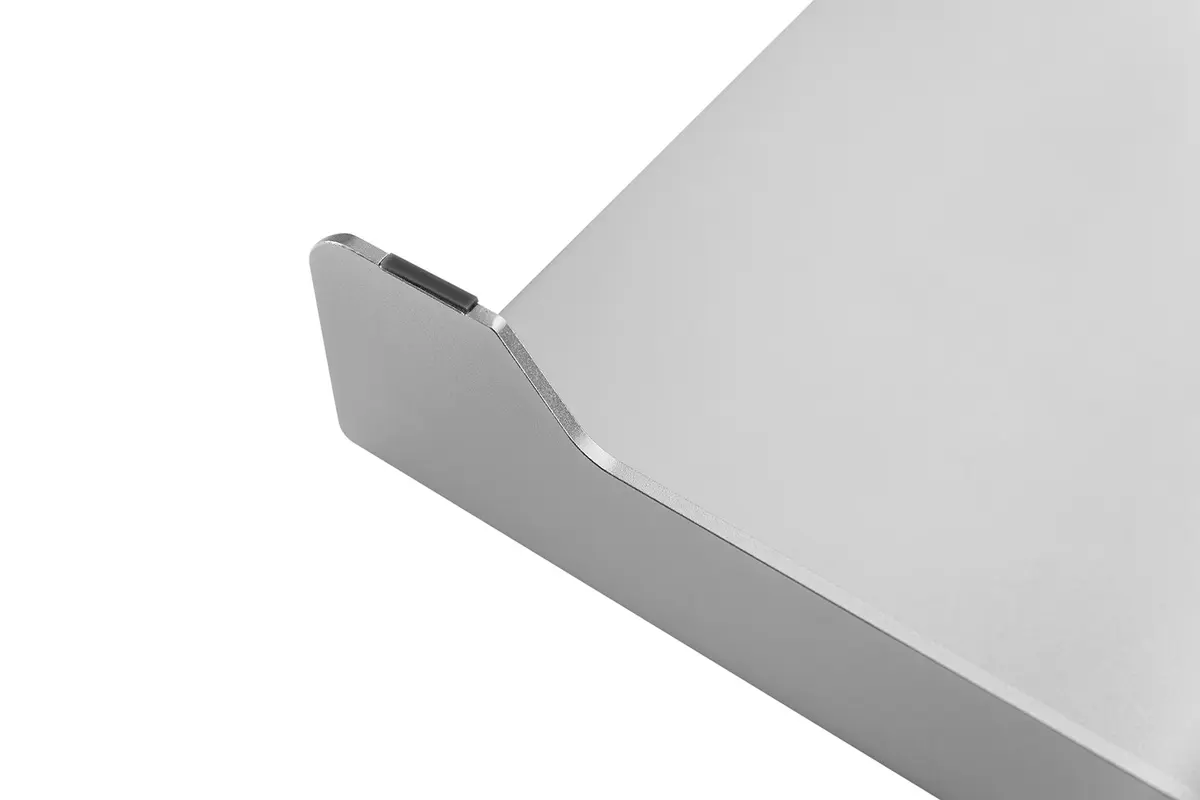
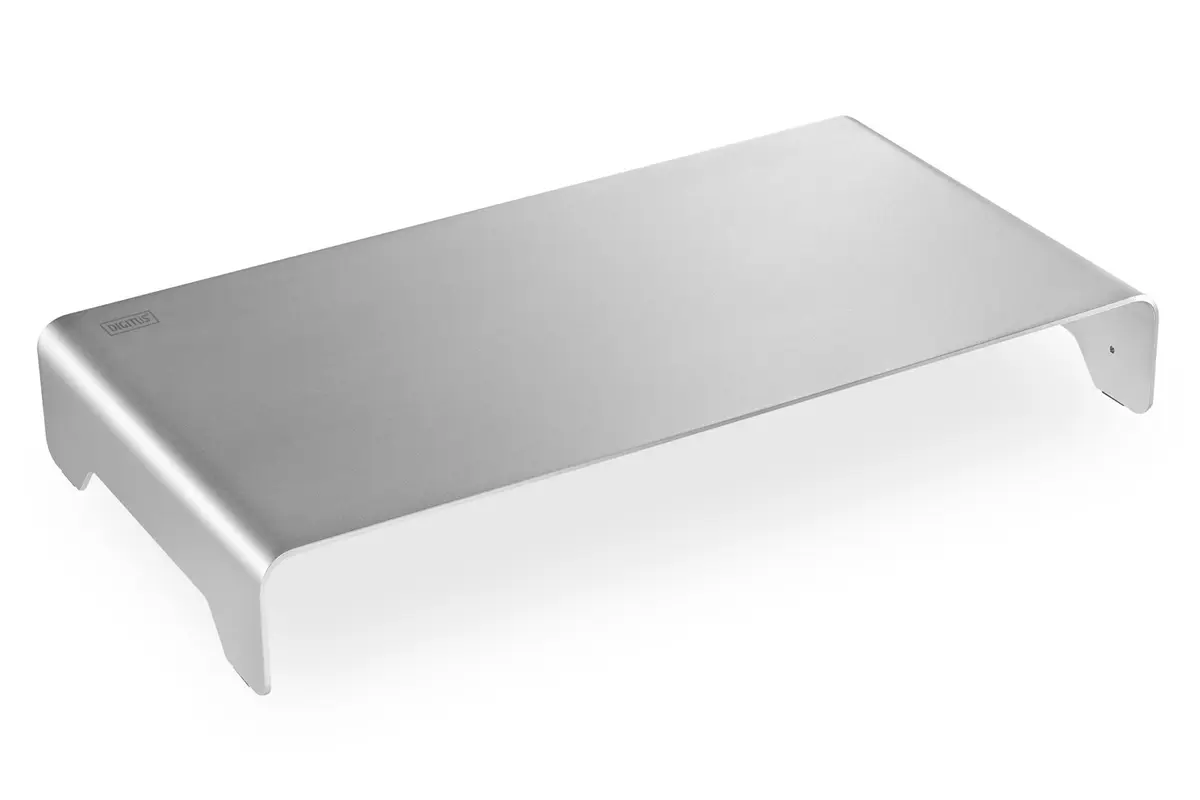
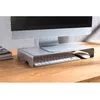
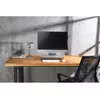
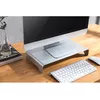
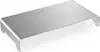
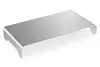
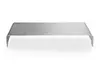
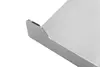
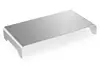
In this overview, the Monitor Riser Digitus DA-90369 Aluminium Silver is compared with similar monitor stands, including the Digitus DA-90358, BakkerElkhuizen Q-riser 100, StarTech.com MNRISERCLMP, BakkerElkhuizen Q-riser 90, and Kensington K55726EU. All these products are designed to elevate your monitor to eye level for better ergonomics, helping reduce neck strain and organize your workspace. The key differences among them lie in building materials, maximum weight capacity, supported screen sizes, and mounting methods.
⚙️ Below is a comparison of technical specifications and design features, covering the material, maximum weight load, supported screen size, and mounting type.
| Parameter | Digitus DA-90369 | Digitus DA-90358 | BakkerElkhuizen Q-riser 100 | StarTech.com MNRISERCLMP | BakkerElkhuizen Q-riser 90 | Kensington K55726EU | Practical Conclusion |
|---|
| Purpose | Ergonomic monitor elevation | Ergonomic monitor elevation | Ergonomic monitor elevation | Ergonomic monitor elevation | Ergonomic monitor elevation | Ergonomic monitor elevation | All options serve to improve posture and elevate the display to eye level. |
| Material and Design | Aluminium, silver finish | Transparent glass | Transparent design | Black color, extra wide | Transparent design | Black color, extra wide | The aluminium Digitus DA-90369 offers a sturdy metallic finish, whereas alternatives use transparent materials or black surfaces. |
| Maximum Weight Capacity | 10 kg | 20 kg | 10 kg | 20 kg | 10 kg | 20 kg | Models Digitus DA-90358, StarTech.com MNRISERCLMP, and Kensington K55726EU support twice the weight (up to 20 kg) for heavier displays. |
| Supported Screen Size | Not specified | Up to 32 inches | 10 to 30 inches | Up to 32 inches | 10 to 30 inches | Up to 32 inches | Most alternatives officially support screens up to 32 inches, while Digitus DA-90369 does not specify a strict screen size limit. |
| Mounting Type | Freestanding | Desk freestanding | Desk freestanding | Clamp mount | Desk freestanding | Desk freestanding | Nearly all options are freestanding, except for StarTech.com MNRISERCLMP, which uses a secure desk clamp to save space. |
◎ The following table evaluates which product is most suitable for different user needs, workspaces, and use cases.
| Use Case | Recommended Product | Why |
|---|
| Standard monitors and preference for metal | Monitor Riser Digitus DA-90369 Aluminium Silver | The aluminium build supports up to 10 kg, making it ideal for standard monitors while complementing a silver workspace aesthetic. |
| Heavier or larger screens up to 32 inches | Digitus DA-90358, StarTech.com MNRISERCLMP, or Kensington K55726EU | These stands provide a higher weight capacity of up to 20 kg and accommodate larger displays. |
| Saving desk space with secure fixation | StarTech.com MNRISERCLMP | The clamp mounting design firmly attaches to the desk surface and frees up valuable workspace. |
| Transparent and unobtrusive minimalist look | BakkerElkhuizen Q-riser 100 or BakkerElkhuizen Q-riser 90 | The transparent designs blend seamlessly into office interiors while supporting screens from 10 to 30 inches. |
Choose the Monitor Riser Digitus DA-90369 Aluminium Silver if you need a sturdy aluminium stand for a standard monitor weighing up to 10 kg and prefer a silver finish. If your monitor exceeds 10 kg or reaches up to 32 inches, you should opt for Digitus DA-90358, StarTech.com MNRISERCLMP, or Kensington K55726EU with their higher 20 kg weight limit. For secure clamp-based desk mounting, the StarTech model is best, while transparent options from BakkerElkhuizen suit minimalist aesthetics for lighter displays.