


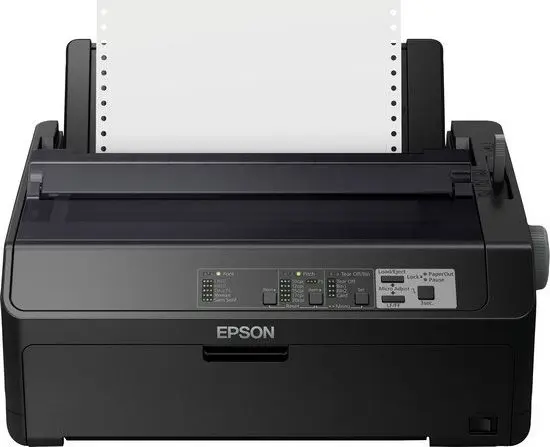
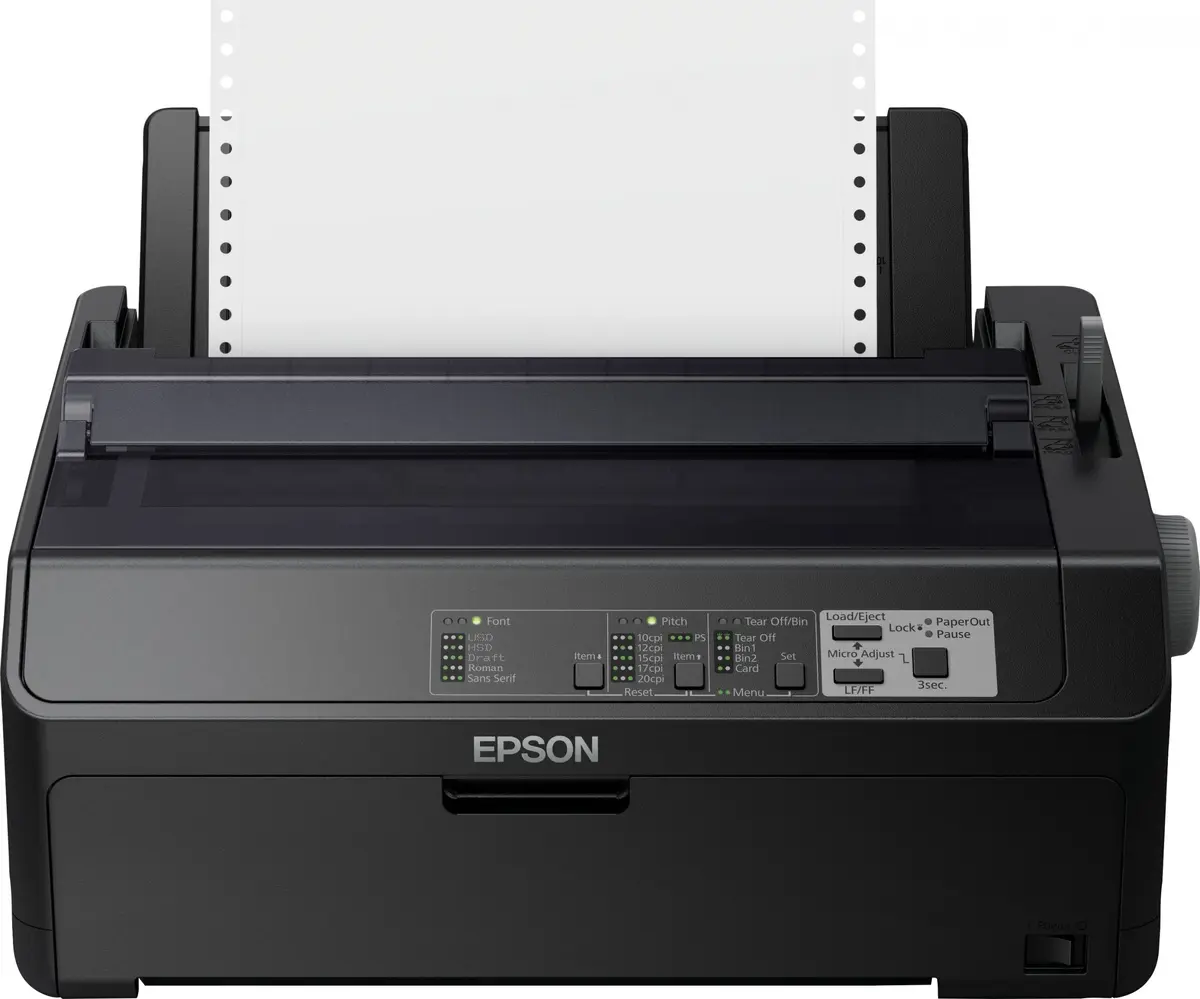
Epson FX-890II Dot Matrix Printer 240 x 144 DPI 612 cps USB 2.0 Parallel


Short description


Cheapest delivery:
Unisend LV

Esto — pay in 6 equal parts
Product information
Description
The Epson FX-890II dot matrix printer is engineered for dependable, high-volume monochrome printing in demanding business environments. Designed to handle continuous paper, cut sheets, and envelopes up to A4 size, this robust 9-pin printer delivers efficient data output with a maximum print speed of 612 cps and a resolution of 240 x 144 DPI. Featuring standard USB 2.0 and Parallel interfaces along with a 128 KB buffer size, it integrates smoothly into existing legacy systems and modern workflows alike.
Advantages
This reliable dot matrix printer offers exceptional durability with an enhanced mean time between failures and a long-lasting print head rated for millions of characters. It provides low operational costs and energy-efficient performance, making it a cost-effective choice for continuous enterprise use. The compact physical footprint ensures it fits comfortably on office desks or industrial workstations without occupying excessive space.
Suitable for
- Printing multi-part business forms and invoices
- Generating continuous data logs and stock reports
- Handling shipping documents and freight paperwork
- Administrative and warehouse monochrome document output
When it may not be suitable
This device is not designed for full-color graphic printing, photo reproduction, or everyday household document tasks. Since it lacks wireless connectivity, Ethernet LAN, and automatic duplex functions, it may not fit modern network-heavy office setups that require remote printing or multi-user sharing without a dedicated print server.
Key specifications
- Dot matrix print technology
- Monochrome printing
- Maximum print speed of 612 cps
- Maximum resolution of 240 x 144 DPI
- 9-pin print head
- 80 columns maximum printing width
- 128 KB buffer size
- USB 2.0 and Parallel standard interfaces
- A4 maximum print size
- Sound pressure level of 55 dB
How to use
Connect the printer to a compatible host computer using either a USB 2.0 or Parallel interface cable. Load your choice of continuous paper, cut sheets, or envelopes into the standard paper tray, ensuring proper alignment to avoid jams. Install the appropriate ribbon cartridge securely, configure your print settings using standard page description languages such as ESC P or IBM PPDS, and initiate print jobs directly from your connected system.
What to consider before purchase
- Verify that your computer system features a compatible USB 2.0 or Parallel port
- Check whether your application requires continuous pin-feed paper or multi-part stationery
- Assess space availability to ensure the printer dimensions fit your workspace
- Confirm that monochrome dot matrix output meets your specific document requirements
Regularly inspect and replace ribbon cartridges as needed to maintain optimal print darkness and clarity. Keep the paper path clean from dust and paper debris to ensure uninterrupted continuous printing performance.
Features
- Sound pressure level (printing):
- 55 dB
- Buffer size:
- 128 KB
- Print head:
- 9-pin
- Maximum print speed:
- 612 cps
- Maximum printing width (columns):
- 80
- Maximum resolution:
- 240 x 144
- Colour:
- No
- Page description languages:
- ESC P, IBM PPDS
- Product colour:
- Black
- Standard interfaces:
- USB 2.0, Parallel
Stock data
| Warehouse | Stock | Delivery to the store | Store Price | |
| BT5 | 1 | Wednesday | Fast shipping 744.49 € | Add to cart |
| WH115 | 5 | 07.12.2026 | 778.99 € | Add to cart |
- Fast shipping744.49 €Stock: 1Delivery Date: WednesdayWarehouse: BT5Add to cart
- 778.99 €Stock: 5Delivery Date: 07.12.2026Warehouse: WH115Add to cart
Customer reviews
Customer questions
How much does the Epson FX-890II Dot Matrix Printer cost, and is it available for purchase?
If I order this product today, when will I receive my order?
What payment options are available?
Can Epson FX-890II Dot Matrix Printer be purchased with a lease?
- Select the product on the website and add it to your cart;
- When placing your order, choose the payment method “Installments”;
- Fill in the required details for the lending partner;
- Receive a decision within a few minutes.


