


Computer Case EVOLVEO Silens S1 Midi Tower Black
Short description

Cheapest delivery:
Unisend LV

Esto — pay in 6 equal parts
Product information
Description
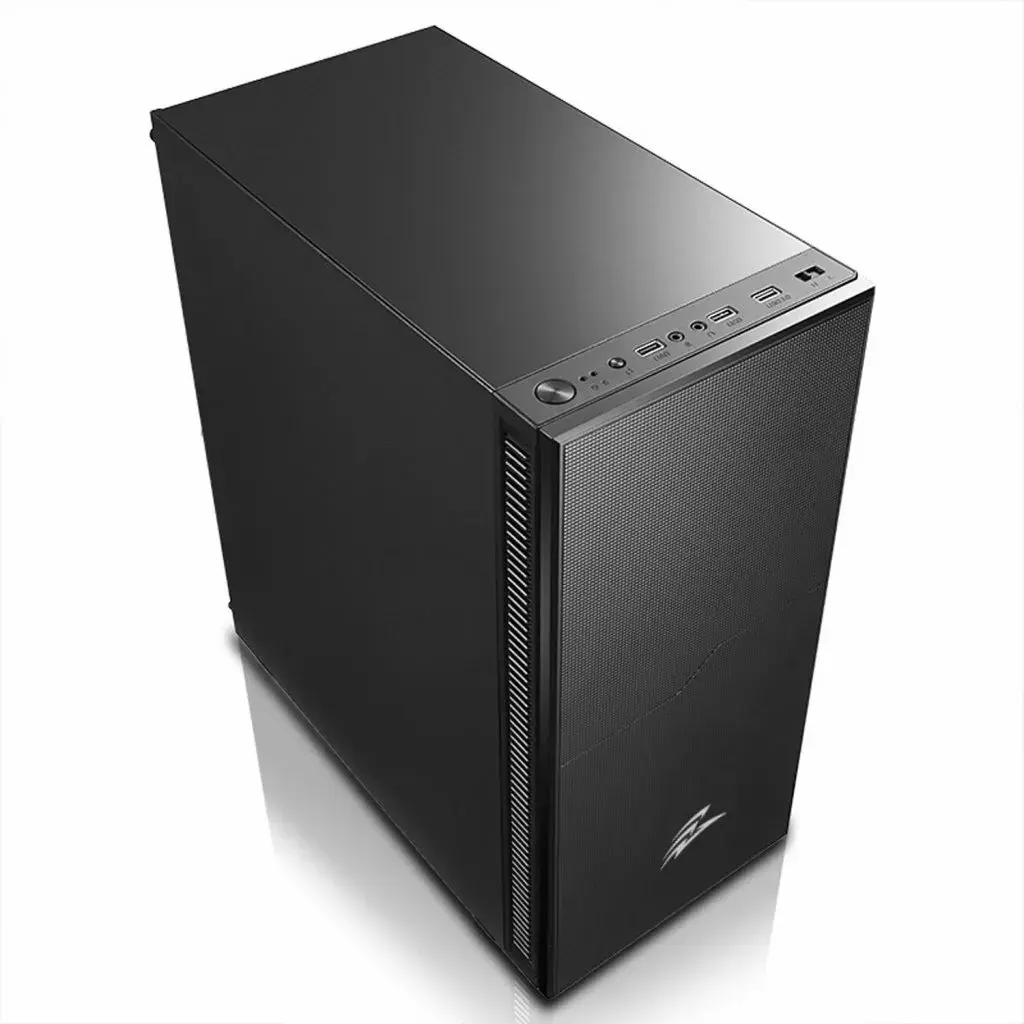
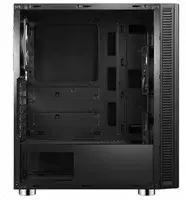
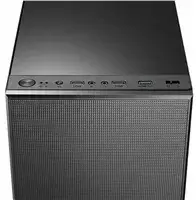
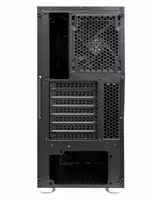
The EVOLVEO Silens S1 Midi Tower Black is a compact computer case designed for home and office builds that require a balance of airflow, storage capacity and a clear view of internal components. Measuring 420 x 200 x 460 mm, the chassis supports ATX, Micro-ATX and Mini-ITX motherboards and features a transparent side panel to showcase hardware and cooling arrangements. The case includes preinstalled cooling with three fans to maintain stable internal temperatures while accommodating multiple storage drives and expansion cards.
Advantages
The case combines a slim footprint with enough internal volume for a standard desktop configuration, offering support for multiple hard drives and solid-state drives without sacrificing cooling performance. Its transparent side panel allows easy visual monitoring of components and cable routing. Preinstalled fans improve out-of-the-box airflow, while the layout supports up to seven expansion slots for graphics cards and other PCIe devices.
Suitable for
- Home and office desktop builds
- Compact gaming systems with standard-sized components
- Multimedia workstations that need several storage drives
- Systems where visible internal layout and cable management matter
Key specifications
- Chassis type: Midi Tower with transparent side panel
- External dimensions: 420 x 200 x 460 mm
- Motherboard compatibility: ATX, Micro-ATX, Mini-ITX
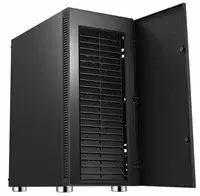
- Drive bays: up to 5 x 3.5" HDD and 2 x 2.5" SSD
- Expansion slots: 7
- Cooling: equipped with 3 preinstalled fans; additional mounting points available
- Front panel and I/O orientation suitable for typical desktop setups
How to use
Install the compatible motherboard into the case using the included standoffs and secure it with screws. Mount storage drives into the designated 3.5" and 2.5" bays and connect them to the power supply and motherboard. Position expansion cards into the PCIe slots and fasten them to the rear bracket. Connect front-panel cables (power, reset, USB and audio) to the motherboard headers according to the motherboard manual. Ensure fans are connected to available fan headers or a fan controller to manage airflow and noise levels.
Usage recommendations
For optimal cooling and component longevity, maintain unobstructed airflow by arranging cables neatly and leaving space around intake and exhaust fans. Use an appropriate CPU cooler height and check GPU length clearance against the case depth when planning high-performance builds.


