


Mouse EVOLVEO LadyErgo vertical ergonomic interface
Short description

Cheapest delivery:
Unisend LV
Product information
Description
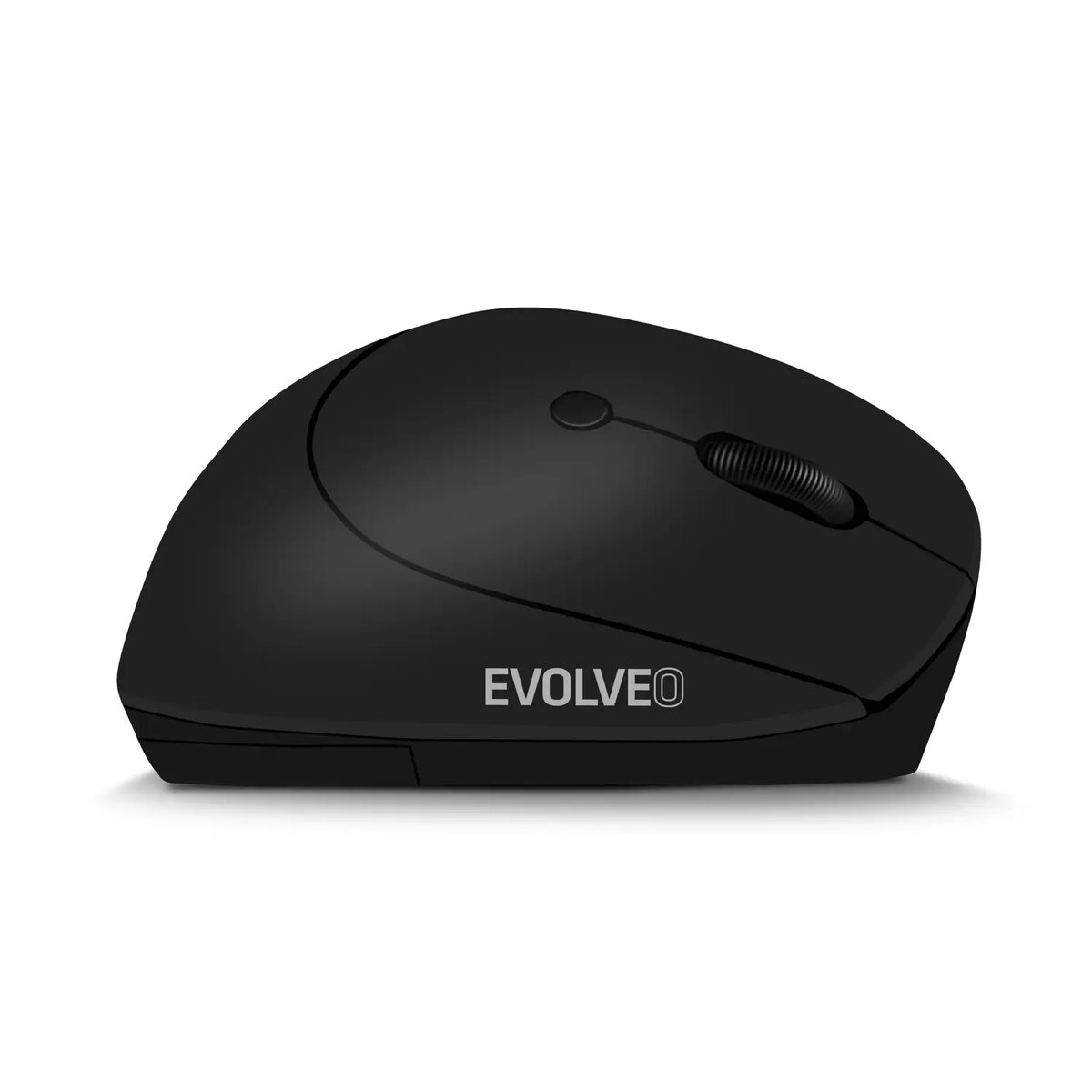
The EVOLVEO LadyErgo vertical ergonomic interface mouse is designed to place the hand in a natural handshake position to reduce wrist pronation and tension during extended computer use. Its vertical body shape supports a relaxed grip, while precise optical tracking delivers stable pointer movement suitable for both office tasks and casual gaming. The compact footprint and sculpted contours aim to balance comfort and control for right-handed users seeking to minimize repetitive strain.
Advantages
The LadyErgo vertical shape encourages a neutral forearm posture, which can decrease pressure on the wrist and lower the risk of discomfort from long sessions. The mouse offers accurate tracking for document navigation and light gaming, and its textured grip helps maintain hand stability. The overall design prioritizes ergonomic support without adding unnecessary bulk on the desk, making it easy to integrate into existing workstations.
Suitable for
- Office productivity: document editing, spreadsheets, email and web browsing
- Home and remote work where prolonged mouse use occurs
- Casual gaming and multimedia control
- Users looking to reduce wrist strain and improve hand posture
Key specifications
- Vertical ergonomic body promoting a handshake grip
- Optical sensor for precise cursor control
- Right-handed form factor with sculpted contours
- Compact footprint suitable for standard desks and laptop setups
- Textured side surface for improved grip stability
How to use
Place the EVOLVEO LadyErgo on a flat surface and position your hand so the thumb rests on the textured side while the fingers lie naturally over the primary buttons. Connect the mouse according to your system’s requirements and allow the cursor to settle at default sensitivity; adjust pointer speed through your operating system settings if necessary. Use gentle arm movements rather than bending the wrist to move the cursor, and take regular short breaks during prolonged sessions to maintain circulation and reduce fatigue.
Usage recommendations
For best ergonomic benefit, pair the vertical mouse with a keyboard positioned at the same height and keep the forearm supported by the desk or armrest. Adjust pointer sensitivity to minimize wide arm movements and ensure smooth tracking across your surface. If new to vertical mice, allow an adaptation period of a few days to two weeks while gradually increasing usage time.


