


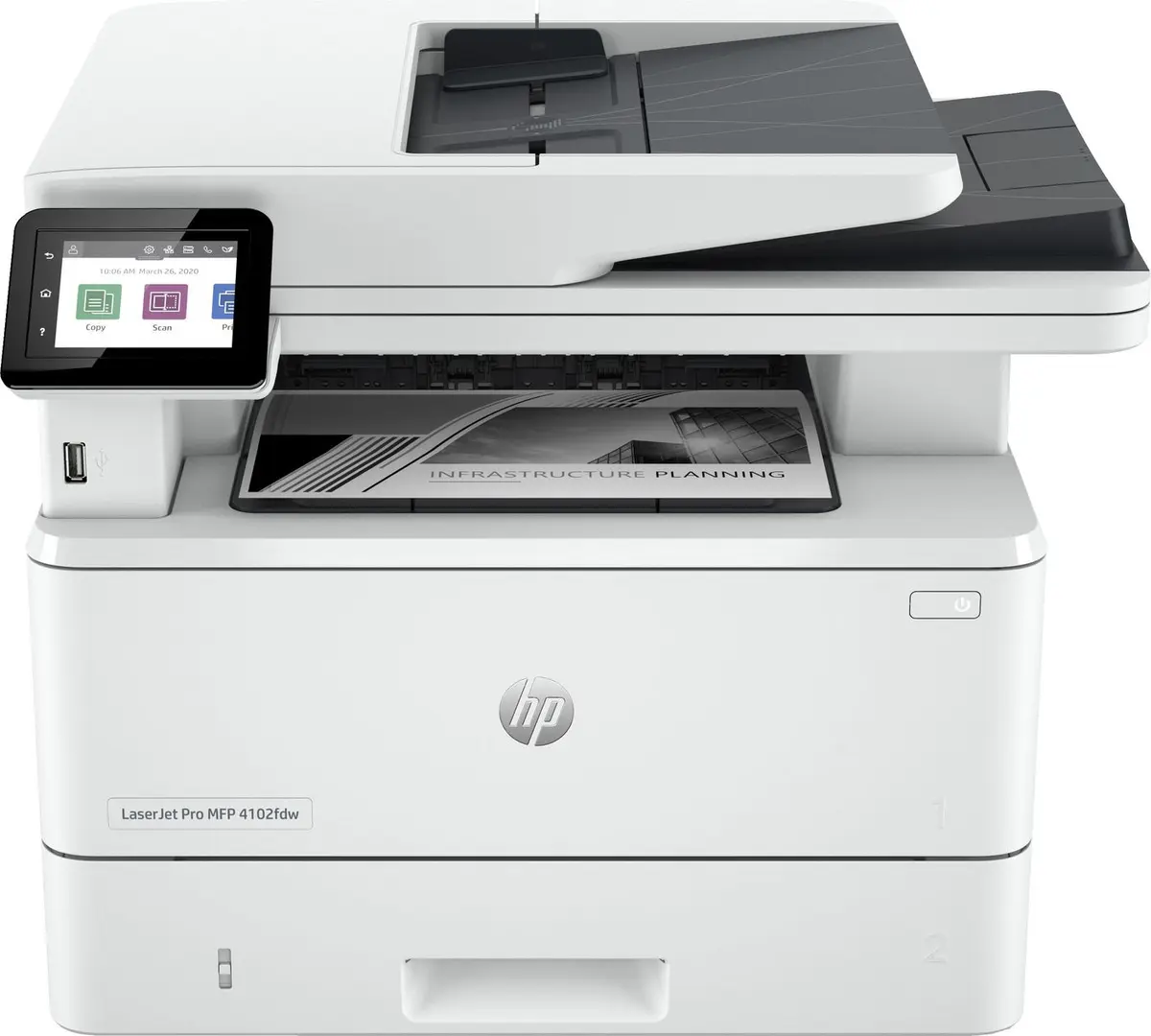
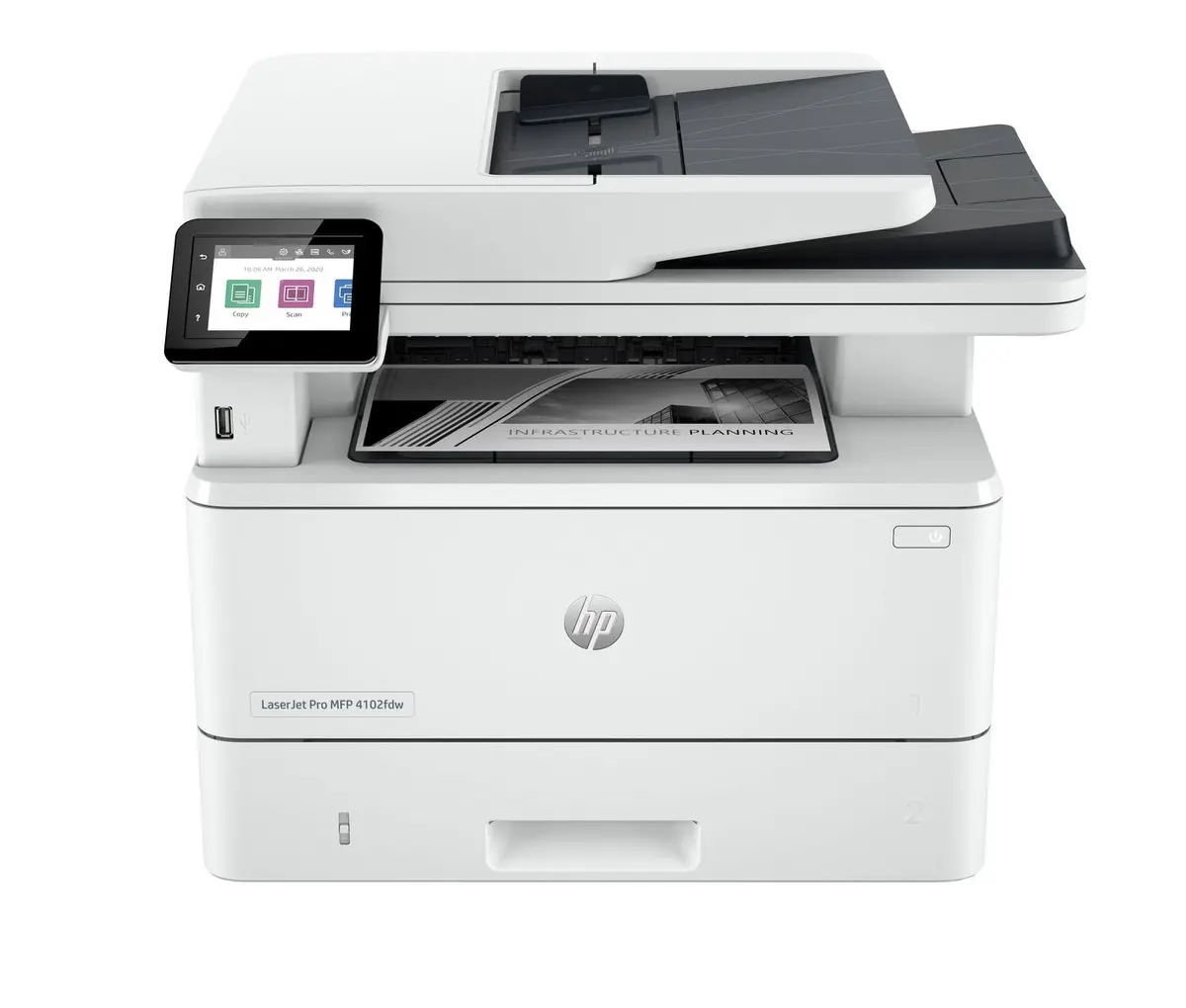
HP LaserJet Pro 4102dw Wireless Multifunction Black and White Laser Printer Copier and Scanner with Duplex and Wi-Fi



Short description


Esto — pay in 6 equal parts
Product information
Description
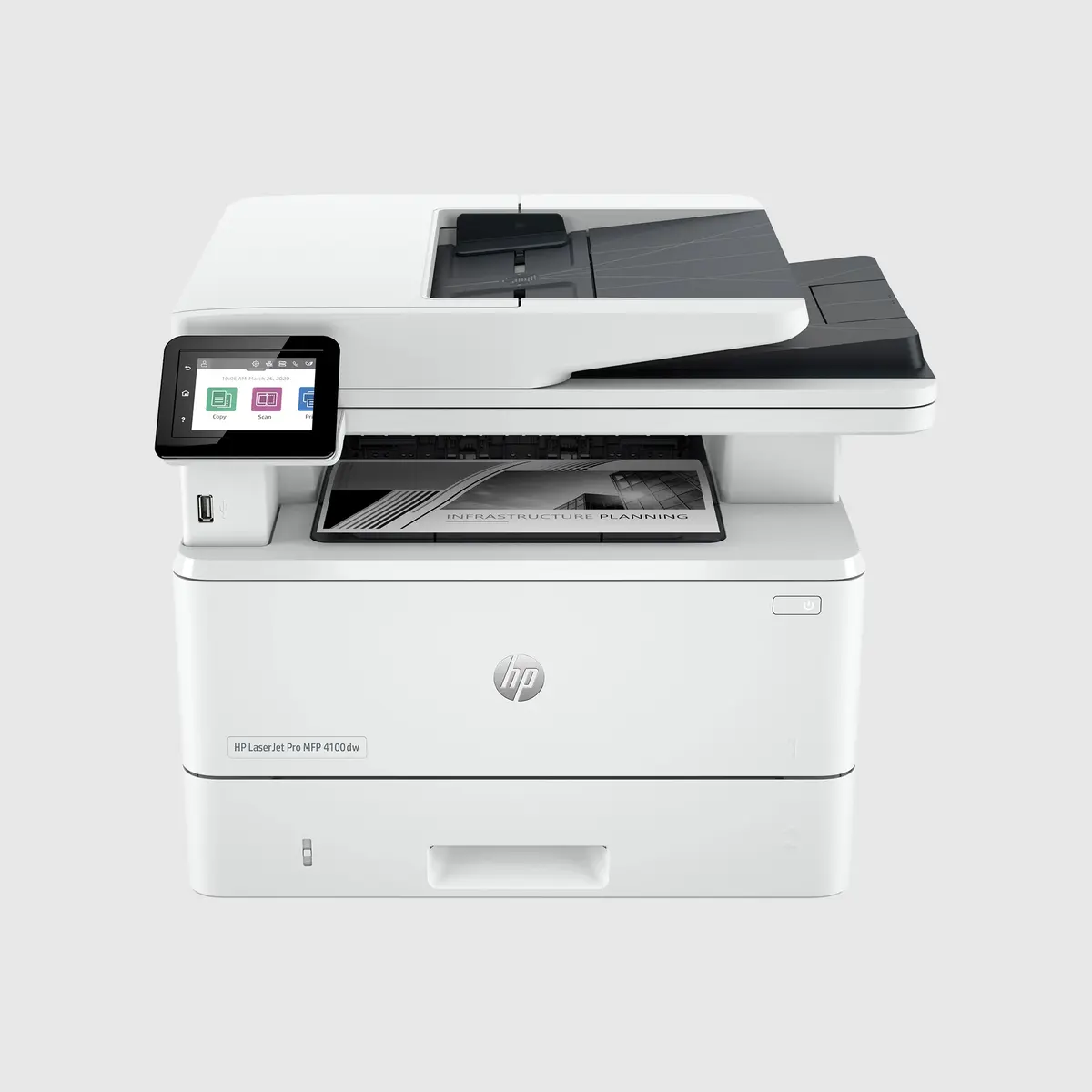
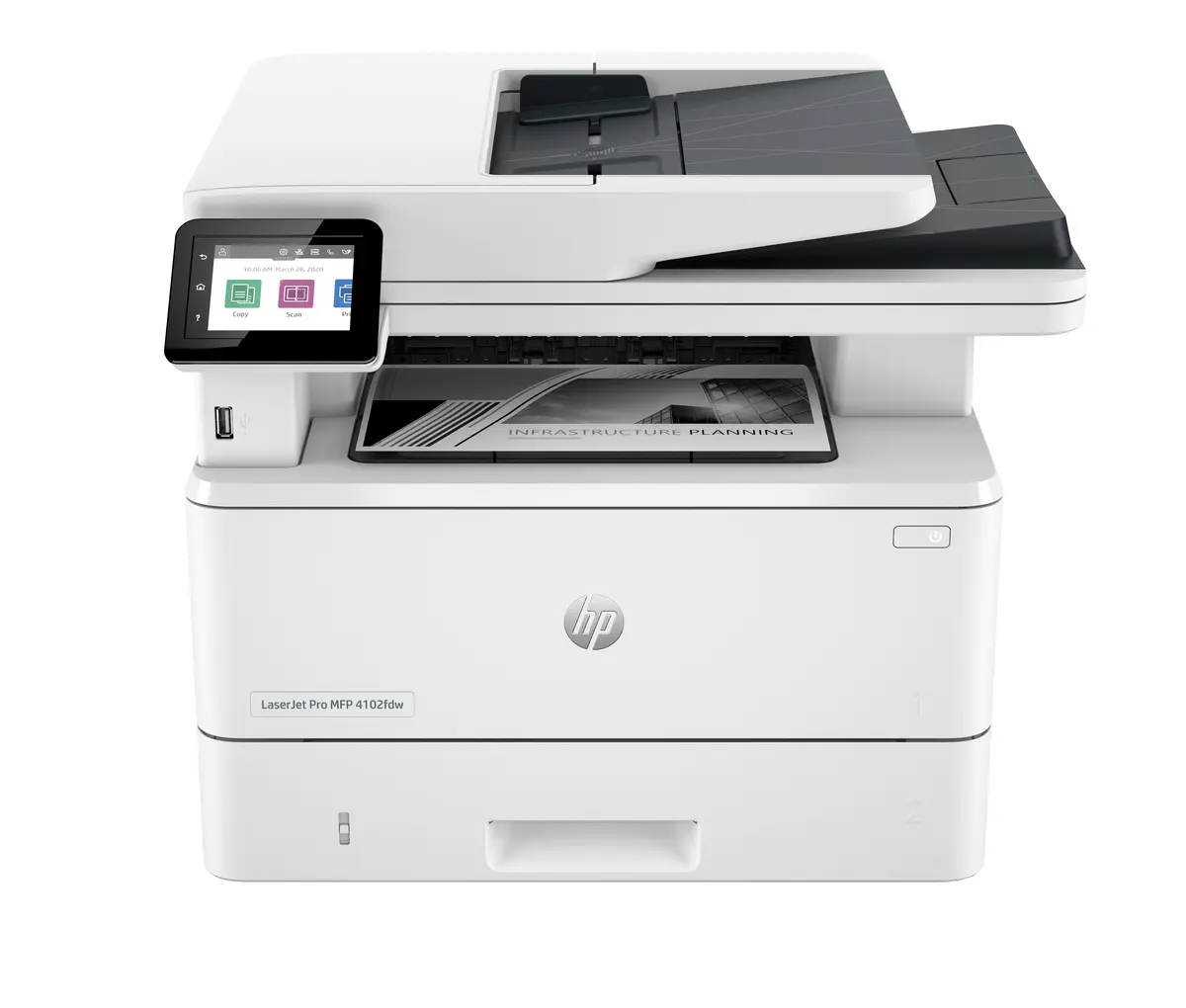
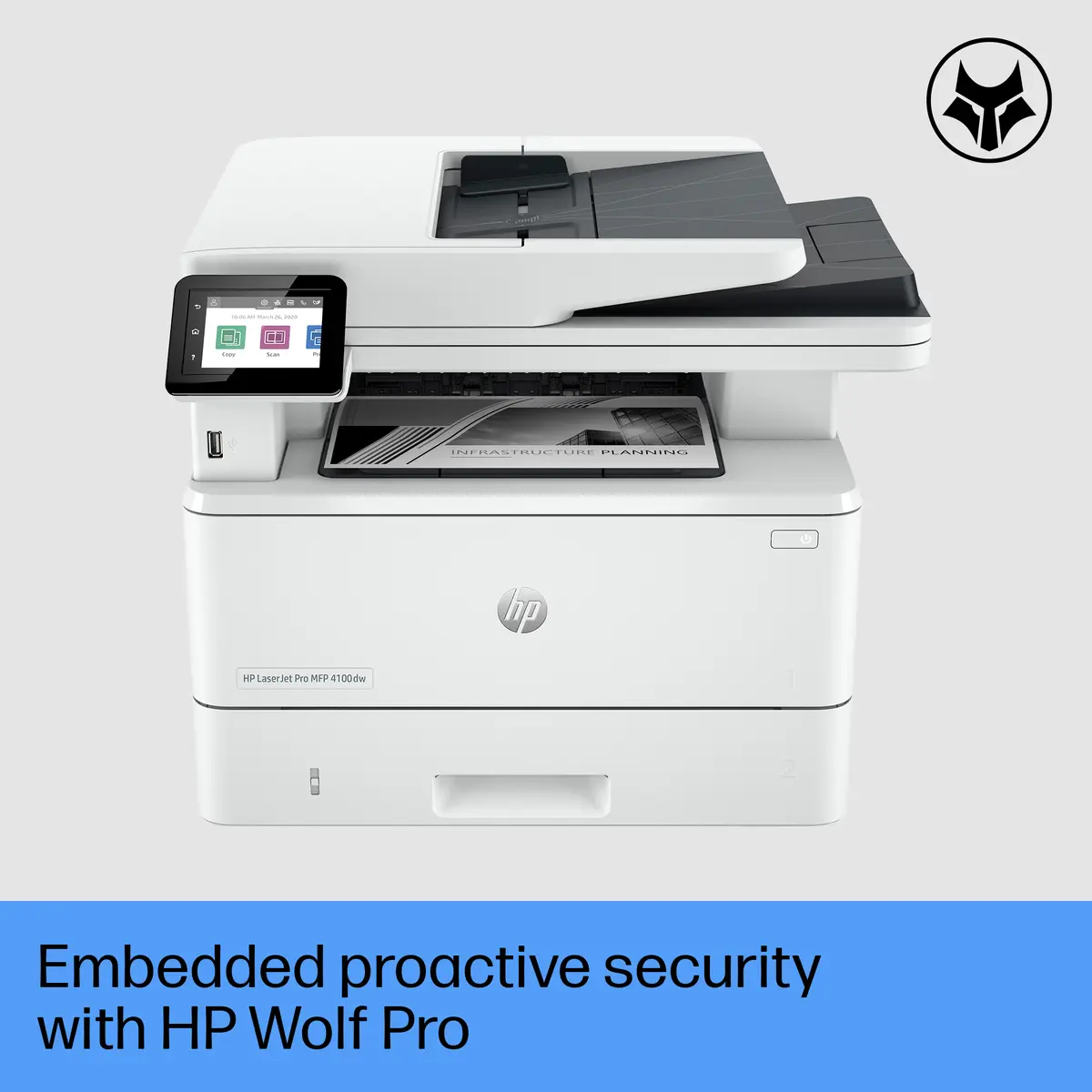
The HP LaserJet Pro 4102dw is a versatile wireless multifunction black and white laser printer designed for small and medium businesses. It delivers mono printing at up to 40 pages per minute with a 1200 x 1200 DPI resolution, alongside colour scanning and mono copying capabilities. Featuring automatic duplex printing and copying, a 350-sheet paper capacity, Gigabit LAN, Bluetooth, and direct mobile printing, this device enhances office productivity.
Advantages
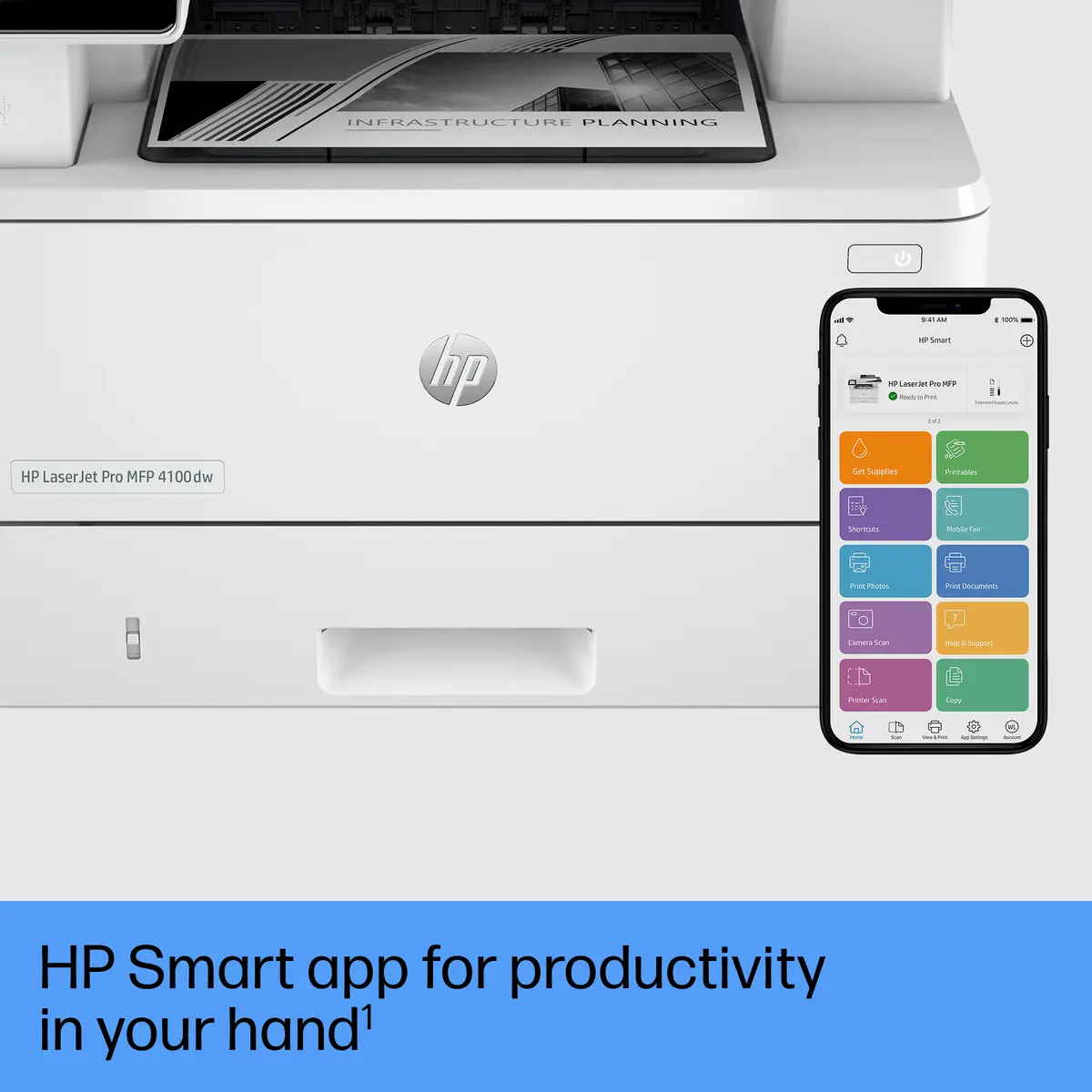
This multifunction printer provides high-speed monochrome printing combined with advanced scanning and copying features to streamline daily office workflows. The automatic duplex functionality for both printing and copying reduces paper consumption and saves time. Built-in wireless connectivity, Ethernet, and direct mobile printing options allow users to easily send documents to the printer from smartphones, tablets, and computers without complex setups. With a robust monthly duty cycle and reliable laser technology, it delivers consistent, professional-quality documents with crisp text.
Suitable for
- Small and medium business office environments
- High-volume black and white document printing
- Routine multi-page copying and scanning tasks
- Mobile and wireless printing from smartphones and tablets
When it may not be suitable
This device is not designed for environments that require high-resolution color photo printing, as it is strictly a monochrome printer for black and white output. Additionally, offices that require built-in fax capabilities will need to look for an alternative model.
Key specifications
- Laser print technology
- Mono printing up to 40 pages per minute
- Maximum resolution of 1200 x 1200 DPI
- Mono copying and colour scanning with duplex support
- Maximum paper size A4
- Total input capacity of 350 sheets
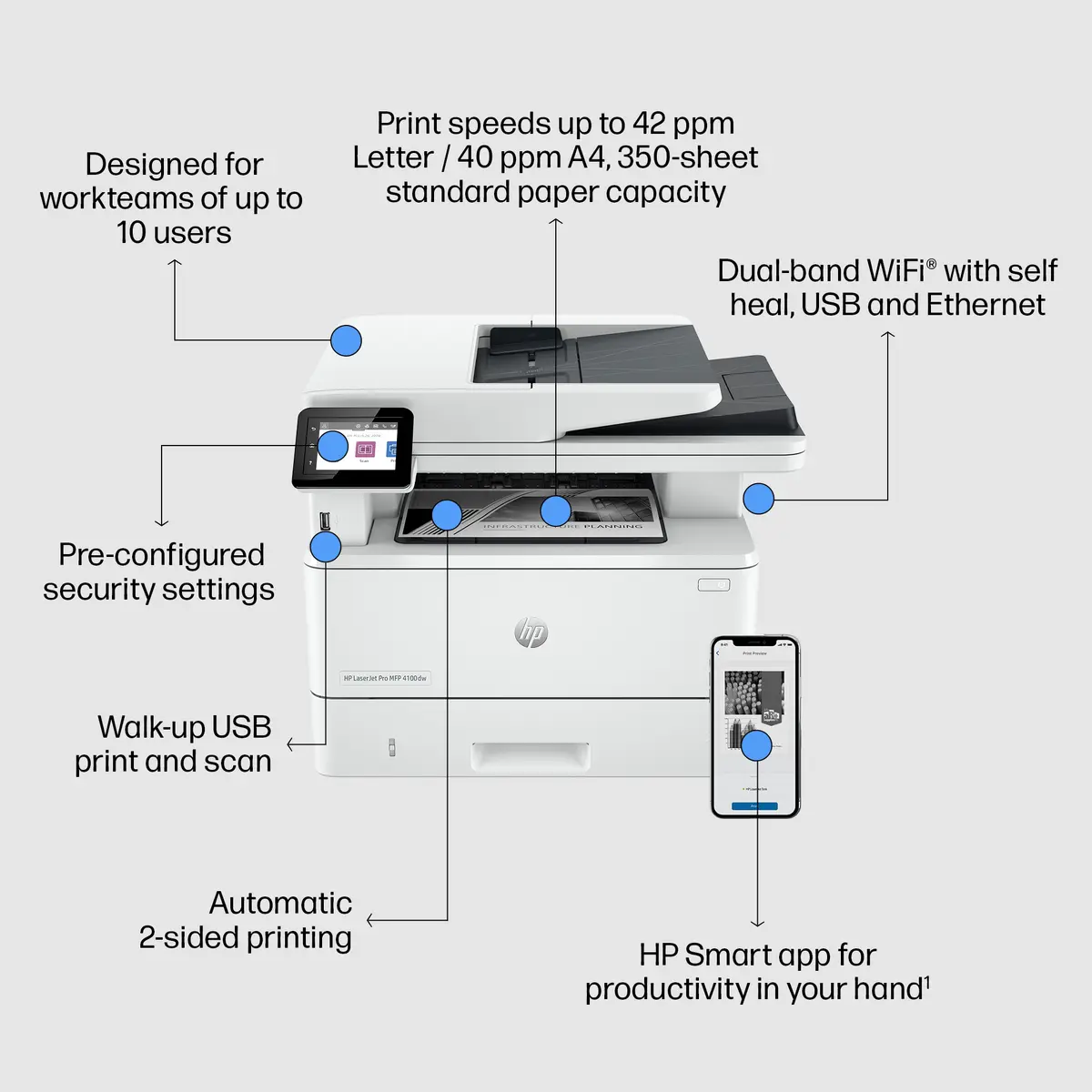
- Connectivity via Wi-Fi, Gigabit Ethernet LAN, Bluetooth, and USB
- 512 MB internal memory
How to use
Unpack the printer and place it on a stable, flat surface near a power outlet and network router. Install the pre-included toner cartridge and load standard paper into the input trays. Connect the printer to your network via Ethernet or Wi-Fi using the built-in display touchscreen. Install the required drivers or mobile printing applications on your devices to begin printing, copying, or scanning directly.
What to consider before purchase
- Ensure your workflow relies primarily on black and white documents, as color printing is not supported
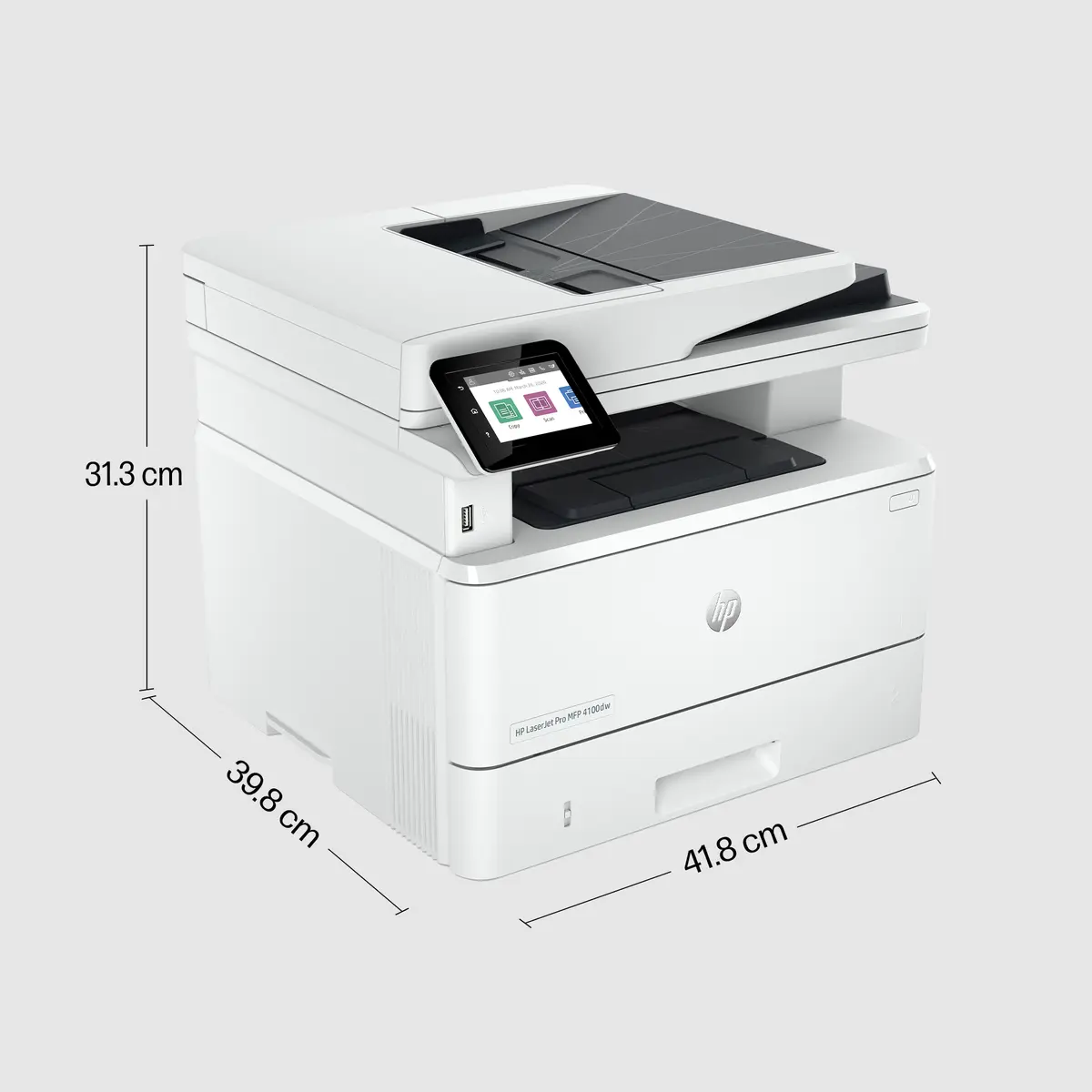
- Verify available desk space to accommodate the printer dimensions and paper trays
- Check network compatibility for wireless and mobile device integration
Usage recommendations: For optimal performance and print quality, use genuine HP toner cartridges and recommended paper media types. Perform regular firmware updates as prompted to maintain security and device efficiency.
Features
- Built-in display:
- Yes
- Market positioning:
- Business
- Internal memory:
- 512 MB
- Ethernet LAN:
- Yes
- Wi-Fi:
- Yes
- Direct printing:
- Yes
- Maximum ISO A-series paper size:
- A4
- Total output capacity:
- 150 sheets
- Total input capacity:
- 350 sheets
- Total number of input trays:
- 2
- Number of print cartridges:
- 1
- Maximum duty cycle:
- 80000 pages per month
- Faxing:
- No
- Scanner type:
- Flatbed scanner
- Optical scanning resolution:
- 1200 x 1200
- Duplex scanning:
- Yes
- Scanning:
- Colour scanning
- Maximum copy resolution:
- 600 x 600
- Duplex copying:
- Yes
- Copying:
- Mono copying
- Print speed (black, normal quality, A4/US Letter):
- 40 ppm
- Maximum resolution:
- 1200 x 1200
- Printing:
- Mono printing
- Print technology:
- Laser
- Product colour:
- White
- ISO A-series sizes (A0...A9):
- A4, A5, A6
- Paper tray media types:
- Plain paper, Bond paper, Recycled paper, Envelopes, Labels, Heavy paper, Lightweight paper, Rough paper, Letterhead
- Printing colours:
- Black
- Duplex functions:
- Print, Copy

Reasons to buy
Maximum productivity
Support your dynamic workteam with this high-speed printer, ideal for up to 10 users.
Step up your workflow. HP Pro-class print speed reaches up to 42 ppm to meet high-demand environments.[1]
Seamless management
Centralise your print management. HP Web Jetadmin makes it easy with its suite of features.[3]
Set up your printers quickly. Streamlined setup makes it easy to set up and get back to business.
HP Wolf Pro Security
Get printer security out of the box. Preconfigured settings mean it's ready when you are.
Design with Purpose
Save up to 20% energy. EcoSmart toner with JetIntelligence balances premium quality with sustainability. [5]
Start saving paper right out of the box. The default duplex setting prints on both sides to cut usage in half.
Meet the industry standard for efficiency with Energy Start rating. [5]
Help manage energy use without sacrificing performance with HP Auto-On/Auto-Off Technology.[6]
Stock data
| Warehouse | Stock | Delivery to the store | Store Price | |
| WH337 | 17 | 02.12.2026 | 490.49 € | Add to cart |
- 490.49 €Stock: 17Delivery Date: 02.12.2026Warehouse: WH337Add to cart
| Warehouse | Stock | Delivery to the store | Store Price | |
| WH332 | 1 | 07.12.2026 | 516.99 € | Add to cart |
| EU6 | 64 | 03.12.2026 | 538.49 € | Add to cart |
| EU6 | 64 | 03.12.2026 | 544.49 € | Add to cart |
- 516.99 €Stock: 1Delivery Date: 07.12.2026Warehouse: WH332Add to cart
- 538.49 €Stock: 64Delivery Date: 03.12.2026Warehouse: EU6Add to cart
- 544.49 €Stock: 64Delivery Date: 03.12.2026Warehouse: EU6Add to cart
- 646.99 €Stock: 64Delivery Date: 21.12.2026Warehouse: WH109Add to cart
- 750.99 €Stock: 63Delivery Date: 21.12.2026Warehouse: WH109Add to cart
Customer reviews
Customer questions
How much does the HP LaserJet Pro 4102dw Multifunction Printer cost, and is it available for purchase?
If I order this product today, when will I receive my order?
What payment options are available?
Can HP LaserJet Pro 4102dw Multifunction Printer be purchased with a lease?
- Select the product on the website and add it to your cart;
- When placing your order, choose the payment method “Installments”;
- Fill in the required details for the lending partner;
- Receive a decision within a few minutes.


