


HP ENVY 6120 All-in-One Color Inkjet Printer, Copier and Scanner with Wi-Fi, A4, 4800 x 1200 DPI, Beige



Discount 8%
You save: 7.00 €
The discount is valid from 21.11.2026 to 19.12.2026Short description


Cheapest delivery:
Unisend LV

Esto — pay in 6 equal parts
Product information
Description
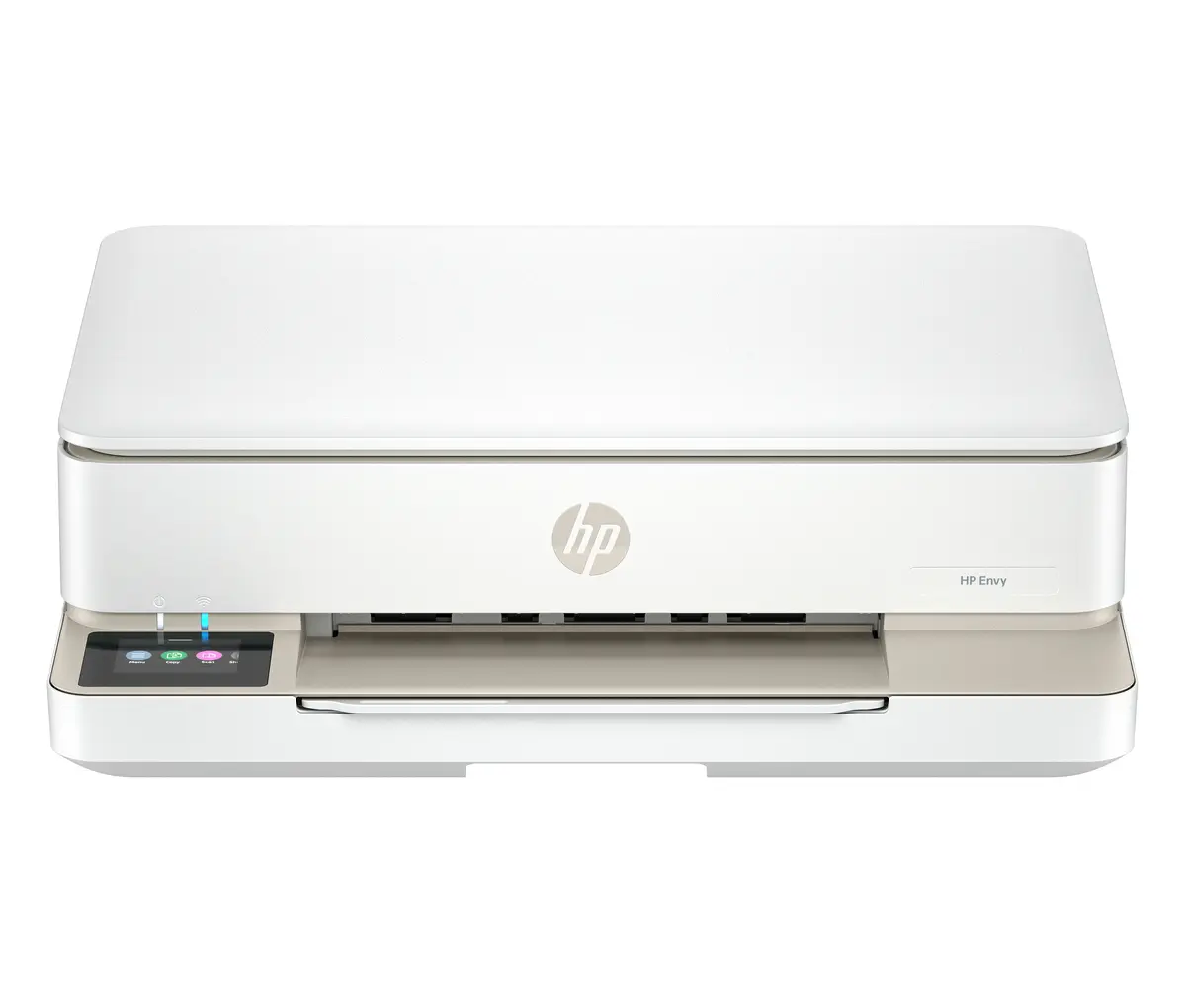
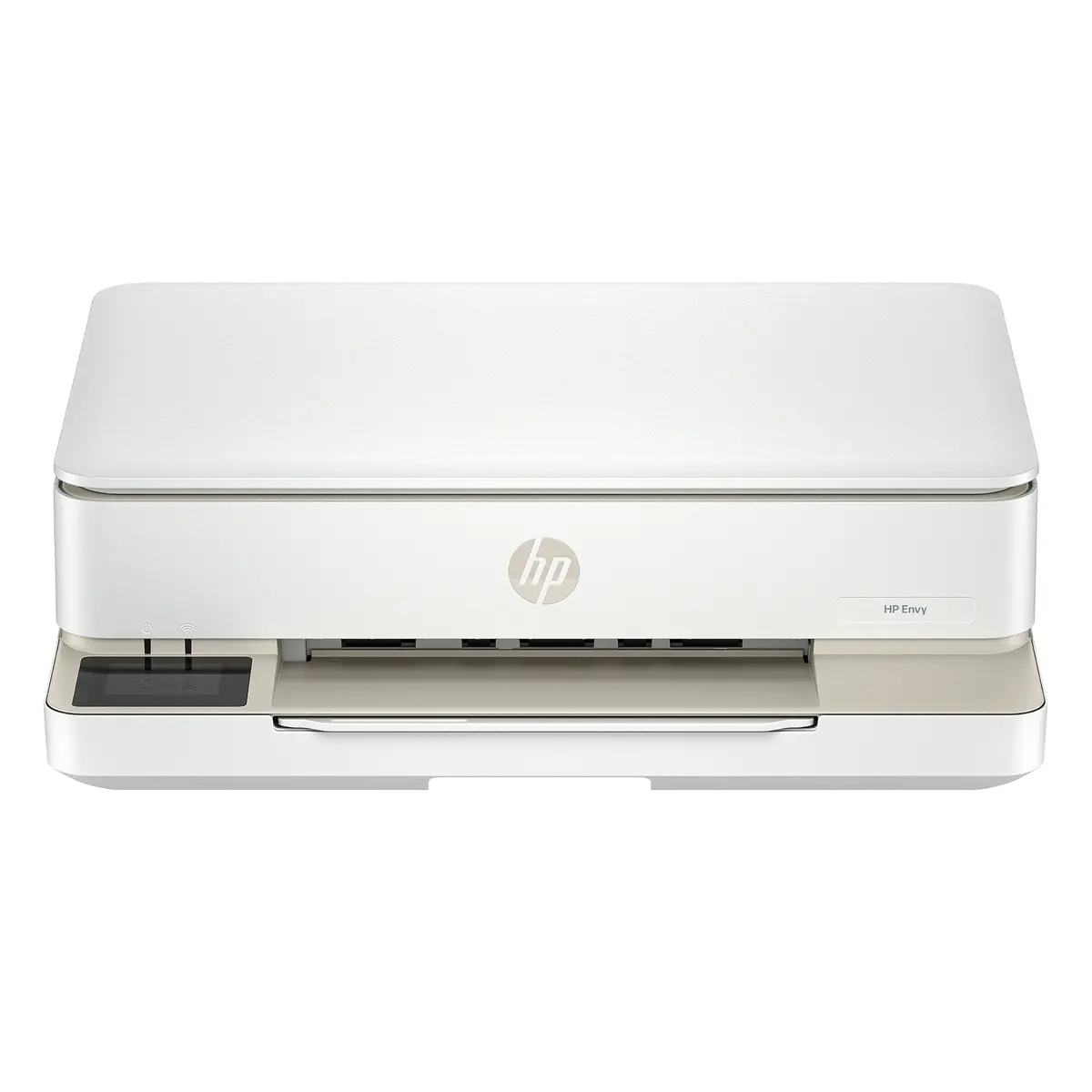
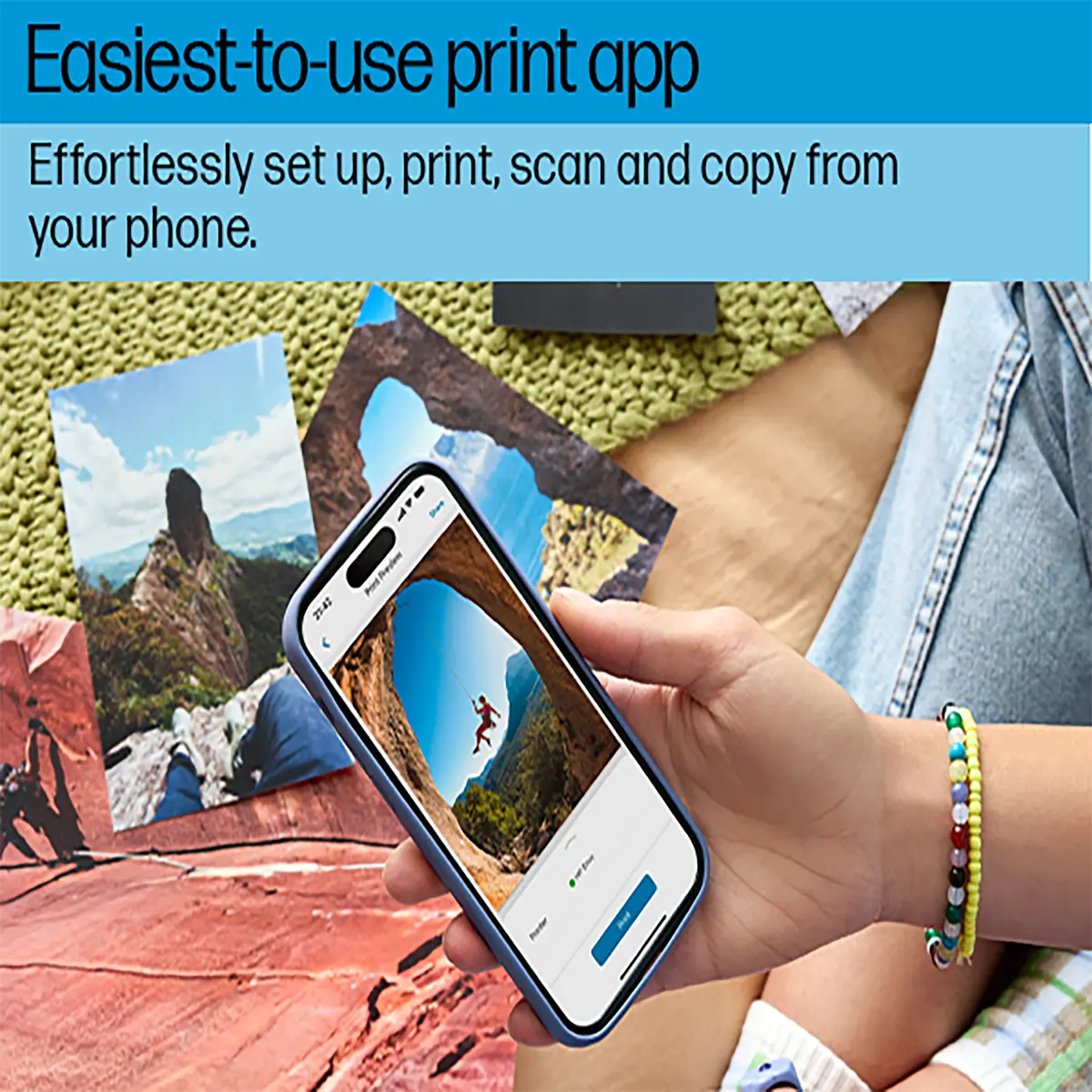
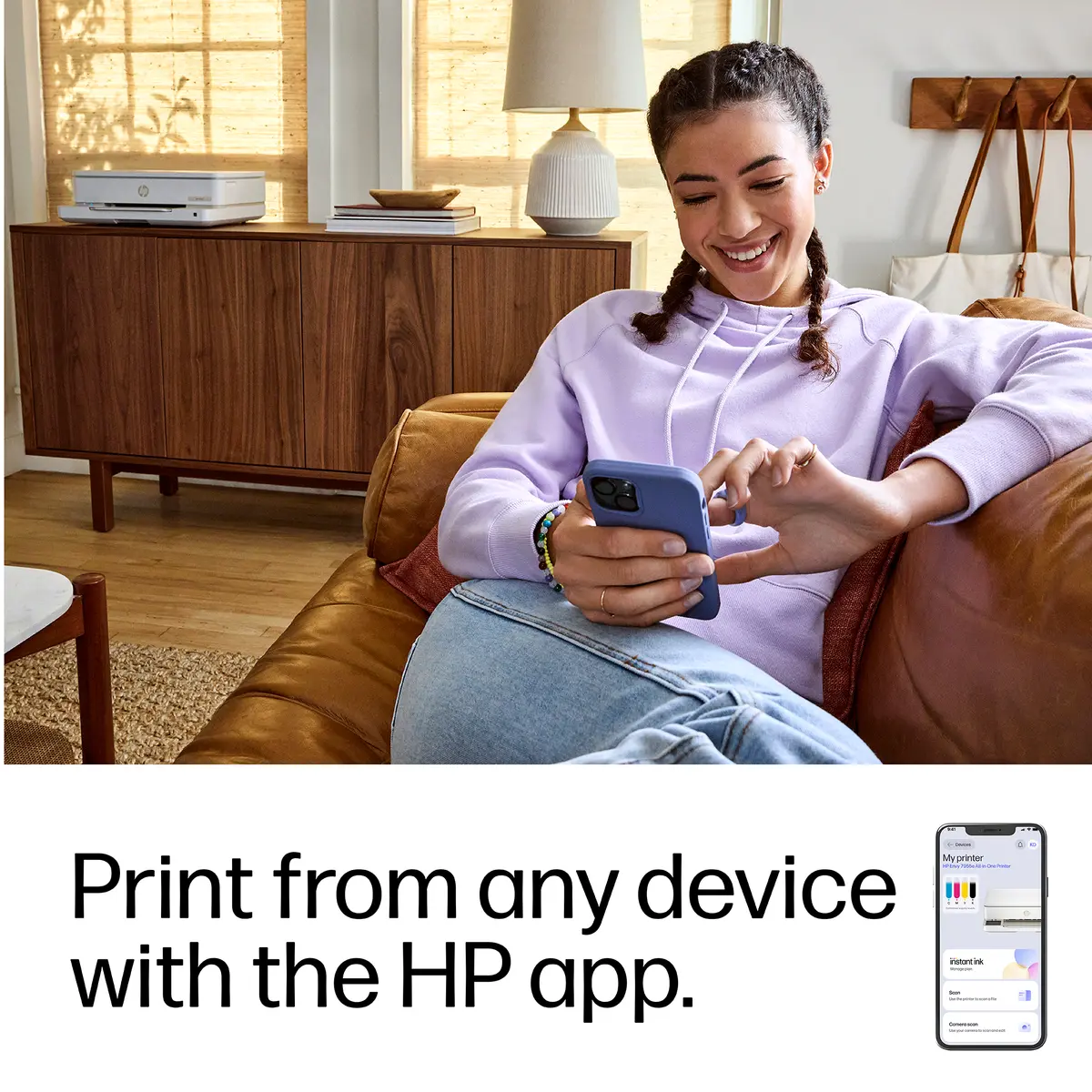
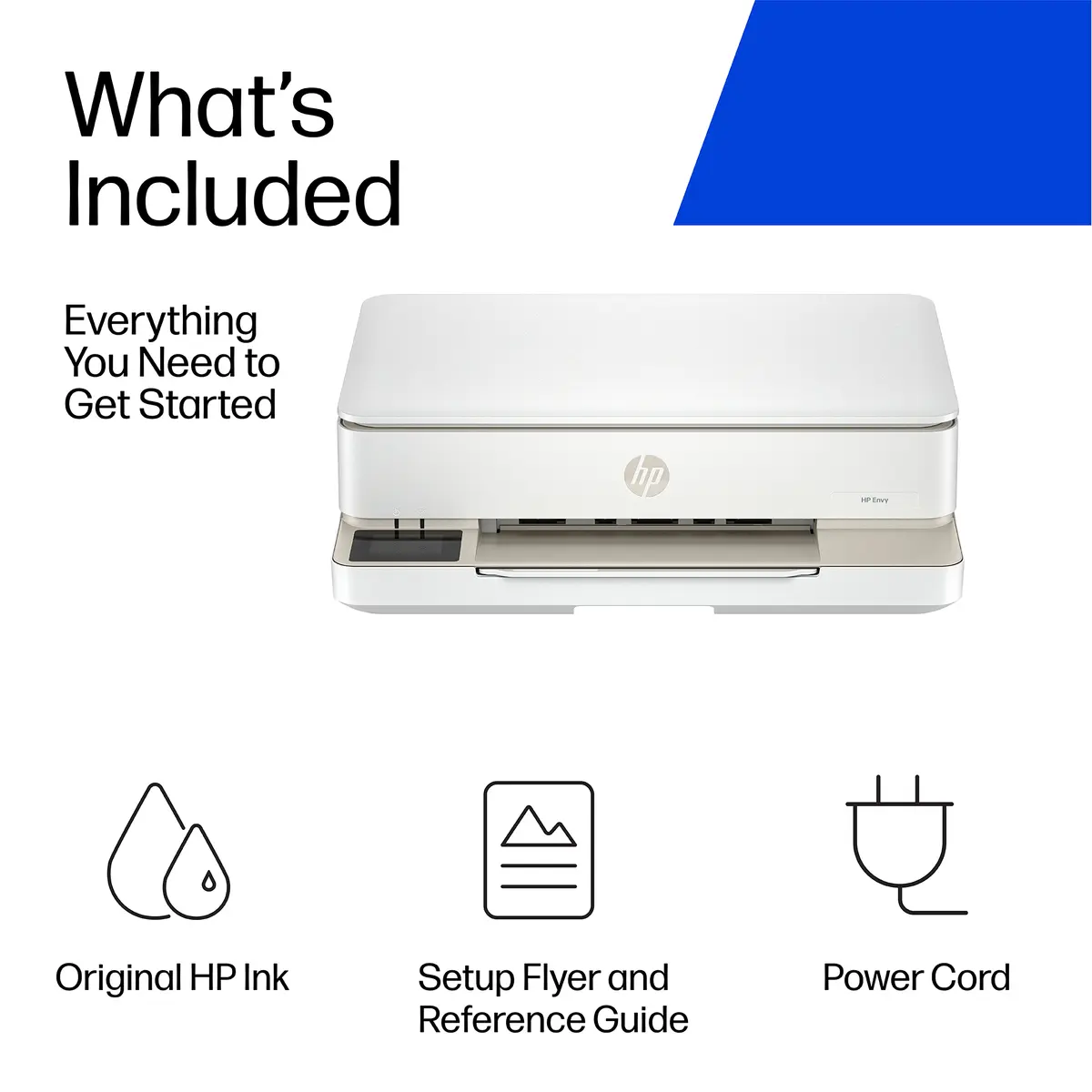
The HP ENVY 6120 All-in-One Color Inkjet Printer is a versatile device designed to handle everyday printing, copying, and scanning tasks efficiently in home and office environments. Featuring a stylish beige finish, this compact multifunction printer integrates seamlessly into modern workspaces. It supports wireless connectivity via Wi-Fi, allowing you to print documents and photos directly from your smartphone, tablet, or computer. With a maximum print resolution of 4800 x 1200 DPI, it delivers sharp text and vibrant color photos, making it a reliable solution for various document and imaging needs.
Advantages
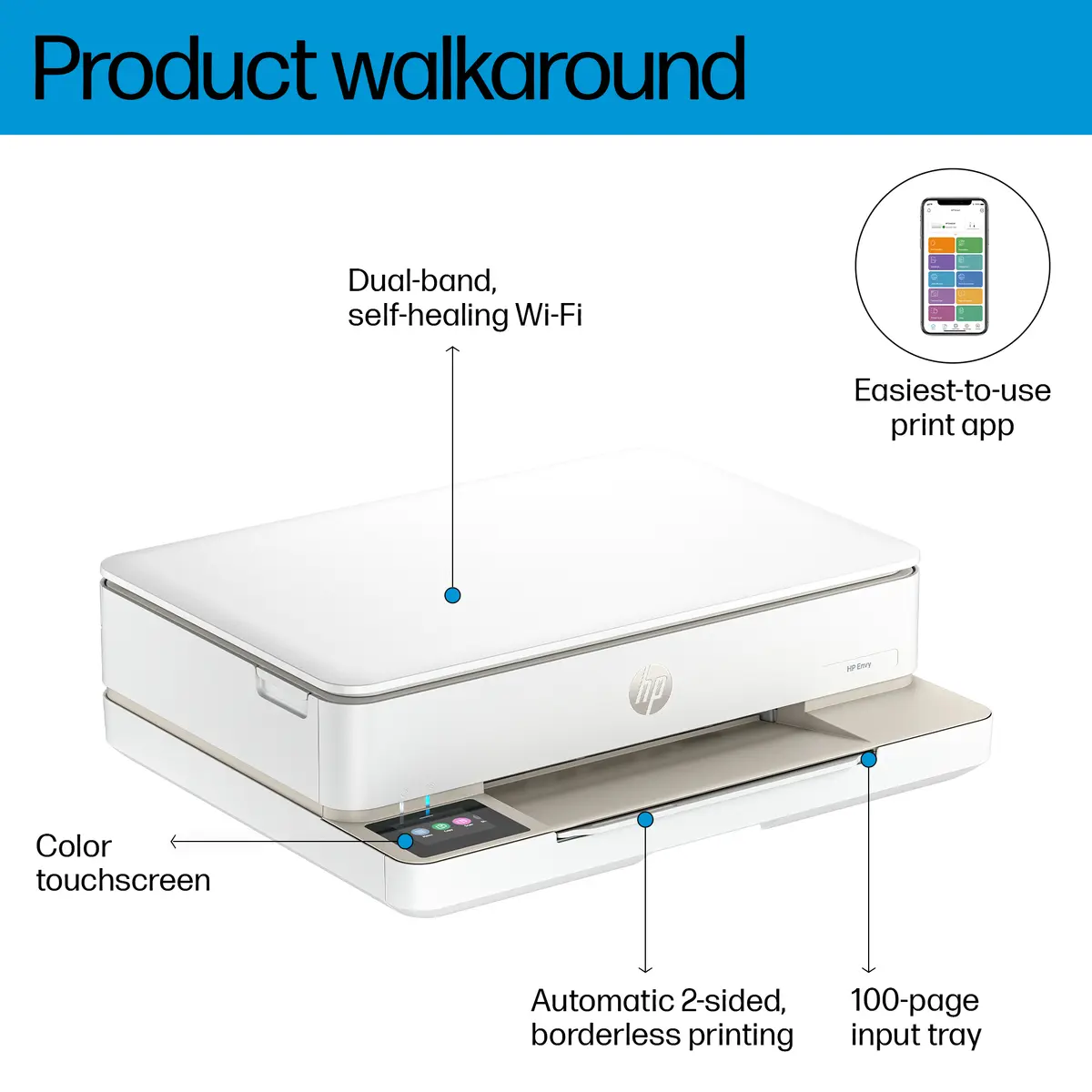
This all-in-one printer offers the convenience of combining printing, scanning, and copying functions into a single compact unit, saving valuable desk space. The inclusion of built-in Wi-Fi connectivity eliminates the clutter of cables and enables effortless mobile printing from multiple devices. Automatic duplex printing helps reduce paper consumption by printing on both sides of the page automatically. Additionally, the flatbed scanner provides high-resolution color scanning capabilities for digitizing documents, receipts, and photos with clarity.
Suitable for
- Printing documents, reports, and school assignments up to A4 size
- Creating vibrant borderless photos and image prints
- Scanning multi-page documents and physical records to digital formats
- Copying paperwork and identification cards in color or black and white
- Daily printing tasks in home offices and small workspaces
When it may not be suitable
This printer is not designed for high-volume commercial production printing or heavy-duty corporate environments that exceed the monthly duty cycle of 1000 pages. Users requiring extremely high-speed document output exceeding 10 pages per minute may find the printing speed insufficient for large batch workflows.
Key specifications
- Thermal Inkjet print technology
- Maximum print resolution of 4800 x 1200 DPI
- Print speed up to 10 ppm in black and 7 ppm in color
- Maximum ISO A-series paper size: A4
- Flatbed scanner with 1200 x 1200 optical resolution
- Color copying and color scanning functions
- Automatic duplex printing
- Wi-Fi and USB connectivity
- Total input capacity of 100 sheets and output capacity of 25 sheets
- Internal memory of 256 MB
- Beige product color
How to use
To begin using the printer, place it on a flat, stable surface near a power outlet and your wireless router. Install the provided print cartridges into the designated slots and load compatible paper, such as plain or photo paper, into the input tray. Connect the device to your Wi-Fi network using the companion mobile application or computer setup software. Once connected, you can send print jobs wirelessly from your computer or mobile device, place documents on the flatbed scanner for copying or scanning, and manage settings using the built-in display.
What to consider before purchase
- Check monthly print volume requirements to ensure they align with the 1000-page maximum duty cycle
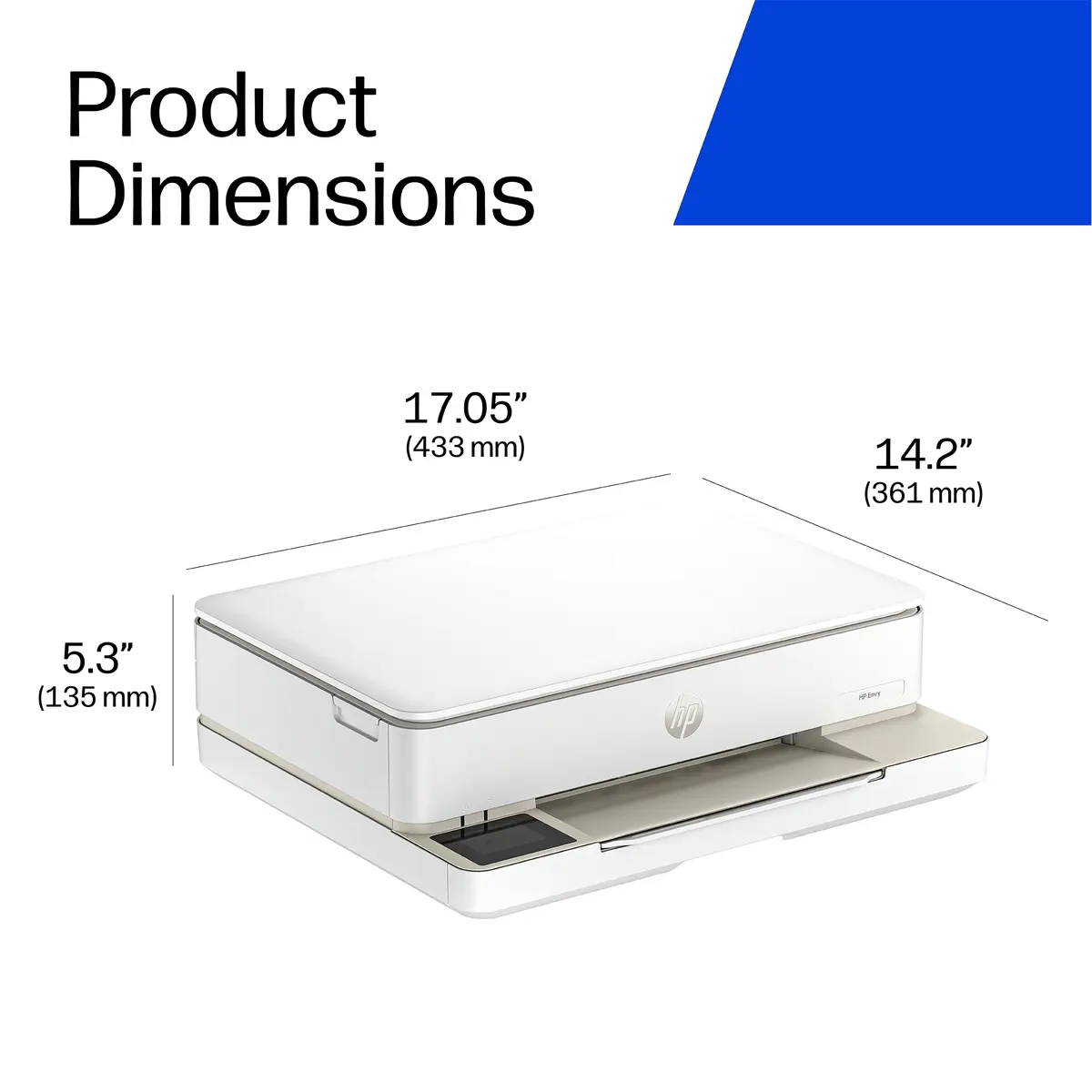
- Verify available desk space for the physical dimensions of the printer
- Confirm compatibility with your operating systems and preferred mobile printing applications
- Consider paper type compatibility for specialized projects like glossy photo printing
Usage recommendations: Use genuine HP ink cartridges designed for this thermal inkjet printer to maintain optimal print quality and ensure reliable performance. Regularly clean the exterior with a soft, dry cloth and keep the paper input tray free of dust and debris.
Features
- Built-in display:
- Yes
- Market positioning:
- Home & Office
- Internal memory:
- 256 MB
- Wi-Fi:
- Yes
- Maximum ISO A-series paper size:
- A4
- Total output capacity:
- 25 sheets
- Total input capacity:
- 100 sheets
- Total number of input trays:
- 1
- Number of print cartridges:
- 2
- Maximum duty cycle:
- 1000 pages per month
- Scanner type:
- Flatbed scanner
- Optical scanning resolution:
- 1200 x 1200
- Scanning:
- Colour scanning
- Maximum copy resolution:
- 300 x 300
- Copying:
- Colour copying
- Print speed (black, normal quality, A4/US Letter):
- 10 ppm
- Maximum resolution:
- 4800 x 1200
- Printing:
- Colour printing
- Print technology:
- Thermal Inkjet
- Product colour:
- Beige
- ISO A-series sizes (A0...A9):
- A4, A5, A6
- Paper tray media types:
- Plain paper, Glossy paper, Photo paper, Recycled paper, Matte paper, Lightweight paper
- Printing colours:
- Black, Cyan, Magenta, Yellow
- Duplex functions:
Reasons to buy
Vibrant prints that match your screen[3]
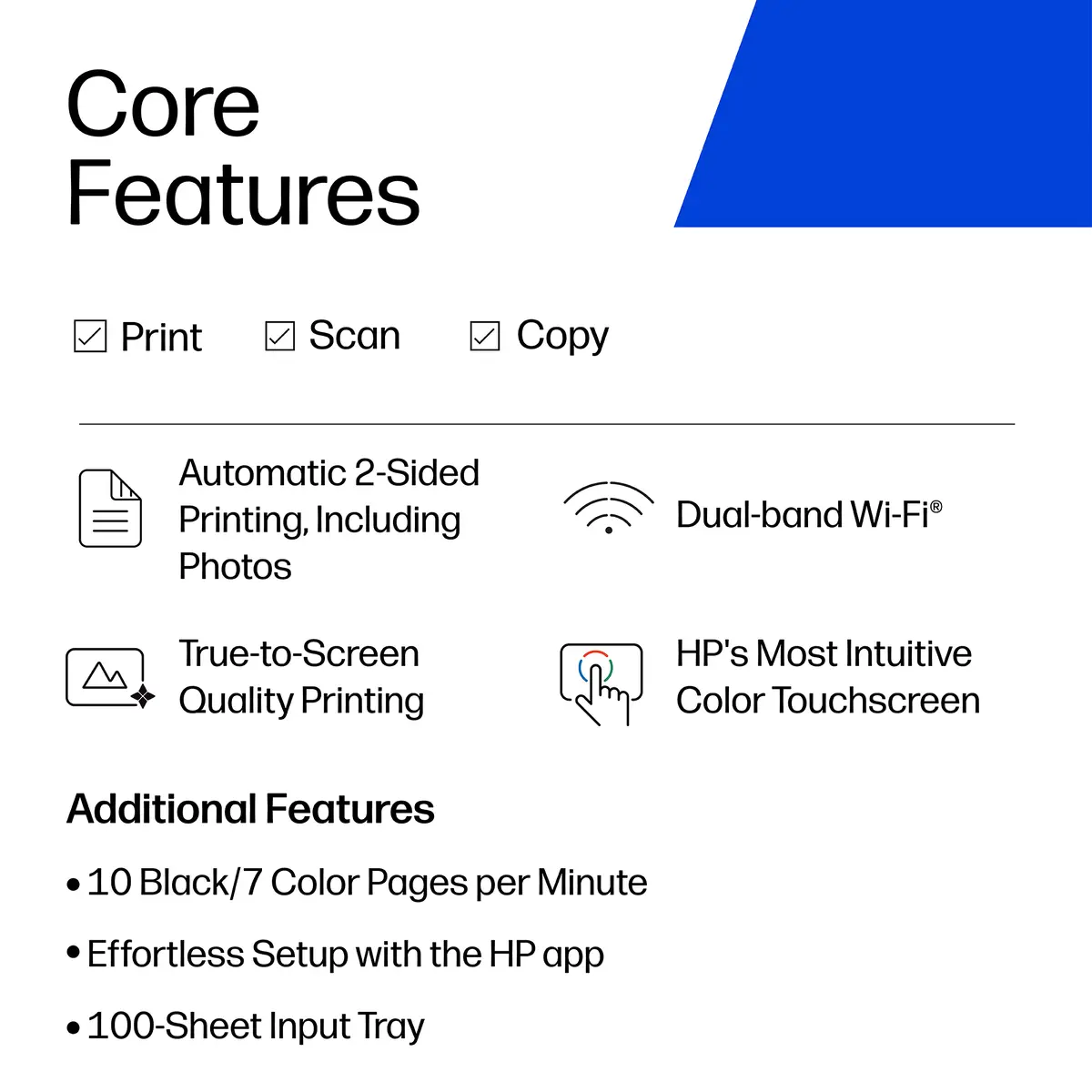
HP's true-to-screen technology ensures colours look just like they do on your display.[3]
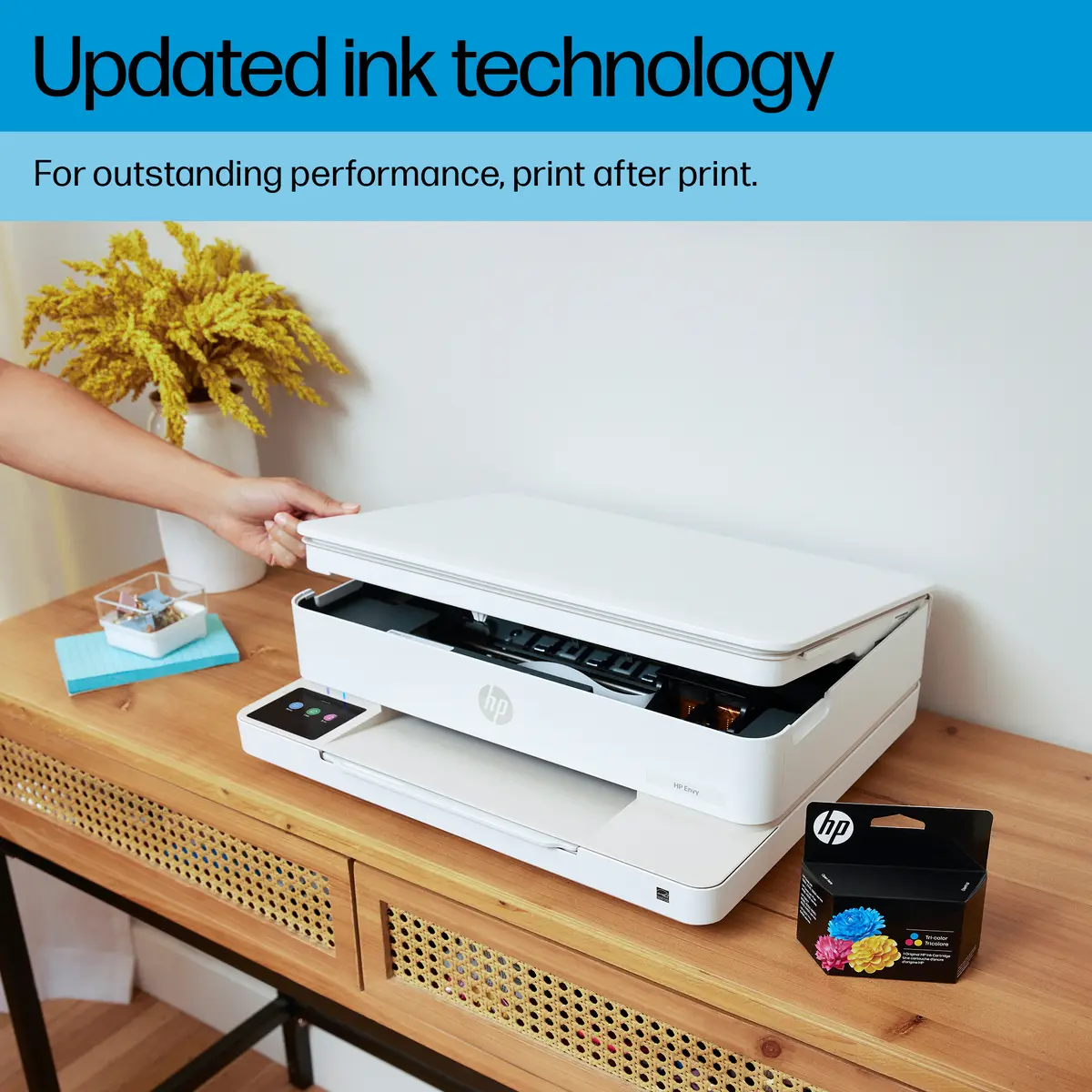
Updated ink technology for consistent printing, delivering outstanding prints every time.[7,8]
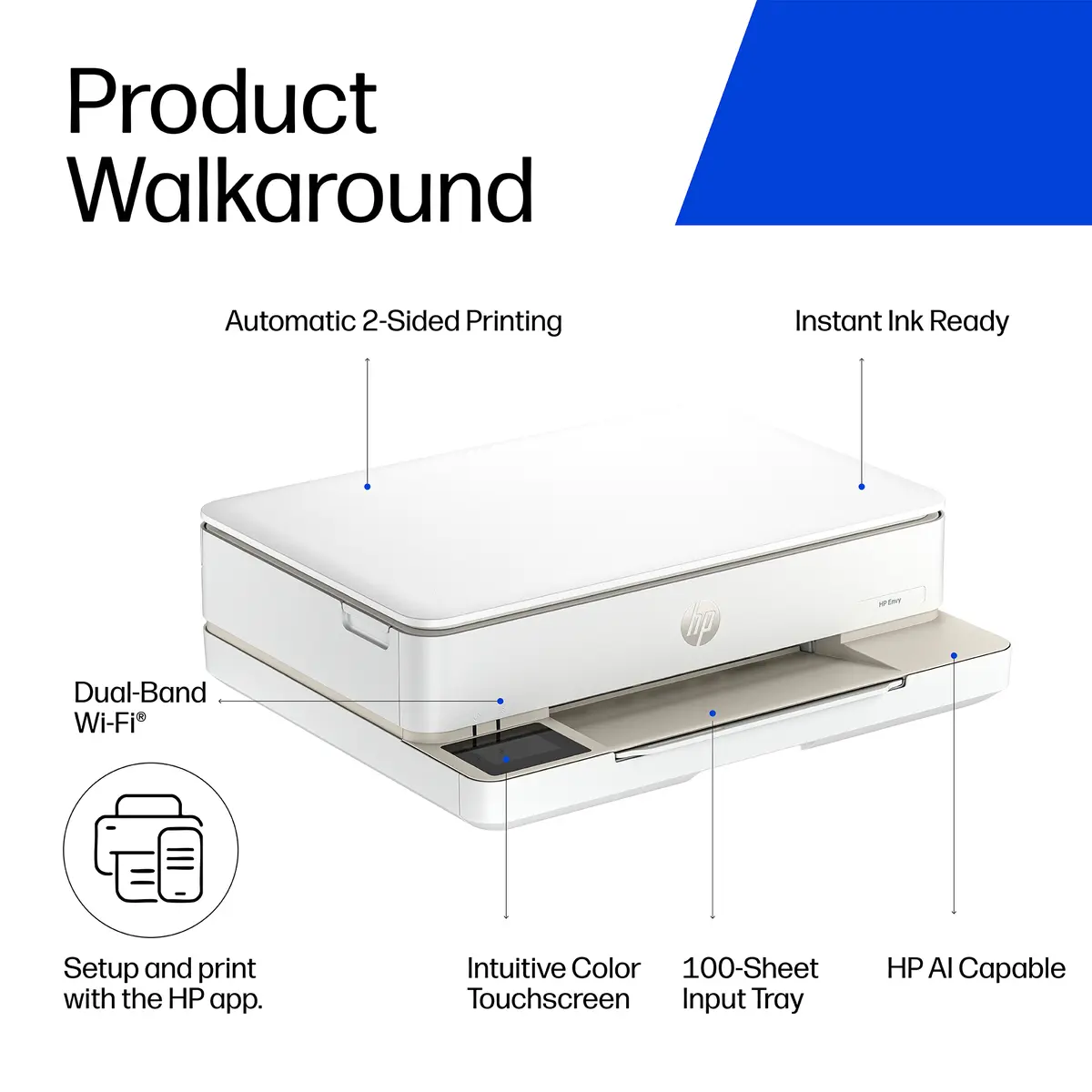
Easily print on both sides of photos and documents with automatic 2-sided printing.[3]
Seamless home printing
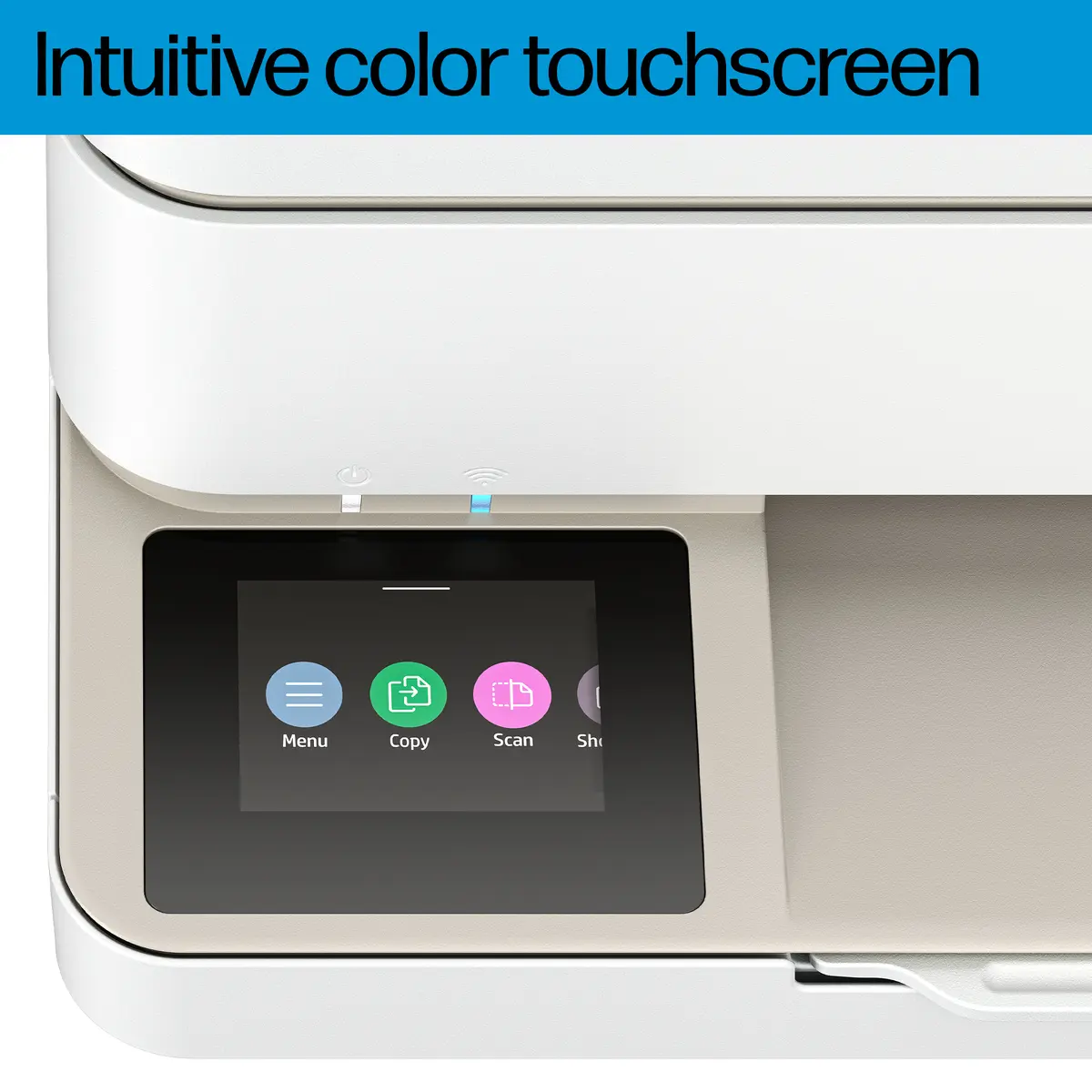
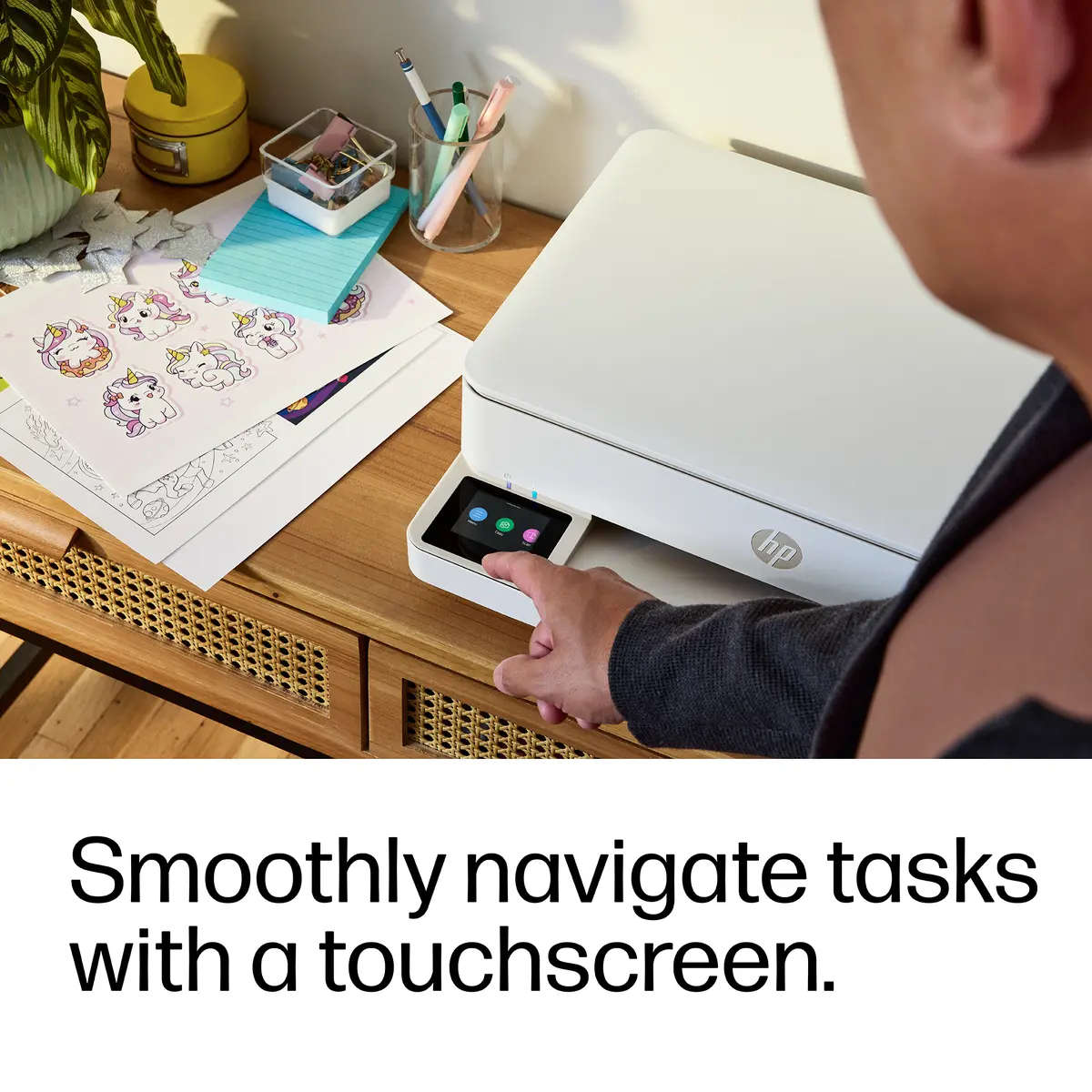
Smoothly navigate printing with HP's most intuitive printer colour touchscreen.[1]
Smoothly navigate printing with HP's most intuitive colour touchscreen.[1]
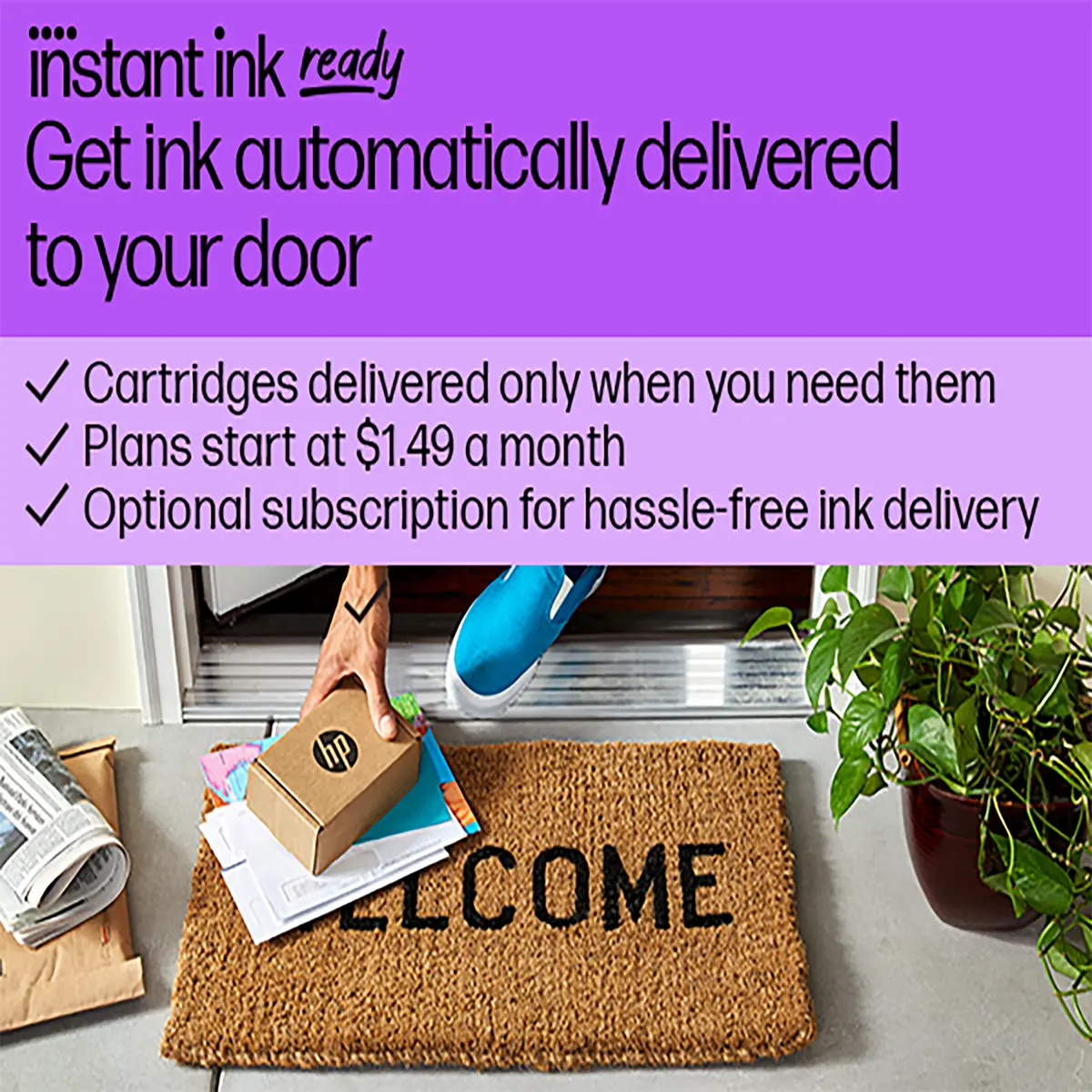
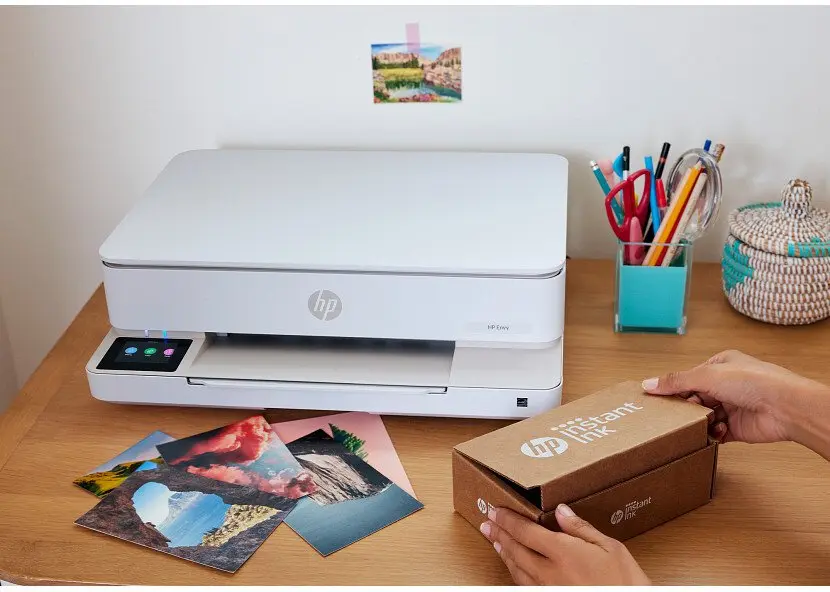
HP Instant Ink ensures you have ink delivered automatically before you run out.[6]
Simplify tasks with HP AI[4]
Enhance productivity.
Personalize experiences.
Inspire creativity.
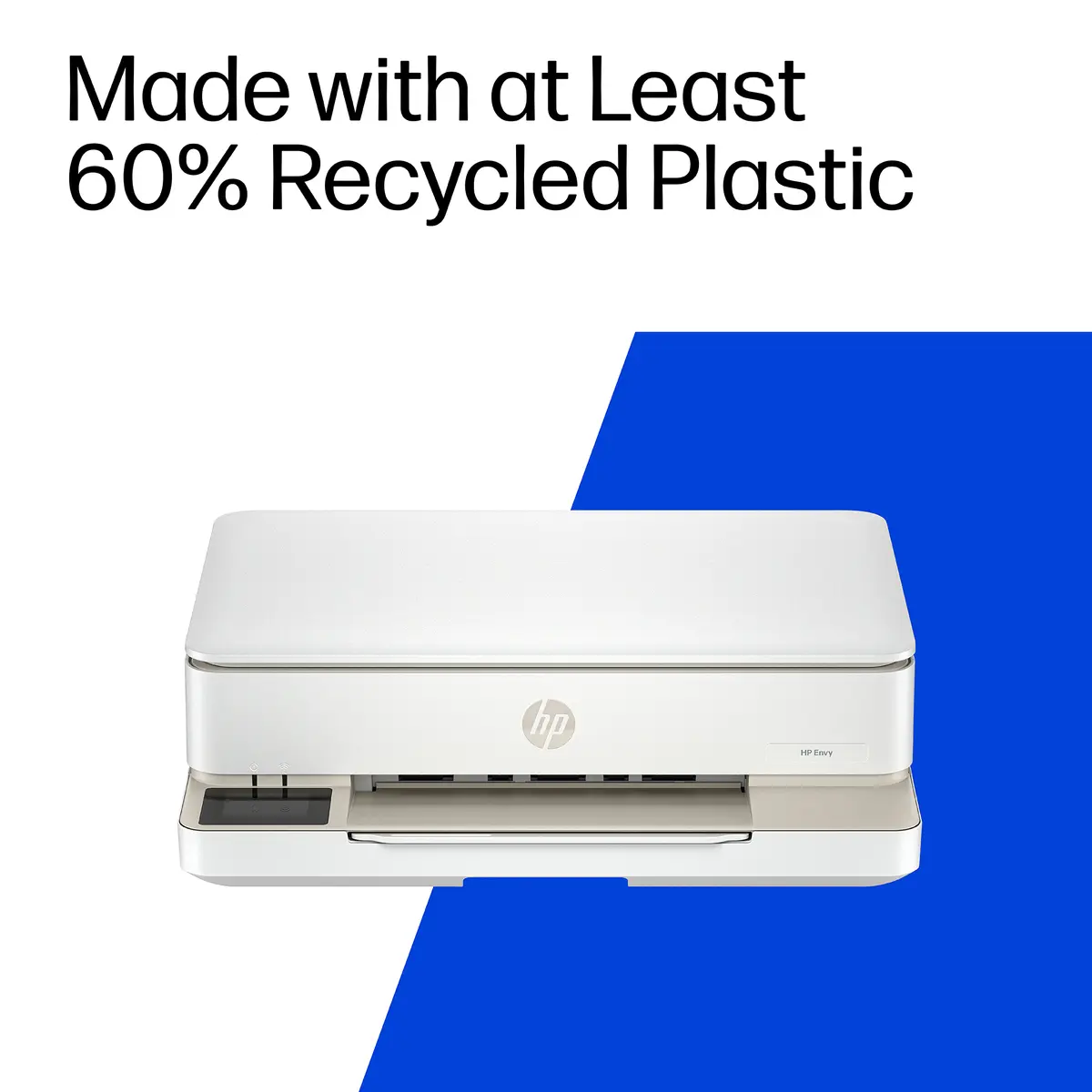
Made with at least 60% recycled plastic[5]
A sleek, versatile printer made with at least 60% recycled plastic.[5]
Product comparison
This product page features the HP ENVY 6120 all-in-one printer, which is compared against several similar alternatives: HP ENVY Photo Envy 7230, HP DeskJet 4210e, HP ENVY 6520e, HP ENVY 6120e, and HP DeskJet 4230e. All evaluated devices utilize thermal inkjet technology, support wireless Wi-Fi connectivity, and handle paper up to A4 size, making them suitable for home and office environments. The primary differences lie in print speeds, paper handling capacities, scanner types, and memory sizes.
⚙️ The specifications comparison table below contrasts key device parameters including maximum print resolution, print speed, input and output paper capacities, scanner type, and internal memory to help you evaluate real-world performance.
| Comparison parameter | HP ENVY 6120 | HP ENVY Photo Envy 7230 | HP DeskJet 4210e | HP ENVY 6520e | HP ENVY 6120e | HP DeskJet 4230e | Practical significance |
|---|---|---|---|---|---|---|---|
| Maximum print resolution | 4800 x 1200 DPI | 4800 x 1200 DPI | 4800 x 1200 DPI | 4800 x 1200 DPI | 4800 x 1200 DPI | 4800 x 1200 DPI | All models deliver equally sharp photo and document print quality. |
| Print speed (black, normal) | 10 ppm | 15 ppm | 8.5 ppm | 10 ppm | 10 ppm | 8.5 ppm | The HP ENVY Photo Envy 7230 offers faster printing for heavier workloads. |
| Input paper capacity | 100 sheets | 125 sheets | 60 sheets | 100 sheets | 100 sheets | 60 sheets | Higher input capacity (100 to 125 sheets) requires less frequent paper reloading during regular use. |
| Scanner type | Flatbed scanner | Flatbed & ADF scanner | Flatbed scanner | Flatbed & ADF scanner | Flatbed scanner | Flatbed scanner | Models featuring an automatic document feeder (ADF) make multi-page scanning much easier. |
| Internal memory | 256 MB | 256 MB | 64 MB | 256 MB | 256 MB | 64 MB | Larger internal memory allows smoother processing of complex print jobs without delays. |
◎ The suitability table below evaluates different usage scenarios and user needs to help determine which product best matches specific requirements.
| Use case | Recommended product | Why |
|---|---|---|
| Regular home and office printing with balanced performance | HP ENVY 6120 | Offers a dependable 100-sheet input tray, solid internal memory, and automatic duplex printing for everyday tasks. |
| High-speed printing for heavier workloads | HP ENVY Photo Envy 7230 | Delivers the fastest print speed in the lineup (15 ppm) alongside an expanded 125-sheet input capacity. |
| Basic light-duty home printing | HP DeskJet 4210e | A compact and straightforward option suited for infrequent, low-volume document printing. |
| Multi-page document scanning and copying | HP ENVY 6520e | Equipped with an automatic document feeder (ADF) to simplify handling multi-page stacks. |
The HP ENVY 6120 provides a well-rounded option for everyday home and office use, featuring a dependable 100-sheet paper capacity and ample memory. It is a better choice than entry-level DeskJet models when you need higher paper handling capacity, but you may prefer a model with an automatic document feeder or faster print speeds if you frequently handle large multi-page document stacks.
Stock data
| Warehouse | Stock | Delivery to the store | Store Price | |
| WH334 | 90 | 07.12.2026 | Discount 8% 70.99 € | Add to cart |
| WH354 | 90 | 07.12.2026 | 87.99 € | Add to cart |
| WH155 | 5 | 07.12.2026 | 91.99 € | Add to cart |
- Discount 8%70.99 €Stock: 90Delivery Date: 07.12.2026Warehouse: WH334Add to cart
- 87.99 €Stock: 90Delivery Date: 07.12.2026Warehouse: WH354Add to cart
- 91.99 €Stock: 5Delivery Date: 07.12.2026Warehouse: WH155Add to cart
- 94.49 €Stock: 90Delivery Date: 07.12.2026Warehouse: WH94Add to cart
- 101.99 €Stock: 11Delivery Date: 07.12.2026Warehouse: WH113Add to cart
- 122.49 €Stock: 420Delivery Date: 07.12.2026Warehouse: WH355Add to cart
| Warehouse | Stock | Delivery to the store | Store Price | |
| BT11 | 200 | 11.12.2026 | 114.99 € | Add to cart |
| WH109 | 90 | 21.12.2026 | 117.49 € | Add to cart |
| EU4 | 340 | 21.12.2026 | 168.49 € | Add to cart |
- 114.99 €Stock: 200Delivery Date: 11.12.2026Warehouse: BT11Add to cart
- 117.49 €Stock: 90Delivery Date: 21.12.2026Warehouse: WH109Add to cart
- 168.49 €Stock: 340Delivery Date: 21.12.2026Warehouse: EU4Add to cart
Customer reviews
Customer questions
How much does the HP ENVY 6120 All-in-One Color Printer cost, and is it available for purchase?
If I order this product today, when will I receive my order?
What payment options are available?
Can HP ENVY 6120 All-in-One Color Printer be purchased with a lease?
- Select the product on the website and add it to your cart;
- When placing your order, choose the payment method “Installments”;
- Fill in the required details for the lending partner;
- Receive a decision within a few minutes.


