


LogiLink AD0010 Mounting Frame for 2.5 inch HDD and SSD in 3.5 inch Bay Black Plastic
Short description


Cheapest delivery:
Unisend LV
Product information
Description
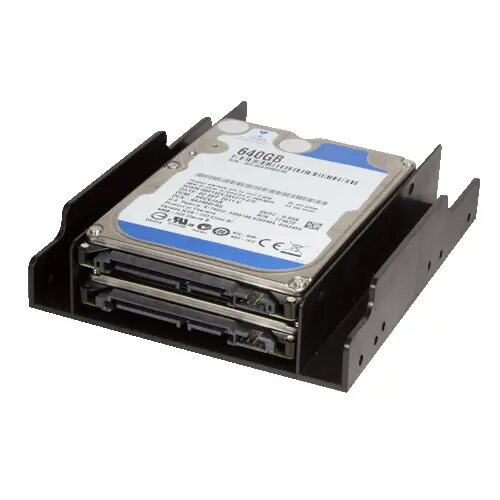
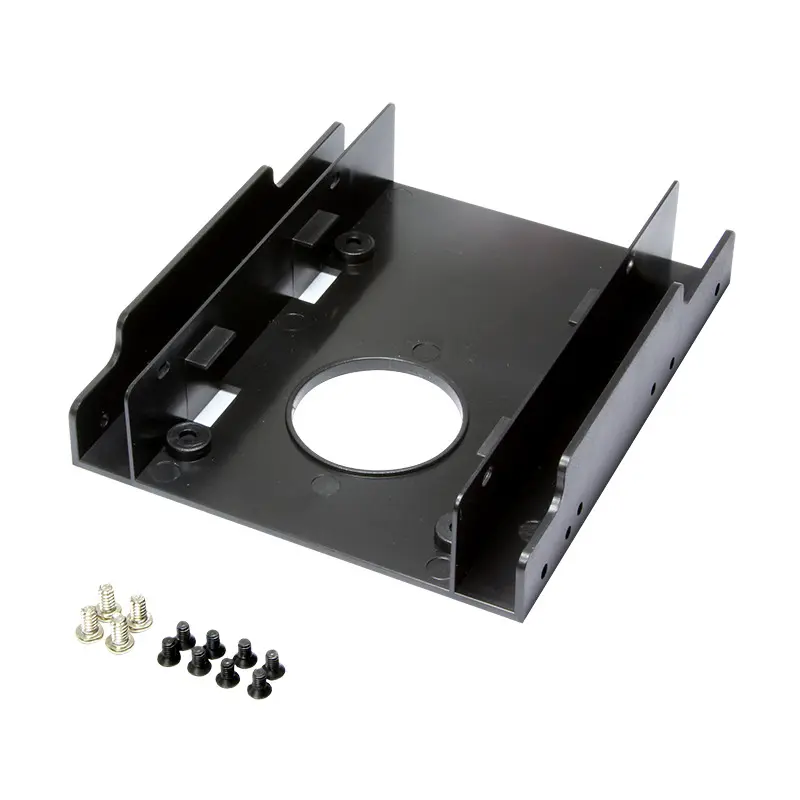
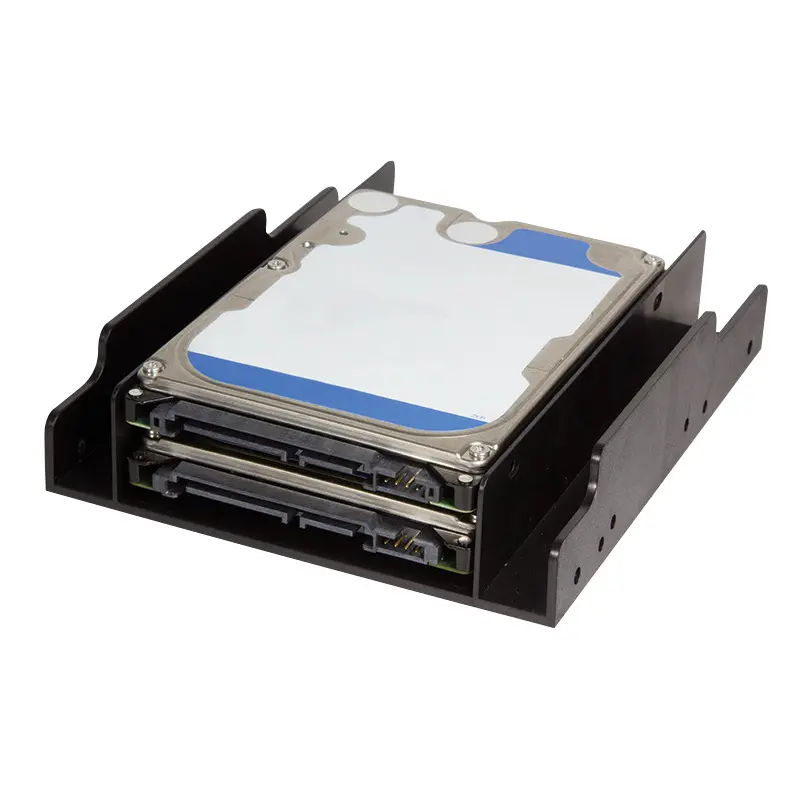
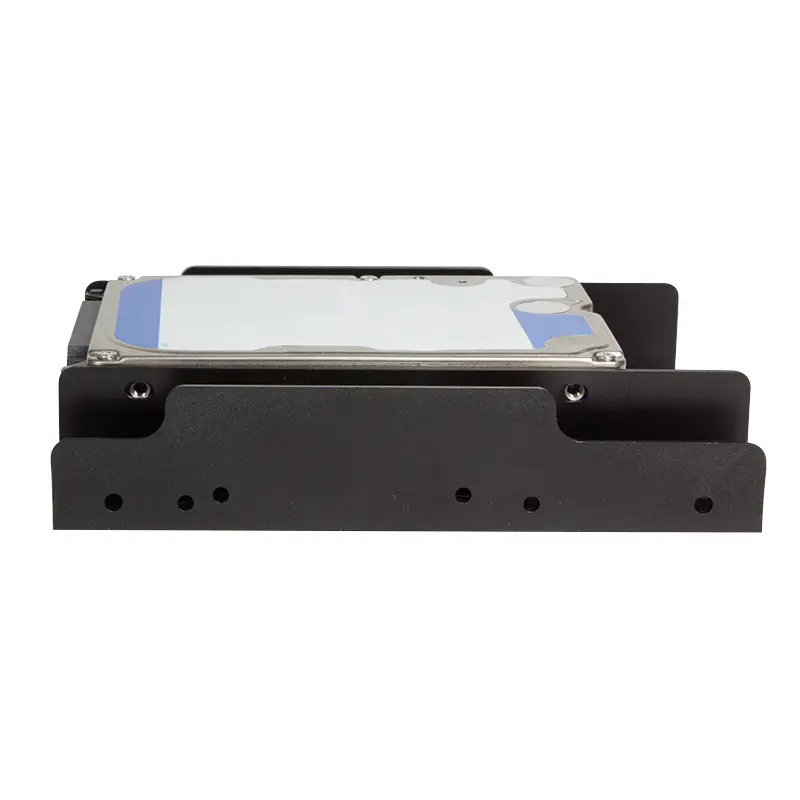
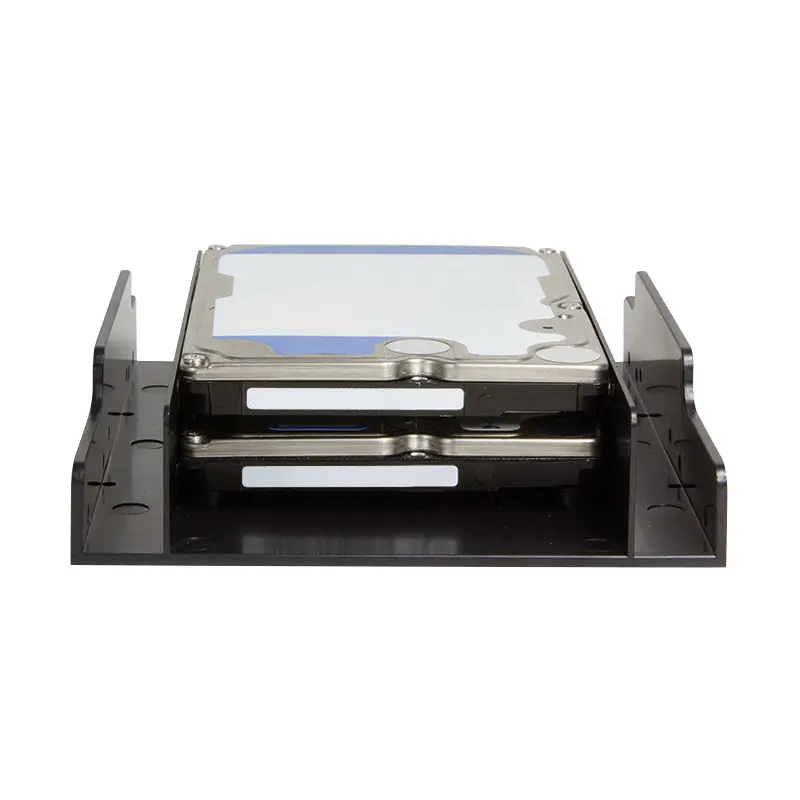
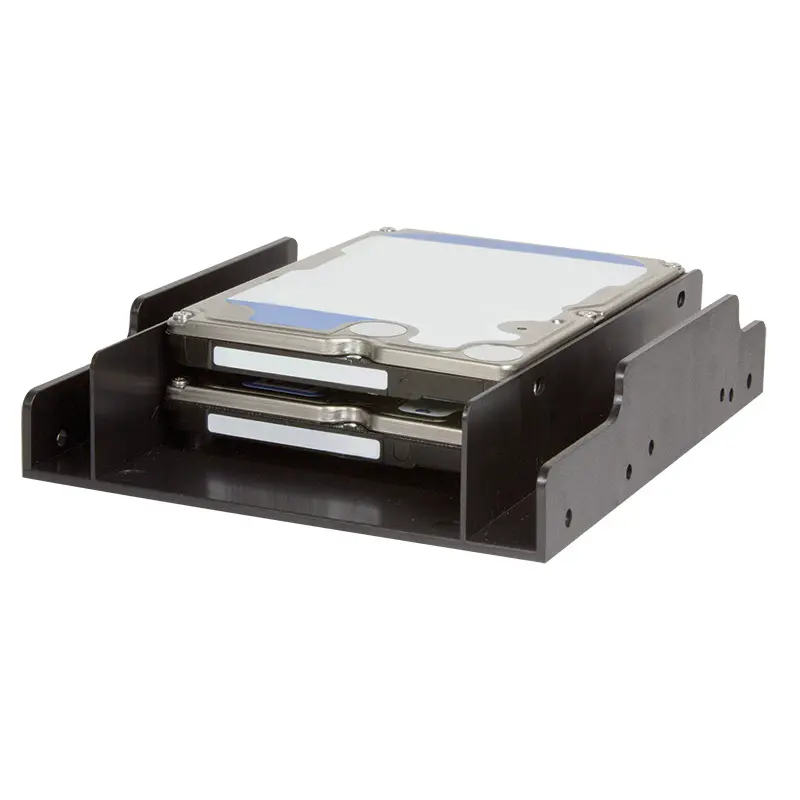
The LogiLink AD0010 Mounting Frame is a practical solution designed to install up to two 2.5-inch hard disk drives or solid-state drives into a standard 3.5-inch internal drive bay or enclosure. Constructed from durable black plastic, this shockproof mounting frame ensures a solid and secure installation for your internal storage components. The package includes twelve assembly screws to facilitate a quick and straightforward setup, making it an efficient choice for upgrading desktop computers and optimizing internal storage configurations.
Advantages
This mounting frame provides a reliable method for expanding system storage by allowing the installation of two 2.5-inch drives into a single 3.5-inch slot. The durable plastic construction offers shockproof properties, protecting installed drives from vibrations and physical shocks within the computer chassis. With the included assembly screws, users can complete the installation process quickly without the need for additional hardware components.
Suitable for
- Upgrading desktop computer internal storage with 2.5-inch SSDs or HDDs
- Installing laptop drives into standard desktop tower 3.5-inch bays
- Configuring dual 2.5-inch storage setups within a single 3.5-inch slot
This mounting frame may not be suitable if your computer chassis lacks available internal 3.5-inch drive bays or if you are attempting to install drives larger than 2.5 inches. Additionally, it is not designed for external use or toolless hot-swapping applications.
Key specifications
- Compatible drive types: 2.5-inch HDD and SSD
- Compatible bay size: 3.5-inch internal slot or enclosure
- Drive capacity: Up to 2 drives simultaneously
- Material: Plastic
- Product colour: Black
- Dimensions: 122 mm x 100 mm x 25 mm
- Includes 12 assembly screws
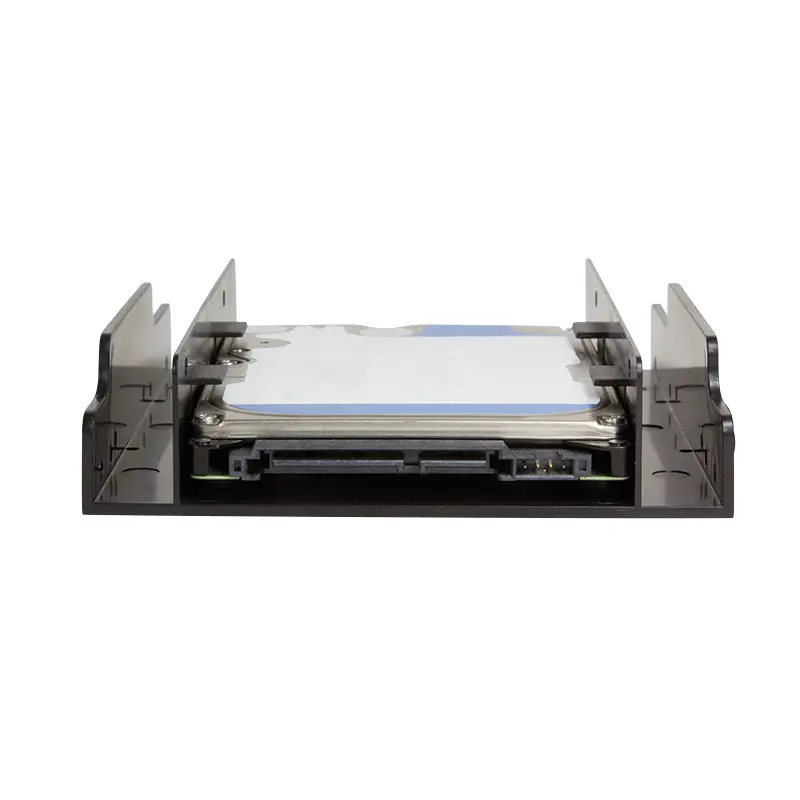
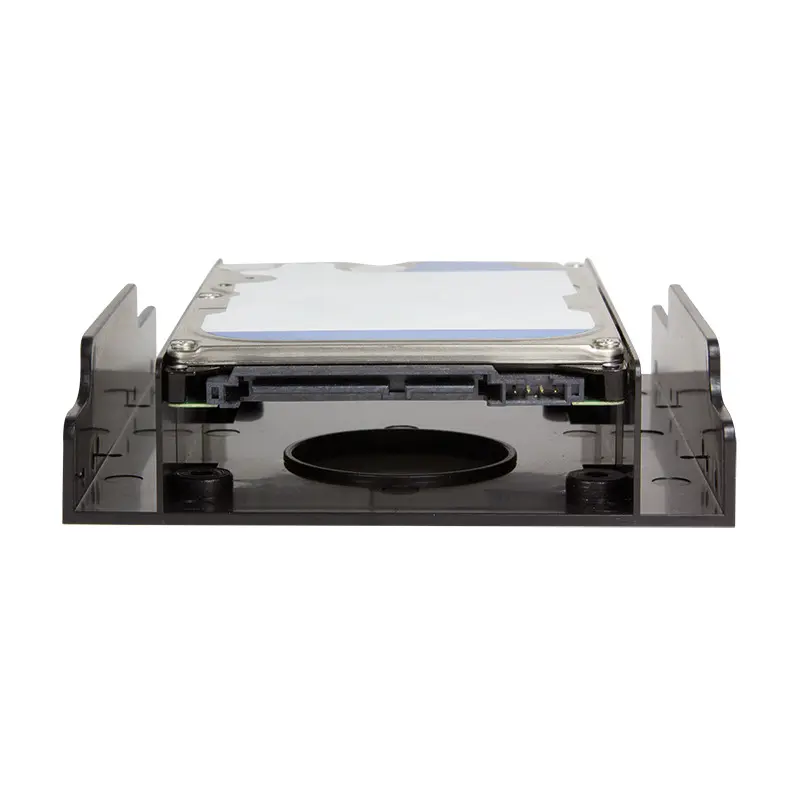
To use the mounting frame, place up to two 2.5-inch hard disk drives or solid-state drives into the bracket aligning the mounting holes. Secure the drives firmly to the frame using the provided assembly screws. Once the drives are securely attached, slide the entire assembly into an available 3.5-inch internal drive bay within your computer chassis and secure the frame to the chassis using appropriate screws.
What to consider before purchase
- Verify that your computer case has an available 3.5-inch internal drive bay
- Check the physical dimensions of your 2.5-inch drives to ensure proper fit
- Ensure you have the necessary screwdriver and available SATA cables for connection
Usage recommendations: Handle the plastic frame with care during installation to avoid over-tightening the screws. Ensure the computer system is powered off and disconnected from the electrical outlet before installing or modifying any internal components.
Features
- Product colour:
- Black
Stock data
| Warehouse | Stock | Delivery to the store | Store Price | |
| BT5 | 12 | Wednesday | Fast shipping 4.49 € | Add to cart |
| EU57 | 4 | 04.12.2026 | 4.99 € | Add to cart |
| EU3 | 8 | 07.12.2026 | 4.99 € | Add to cart |
- Fast shipping4.49 €Stock: 12Delivery Date: WednesdayWarehouse: BT5Add to cart
- 4.99 €Stock: 4Delivery Date: 04.12.2026Warehouse: EU57Add to cart
- 4.99 €Stock: 8Delivery Date: 07.12.2026Warehouse: EU3Add to cart
- 6.99 €Stock: 6Delivery Date: 07.12.2026Warehouse: WH356Add to cart
- 7.99 €Stock: 500Delivery Date: 07.12.2026Warehouse: WH94Add to cart
| Warehouse | Stock | Delivery to the store | Store Price | |
| EU4 | 500 | 21.12.2026 | 4.99 € | Add to cart |
| WH109 | 8 | 21.12.2026 | 10.99 € | Add to cart |
- 4.99 €Stock: 500Delivery Date: 21.12.2026Warehouse: EU4Add to cart
- 10.99 €Stock: 8Delivery Date: 21.12.2026Warehouse: WH109Add to cart


