


Computer Case Montech HS01 Tempered Glass ATX White
Short description

Cheapest delivery:
Unisend LV

Esto — pay in 6 equal parts
Product information
Description
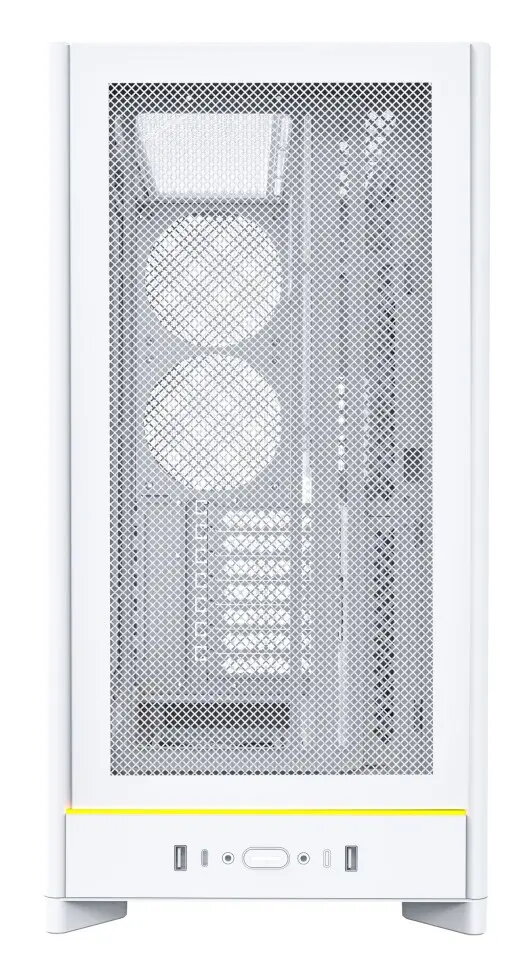
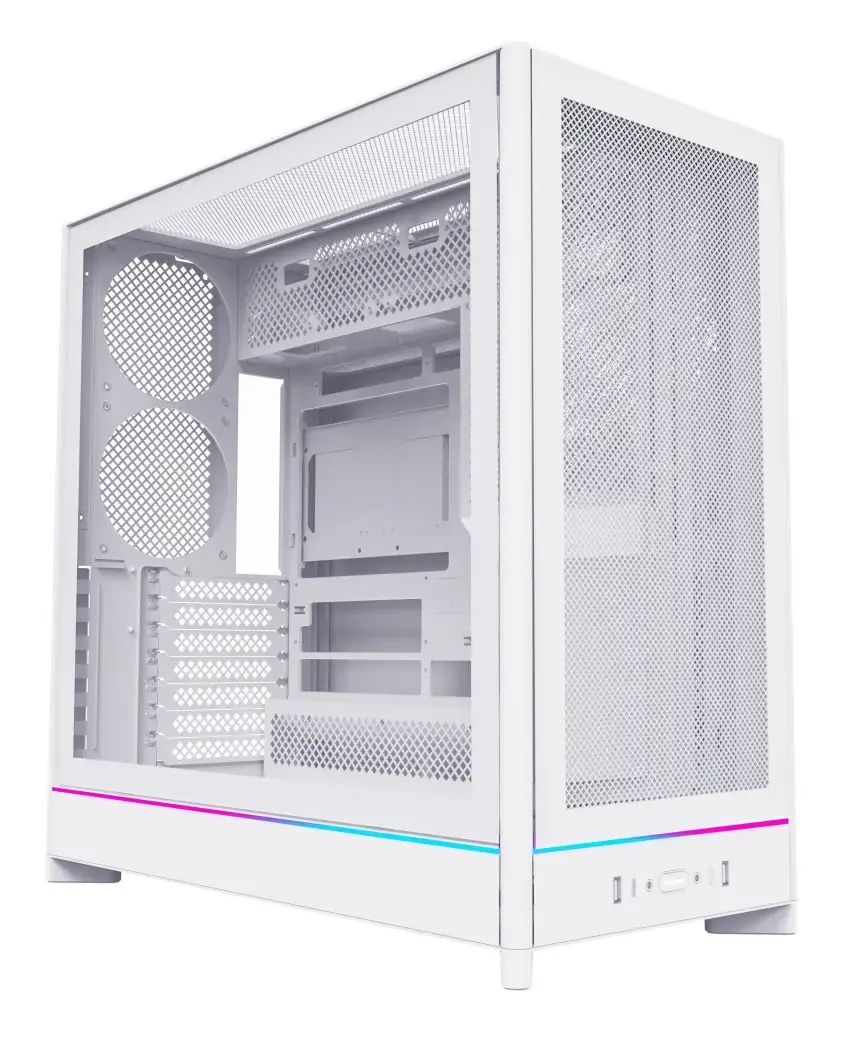
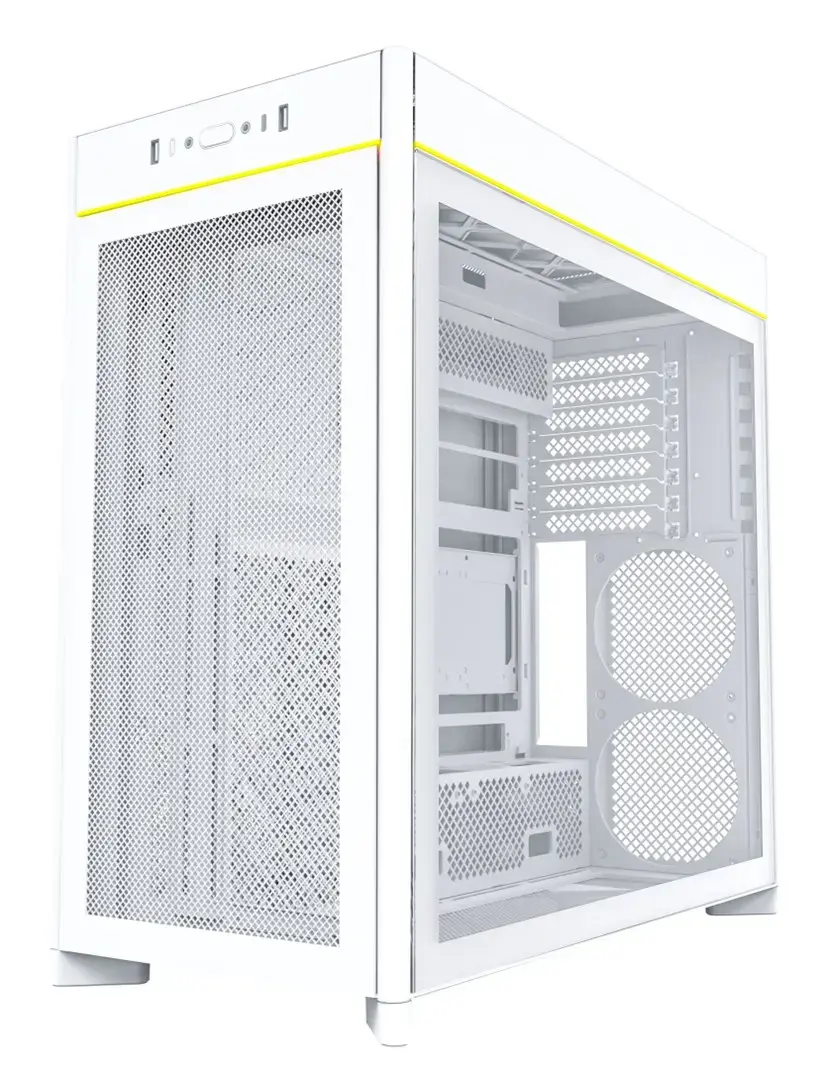
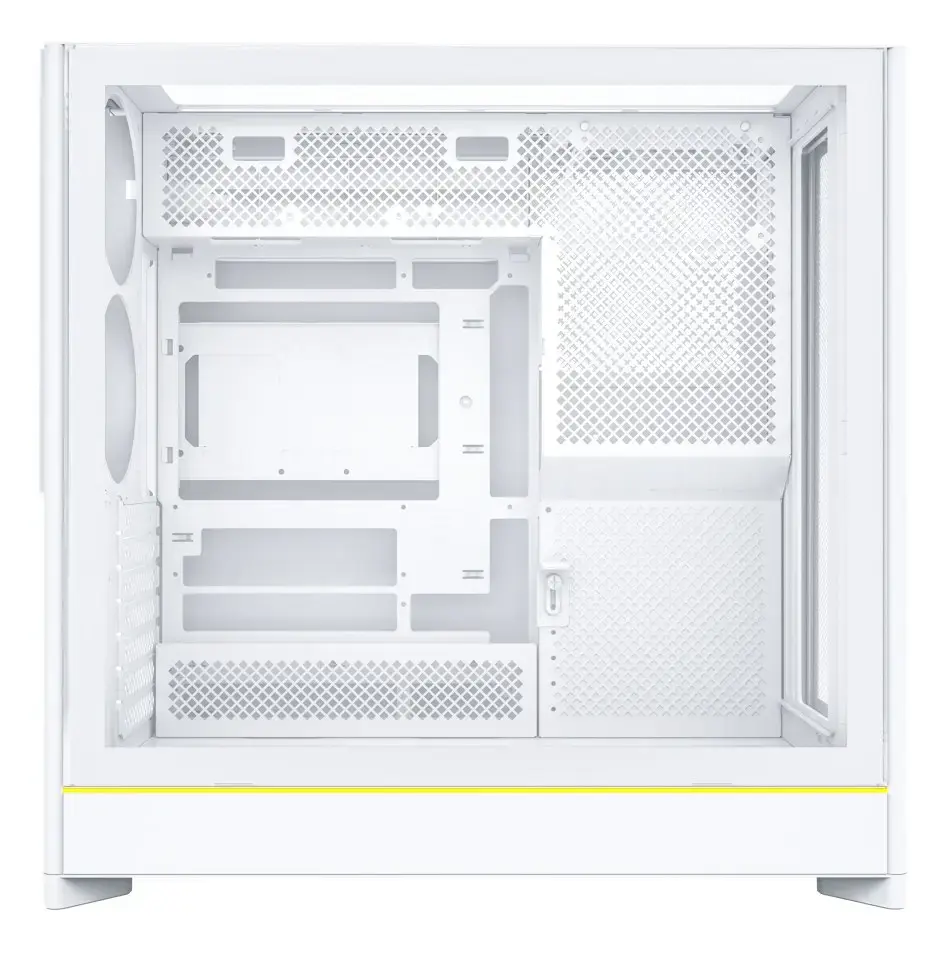
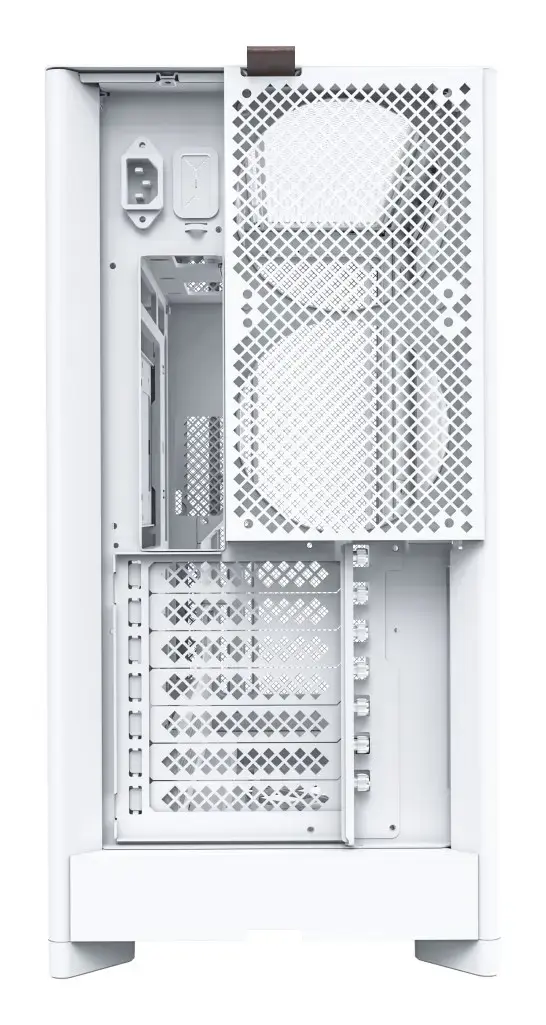
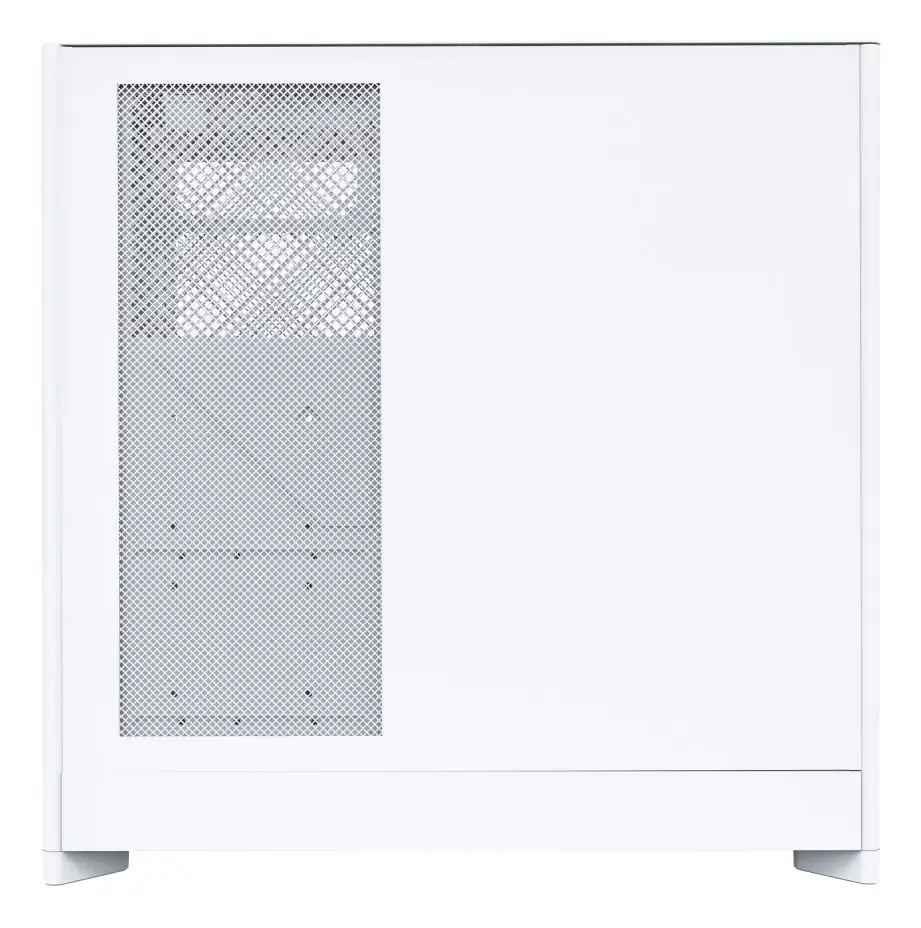
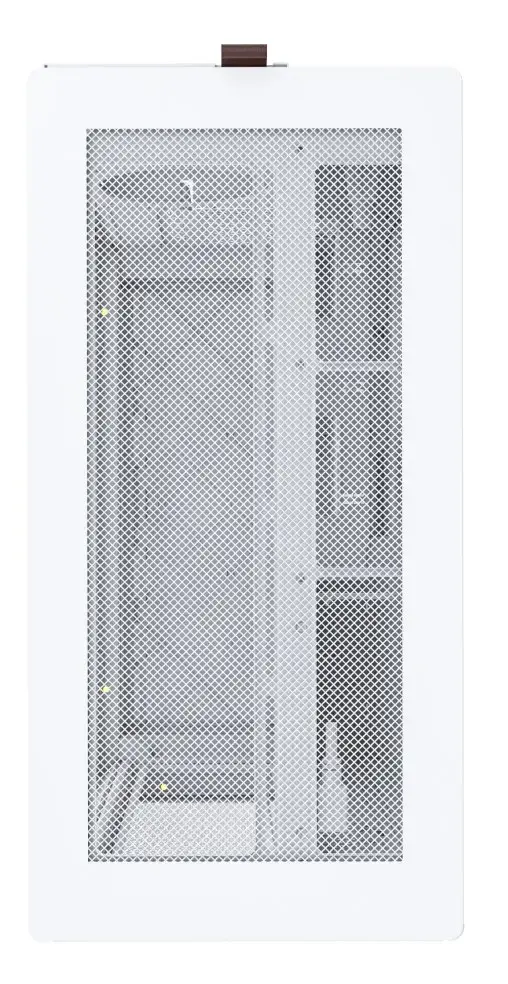
The Montech HS01 Tempered Glass ATX White is a mid-tower computer case designed to house ATX, micro-ATX and mini-ITX motherboards while displaying internal components through a full-height tempered glass side panel. The interior layout provides space for multiple storage devices, long graphics cards and standard-size power supplies. Cooling flexibility includes room for several case fans and support for front, top and rear radiators, allowing builders to balance airflow and aesthetics in a white finish that suits modern setups.
Advantages
The tempered glass side panel offers a clear view of components while remaining durable and scratch-resistant compared with acrylic alternatives. A layout focused on cable management and component clearance helps streamline installation and maintain tidy internal routing. Support for multiple fan mounts and radiator positions enables efficient heat dissipation for high-performance components. The white exterior provides a neutral, contemporary appearance that integrates well with varied desk and room environments.
Suitable for
- Custom gaming PC builds with ATX, micro-ATX or mini-ITX motherboards
- Home or office systems requiring neat cable routing and component visibility
- Budget to mid-range liquid cooling setups with support for front or top radiators
- Showcase builds where internal lighting and hardware are on display
Key specifications
- Form factor: mid-tower compatible with ATX, micro-ATX and mini-ITX motherboards
- Side panel: full-height tempered glass for internal visibility
- Drive bays: support for multiple 2.5" and 3.5" storage devices
- GPU clearance: accommodates long graphics cards common in gaming builds
- Cooling support: multiple fan mounts (up to six) and radiator compatibility at front, top and rear
- PSU support: standard ATX power supplies positioned at the bottom chamber
- Cable management: dedicated routing channels and tie-down points behind the motherboard tray
How to use
Install the motherboard aligned to the standoffs and connect the power supply in the bottom chamber before routing cables through the provided cutouts to maintain a tidy interior. Mount storage drives in the designated trays or brackets and secure the graphics card in the PCIe slots. Choose fan and radiator placements according to your cooling preference: intake at the front and exhaust at the top and rear is a common configuration. Close the tempered glass panel after verifying all connections and cable ties are secure.
Usage recommendations
Use coordinated fan airflow—front intake and top/rear exhaust—to optimize thermal performance. When installing radiators, ensure adequate clearance for fans and hoses. Handle the tempered glass panel with care during installation and cleaning; avoid abrasive cleaners and use a soft microfiber cloth. Route power and data cables through the rear channels to keep airflow unobstructed and to present a clean interior visible through the glass panel.
Customer reviews
Customer questions
How much does the Computer Case Montech HS01 cost, and is it available for purchase?
If I order this product today, when will I receive my order?
What payment options are available?
Can Computer Case Montech HS01 be purchased with a lease?
- Select the product on the website and add it to your cart;
- When placing your order, choose the payment method “Installments”;
- Fill in the required details for the lending partner;
- Receive a decision within a few minutes.


