


Multibrackets M 16:9 Motorized Projection Screen Black Edition 90 Inch Matte White Wall Mount



Offer for a legal entity, non-cash payment.
Short description

Product information
Description
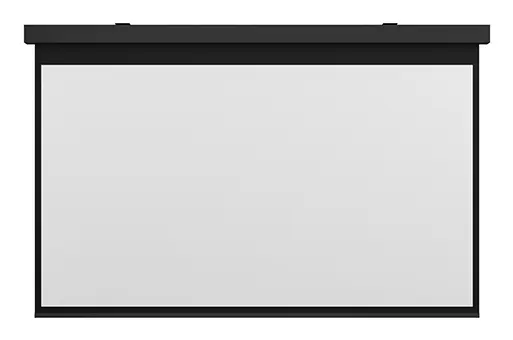
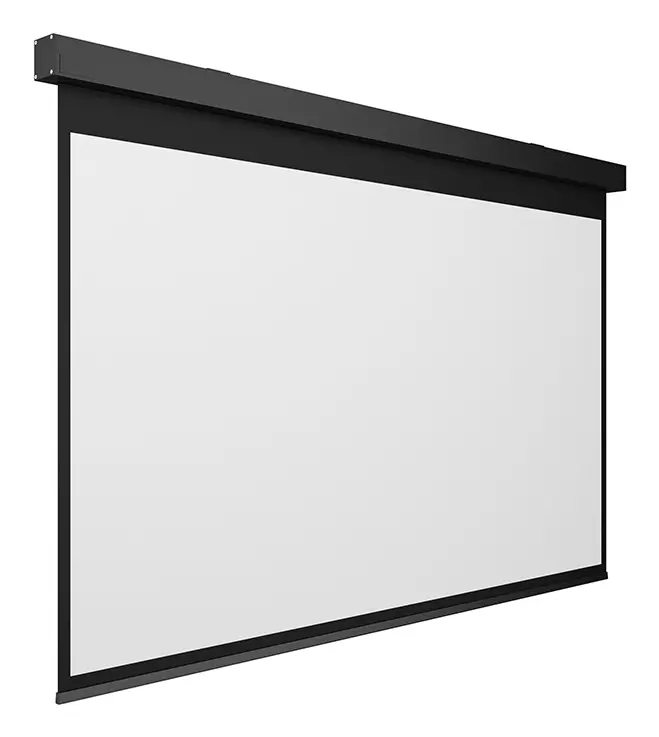
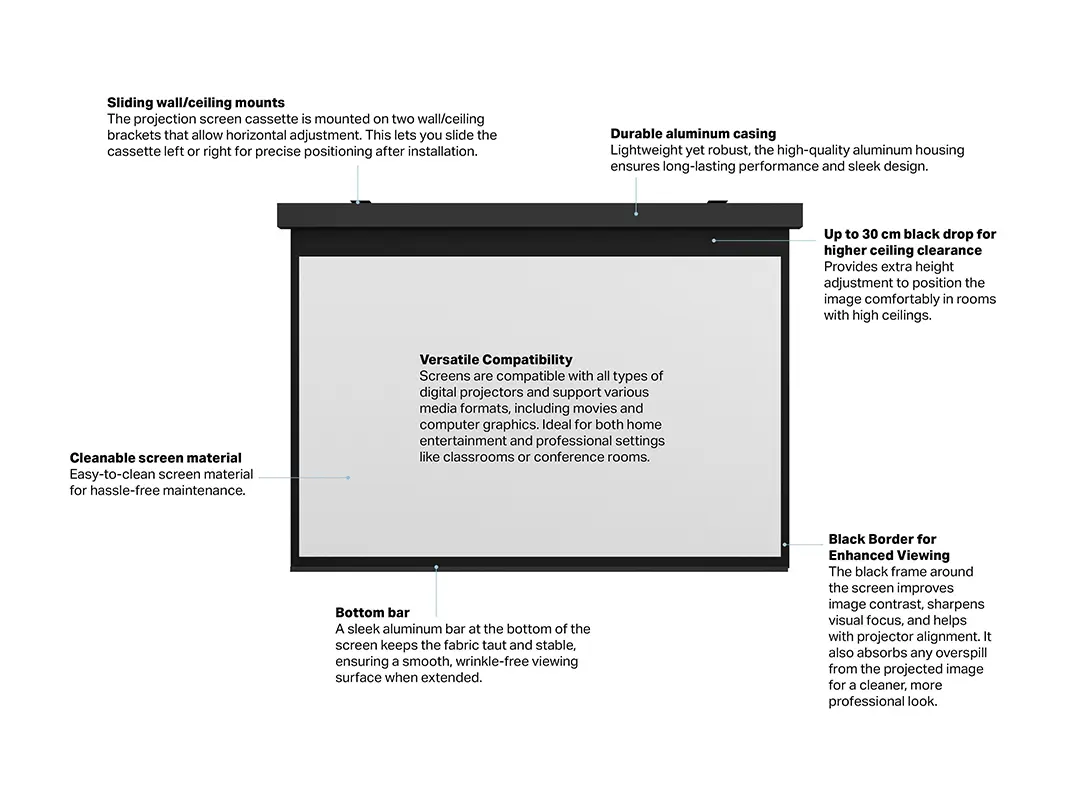
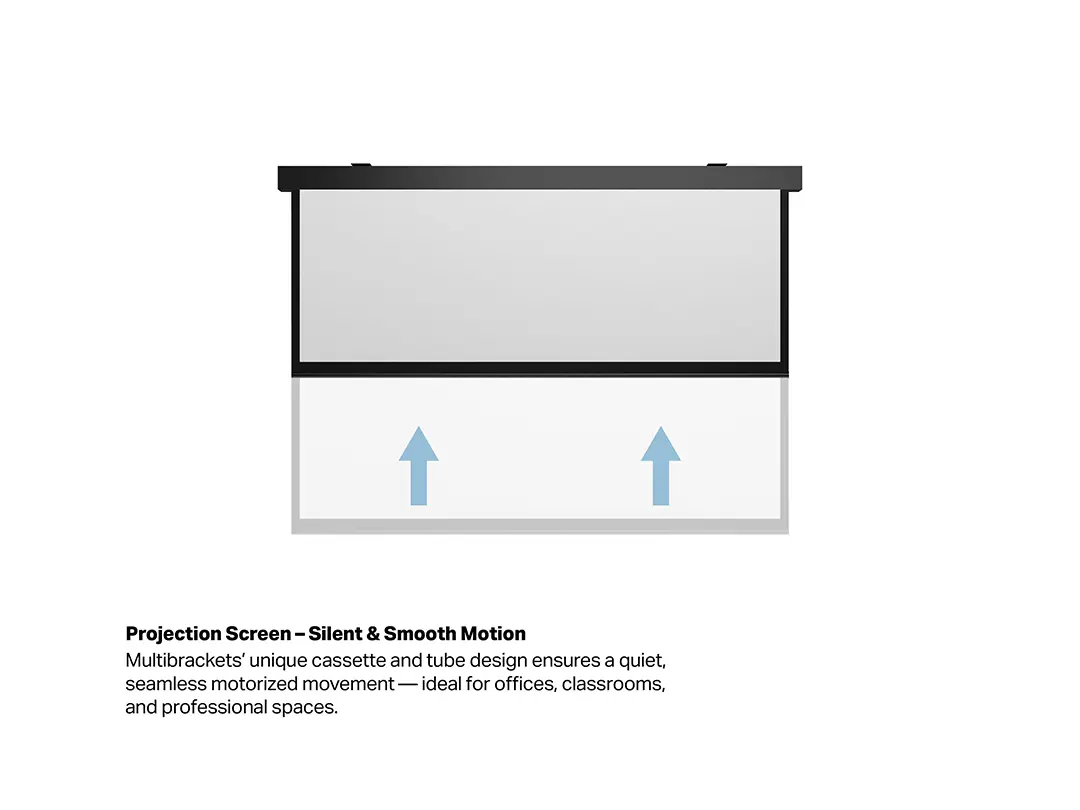
The Multibrackets M 16:9 Motorized Projection Screen Black Edition 90 Inch Matte White Wall Mount is a high-quality motorized projection screen designed to deliver an exceptional viewing experience in home cinemas, corporate boardrooms, and media rooms. Featuring a stylish black housing, this wall-mounted screen integrates effortlessly into modern interior designs while providing a reliable surface for various visual presentations and movie nights. The unit is equipped with a smooth motorized drive system that allows for effortless lowering and retraction of the screen fabric.
Advantages
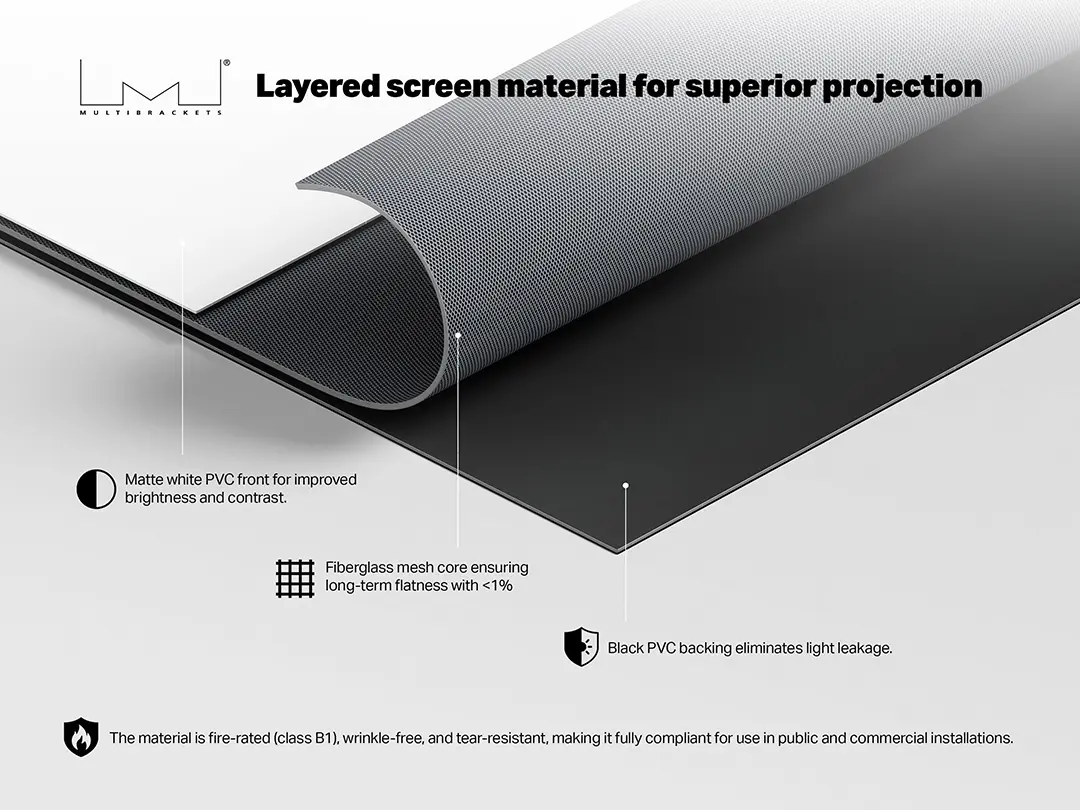
The projection screen features a premium Matte White surface that ensures optimal light diffusion and accurate color reproduction for your content. Its motorized operation eliminates the need for manual handling, extending the lifespan of the material and ensuring consistent tension over time. The included remote control enables convenient operation from a distance, allowing users to start presentations or movie viewings without leaving their seat. Furthermore, the neutral black casing provides an elegant frame that enhances perceived contrast levels during projection.
Suitable for
- Home cinema setups and movie nights
- Corporate presentations and conference rooms
- Educational training sessions and classrooms
- Media rooms and multi-purpose entertainment spaces
When it may not be suitable
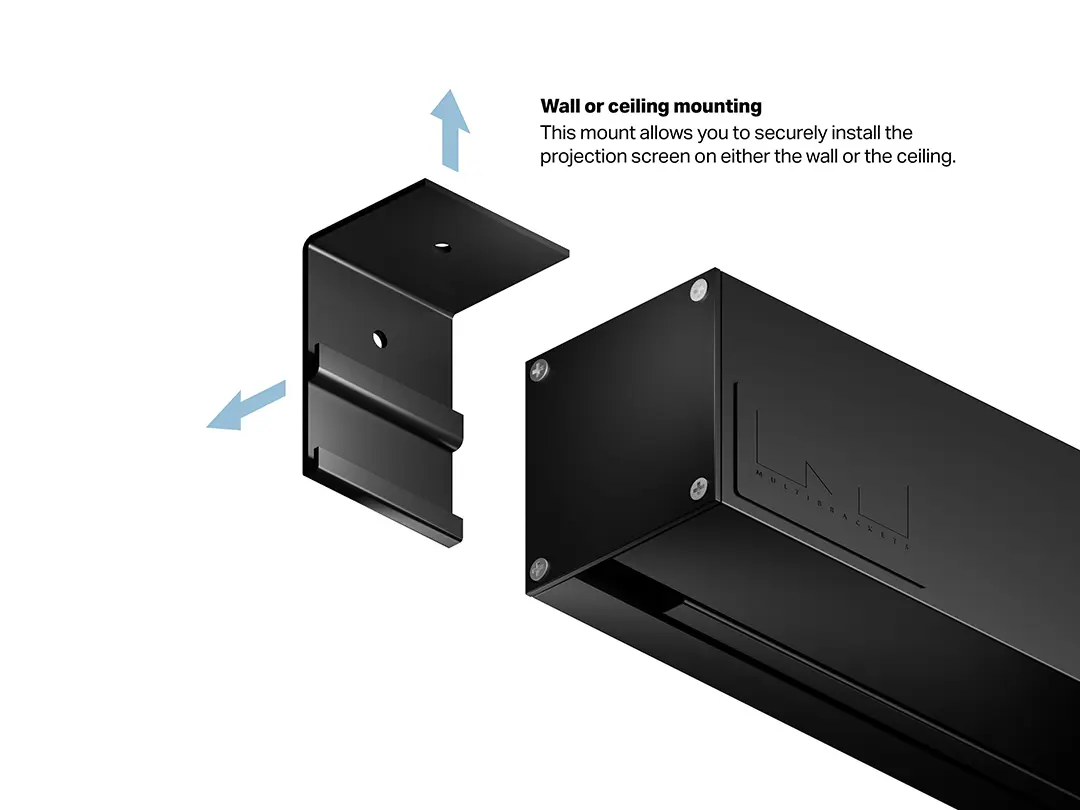
This projection screen may not be ideal for environments that require permanent ceiling mounting, as it is specifically designed for wall installation. Additionally, users looking for ultra-portable, freestanding, or tripod-based screens for mobile presentations will find a fixed wall-mounted unit less practical.
Key specifications
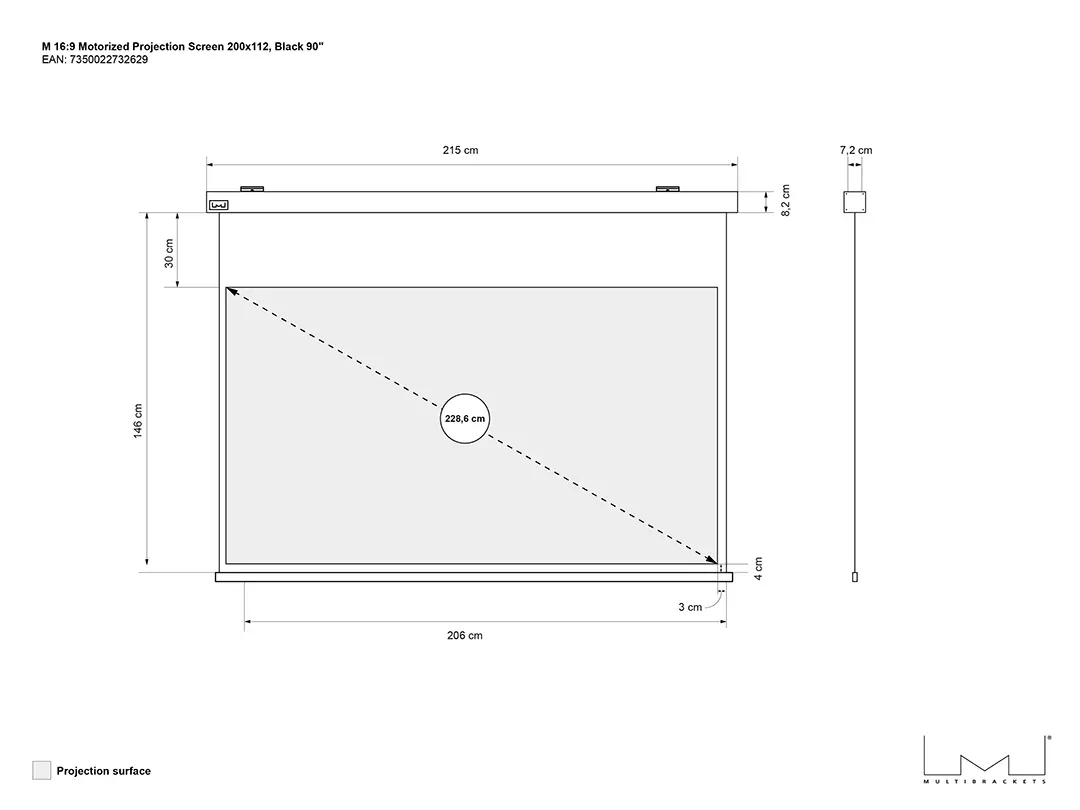
- 90 inch diagonal size
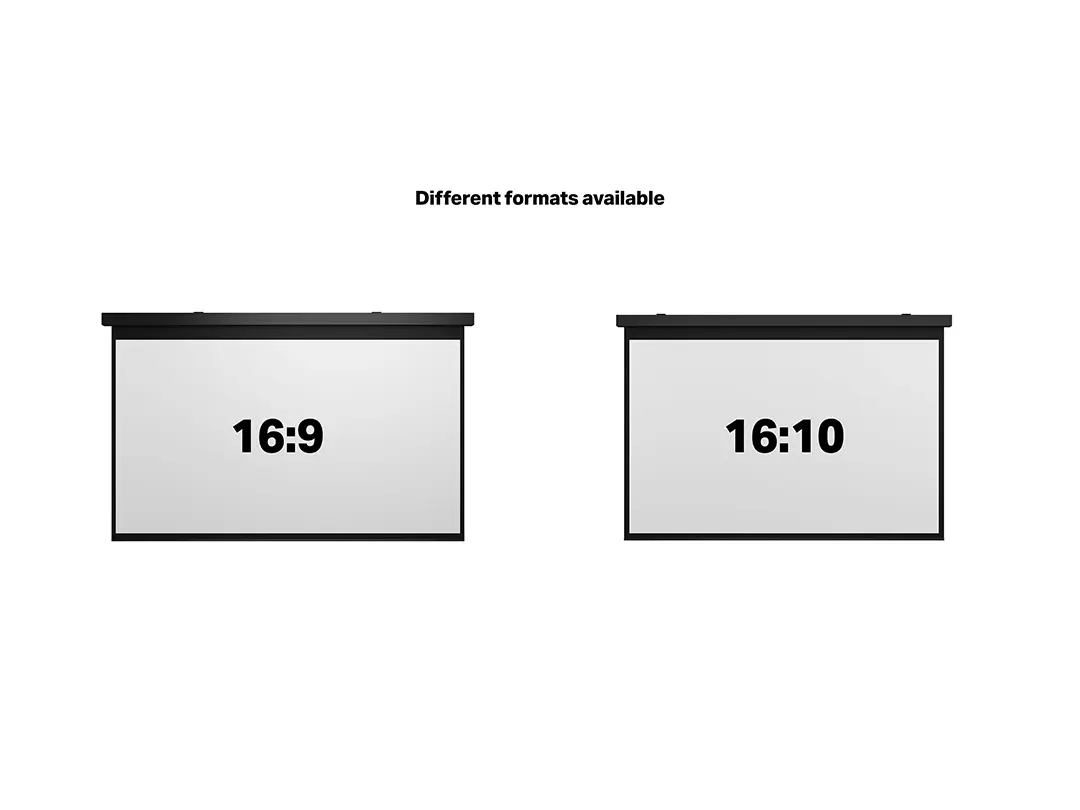
- 16:9 native aspect ratio
- 2000 mm viewable screen width
- 1120 mm viewable screen height
- Matte White screen surface
- Motorized drive type
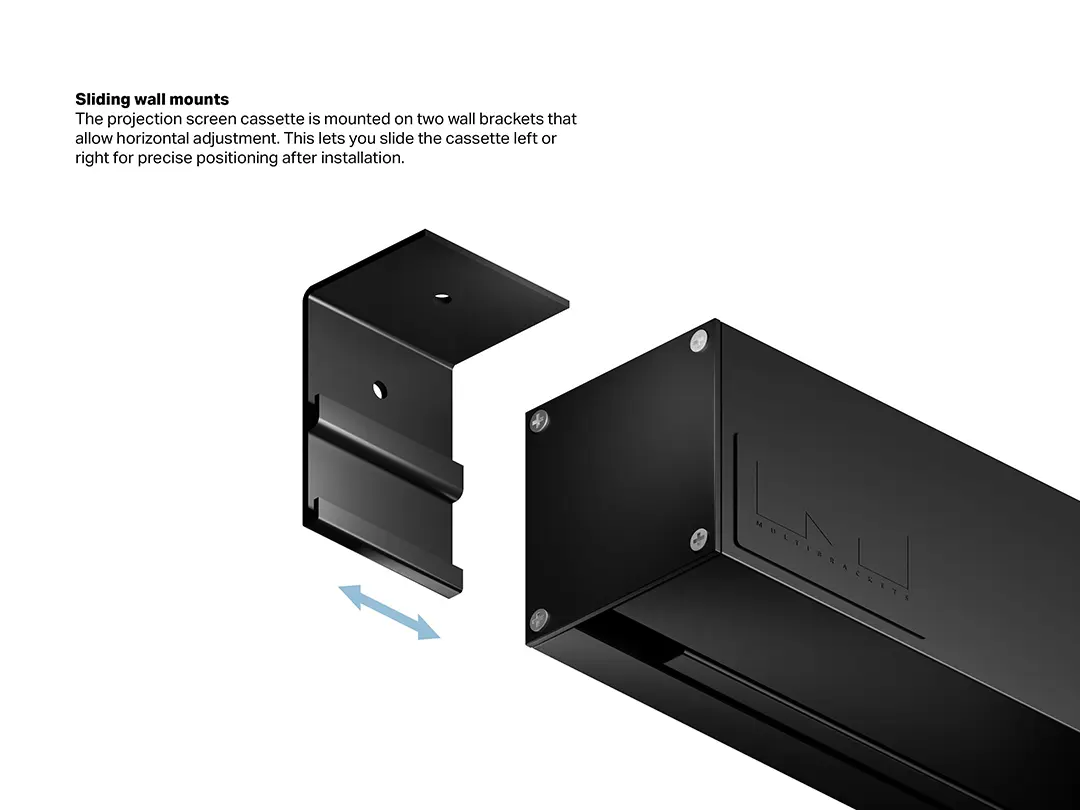
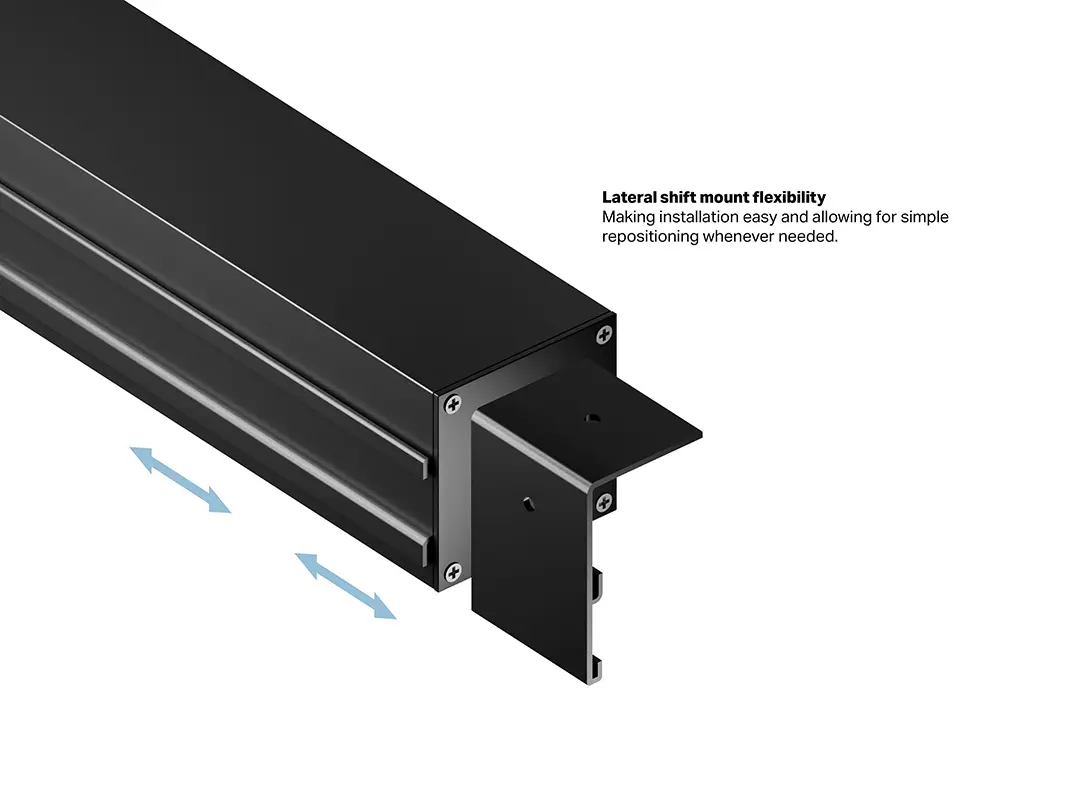
- Wall mounting type
- Black housing color
How to use
Secure the projection screen firmly to a suitable wall structure using appropriate mounting hardware, ensuring the unit is level and stable. Connect the power supply according to the manufacturer specifications. Use the wireless remote control to extend the screen to the desired viewing position before starting your projector. Once the viewing session is complete, operate the motor to retract the screen fully into its protective black housing to keep the fabric safe from dust and physical damage when not in use.
What to consider before purchase
- Verify that your wall structure can support the weight of the motorized screen housing
- Check the available wall space to ensure the 2000 mm width and 1120 mm height fit your intended location
- Confirm that your projector placement aligns with the 16:9 native aspect ratio and 90-inch diagonal size
- Ensure access to a standard electrical power outlet near the mounting location for the motorized drive
Usage recommendations: Always allow the screen to retract fully into its housing when not in use to protect the Matte White fabric from dust, dirt, and accidental damage. Ensure that the path of the screen is completely unobstructed during motor operation to prevent mechanical wear or fabric distortion.
Features
- Mounting type:
- Wall
- Drive type:
- Motorized
- Viewable screen width (W):
- 2000 mm
- Viewable screen height (H):
- 1120 mm
- Native aspect ratio:
- 16:9
- Diagonal:
- 90 "


