


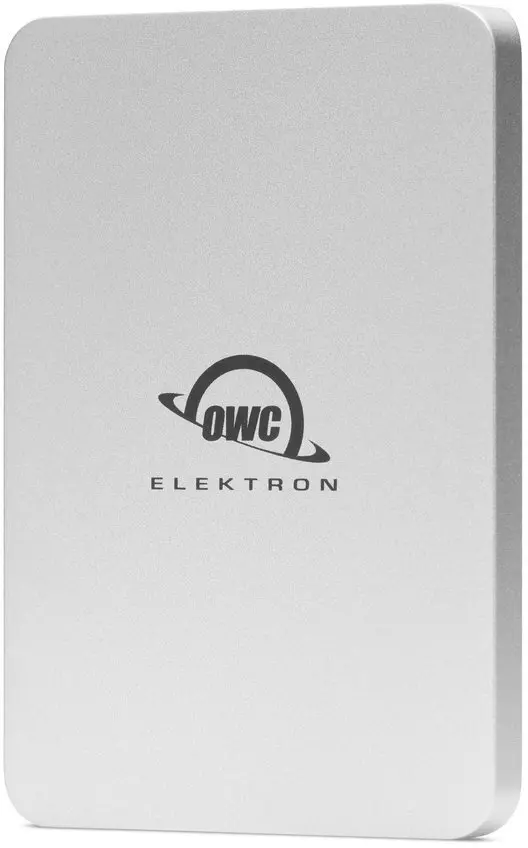
OWC Envoy Pro Elektron NVMe External SSD 4TB USB-C
Short description

Cheapest delivery:
Unisend LV

Esto — pay in 6 equal parts
Product information
Description
The OWC Envoy Pro Elektron NVMe External SSD 4TB USB-C is a robust and high-performance portable storage solution designed for professionals, creators, and everyday users who require massive storage capacity and rapid data transfer speeds. Built with advanced NVMe technology and a reliable USB-C interface, this external drive delivers exceptional performance for handling large files, media editing, and secure system backups while on the move.
Advantages
This external SSD offers substantial 4TB storage capacity, allowing users to store extensive media libraries, large project files, and complete system backups in a single compact device. The NVMe technology ensures exceptionally fast data read and write speeds, significantly reducing waiting times during large file transfers and improving workflow efficiency. Its durable and bus-powered design provides reliable operation without the need for external power adapters, making it truly portable for use in various environments.
Suitable for
- Media editing and real-time playback of high-resolution video files
- Creating secure and fast full-system backups
- Transporting large databases and project files between locations
- Everyday high-capacity storage for professionals on the go
When it may not be suitable
This device may not be necessary for users who only require small storage capacities for basic documents, as the 4TB capacity and high-performance NVMe technology exceed standard daily needs. Additionally, older computer systems lacking modern USB-C ports may not be able to utilize the full data transfer speeds offered by this drive without appropriate adapters.
Key specifications
- 4TB storage capacity
- NVMe high-performance internal solid-state drive technology
- USB-C interface connection
- Bus-powered portable design
How to use
Connect the external SSD to your computer using a compatible USB-C cable. The drive is typically recognized automatically by your operating system, allowing you to immediately drag and drop files, configure it as a backup destination, or set it up as a primary working drive for editing applications. Safely eject the drive through your operating system before physically disconnecting the cable to ensure data integrity.
What to consider before purchase
- Verify that your computer system has a compatible USB-C port to achieve optimal transfer speeds
- Assess your storage requirements to ensure a 4TB capacity aligns with your data management needs
- Check operating system compatibility for your intended backup or file management software
For optimal performance and data safety, always remember to safely eject the drive from your operating system before unplugging it, and store the device in a secure, dry place when transporting it.
Customer reviews
Customer questions
How much does the OWC Envoy Pro Elektron 4TB External SSD cost, and is it available for purchase?
If I order this product today, when will I receive my order?
What payment options are available?
Can OWC Envoy Pro Elektron 4TB External SSD be purchased with a lease?
- Select the product on the website and add it to your cart;
- When placing your order, choose the payment method “Installments”;
- Fill in the required details for the lending partner;
- Receive a decision within a few minutes.


