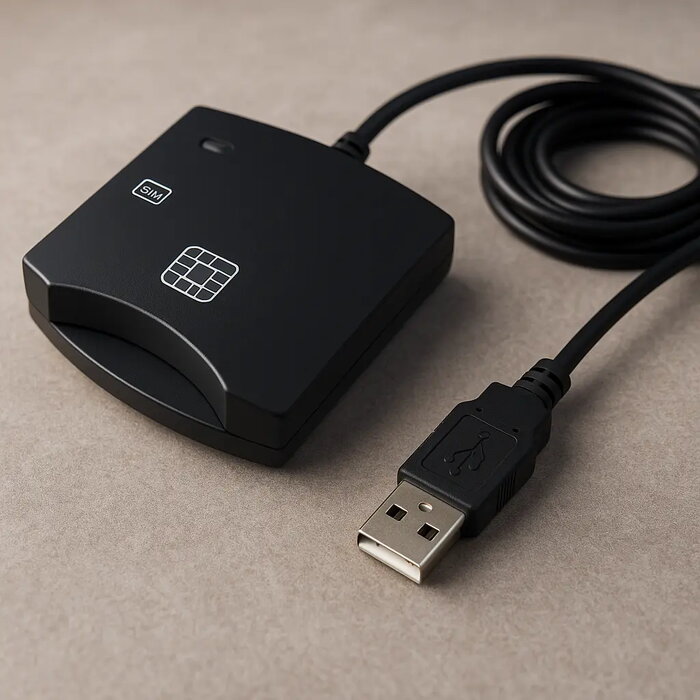
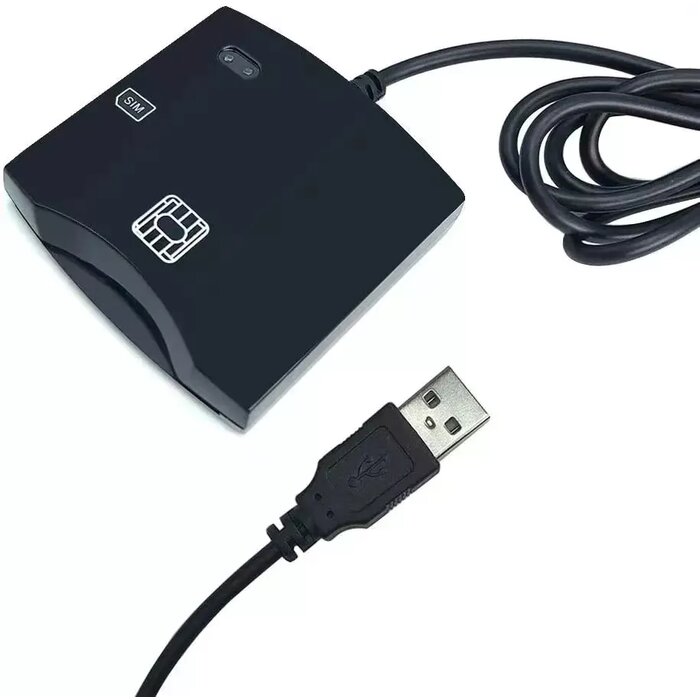
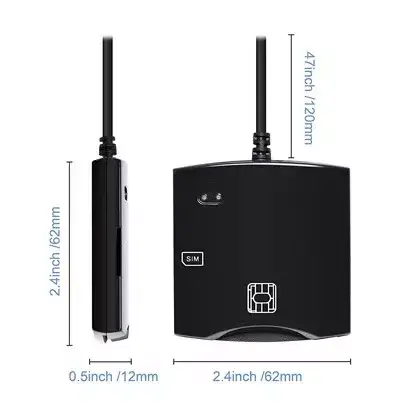
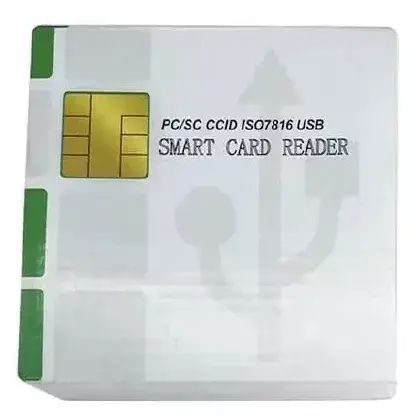
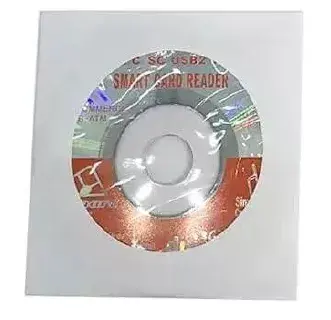
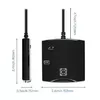
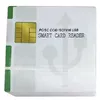
The Riff RF-CARD-READER USB 2.0 PC/SC CCID ISO7816 smart card reader is compared against similar card reading devices including Riff RF-N88C, fusion accessories FUS-ID-CR-BK, Philips DNI ID Card Reader, ACS ACM1252U-Z2, and fusion accessories FUS-ID-CR-WH. Most of these products share core capabilities such as PC/SC and CCID standards support and ISO7816 contact smart card compatibility for secure authentication, eID, and access control. Practical differences lie in their interface connection types (USB 2.0, USB Type-C), SIM card or contactless NFC support, and form factor for desktop or mobile environments.
⚙️ The specifications comparison table below outlines the primary technical characteristics, interface connections, supported card standards, and key differences for each product.
| Parameter | Riff RF-CARD-READER | Riff RF-N88C | fusion accessories FUS-ID-CR-BK | Philips DNI ID Card Reader | ACS ACM1252U-Z2 | fusion accessories FUS-ID-CR-WH | Practical significance |
|---|
| Interface | USB 2.0 | USB Type-C | USB | USB | USB 2.0 | USB | Determines physical connection type; Type-C models suit modern laptops and mobile devices, while USB 2.0 fits standard desktop setups. |
| Standards and card types | ISO7816, PC/SC, CCID | ISO7816, PC/SC, CCID | ISO7816, CCID | ISO7816, PC/SC, CCID, SIM | ISO14443, ISO18092, NFC, PC/SC, CCID | ISO7816, CCID | Most models focus on contact smart cards, whereas Philips adds SIM compatibility and ACS supports contactless NFC tags. |
| Primary purpose | Secure authentication, eID, banking | Authentication, eID, payments | Authentication, ID, access control | E-government, national IDs, SIM | Contactless card and tag reading | Authentication, eID, access control | Contact readers serve similar security tasks, while the ACS module is tailored for specialized contactless NFC applications. |
◎ The suitability table below evaluates which product is most appropriate for specific use cases and user requirements.
| Use case | Recommended product | Why |
|---|
| Standard office desktop use | Riff RF-CARD-READER | Provides reliable wired connection via USB 2.0 and standard ISO7816 smart card support for everyday office authentication tasks. |
| Modern laptops and mobile systems | Riff RF-N88C | Features a USB Type-C interface, making it well-suited for newer computers and mobile hardware lacking traditional USB ports. |
| Tasks involving SIM cards | Philips DNI ID Card Reader | The only model in the comparison explicitly featuring SIM card compatibility alongside standard smart card operations. |
| Contactless technology and NFC | ACS ACM1252U-Z2 | A specialized NFC interface module designed specifically for reading contactless cards and tags under ISO14443 and ISO18092 standards. |
The Riff RF-CARD-READER differs from competitors by offering a standard USB 2.0 connection and dedicated ISO7816 contact smart card support for routine security and authentication workflows. It is most suitable for stationary office desks and users who need a straightforward, reliable wired reader without advanced wireless or mobile connectivity requirements. Choosing an alternative is recommended if you specifically require a USB Type-C port, SIM card integration, or contactless NFC capabilities.