


Serial Card StarTech.com 16-Port Low-Profile PCI Express
Short description

Cheapest delivery:
Unisend LV

Esto — pay in 6 equal parts
Product information
Description
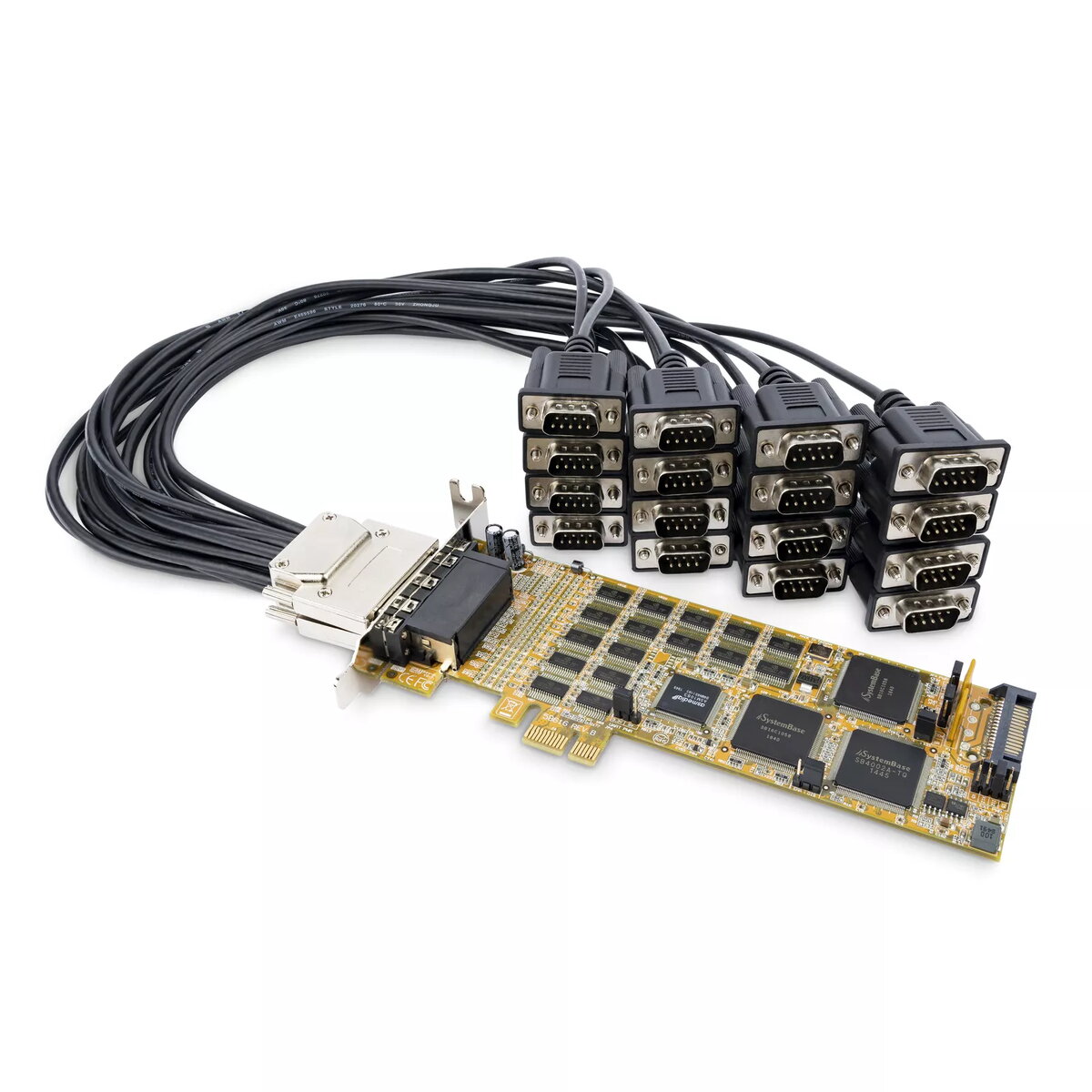
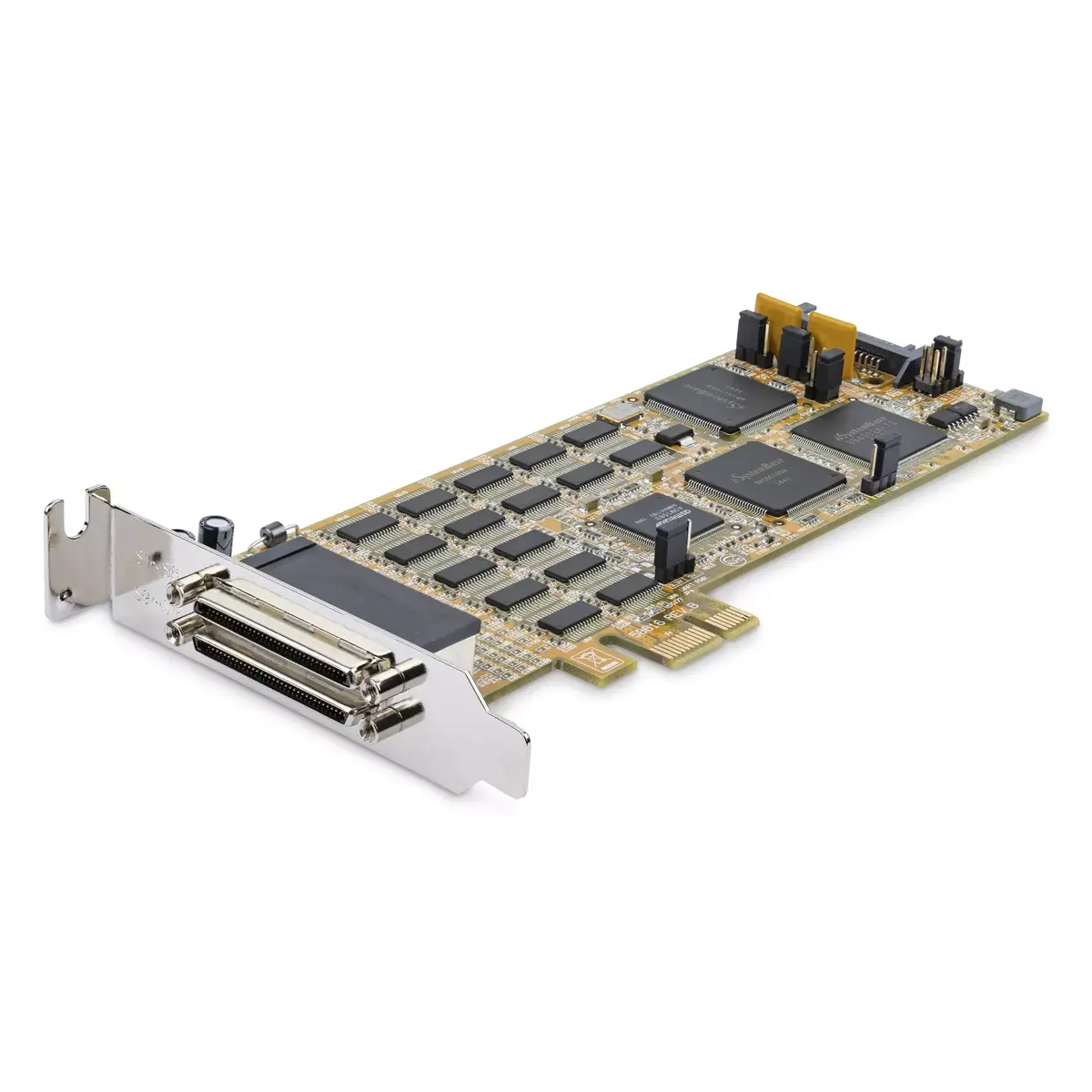
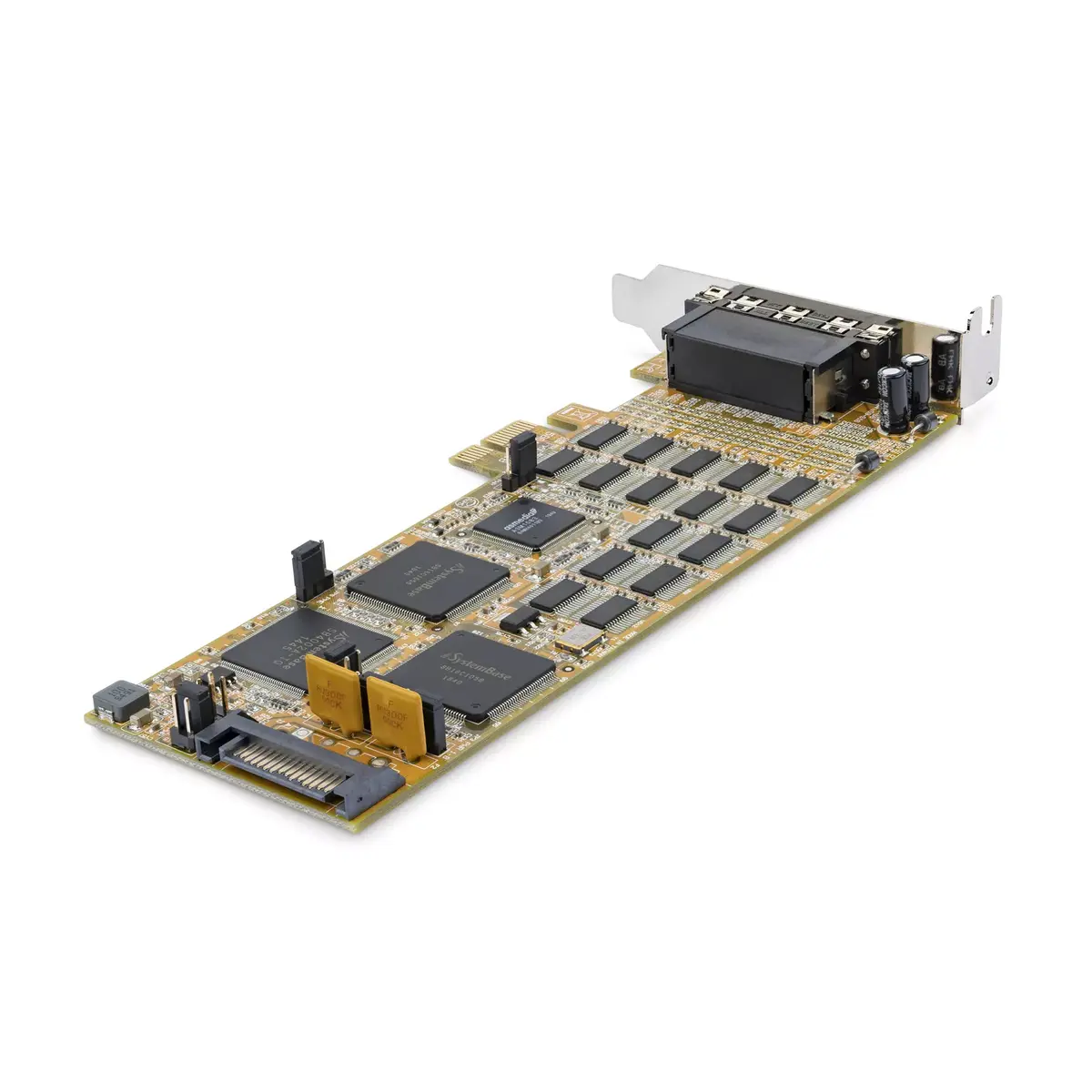
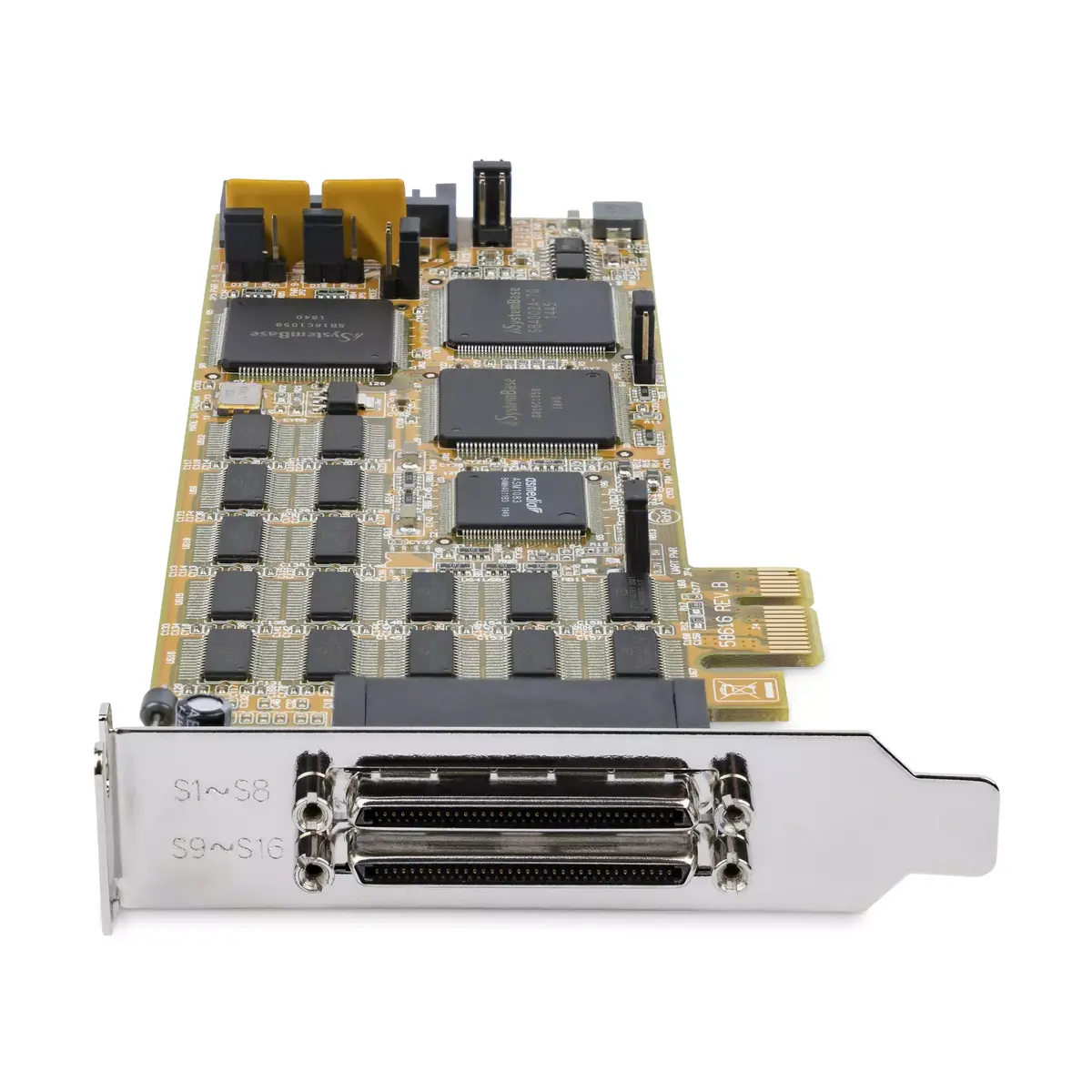
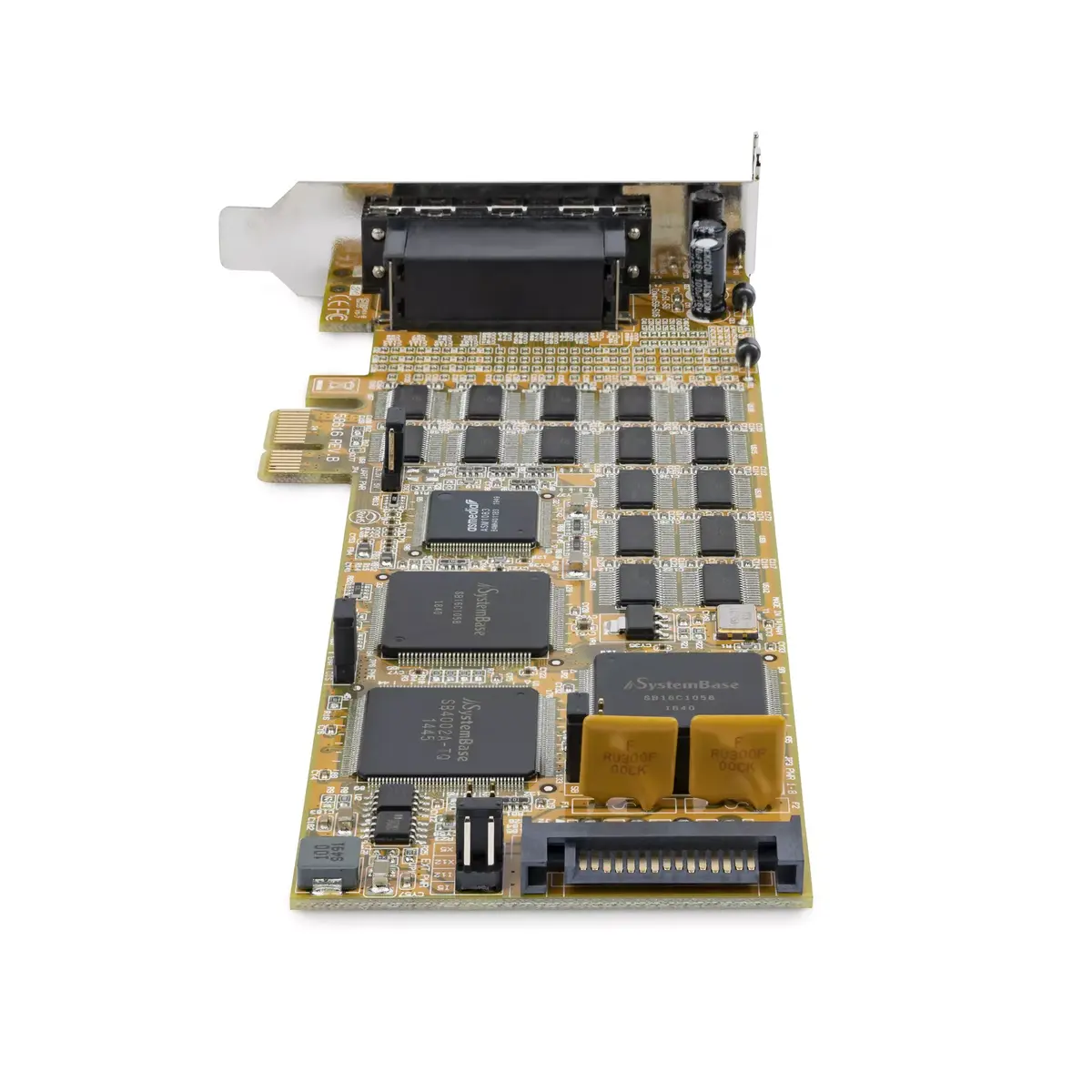
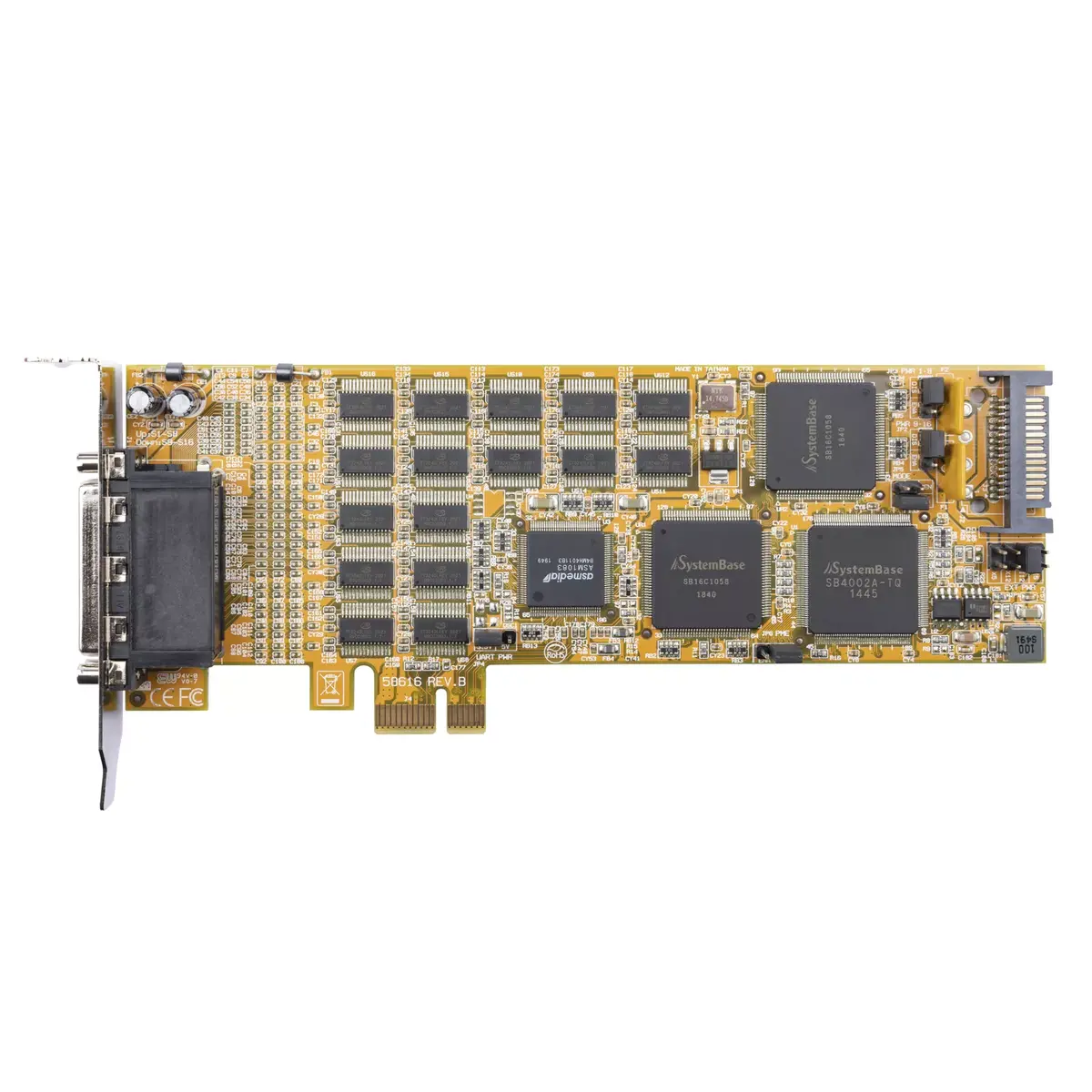
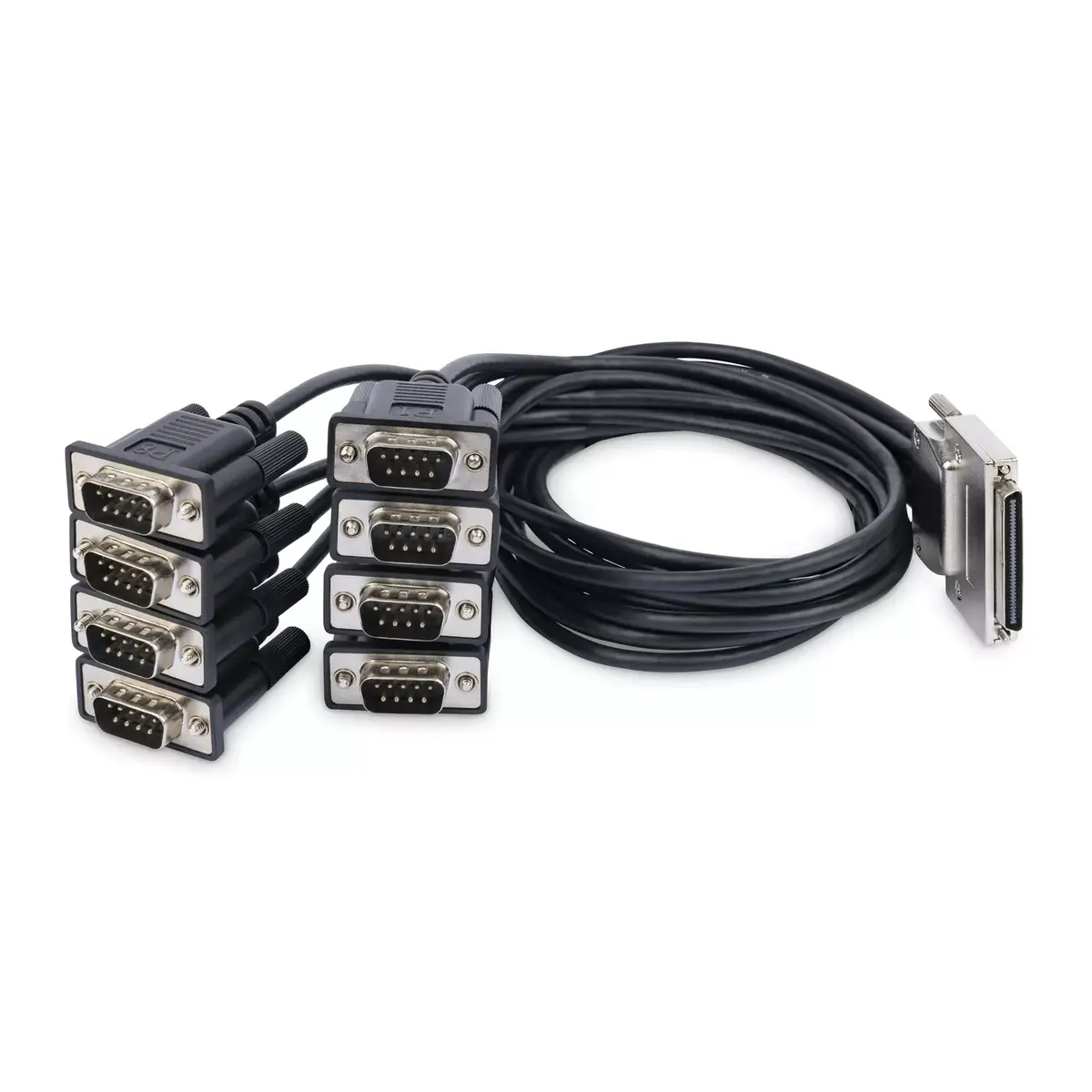
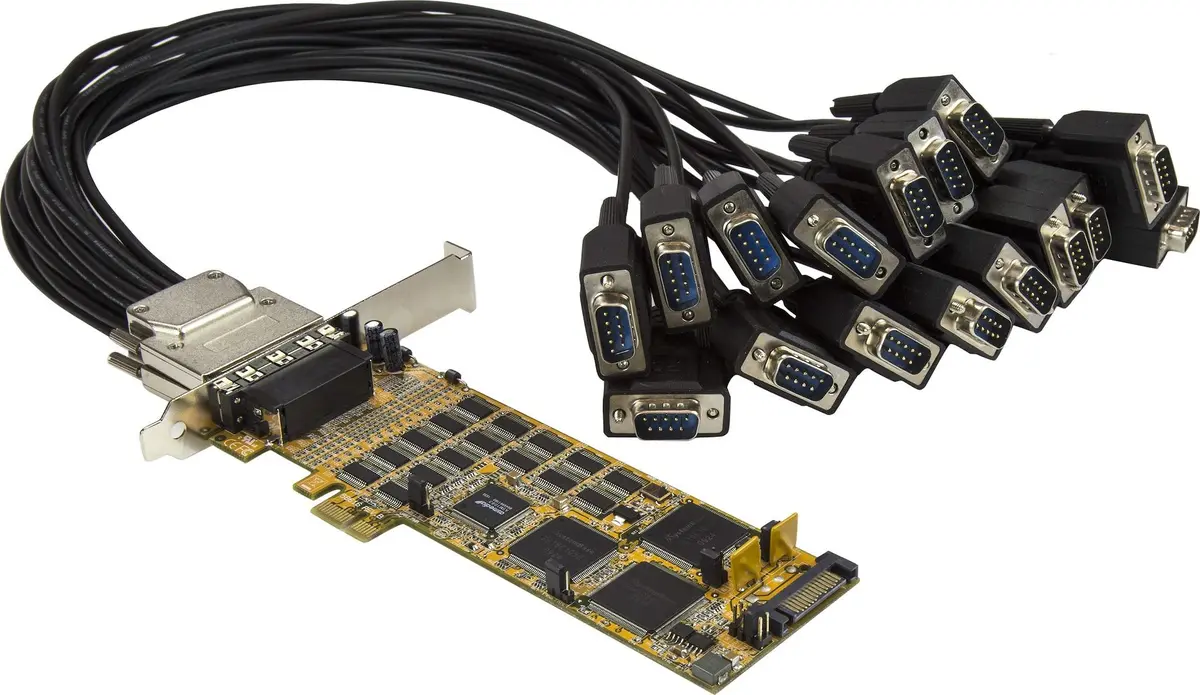
The StarTech.com 16-Port Low-Profile PCI Express serial card (PEX16S550LP) adds sixteen RS232 DB9 ports to a desktop or server using a single PCI Express slot. Designed for low-profile and full-profile systems, the card uses two 8-port breakout cables to provide a high-density serial connection for legacy and industrial devices. It is PCI Express 1.0a compliant, uses an ASMedia-based chipset, and supports Windows operating systems.
Advantages
This serial card provides a compact, high-density solution that expands a system with 16 RS232 DB9 ports while occupying only one PCIe slot. It supports high-speed serial communication up to 921.6 Kbps, offers IRQ sharing and plug-and-play connectivity for easy device integration, and includes both low-profile (preinstalled) and full-profile brackets for compatibility with a wide range of chassis.
Suitable for
- Connecting POS terminals and receipt printers
- Integrating manufacturing and industrial control equipment
- Linking security and surveillance devices such as cameras
- Building automation and environmental control systems
- Legacy serial devices in servers and compact desktop systems
Key specifications
- Model: PEX16S550LP
- Interface: PCI Express (PCIe 1.0a compatible; fits x1/x2/x4/x8/x16 slots)
- Ports: 16 × RS232 (DB9) via two 8-port breakout cables
- Maximum data rate: 921.6 Kbps
- Chipset: ASMedia-based
- Compatibility: Windows operating systems
- Form factor: Low-profile (includes full-profile bracket)
- Weight: 0.07 kg
- Product colour: Yellow
How to use
Install the serial card into an available PCIe slot (x1 or larger) on the target desktop or server and secure it with the appropriate bracket for your chassis. Connect the two included 8-port breakout cables to provide access to the 16 DB9 serial ports. After installing the card, power on the system and allow Windows to detect and configure the device; install any required drivers if prompted. Connect your RS232 devices to the DB9 ports and verify communication using your device management or terminal software.
Usage recommendations
For reliable operation, use quality shielded DB9 cables for serial connections and verify baud rate and serial settings (parity, data bits, stop bits, flow control) match between the host and connected devices. Ensure the chassis has an available PCIe slot and that you select the correct bracket before installation.
Features
- Internal:
- Yes
- Host interface:
- PCIe
- Output interface:
- Serial

Stock data
| Warehouse | Stock | Delivery to the store | Store Price | |
| WH355 | 6 | 08.12.2026 | 527.49 € | Add to cart |
- 527.49 €Stock: 6Delivery Date: 08.12.2026Warehouse: WH355Add to cart
| Warehouse | Stock | Delivery to the store | Store Price | |
| WH109 | 6 | 22.12.2026 | 569.99 € | Add to cart |
- 569.99 €Stock: 6Delivery Date: 22.12.2026Warehouse: WH109Add to cart
Customer reviews
Customer questions
How much does the Serial Card StarTech.com 16-Port Low-Profile cost, and is it available for purchase?
If I order this product today, when will I receive my order?
What payment options are available?
Can Serial Card StarTech.com 16-Port Low-Profile be purchased with a lease?
- Select the product on the website and add it to your cart;
- When placing your order, choose the payment method “Installments”;
- Fill in the required details for the lending partner;
- Receive a decision within a few minutes.


