


4-Port Serial PCIe Card StarTech.com PS74ADF-SERIAL-CARD RS232 RS422 RS485
Offer for a legal entity, non-cash payment.
Short description

Cheapest delivery:
Unisend LV
Product information
Description
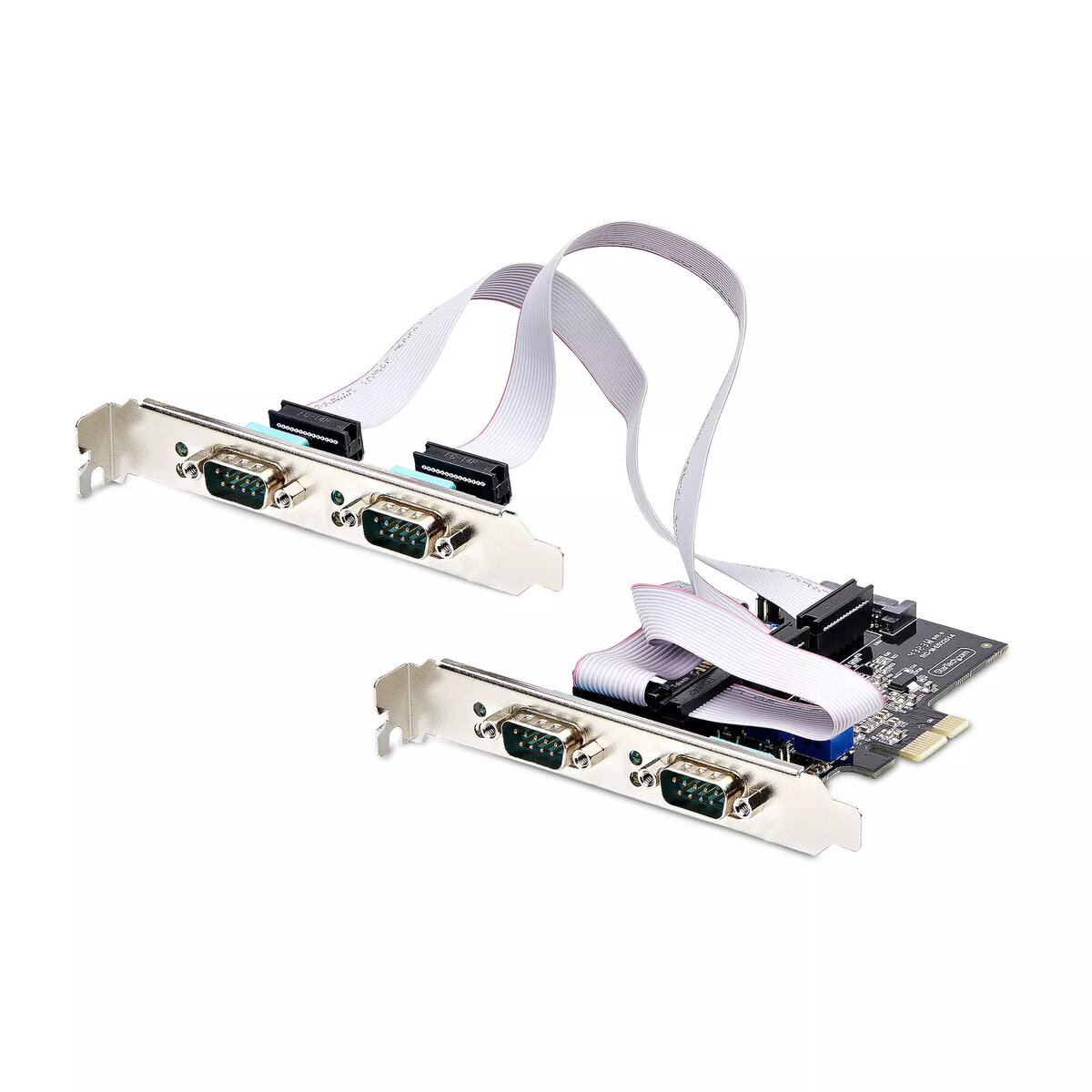
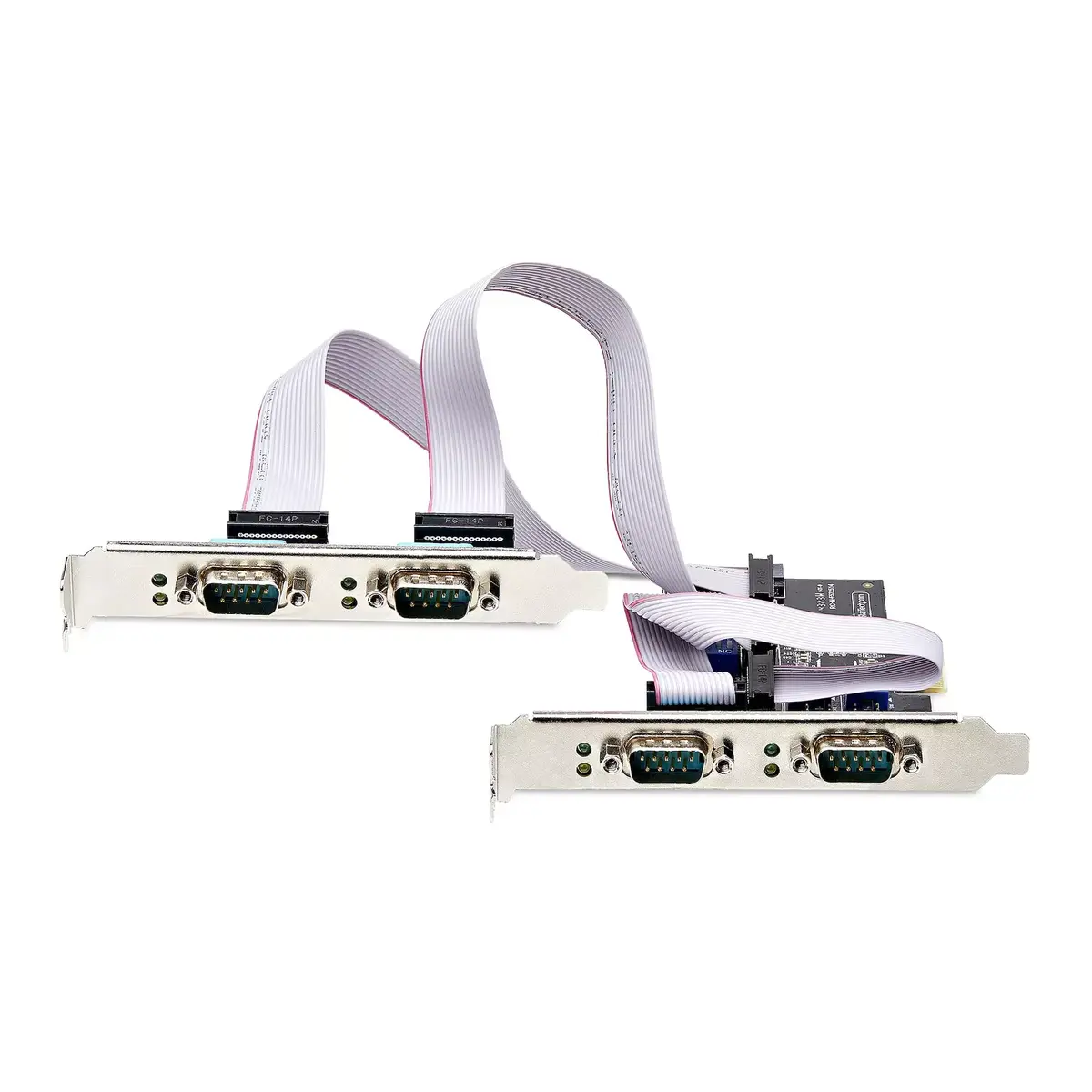
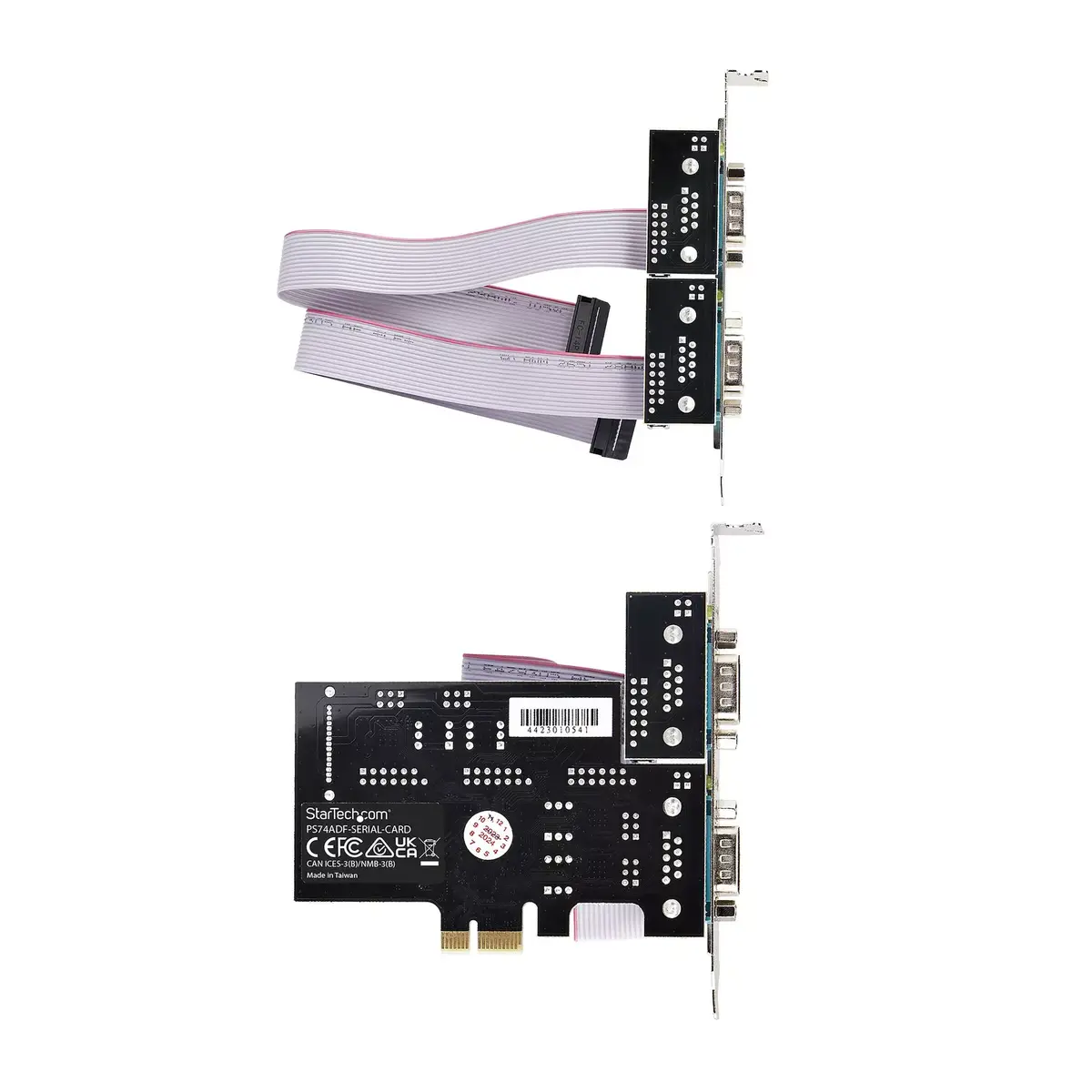
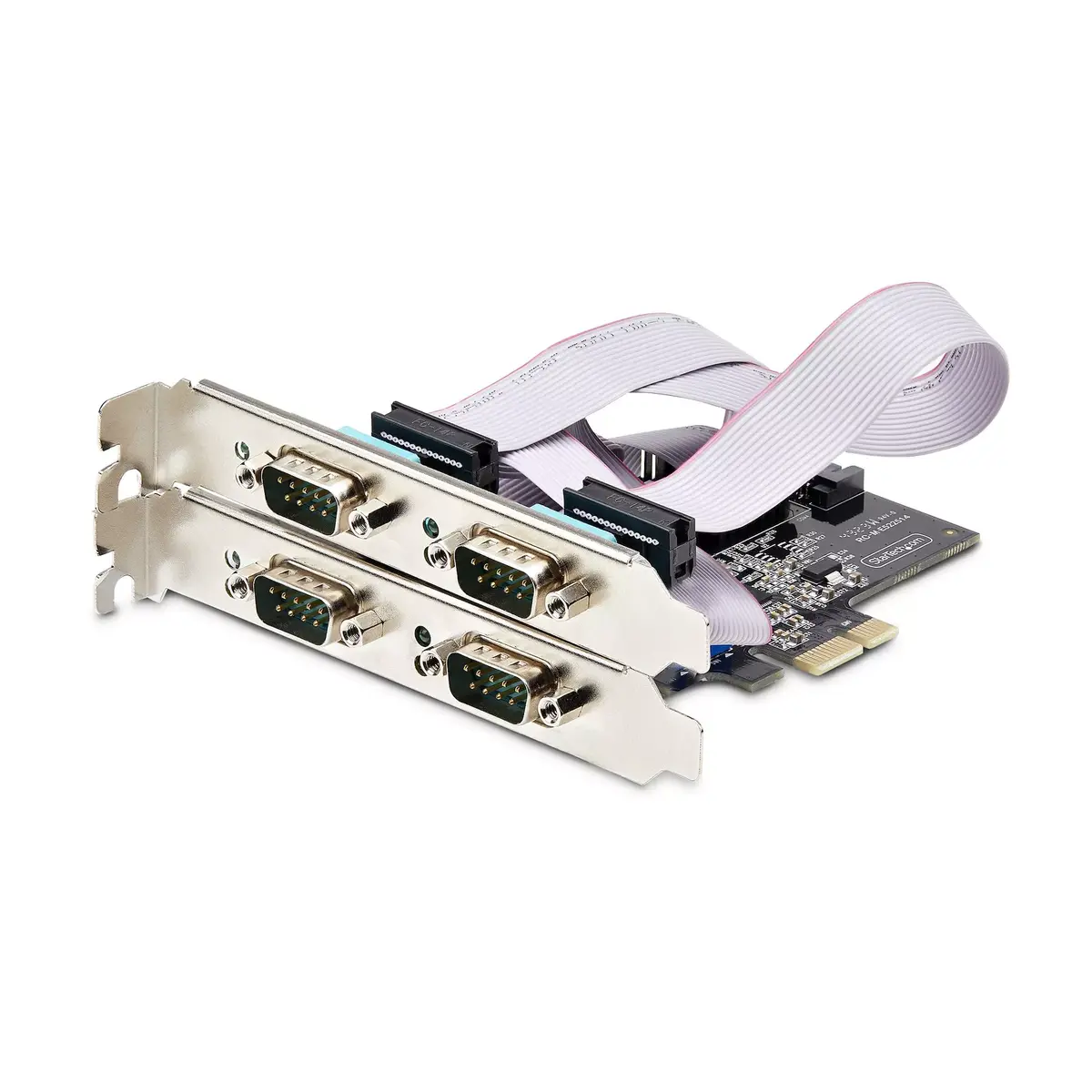
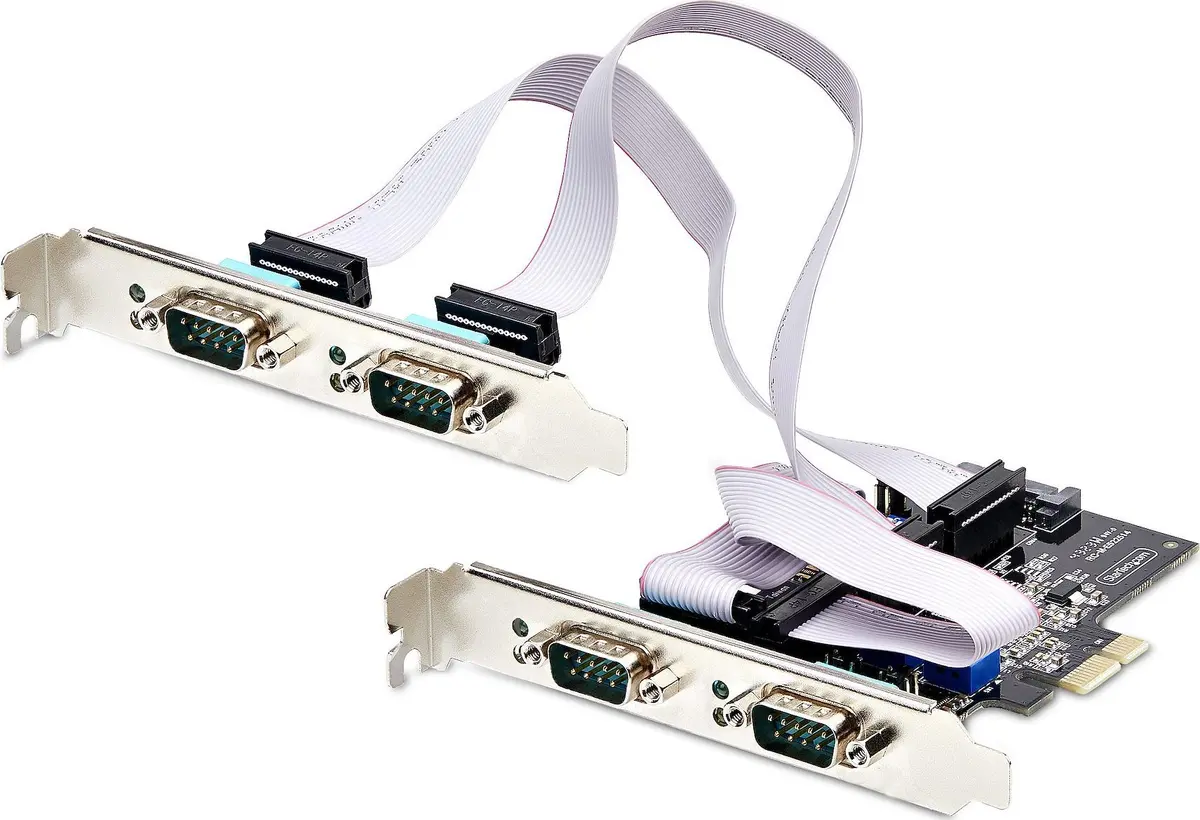
Add four DB9 serial ports to a desktop or small form factor (SFF) system with the 4-Port Serial PCIe Card by StarTech.com (PS74ADF-SERIAL-CARD). The card provides flexible serial connectivity by allowing each DB9 port to be independently configured for RS-232, RS-422, or 2/4-wire RS-485 standards. It includes LED activity indicators per port and a low-profile form factor suitable for many PCIe x1 slots.
Advantages
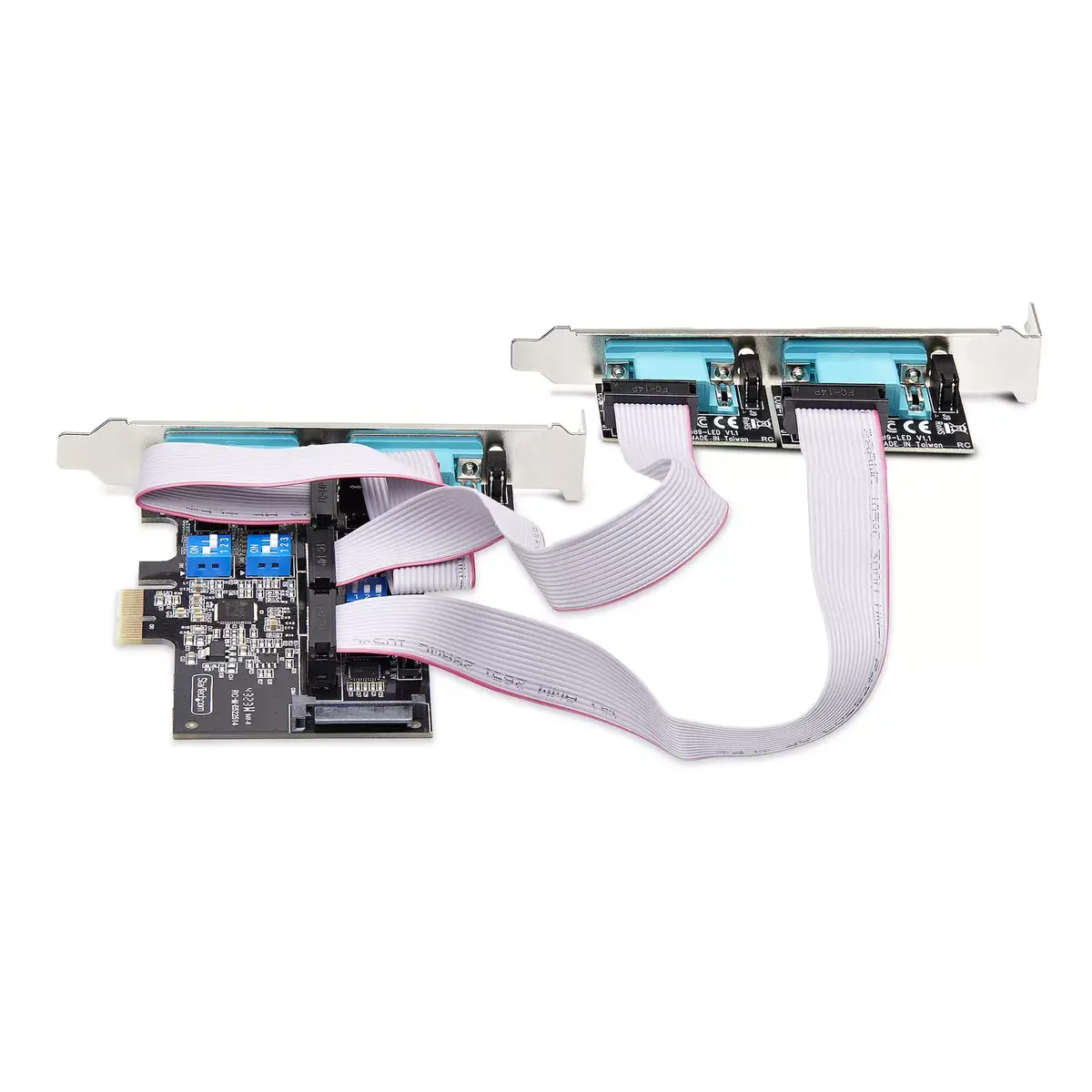
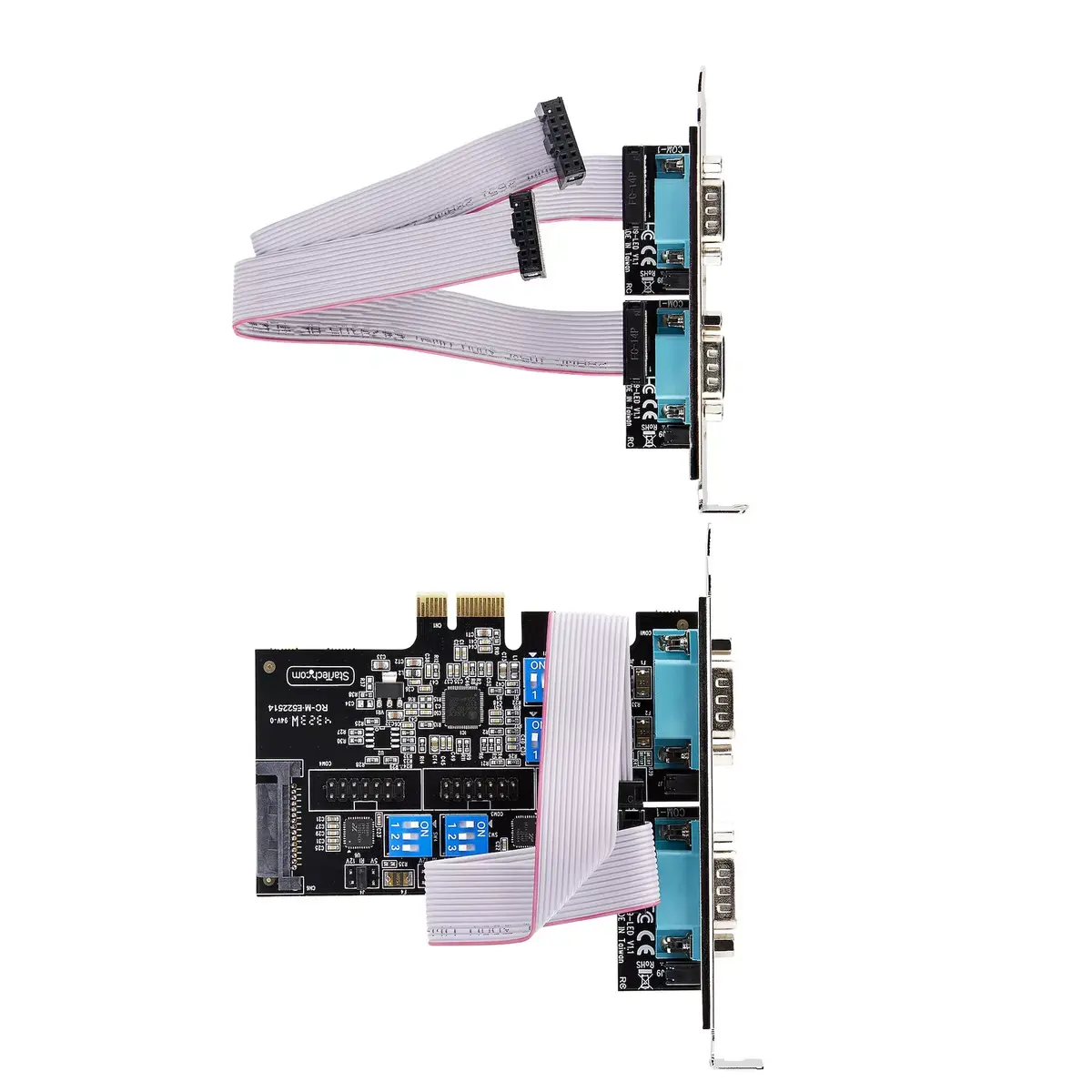
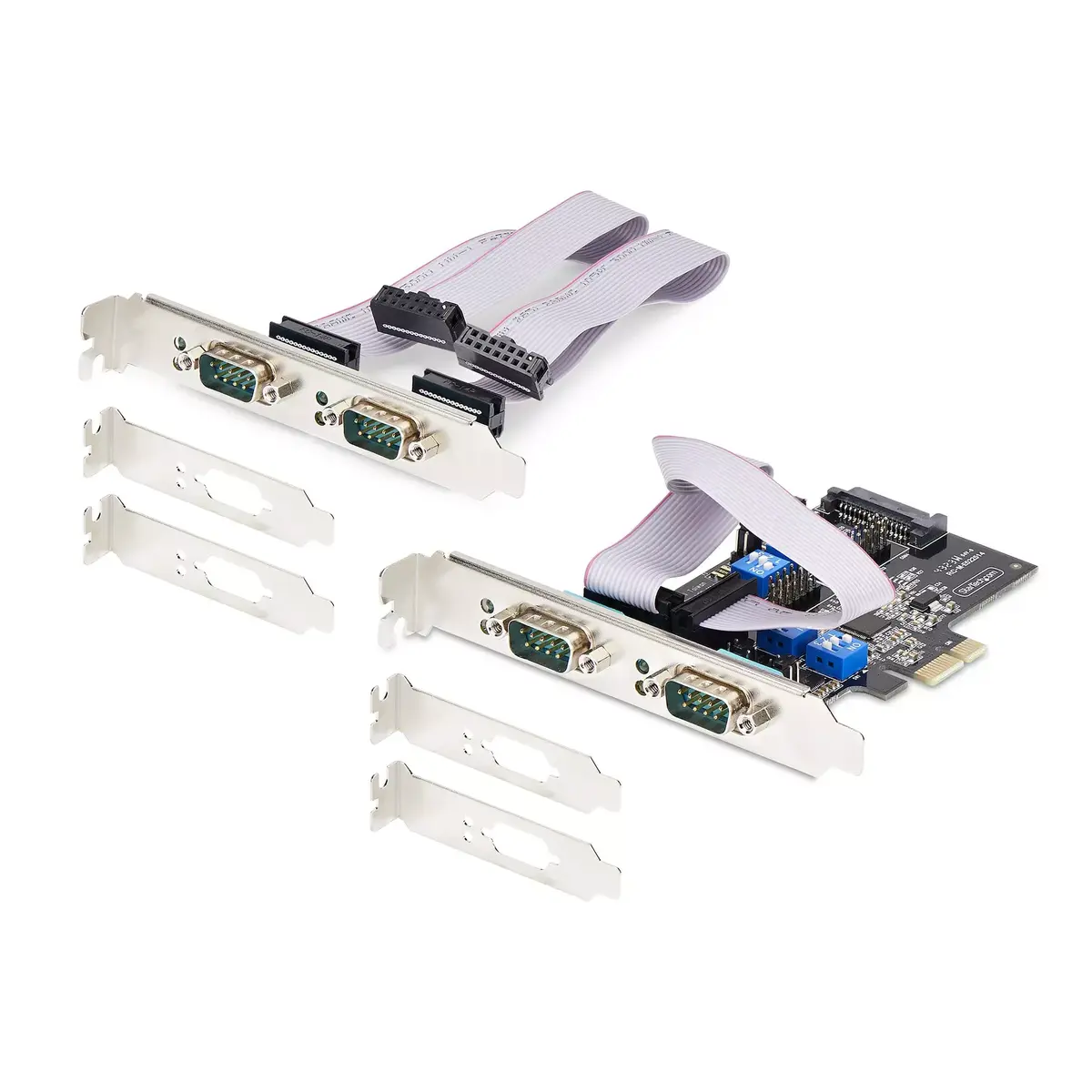
The card supports per-port serial configuration via on-board DIP switches, enabling mixed-mode installations. Configurable external power over pin 9 (12V at 1.5A per port, 5V at 1.5A per port, or no power/RI) is selectable with jumpers. LEDs provide real-time port activity monitoring. The adapter is compatible with common operating systems such as Windows and Linux and includes ESD protection and support for high baud rates to ensure reliable communication with serial peripherals.
Suitable for
- Point-of-sale terminals and barcode scanners
- PLC, factory control and industrial automation systems
- Laboratory instruments, scientific sensors, and oscilloscopes
- Medical equipment and diagnostic devices
- Legacy serial devices requiring continued connectivity in modern systems
Key specifications
- Manufacturer: StarTech.com
- Model / MPN: PS74ADF-SERIAL-CARD
- Interfaces supported: RS-232, RS-422, RS-485 (2/4-wire)
- Ports: 4 × DB9 serial ports
- Host interface: PCIe x1 (PCI Express)
- Power on pin 9: configurable 12V (1.5A/port), 5V (1.5A/port), or no power (RI)
- Indicators: per-port LED activity indicators
- Form factor: low-profile compatible
- Product colour: Black
- Weight: 0.06 kg
- Compatibility: Windows and Linux
How to use
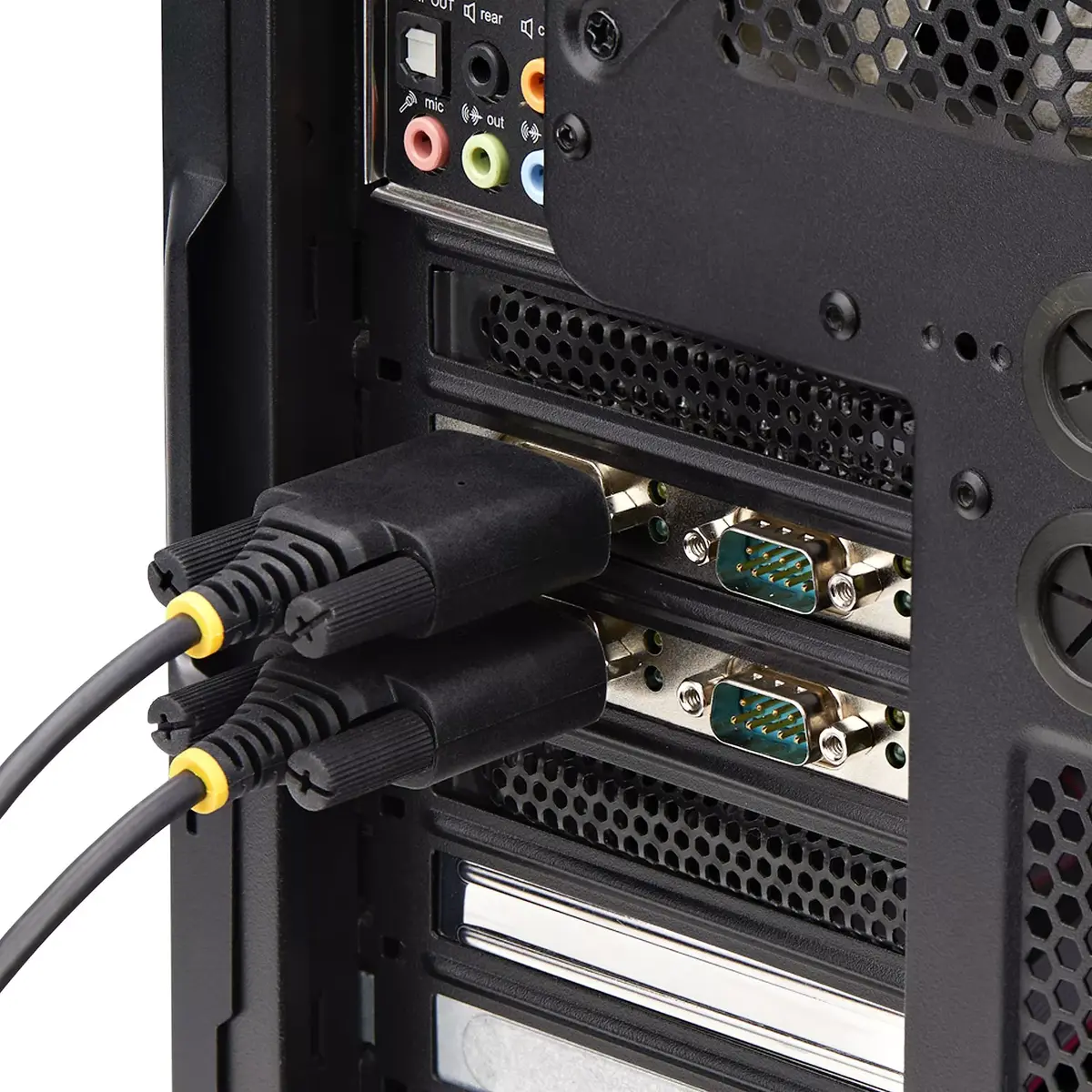
Install the card into an available PCIe x1 slot in the desktop or SFF system following standard ESD precautions. Set the DIP switches on the board to select the desired mode (RS-232, RS-422, or RS-485) for each DB9 port. Configure the power jumper to supply 12V, 5V, or no power on pin 9 as required by your connected devices. Secure the card with the appropriate bracket (low-profile or standard) and connect serial peripherals using DB9 cables. Install any required drivers for your operating system (Windows or Linux) and verify port activity using the LED indicators.
Usage recommendations
Use shielded DB9 cables for improved signal integrity and enable the appropriate termination and biasing when using RS-422/RS-485 networks. Confirm device voltage and power requirements before enabling pin 9 power to prevent damage. For mixed serial environments, verify DIP switch settings per port and test communication at the intended baud rate prior to deployment.
Features
- Internal:
- Yes
- Host interface:
- PCIe
- Output interface:
- Serial

Stock data
| Warehouse | Stock | Delivery to the store | Store Price | |
| WH355 | 5 | 08.12.2026 | 259.99 € | Add to cart |
- 259.99 €Stock: 5Delivery Date: 08.12.2026Warehouse: WH355Add to cart
| Warehouse | Stock | Delivery to the store | Store Price | |
| WH109 | 5 | 22.12.2026 | 233.49 € | Add to cart |
- 233.49 €Stock: 5Delivery Date: 22.12.2026Warehouse: WH109Add to cart


