


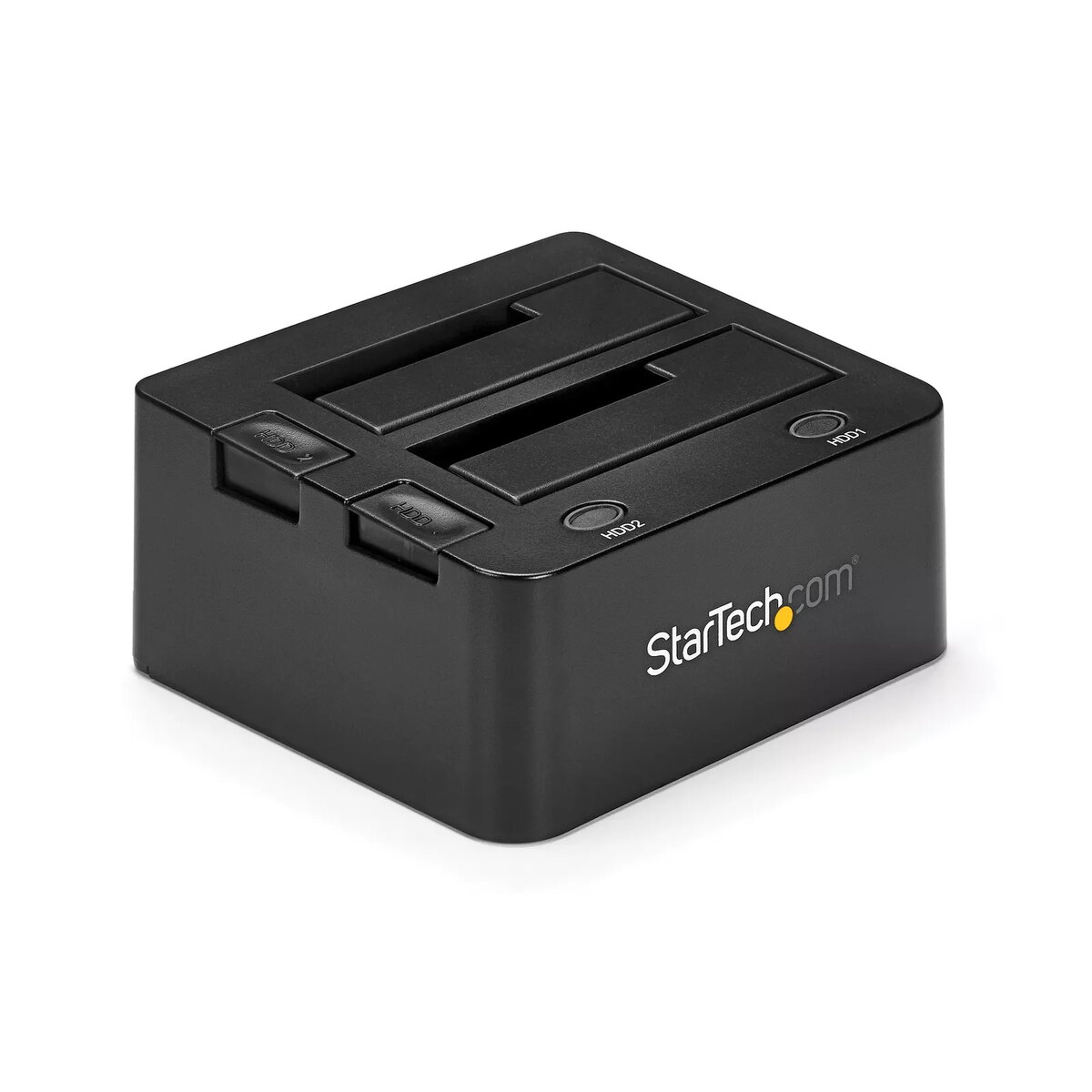
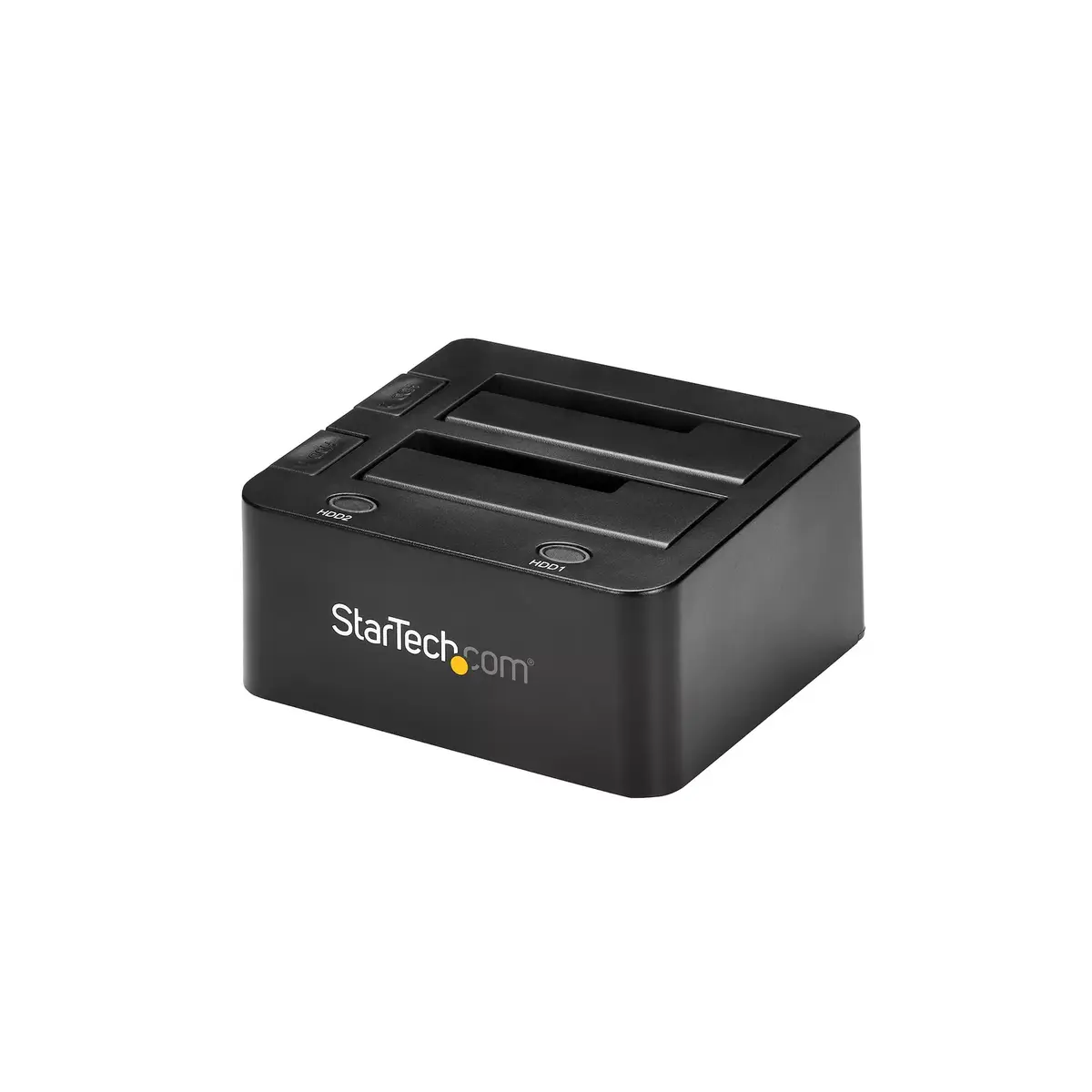
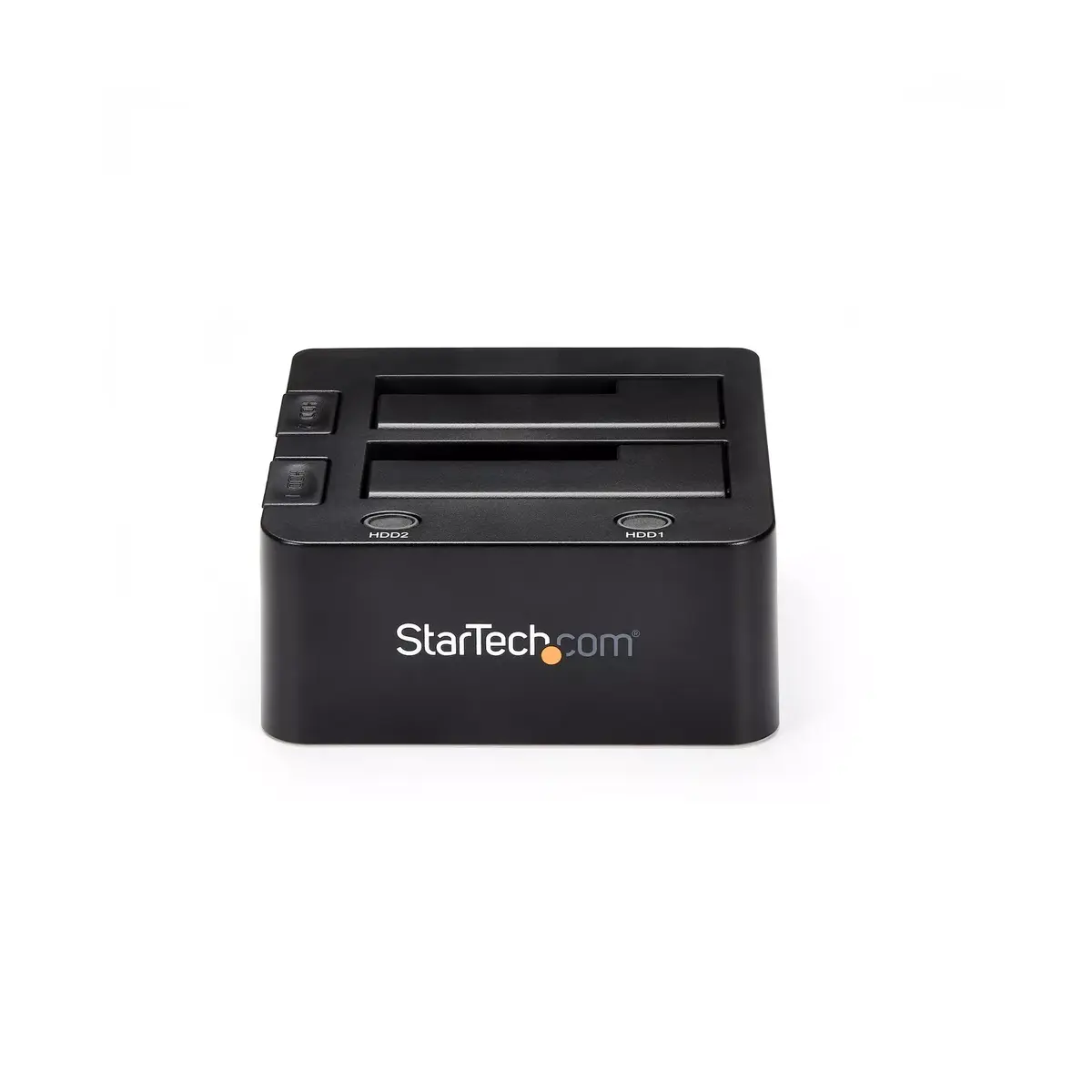
Dual-Bay USB 3.0 to SATA Hard Drive Docking Station StarTech SDOCK2U33

Offer for a legal entity, non-cash payment.
Short description

Cheapest delivery:
Unisend LV
Product information
Description
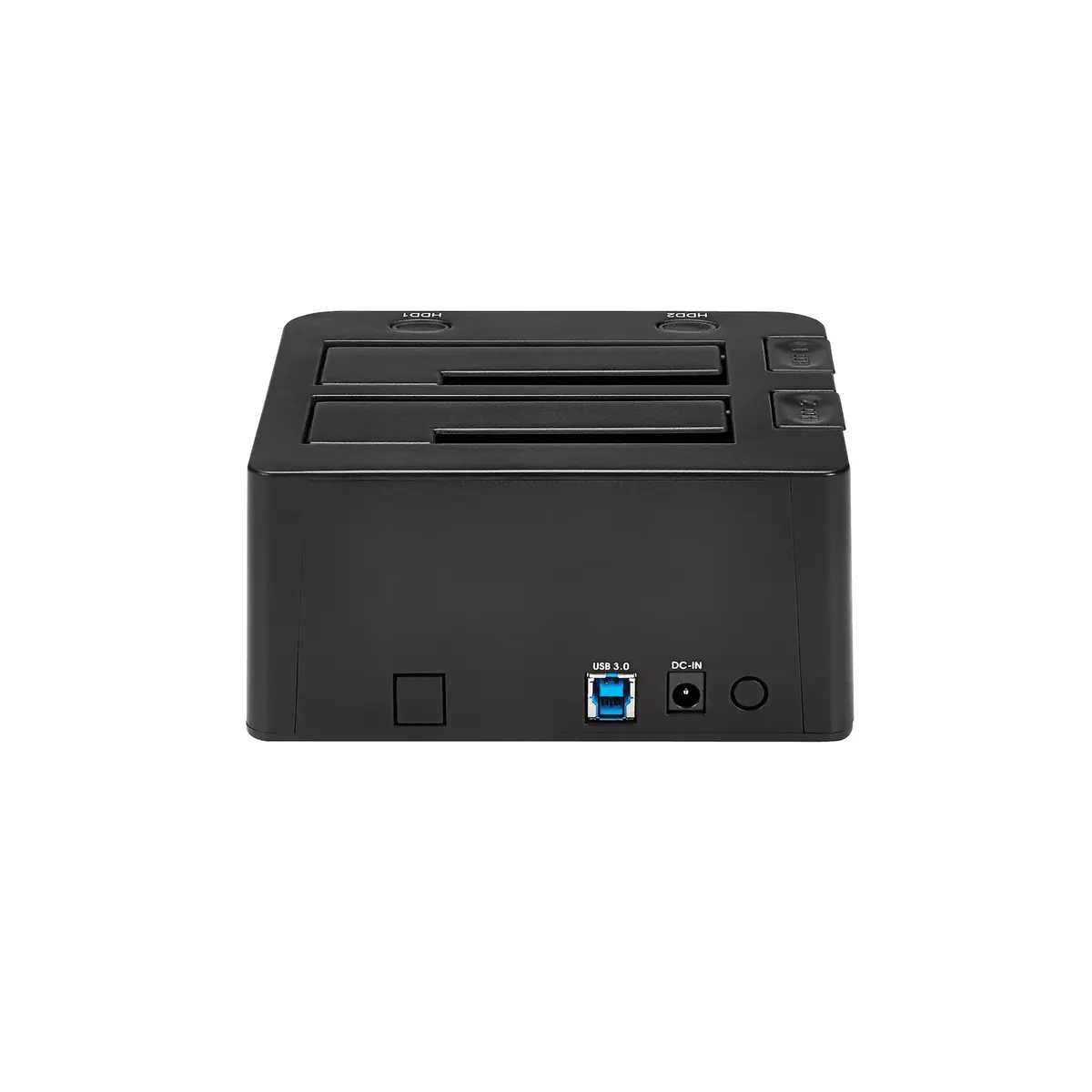
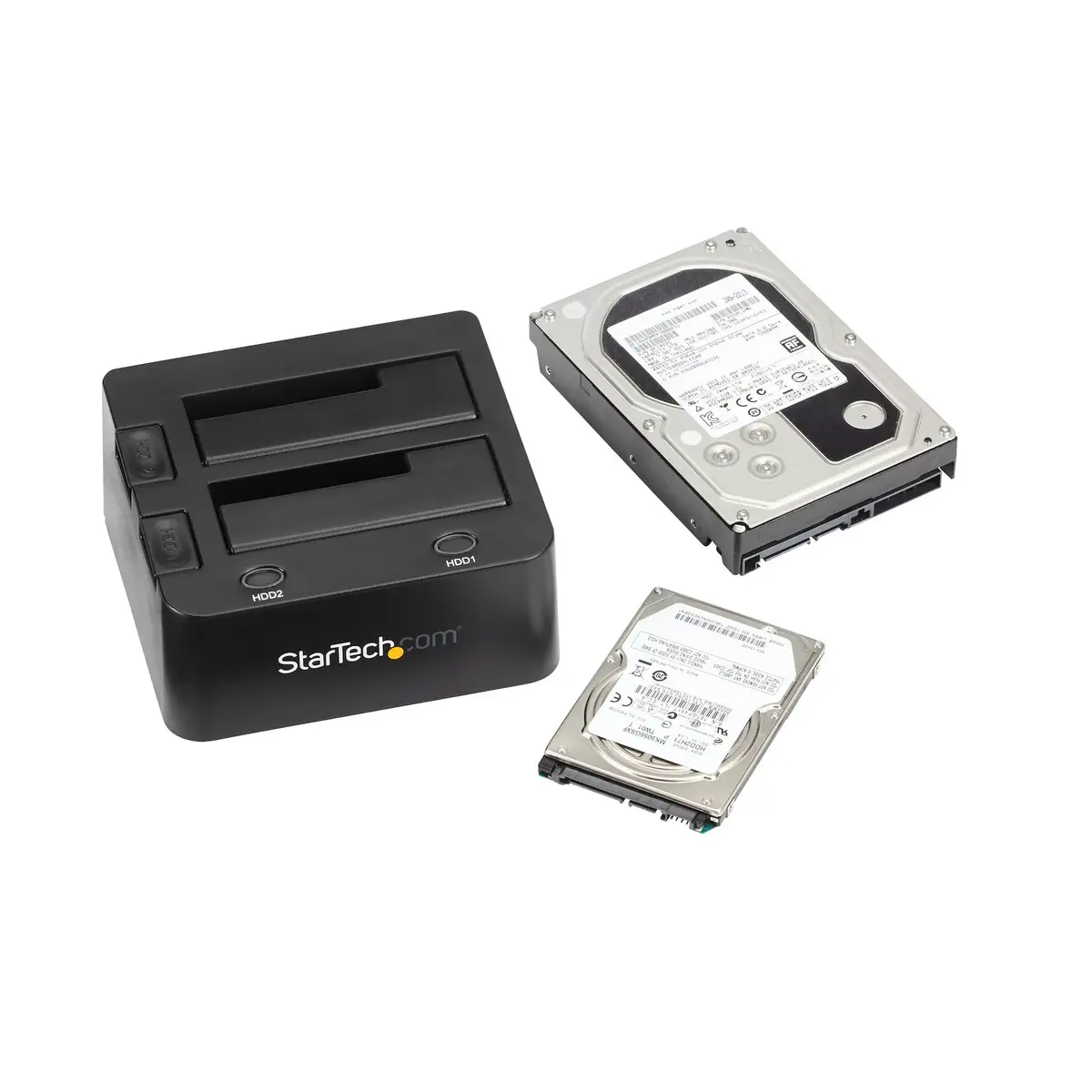
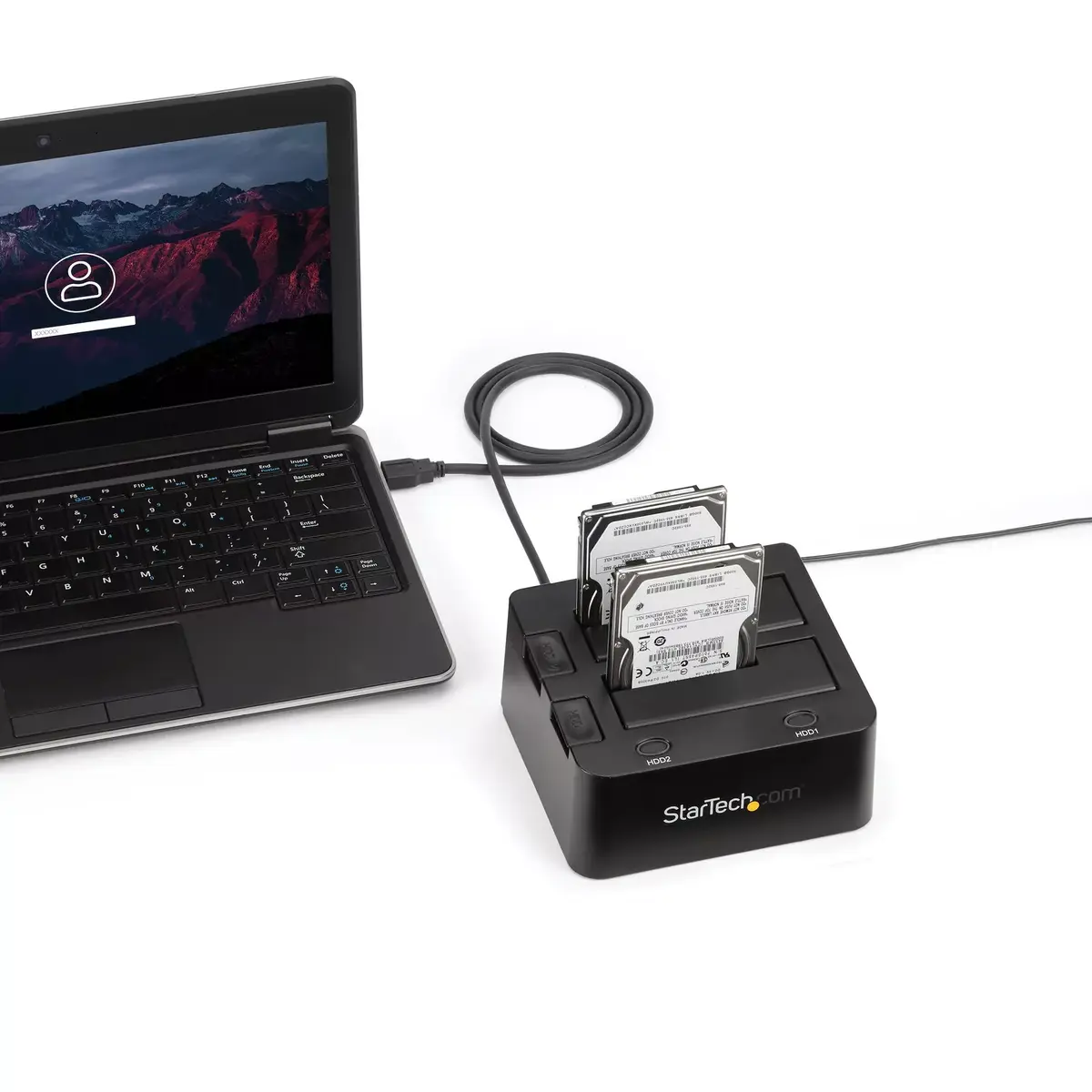
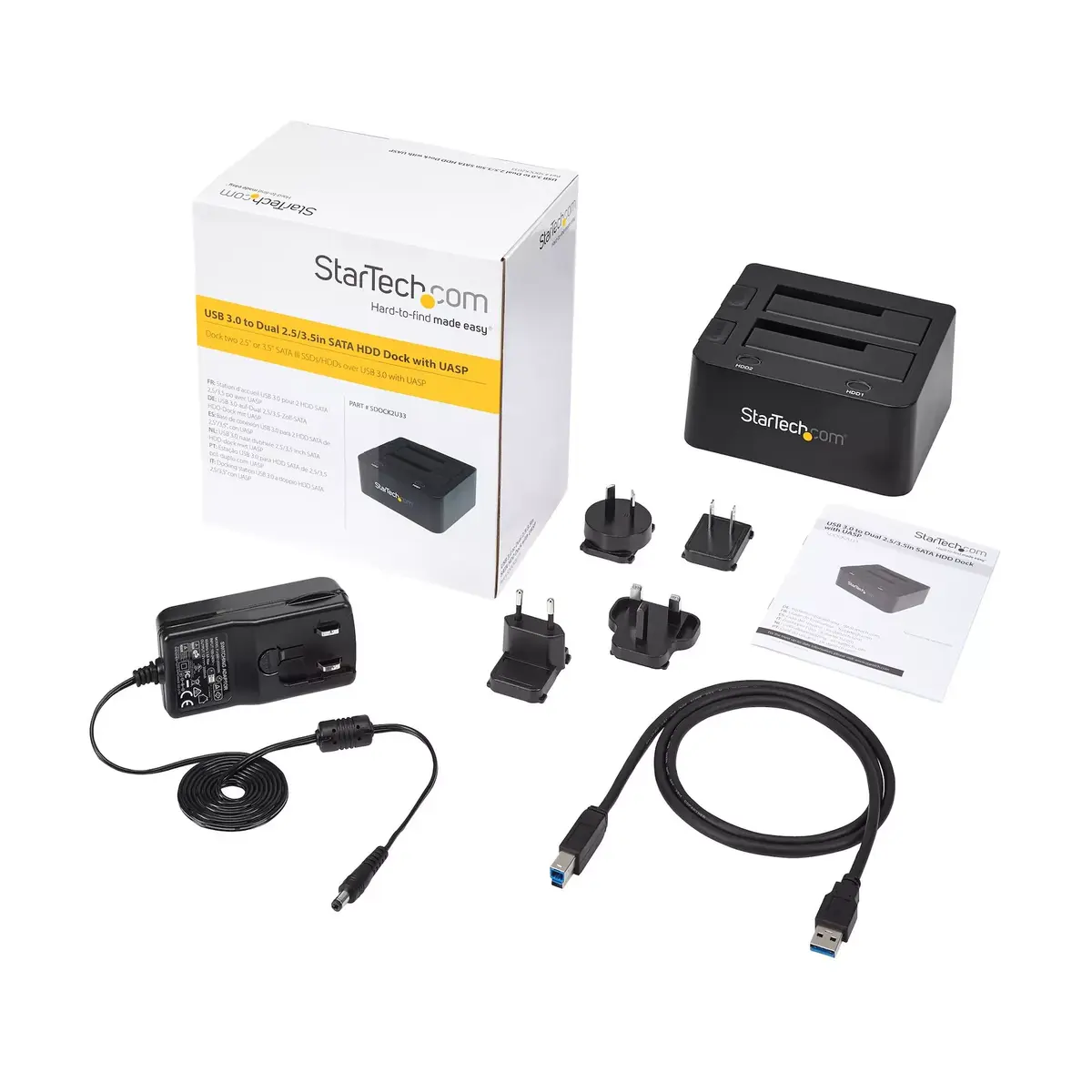
The StarTech Dual-Bay USB 3.0 to SATA Hard Drive Docking Station (SDOCK2U33) is an external dual 2.5"/3.5" SATA docking station that connects to a computer via USB 3.2 Gen 1 (5 Gbps) Type-B. It supports SATA I/II/III drives including SSDs and HDDs, allowing simultaneous connection of two drives for data transfer, cloning, or storage expansion without installing drives inside a computer. The unit supports hot-swapping and has a compact black plastic enclosure (132 × 148 × 70 mm).
Advantages
This docking station supports UASP (USB Attached SCSI Protocol) to improve transfer performance when used with a UASP-enabled host, offering significantly higher read and write speeds and reduced CPU utilization compared with conventional USB 3.0 implementations. Each bay has an independent power button so drives can be powered and swapped individually, and the dock is compatible with a wide range of operating systems including Windows, macOS, Linux and Chrome OS. The product is backed by a 2-year manufacturer warranty and free lifetime technical support.
Suitable for
- Data migration and cloning between SATA SSDs and HDDs
- Expanding external storage for desktops and laptops
- Temporarily accessing or recovering data from spare or legacy drives
- Testing or benchmarking multiple drives without installing them internally
Key specifications
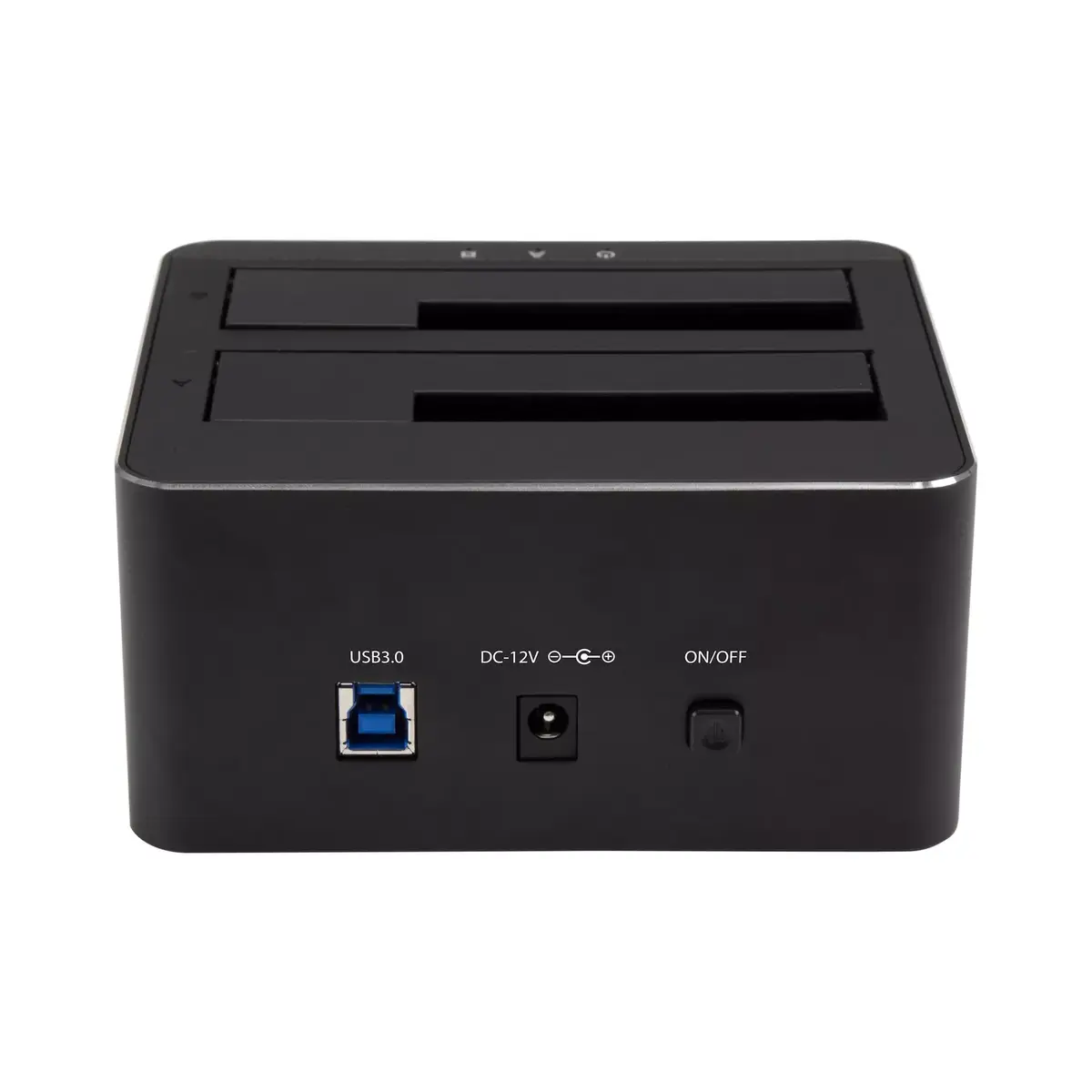
- Interface: USB 3.2 Gen 1 (5 Gbps) Type-B to SATA I/II/III
- Drive support: 2 bays, 2.5" and 3.5" SATA SSD/HDD
- Protocol: UASP supported (when host controller is UASP-enabled)
- Hot-swap: Yes
- Material and color: Black plastic
- Dimensions: 132 × 148 × 70 mm
- Weight: 0.513 kg
- Compatibility: Windows (including Windows 8 and 7), macOS (10.6+ with UASP support from 10.8), Linux, Chrome OS
- Warranty: 2 years
How to use
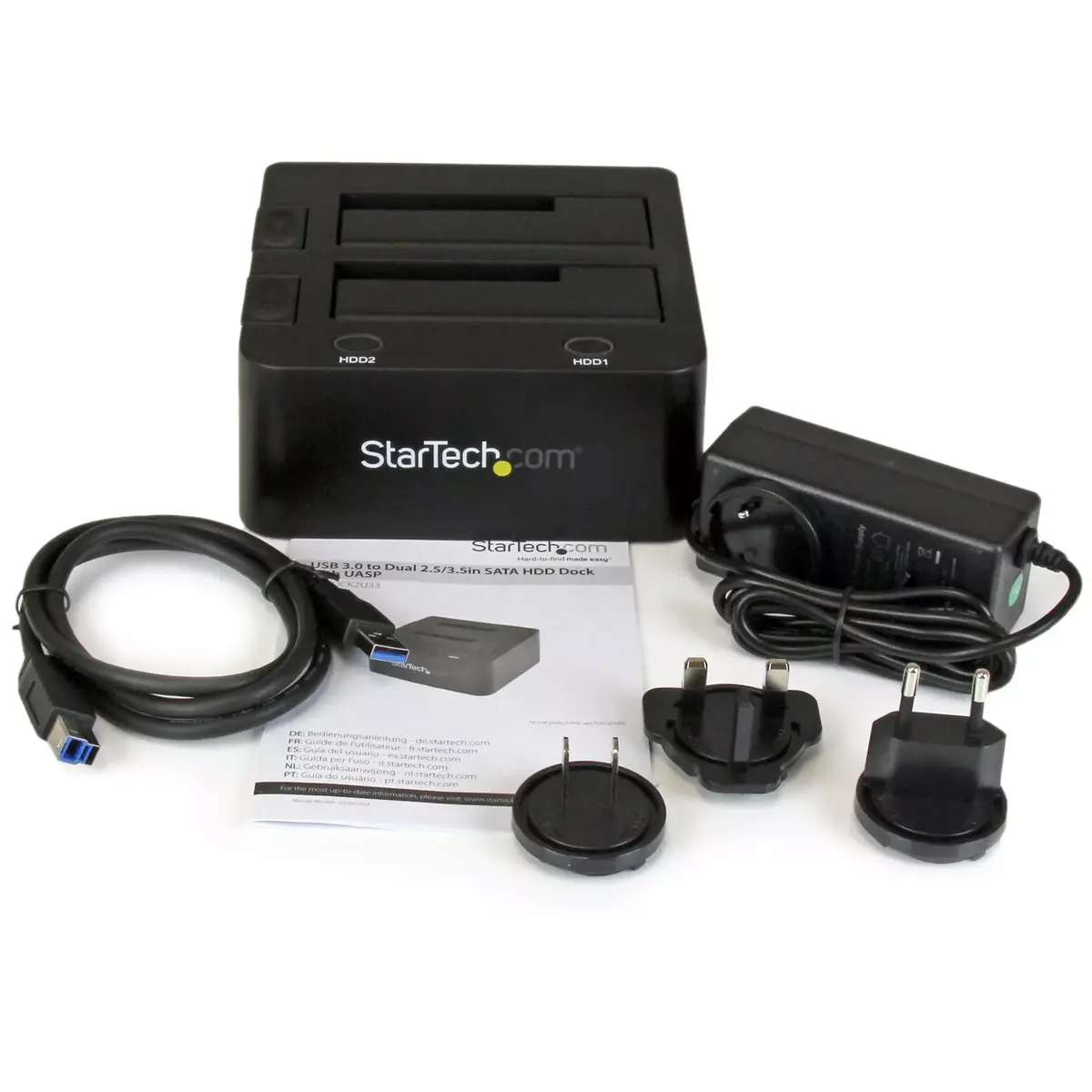
Place a 2.5" or 3.5" SATA drive into an empty bay with the SATA connector aligned, power on the docking station, and connect it to the host computer using the supplied USB cable. Use the individual power buttons to turn each bay on or off as needed. The host operating system should detect the drive automatically; if using UASP, ensure the host controller and OS support UASP to benefit from improved performance. For safe removal, use the operating system’s eject or safe removal procedure before turning off a drive or hot-swapping.
Usage recommendations
For best performance with modern SSDs, connect the dock to a UASP-enabled USB host and use a SATA III drive. When working with multiple drives, operate one bay at a time for power efficiency and to reduce risk of accidental removal during transfers.
Features
- Number of storage drives supported:
- 2
- Product colour:
- Black

Stock data
| Warehouse | Stock | Delivery to the store | Store Price | |
| WH355 | 10 | 07.12.2026 | 117.49 € | Add to cart |
- 117.49 €Stock: 10Delivery Date: 07.12.2026Warehouse: WH355Add to cart
| Warehouse | Stock | Delivery to the store | Store Price | |
| EU9 | 5 | 07.12.2026 | 95.99 € | Add to cart |
| WH109 | 10 | 21.12.2026 | 98.99 € | Add to cart |
- 95.99 €Stock: 5Delivery Date: 07.12.2026Warehouse: EU9Add to cart
- 98.99 €Stock: 10Delivery Date: 21.12.2026Warehouse: WH109Add to cart


