


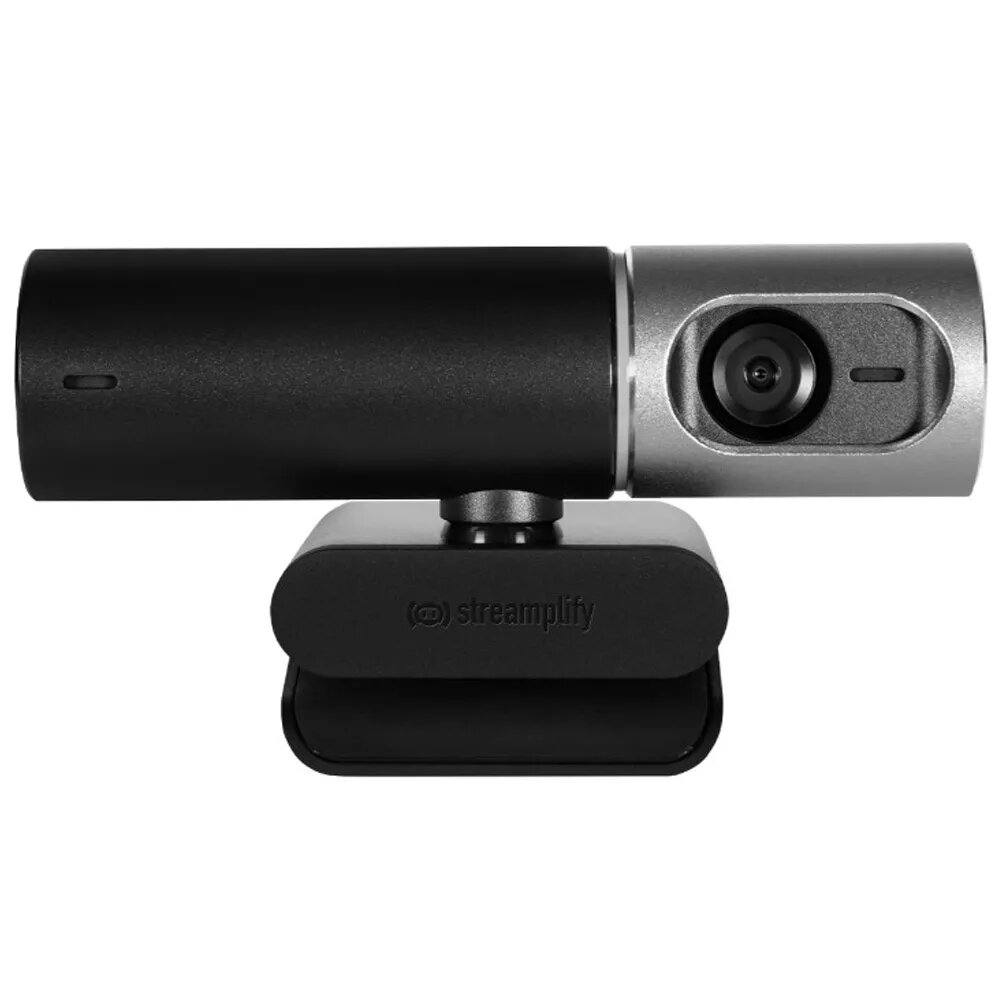
Webcam Streamplify CAM PRO 4K 30fps USB — 4K resolution, 30 fps, USB connection
Short description

Cheapest delivery:
Unisend LV

Esto — pay in 6 equal parts
Product information
Description
Streamplify CAM PRO 4K 30fps USB is a high-resolution webcam engineered for video calls, streaming and content creation. It captures footage at up to 4K resolution with a smooth 30 frames per second and connects via USB for simple plug-and-play operation on desktops and laptops. The camera is designed to deliver detailed image quality and consistent frame rates for remote meetings, webinars and live broadcasts.
Advantages
The webcam offers native 4K capture at 30 fps, providing finer detail and clearer images compared with standard HD webcams. USB connectivity ensures universal compatibility and quick setup without additional drivers on most systems. Its compact housing and neutral color rendering make it suitable for mixed lighting environments, while consistent frame output supports stable video streaming and recording.
Suitable for
- Remote work and professional video conferencing
- Live streaming on platforms such as YouTube and Twitch
- Content creation including tutorials, product demos and vlogging
- Online teaching and virtual presentations
Key specifications
- Maximum video resolution: 4K (3840 × 2160)
- Frame rate at maximum resolution: 30 frames per second
- Interface: USB connection for video and power
- Form factor: external desktop/laptop-mounted webcam
- Compatibility: plug-and-play operation with standard video conferencing and streaming applications
How to use
Position the webcam on top of your monitor or on a stable surface using the integrated mount or clip. Connect the device to a computer using the USB cable and allow the operating system to recognize it; most systems will install required drivers automatically. Select Streamplify CAM PRO 4K 30fps USB as the video input in your conferencing or streaming application settings, and adjust software exposure, white balance and framing as needed for the best image.
Usage recommendations
For best image quality, use consistent front lighting and avoid strong backlight. When streaming in 4K at 30 fps, ensure your computer and internet connection meet the required bandwidth and processing capability. If lower CPU load is needed, select a reduced capture resolution or frame rate within your application.
Customer reviews
Customer questions
How much does the Streamplify CAM PRO 4K 30fps USB webcam cost, and is it available for purchase?
If I order this product today, when will I receive my order?
What payment options are available?
Can Streamplify CAM PRO 4K 30fps USB webcam be purchased with a lease?
- Select the product on the website and add it to your cart;
- When placing your order, choose the payment method “Installments”;
- Fill in the required details for the lending partner;
- Receive a decision within a few minutes.


