


Desk Stand for 2 Monitors Techly ICA-LCD 482-D
Short description


Cheapest delivery:
Unisend LV

Esto — pay in 6 equal parts
Product information
Description
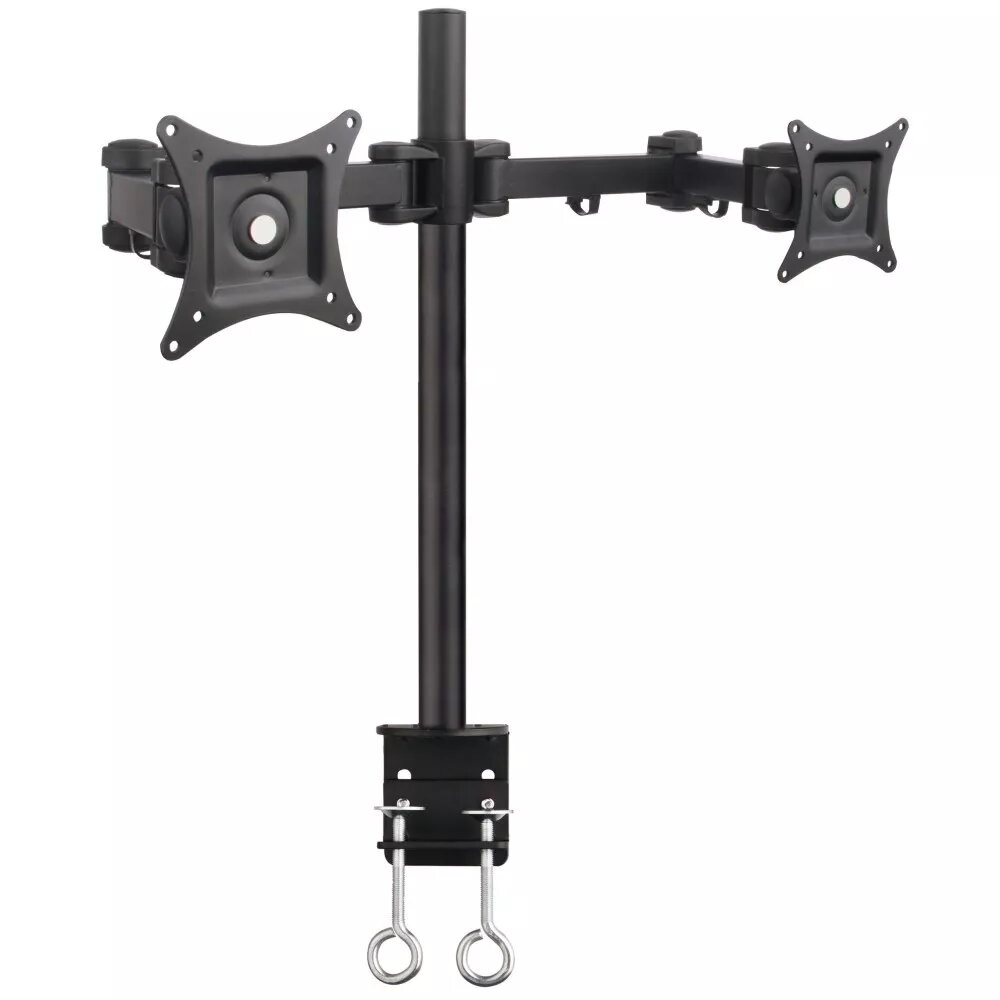
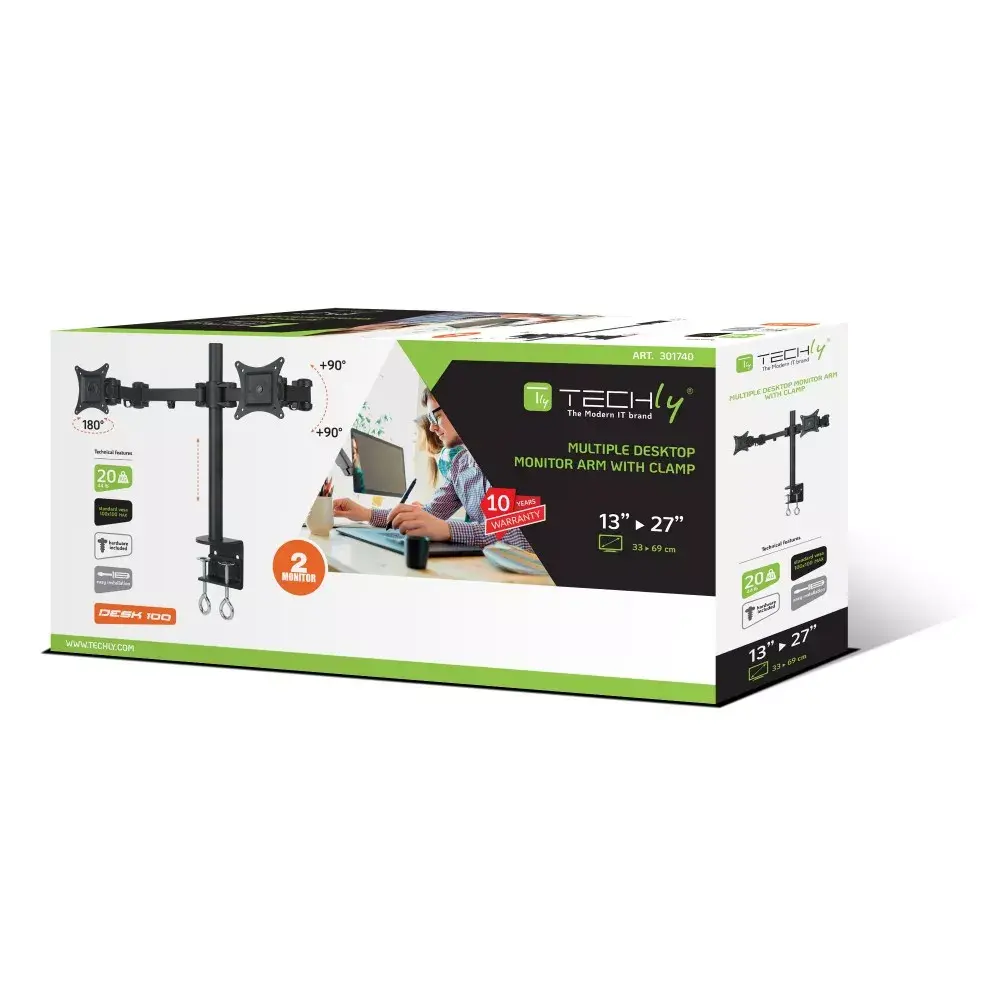
The Techly ICA-LCD 482-D desk stand is designed to hold two monitors ranging from 13" to 27" each, providing a stable and space-saving mounting solution for office and home workstations. Finished in black, the stand supports VESA patterns from 75 x 75 mm to 100 x 100 mm and accommodates a combined maximum weight of up to 20 kg. Height adjustment and a wide tilt range let you position screens for better ergonomics and improved viewing comfort.
Advantages
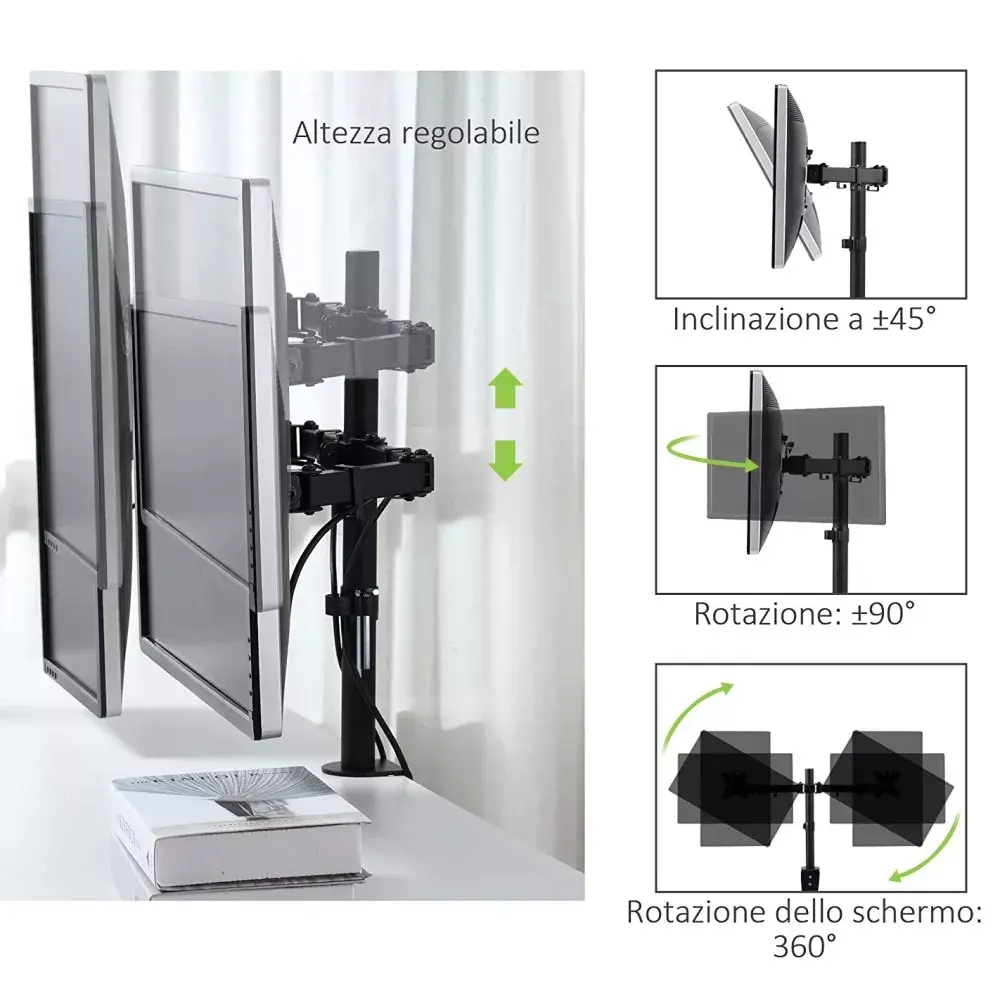
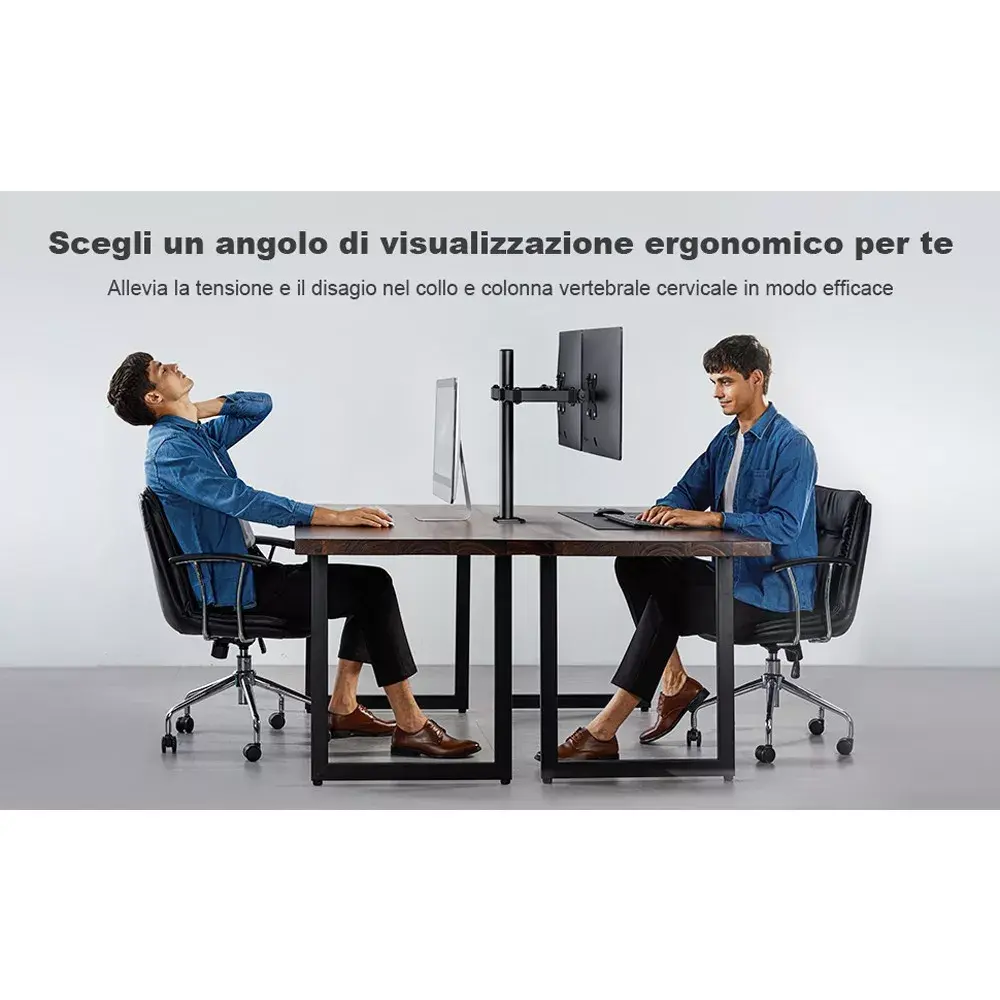
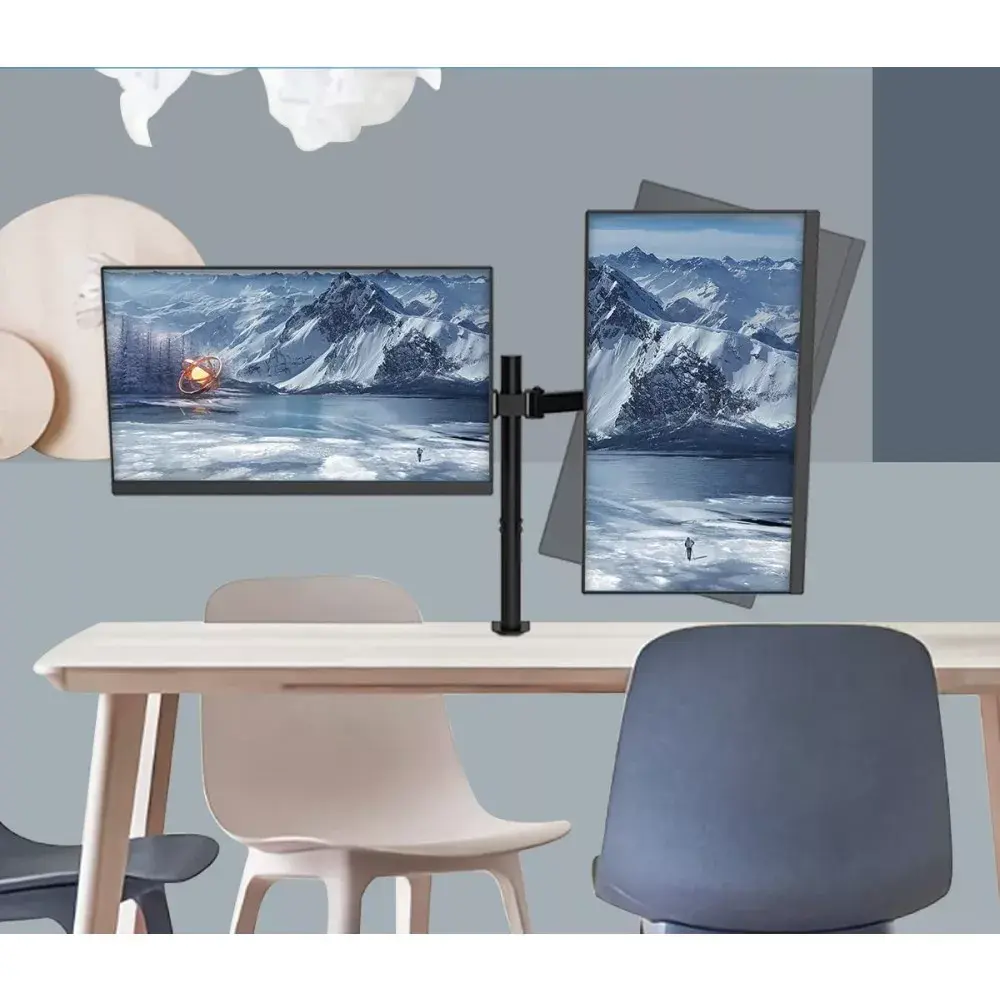
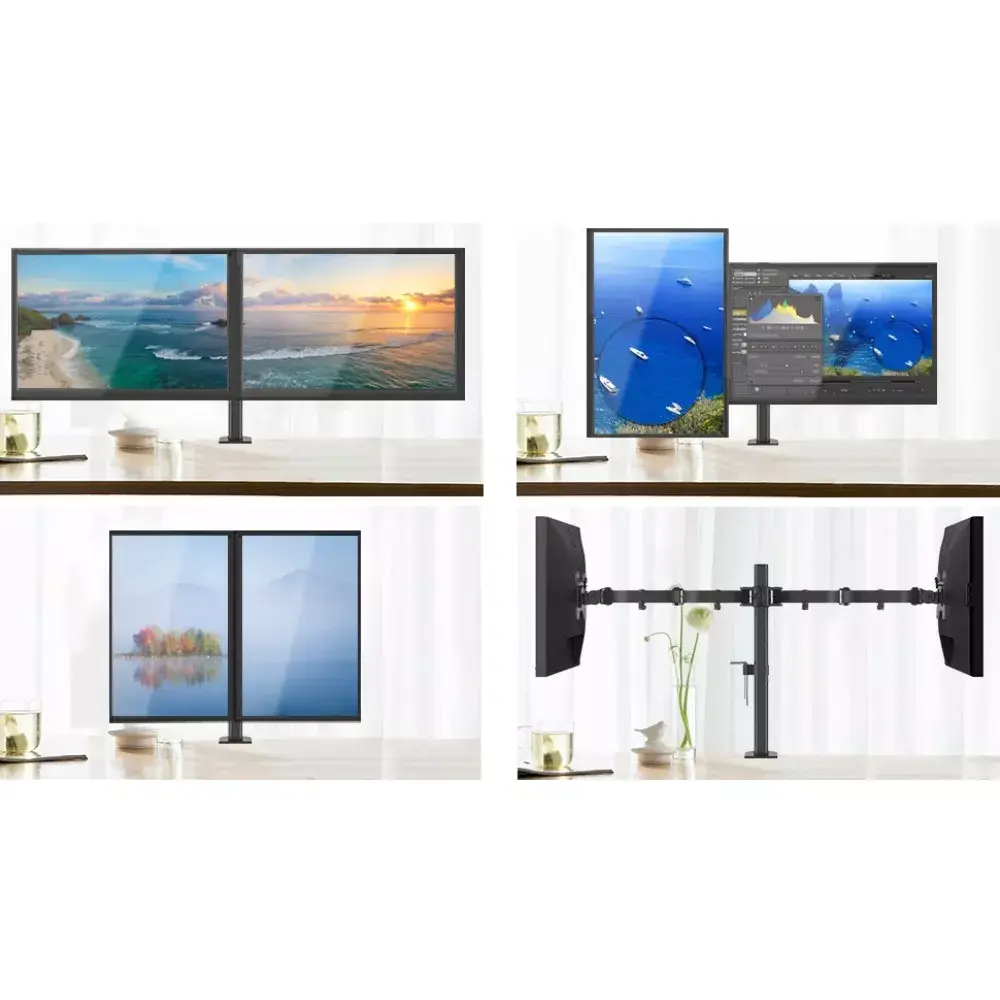
This dual monitor stand offers stable support for two displays while freeing desk surface area and allowing flexible positioning. The height adjustment mechanism enables setting screens at an ergonomic eye level, and the tilt range from -90° to 90° permits portrait and landscape orientation as well as fine tuning of viewing angles. The unit's compatibility with common VESA patterns ensures straightforward mounting of most 13"–27" monitors. Constructed to support a total of up to 20 kg, the stand provides a reliable platform for typical office and home monitors.
Suitable for
- Dual-monitor office workstations for productivity and multitasking
- Home offices where desk space optimization is needed
- Graphic design and coding setups requiring two screens
- Call centres, reception desks and shared workspaces
Key specifications
- Number of displays supported: 2
- Supported screen size: 13"–27" per display
- Maximum weight capacity: 20 kg (total)
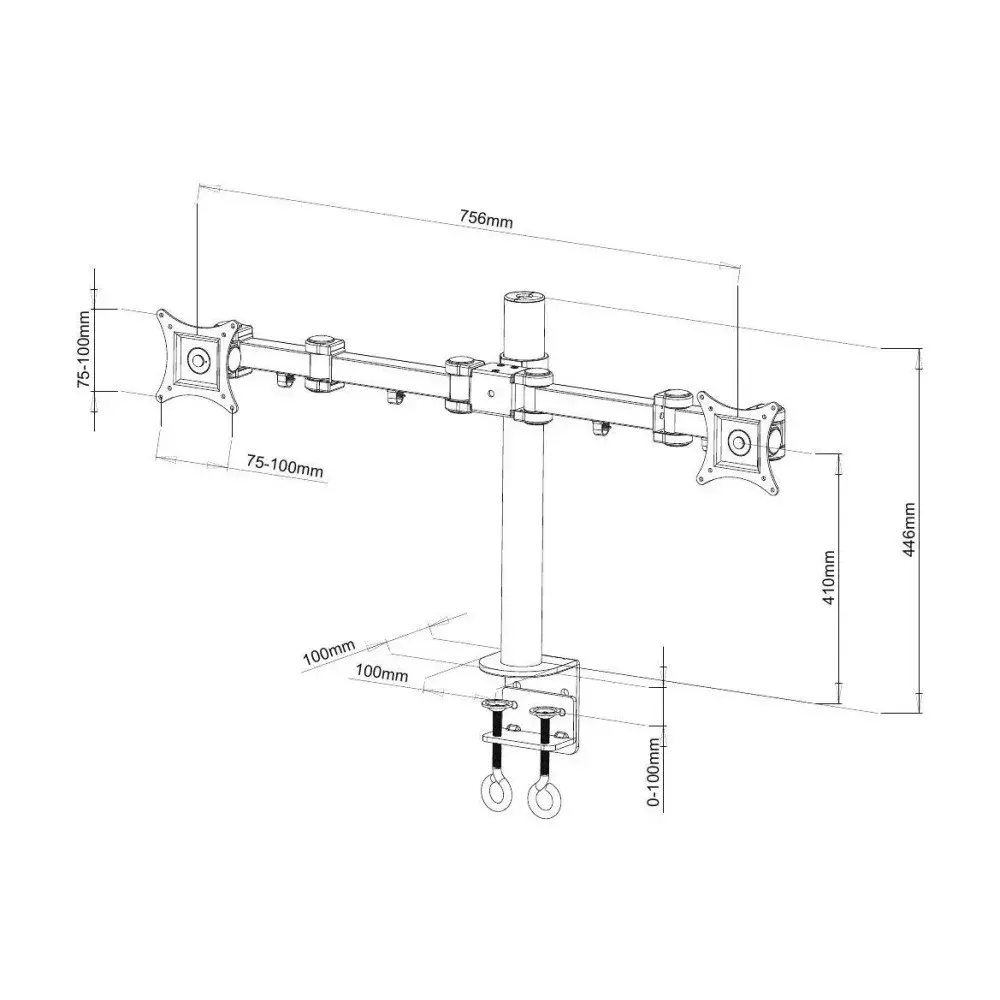
- VESA compatibility: 75 x 75 mm and 100 x 100 mm
- Tilt adjustment range: -90° to 90°
- Height adjustment: integrated vertical adjustment mechanism
- Product colour: Black
- Net weight: 6.641 kg
How to use
Attach each monitor to the mount using the appropriate VESA holes and screws, ensuring the display weight does not exceed the combined 20 kg limit. Adjust the height to align the top of the screens with your eye level and set the tilt angle between -90° and 90° to achieve the desired orientation and viewing comfort. Make sure all fasteners are tightened after positioning to maintain stability. If you plan to rotate a monitor to portrait orientation, confirm that the mount and monitor weight remain within safe limits and re-tighten any adjustable joints.
Usage recommendations
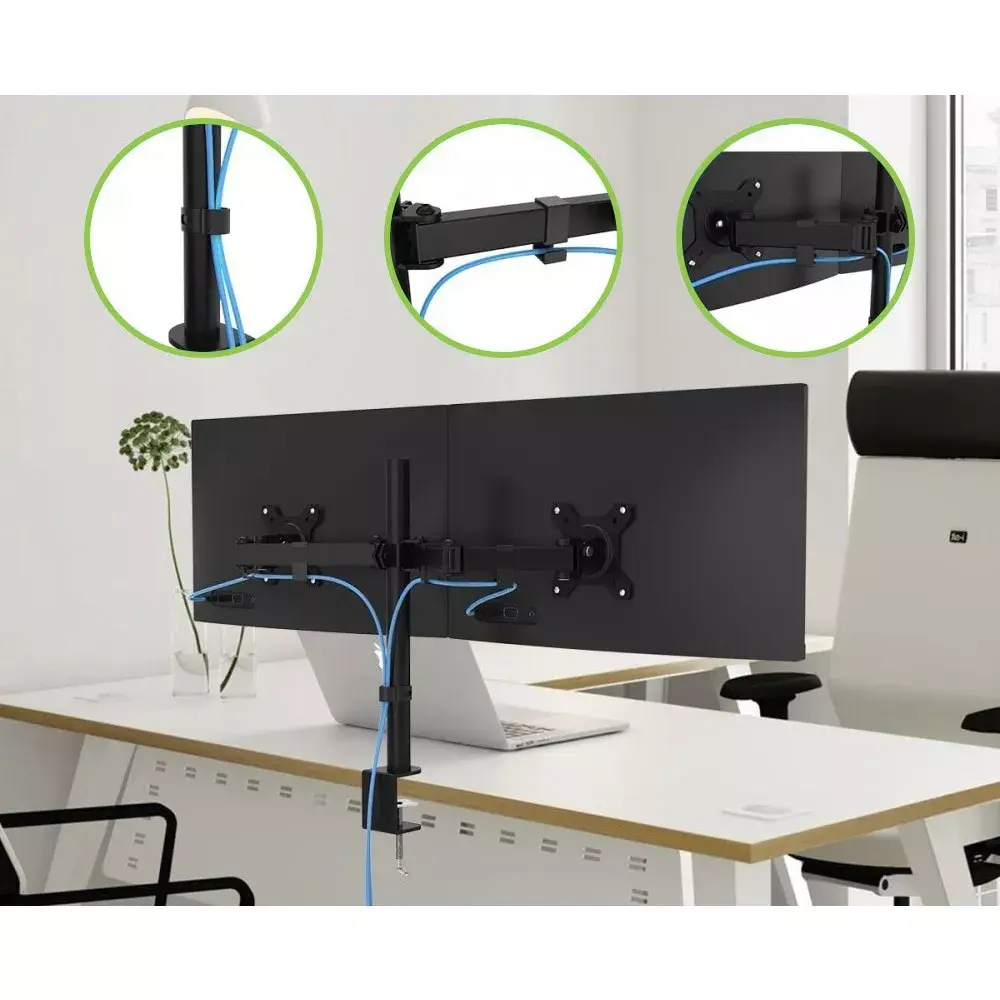
For ergonomic setup, position the top third of the primary monitor at or slightly below eye level, keep the displays about an arm's length away, and distribute weight evenly between both arms. Use cable management to keep the workspace tidy and periodically check mounting hardware for tightness.
Features
- Maximum VESA mount:
- 100 x 100
- Minimum VESA mount:
- 75 x 75
- Maximum screen size:
- 27 "
- Mounting type:
- Desk
- Number of displays supported:
- 2
Product comparison
The desk stand Desk Stand for 2 Monitors Techly ICA-LCD 482-D is compared against several alternative display and TV mounting solutions from TECHLY and Equip. All products share a black finish and the common purpose of securing screens, but they differ significantly in mounting type (desk, wall, or ceiling), supported monitor count, size range, and maximum weight capacity.
⚙️ The table below compares the mounting type, supported display count, maximum weight, screen size range, and tilt angles to highlight the practical differences between the models.
| Parameter | Desk Stand for 2 Monitors Techly ICA-LCD 482-D | Desk Stand for Monitor Techly ICA-LCD 502BK | Ceiling Mount Techly ICA-CPLB 946L | TV mount Techly ICA-PLB-147M 139.7 cm (55") Black | Wall Bracket Techly ICA-PLB 147M for 23-55" LED TV | Articulating Dual Monitor Desk Mount Bracket Equip 650115 | Practical significance |
|---|---|---|---|---|---|---|---|
| Mounting type | Desk | Desk | Ceiling | Wall | Wall | Desk | Determines where the mount is installed: on a desk, wall, or ceiling based on room layout. |
| Number of displays | 2 | 1 | 1 | 1 | 1 | 2 | Dual-monitor models support multitasking, whereas single models are built for one screen. |
| Screen size | 13" - 27" | 13" - 27" | 37" - 70" | 23" - 55" | 23" - 55" | 13" - 27" | Allows matching the mount to the physical dimensions of the specific monitor or TV. |
| Maximum weight | 20 kg | 6 kg | 50 kg | 70 kg | 70 kg | 16 kg | Defines the safe load capacity for the mounted equipment. |
◎ The table below evaluates product suitability for different use cases to help choose the most appropriate option.
| Use case | Recommended product | Why |
|---|---|---|
| Setting up a dual-monitor workspace up to 27 inches | Desk Stand for 2 Monitors Techly ICA-LCD 482-D | Supports two screens with a combined weight of up to 20 kg while optimizing desktop space. |
| Placing a single compact monitor on a desk | Desk Stand for Monitor Techly ICA-LCD 502BK | Designed for a single monitor to save desk space with loads up to 6 kg. |
| Mounting a large TV to the ceiling | Ceiling Mount Techly ICA-CPLB 946L | Features a telescopic design and accommodates screens from 37 to 70 inches mounted overhead. |
| Wall-mounting a mid-sized TV | TV mount Techly ICA-PLB-147M 139.7 cm (55") Black / Wall Bracket Techly ICA-PLB 147M for 23-55" LED TV | Provides reliable and flexible wall mounting for TVs up to 55 inches with high weight capacity. |
The Desk Stand for 2 Monitors Techly ICA-LCD 482-D differs from wall and ceiling alternatives by offering a desktop installation, and from single-monitor versions by supporting two screens with a higher load capacity of up to 20 kg. It is best suited for users looking to mount two monitors on a single desk for enhanced productivity, whereas the alternative options are better tailored for single screens or wall and ceiling television setups.
Customer reviews
Customer questions
How much does the Desk Stand ICA-LCD 482-D cost, and is it available for purchase?
If I order this product today, when will I receive my order?
What payment options are available?
Can Desk Stand ICA-LCD 482-D be purchased with a lease?
- Select the product on the website and add it to your cart;
- When placing your order, choose the payment method “Installments”;
- Fill in the required details for the lending partner;
- Receive a decision within a few minutes.


