


Joystick Thrustmaster VIPER TQS Black USB PC Wired
Short description


Cheapest delivery:
Unisend LV

Esto — pay in 6 equal parts
Product information
Description
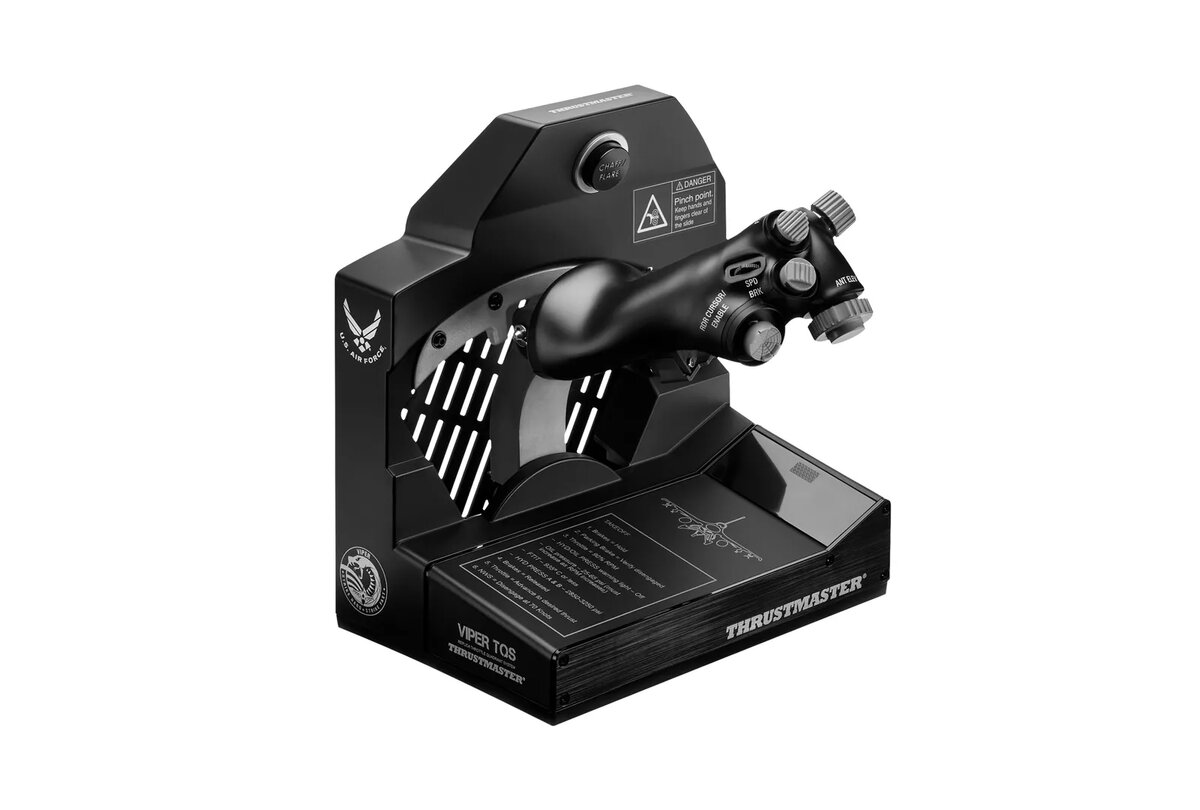
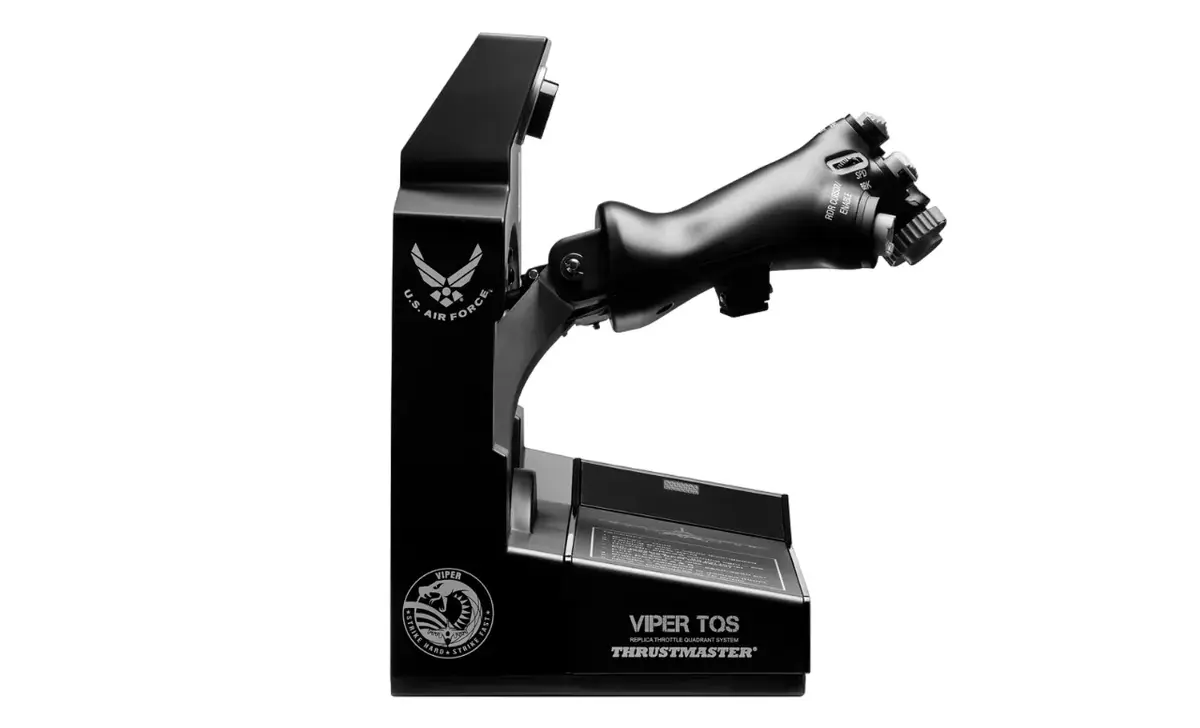
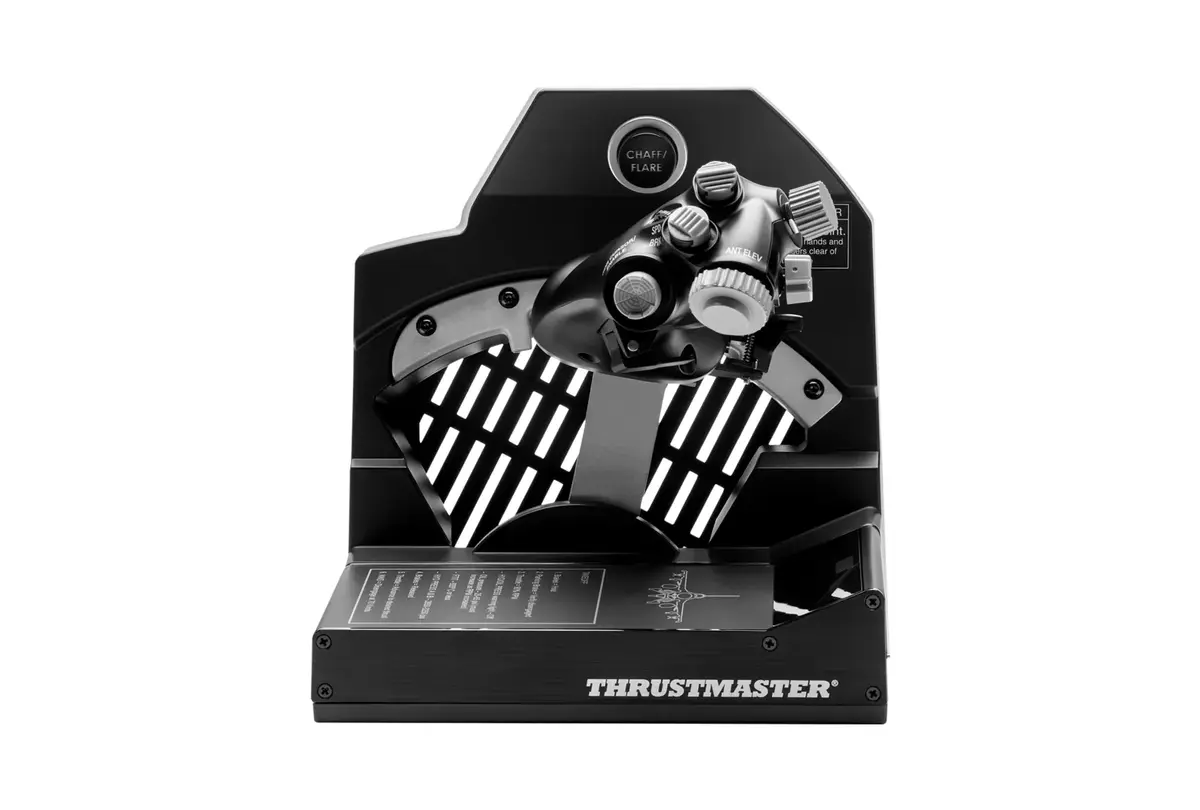
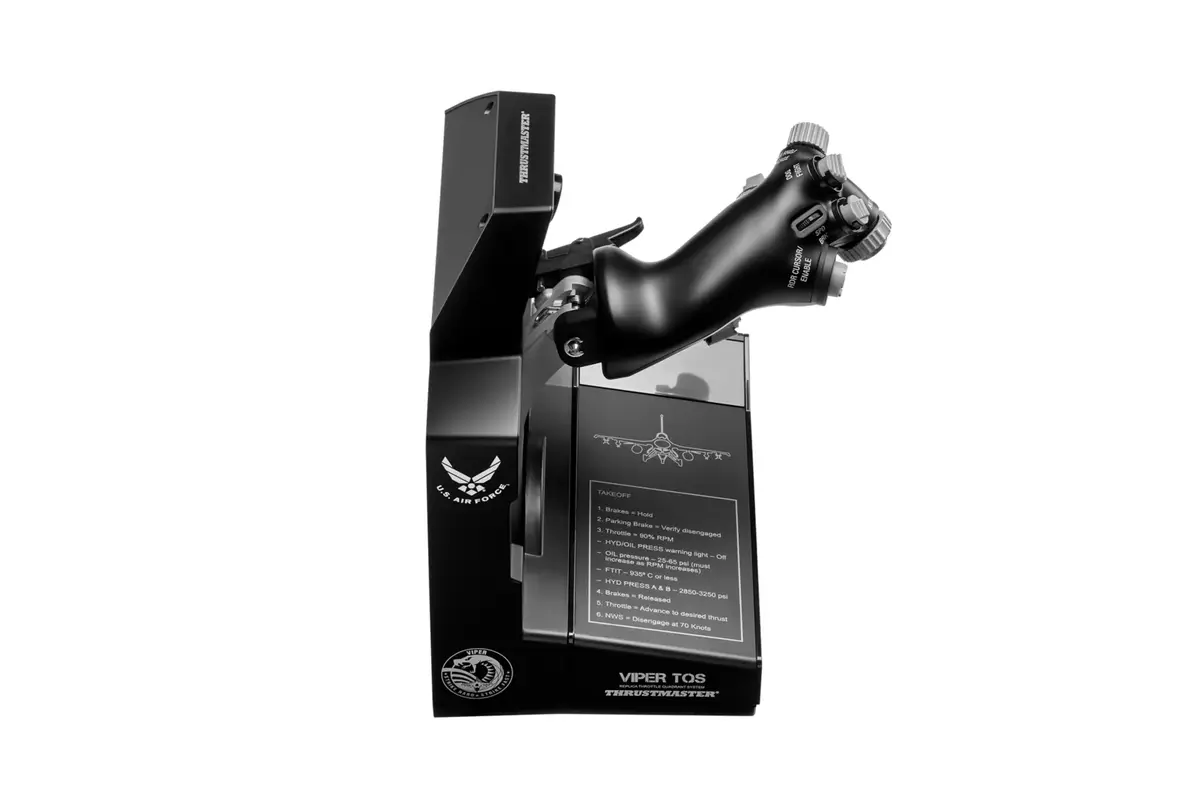
The Thrustmaster VIPER TQS Black is an officially licensed 1:1 scale replica of the U.S. Air Force Viper throttle quadrant system for PC. This wired USB joystick assembly reproduces the original throttle’s metal handle casing, buttons and iconic control switches, offering realistic mechanical movement, access to Idle/Cutoff and Afterburner detents, and an option for a fully linear axis. The unit is built with die-cast metal components and a H.E.A.R.T (HallEffect AccuRate Technology) magnetic sensor to provide precise 16-bit input and durable adjustable friction.
Advantages
The Viper TQS delivers authentic flight kinematics through metal bearings and legacy axis rail mechanics, recreating the real feel of the Viper throttle. Adjustable friction and die-cast construction keep travel firm and consistent over time, while the H.E.A.R.T sensor ensures accurate, low-drift readings. Twenty-one action buttons and dedicated dogfight switches — including a Chaff/Flare slap switch and blackout switches — give direct access to commonly used controls and are positioned for easy use in VR. The device is USB-wired for reliable PC connectivity and comes in a compact footprint suitable for desktop setups.
Suitable for
- PC flight simulation (civilian and military aircraft)
- Combat flight simulators and air-to-air dogfighting
- VR flight experiences requiring accessible cockpit controls
- Flight training setups and home cockpits
Key specifications
- Device type: Joystick / throttle quadrant (wired)
- Interface: USB
- Connectivity: Wired
- Sensor: H.E.A.R.T (HallEffect AccuRate Technology), 16-bit
- Construction: Die-cast metal parts, metal bearings
- Buttons: 21 action buttons plus dedicated switches (Chaff/Flare, blackout, VR switch)
- Special features: Idle/Cutoff and Afterburner detents; option for 100% linear axis; adjustable friction
- Colour: Black
- Supported platform: PC
- Dimensions (approx.): 93 mm (W) x 296 mm (D) x 82 mm (H)
- Weight (approx.): 3.759 kg
How to use
Connect the VIPER TQS to a PC via USB and install any recommended drivers or firmware updates from the manufacturer. Mount the throttle on a stable surface or cockpit frame, then calibrate the axis in your flight simulator or Windows game controller settings. Use the mechanical levers and handle rotation to access Idle/Cutoff and Afterburner detents, or switch to the linear axis mode if preferred. Assign the 21 action buttons and dedicated switches through your simulator’s control mapping menu for direct access during flight.
Usage recommendations
For best long-term performance, secure the throttle to a stable desk or cockpit base, avoid exposing die-cast components to corrosive environments, and periodically check for firmware updates. When using VR, enable the VR switch to improve point-of-view zoom and ensure buttons are mapped to critical functions for quick access.
Features
- Power source:
- Cable
- Device interface:
- USB
- Connectivity technology:
- Wired
- Device type:
- Joystick
- Product colour:
- Black
- Gaming platforms supported:
- PC
Instructions

Stock data
| Warehouse | Stock | Delivery to the store | Store Price | |
| EU3 | 17 | 07.12.2026 | 394.49 € | Add to cart |
| WH94 | 17 | 07.12.2026 | 413.49 € | Add to cart |
- 394.49 €Stock: 17Delivery Date: 07.12.2026Warehouse: EU3Add to cart
- 413.49 €Stock: 17Delivery Date: 07.12.2026Warehouse: WH94Add to cart
| Warehouse | Stock | Delivery to the store | Store Price | |
| WH109 | 17 | 21.12.2026 | 417.49 € | Add to cart |
- 417.49 €Stock: 17Delivery Date: 21.12.2026Warehouse: WH109Add to cart
Customer reviews
Customer questions
How much does the Joystick Thrustmaster VIPER TQS Black USB cost, and is it available for purchase?
If I order this product today, when will I receive my order?
What payment options are available?
Can Joystick Thrustmaster VIPER TQS Black USB be purchased with a lease?
- Select the product on the website and add it to your cart;
- When placing your order, choose the payment method “Installments”;
- Fill in the required details for the lending partner;
- Receive a decision within a few minutes.


