


Monitor Mount Vision VFM-DA/4 27" Desk Black Bolt-through
Offer for a legal entity, non-cash payment.
Short description

Cheapest delivery:
Unisend LV
Product information
Description
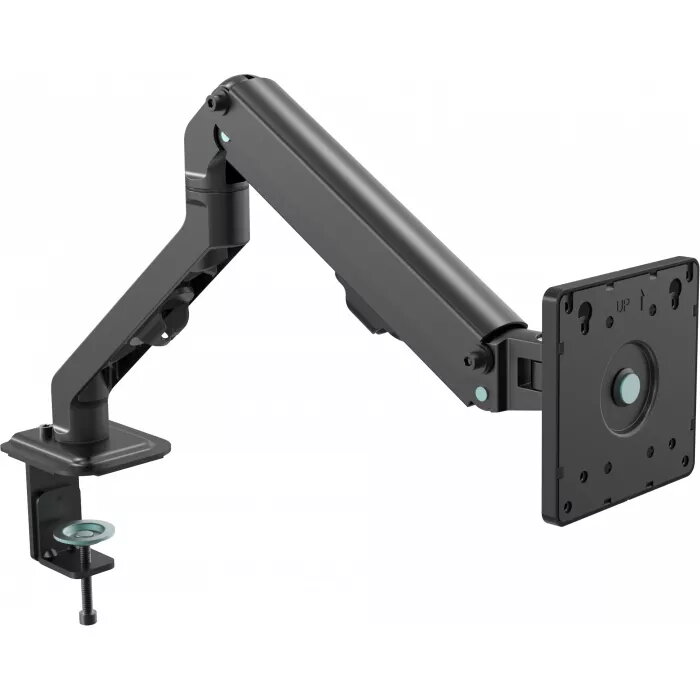
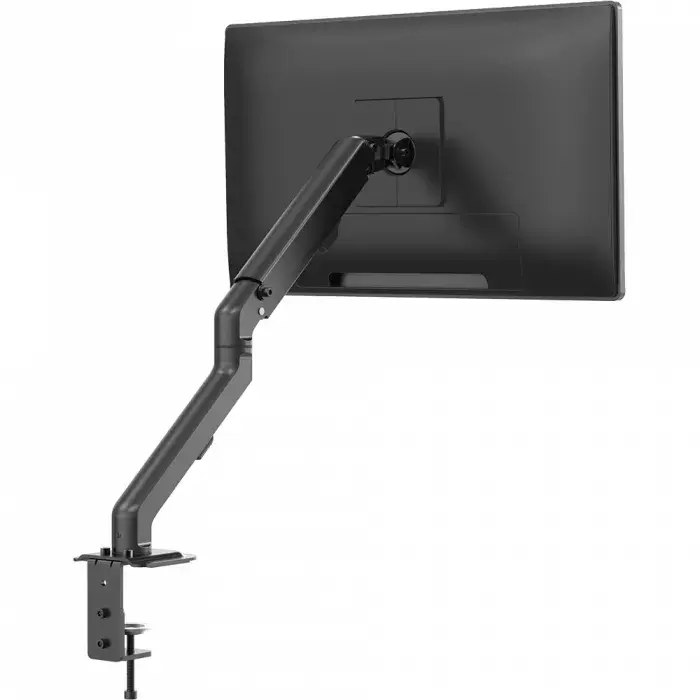
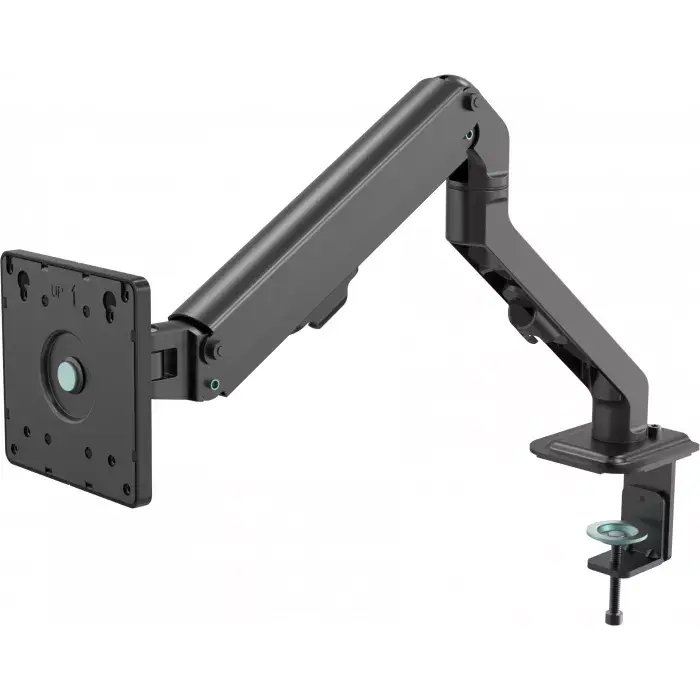
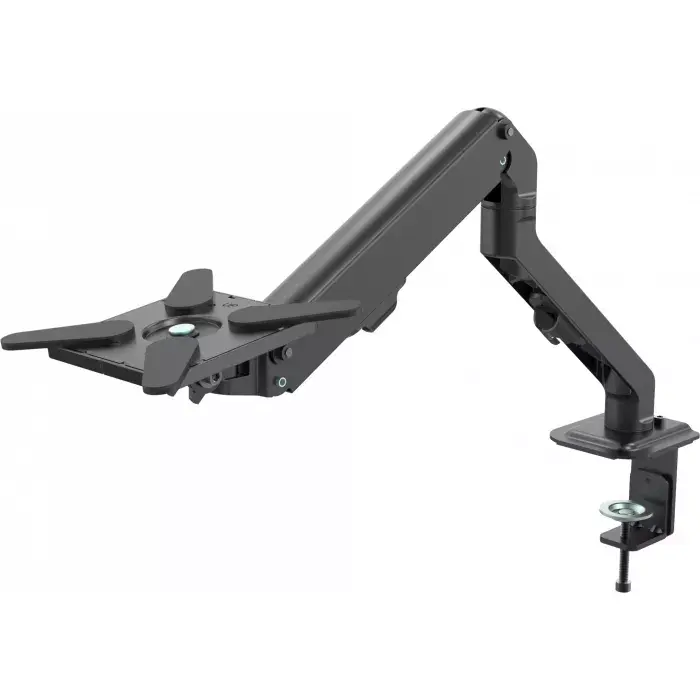
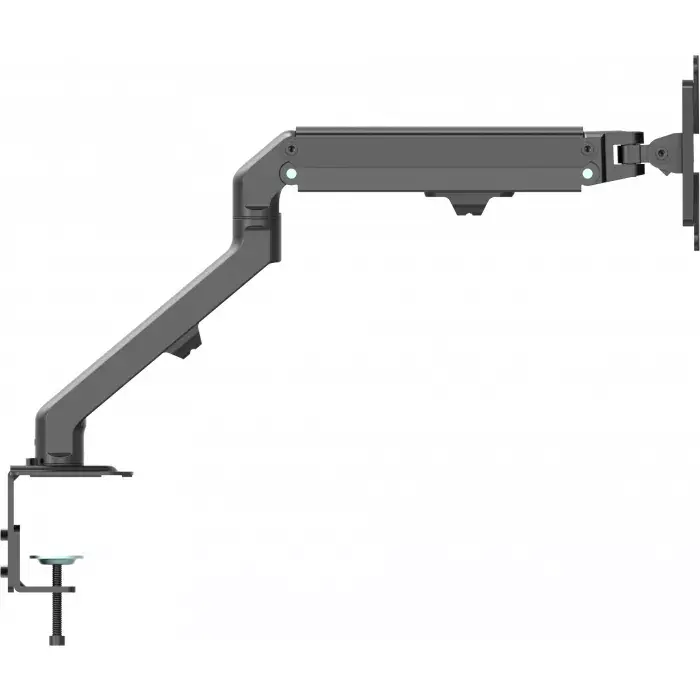
The Vision VFM-DA/4 Desk Arm raises a monitor or converts into a laptop/tablet shelf to free desk space while providing adjustable ergonomic positioning. It supports flat-panel displays from 10 to 27 inches with 100x100 VESA mounting holes and a safe working load (SWL) up to 7 kg. The arm uses a weight-compensating spring mechanism for smooth height adjustment and includes features such as tilt‑rotate‑swivel, portrait rotation, cable management clips, VESA covers, and hardware for edge-clamp or bolt-through desk mounting.
Advantages
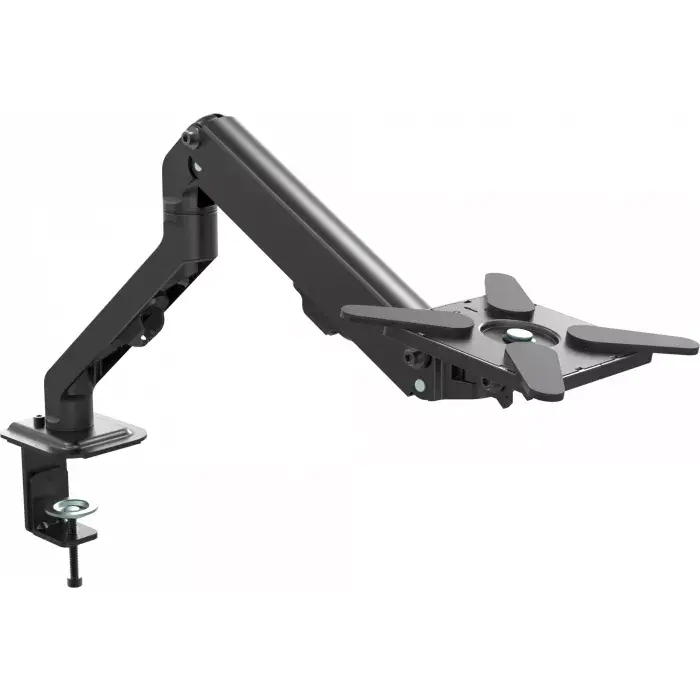
The spring-based counter-balance replaces more expensive gas struts, providing automatic load compensation for devices between 2 and 7 kg while reducing cost. The arm is manufactured from durable, premium materials and is designed for long service life with low cost of ownership. It offers tool-free positional adjustments for tilt, rotation, swivel and height, and can be converted to a laptop or tablet shelf using supplied extension strips with grippy silicone pads. VESA covers and cable clips help maintain a tidy, professional installation.
Suitable for
- Home or office workstations needing a clean-desk layout
- Small desks where surface space must be maximised
- Retail or public-facing displays where the rear of the screen is visible
- Laptops or tablets used alongside an external display (when converted to shelf)
- Users requiring frequent ergonomic adjustments (height, tilt, swivel, rotate)
Key specifications
- Compatible screen sizes: 10–27 inches (safely supports larger displays with same VESA and SWL)
- Maximum weight capacity (SWL): 7 kg
- VESA compatibility: up to 100 x 100 mm (fits 75 x 75 and 100 x 100 patterns)
- Mounting options: edge clamp or bolt-through (grommet installation requires drilling)
- Product colour: Black; product weight: 2 kg
How to use
Attach the VFM-DA/4 to your desk using the supplied edge-clamp or bolt-through hardware following the included instructions; for grommet installation drill the required hole in the desk. Mount the display to the VESA plate and secure the supplied covers if the screen rear is visible. Adjust the arm height using the weight-compensating spring mechanism and fine-tune tilt, swivel and rotation to achieve a comfortable viewing angle. To convert into a laptop or tablet shelf, fit the extension strips with silicone pads onto the VESA plate and place the device securely on the shelf. Use the side bolts to lock the arm position if mounting very lightweight loads such as tablets.
Usage recommendations
Use the VFM-DA/4 within its specified limits: displays with rear VESA mounting holes up to 100 x 100 mm and weights up to 7 kg. For lightweight devices (below 2 kg) tighten the side bolts to prevent the arm from rising. Ensure all fasteners are tightened and periodically check mounts and cable routing for wear; select clamp or bolt-through installation according to your desk thickness and drilling preference.
Features
- Maximum VESA mount:
- 100 x 100
- Minimum VESA mount:
- 75 x 75
- Maximum screen size:
- 27 "
- Mounting type:
- Desk
- Number of displays supported:
- 1
Stock data
| Warehouse | Stock | Delivery to the store | Store Price | |
| WH15 | 329 | 07.12.2026 | 65.99 € | Add to cart |
| WH109 | 328 | 21.12.2026 | 84.49 € | Add to cart |
- 65.99 €Stock: 329Delivery Date: 07.12.2026Warehouse: WH15Add to cart
- 84.49 €Stock: 328Delivery Date: 21.12.2026Warehouse: WH109Add to cart


