


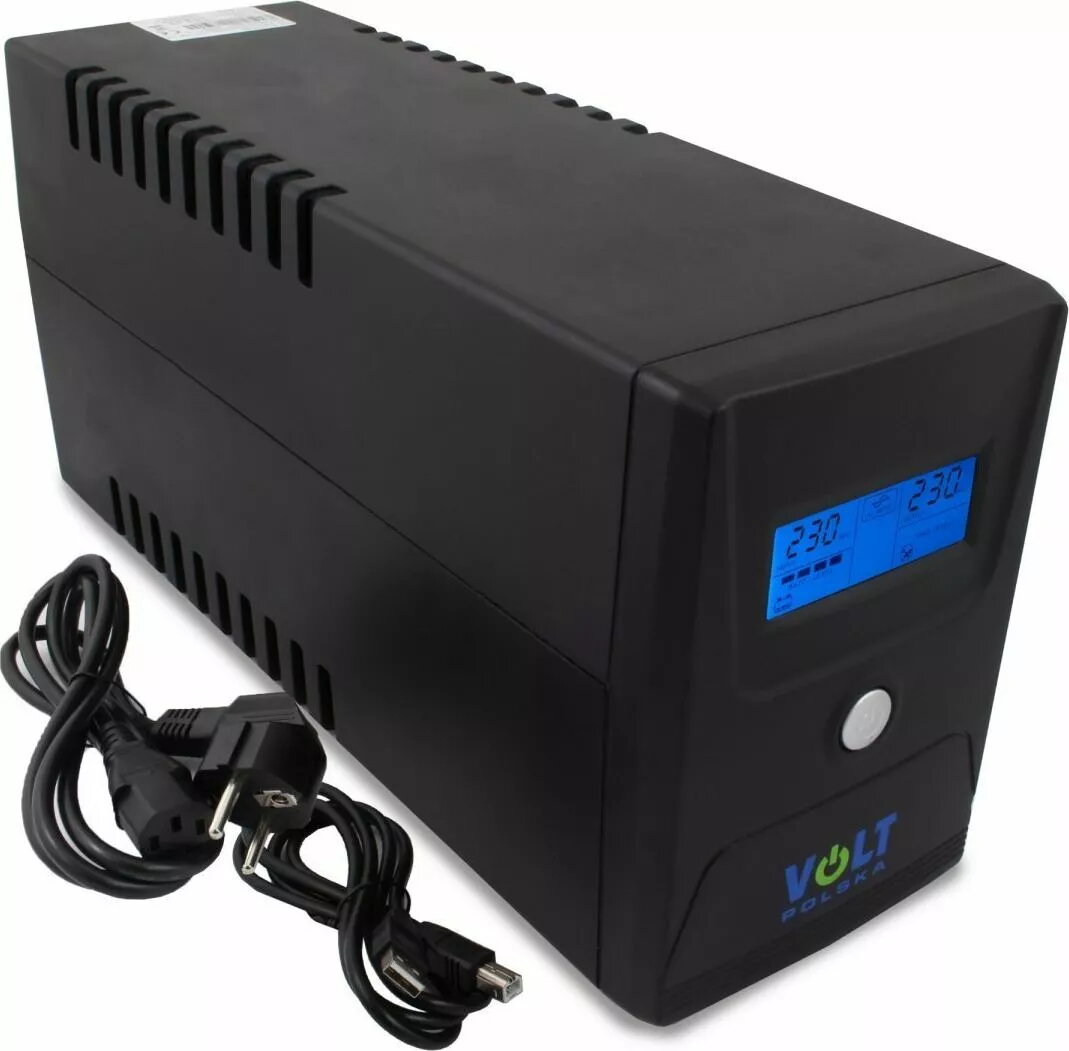
Uninterruptible Power Supply Volt Micro 800VA (model 5UP0800090) — 800 VA capacity, compact desktop UPS
Short description

Cheapest delivery:
Unisend LV

Esto — pay in 6 equal parts
Product information
Description
Volt Micro 800VA (model 5UP0800090) is a compact desktop uninterruptible power supply with an 800 VA capacity. It provides short-term battery backup and basic power conditioning for desktop PCs, small networking equipment and peripheral devices. The unit helps maintain power during outages long enough for an orderly shutdown and offers protection against voltage dips and surges commonly found in small office and home environments.
Advantages
The Volt Micro 800VA combines a small footprint with enough capacity to support a typical desktop workstation and a modem or router during brief interruptions. It delivers automatic voltage regulation and surge protection to reduce the risk of data loss and hardware stress. The UPS has user-friendly operation and requires minimal installation, making it suitable for non-specialist environments where simple, reliable backup is needed.
Suitable for
- Desktop computers and workstations
- Small office networking equipment (modems, routers, switches)
- External hard drives, printers and other peripherals
- Home office setups and point-of-sale terminals
Key specifications
- Output capacity: 800 VA for short-term backup of connected devices
- Form factor: compact desktop design suitable for placement under or beside a desk
- Protection features: battery backup, surge protection and voltage regulation for common mains disturbances
- Intended use: short-term power support to allow safe shutdown and protect against voltage fluctuations
How to use
Place the Volt Micro 800VA on a stable, flat surface near the equipment to be protected. Connect critical devices to the battery-backed outlets and non-critical peripherals to surge-only outlets if provided. Plug the UPS into a grounded mains socket and power it on; the unit will charge its internal battery and be ready to supply backup automatically when mains power fails. During an outage, monitor connected equipment and perform an orderly shutdown within the battery runtime to avoid data loss.
Usage recommendations
For reliable operation, keep the UPS in a ventilated area away from direct heat sources and moisture. Periodically test the battery by simulating a mains failure and replace the battery according to the manufacturer's maintenance schedule or when runtime noticeably decreases. Avoid connecting high-power appliances such as heaters or printers with heavy startup currents that can exceed the unit's capacity.


