A curated selection of maximum value offers!

{{ totalProductsCount }}
In cart {{totalProductsCount}} item(s)
In cart {{totalProductsCount}} item(s)
Total:
{{sum | formatAmount}}
Your cart is empty
Computer Component Accessories - New arrivals
New Arrival
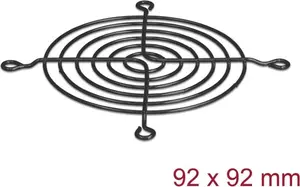
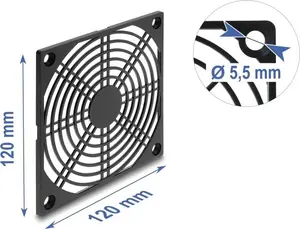
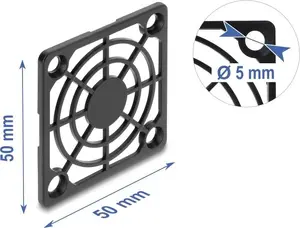
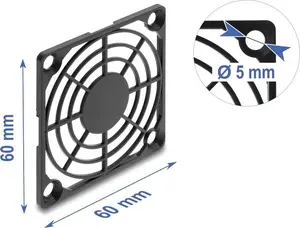
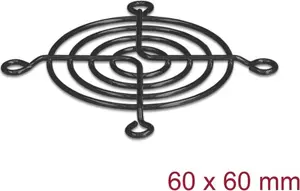
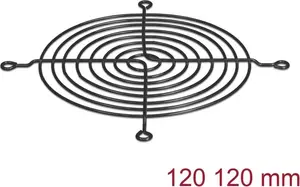
New Arrival

New Arrival
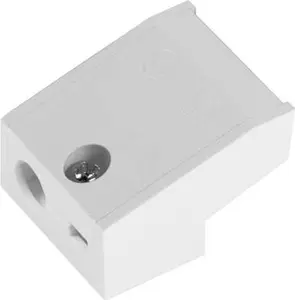
SLV
SLV 1008672 Strain Relief White Plastic for DALI Dimmable LED Drivers
Delivery: 23.11.2026
11.49 €
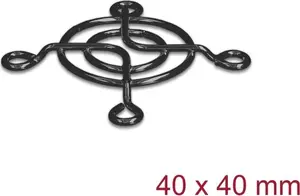
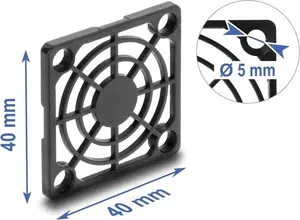
New Arrival
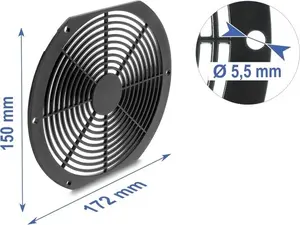
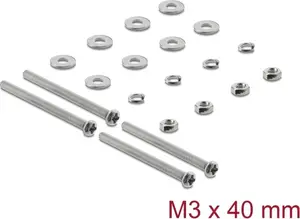
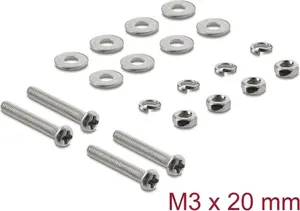
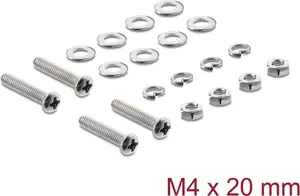
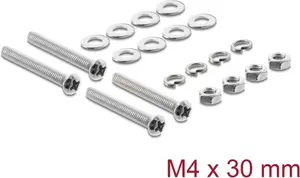
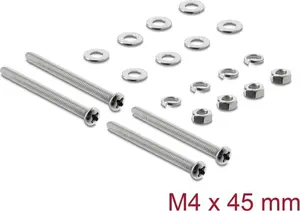
Computer components accessories are complementary parts and peripherals designed to support, protect, or enhance the performance and installation of core computer hardware. These accessories include mounting kits, thermal solutions, cables and adapters, drive bays, screws and fasteners, anti-static tools, and cable management products. They are used when building, upgrading, maintaining, or customizing desktop and server systems to ensure correct installation, safe operation, and efficient airflow. Buyers select accessories to match specific components such as motherboards, graphics cards, power supplies, storage drives, and cooling units, or to resolve compatibility and connectivity issues. Typical scenarios include replacing worn mounting hardware, improving cooling for high-performance components, organizing internal wiring for better airflow, and providing adapter or extension options for legacy or new interfaces.
Types of Computer components accessories
The category covers a range of accessory types that address mechanical, thermal, electrical, and organizational needs.
- Mounting and installation kits: brackets, standoffs, screws, drive trays, and expansion slot covers for securing components.
- Cooling and thermal accessories: fans, fan controllers, heatsinks, thermal pads, thermal paste, and fan mounts or filters.
- Cables and adapters: power cables, SATA, M.2 riser cables, PCIe risers, USB and display adapters, and extension cables for custom routing.
- Power and distribution hardware: connectors, adapters, modular cables for PSUs, and power splitter or extension solutions.
- Storage supports: drive cages, mounting brackets for SSDs/HDDs, and vibration dampeners for drives.
- Protection and safety tools: anti-static wrist straps, grounding kits, surge protectors, and dust filters.
- Cable management and organization: ties, sleeves, clips, combs, and routing channels for tidy builds.
What are Computer components accessories used for?
Accessories for computer components serve practical functions that enable correct assembly and long-term operation of hardware. They provide mechanical support for installing drives, cards, and cooling solutions; improve thermal performance and reduce operating temperatures; ensure reliable electrical connections and signal integrity between components; and protect parts from electrostatic discharge and physical damage. Accessories also streamline maintenance and upgrades by allowing easier part replacement, cleaner cable routing, and modular connections that reduce downtime.
- Support and fixation: keep components securely mounted and reduce vibration or movement.
- Thermal management: lower component temperatures through additional cooling or improved heat transfer.
- Connectivity and compatibility: adapt interfaces, extend reach, or convert signals between standards.
- Organization and airflow: manage cables to optimize airflow and reduce dust accumulation.
- Protection and reliability: prevent electrostatic damage and reduce wear on connectors and ports.
Key Differences between Computer components accessories
Accessories differ by compatibility, form factor, material quality, and intended function. Compatibility depends on component standards (e.g., SATA, M.2, PCIe, ATX) and physical dimensions. Form factor distinctions include 2.5" vs 3.5" drive mounts, single- or dual-fan brackets, and low-profile versus full-height adapters. Material and build quality affect durability, heat conductivity for thermal materials, and electrical conductivity for connectors. Functionally, some accessories focus on cooling, others on mounting precision, while some primarily provide electrical adaptation or aesthetic cable management. Understanding these differences helps match accessories to specific hardware and use cases.
- Compatibility: interface and size standards required by the component.
- Function: cooling, mounting, connectivity, protection, or organization.
- Build quality: materials and manufacturing that influence durability and performance.
- Form factor: physical dimensions and profile that affect fit inside enclosures.
How to Choose Computer components accessories?
Select accessories by confirming compatibility with the target components and the computer case, prioritizing necessary functions such as mounting, cooling, or connectivity. Check technical specifications: interface standards (SATA, PCIe, USB), dimensions, thermal ratings, and electrical ratings. Consider build quality and materials for long-term reliability, and choose anti-static and protective tools to reduce installation risk. For cooling and cable management, plan airflow paths and cable routes to ensure efficient operation. Finally, review manufacturer guidelines and, when applicable, measurements or model numbers to verify fit before purchase.
- Verify compatibility: match interface standards and physical dimensions with the component and case.
- Identify primary need: mounting, cooling, cabling, or protection to narrow options.
- Check specifications: thermal conductivity, amperage ratings, connector types, and dimensions.
- Evaluate build quality: prefer materials and brands with clear specifications and reliable construction.
- Plan installation: consider airflow, cable routing, and ease of future upgrades or maintenance.
Which computer component accessories - new arrivals are the most popular and affordable in 2026?
The full list of popular models at affordable prices is available on this page. In 2026, the following models show high demand and an excellent price-to-quality ratio:
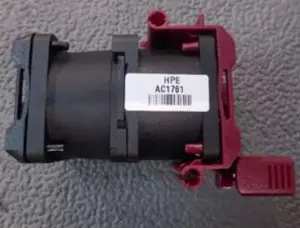
- HP E DL360 G10 Standard Fan Cooling Unit for 4.99€
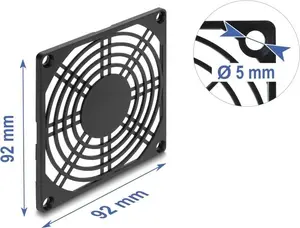
- DELOCK 67663 Black Plastic Fan Grille for 92 x 92 mm Fans for 9.99€
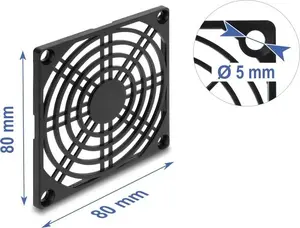
- Delock 67662 Fan Grill 80 x 80 mm Black Plastic for 9.99€
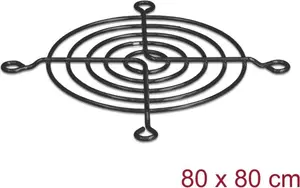
- Delock Fan Grill for 80 x 80 mm Fans Black for 9.99€
- DELOCK Fan Grille 92 x 92 mm Black 67669 for 9.99€
Why is it worth buying computer component accessories - new arrivals at AiO.lv?
At the AiO.lv online store, you can place an order at a great price with delivery across Latvia — to Riga, Daugavpils, Liepaja, Jurmala, Ventspils, and other cities, as well as throughout Europe. We offer products from leading manufacturers: Acer, APC, ASROCK, Brother, Canon, Cisco, CORSAIR, Dell, Epson, FUJITSU, HAMA, HP, INTEL, Lenovo, Panasonic, Philips, RAIDSONIC, SHUTTLE, Siemens, Samsung. When you shop with us, you get:
- official warranty and guaranteed quality;
- convenient payment options (including installment and credit);
- fast and reliable delivery across Latvia and to any EU country.
FAQ
Where can you find a computer component accessories - new arrivals with cheap prices?
You can buy cheaper at the AiO.lv online store. We offer competitive prices and regular discounts, so you always have the chance to find a great deal.
What is the delivery time for computer component accessories - new arrivals?
If you place your order today, delivery will take between 1 and 5 business days depending on the chosen method.
How long is the warranty period for computer component accessories - new arrivals?
Our store provides an official manufacturer’s warranty ranging from 12 to 36 months, depending on the model and brand. If needed, you can always contact our customer service department or the manufacturer’s authorized service center for support.
Are computer component accessories - new arrivals purchasable with leasing?
Yes, if the selected product costs more than €50. You can learn more about installment purchase options and the terms of application on the Payment page.
Can computer component accessories - new arrivals be purchased for a company (with VAT)?
Yes. AiO.lv works with legal entities in Latvia and throughout Europe. All product prices are shown with VAT included. In certain cases, a 0% VAT rate may apply — for example, when purchasing from other EU countries with a valid VAT number. We issue an invoice immediately after the order is placed, support BIS electronic invoices, and automatically generate all required accounting documents. To complete a purchase for a company, simply select the company profile during checkout.


