Add to wish listAdd to AI comparison

EpsonDelivery: 07.12.2026
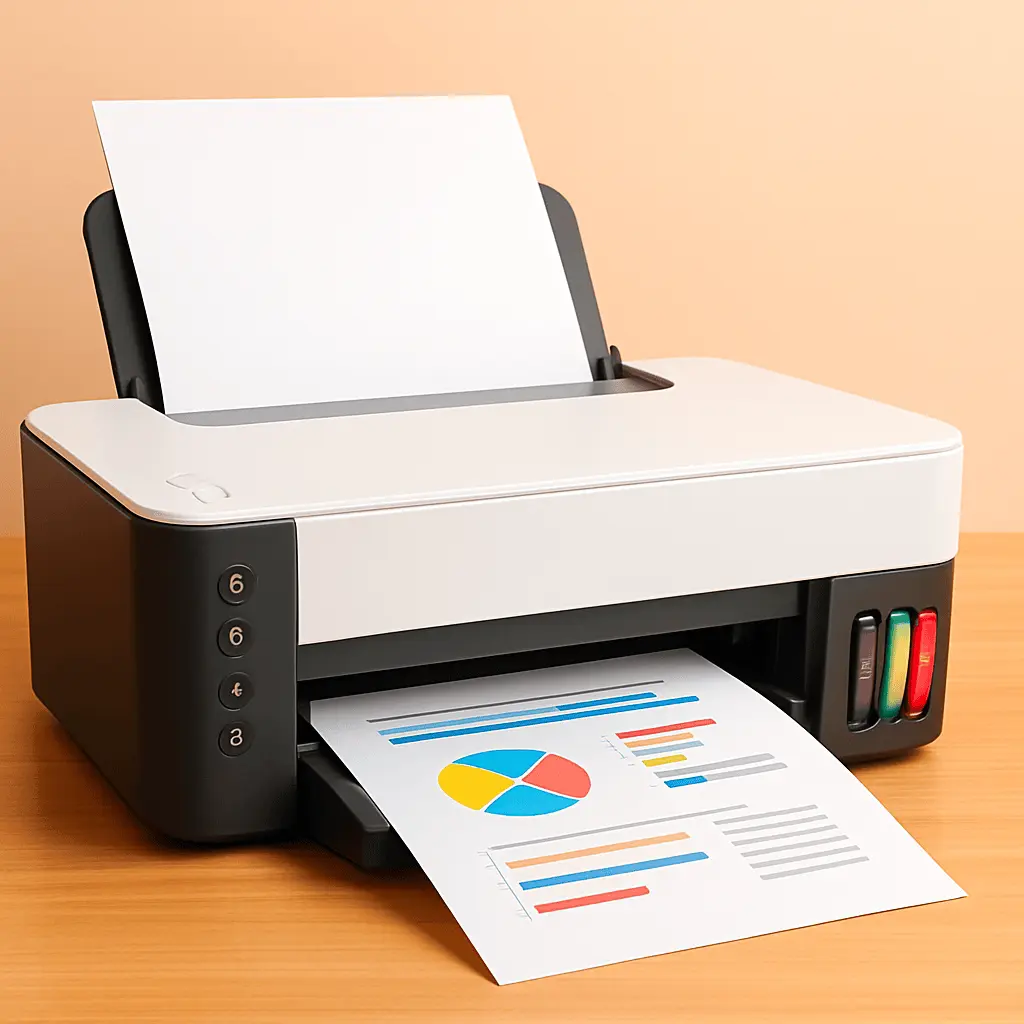
Epson LQ-590II 24-Pin Dot Matrix Printer 550 cps 80 Columns USB and ParallelDelivery: 07.12.2026
630.49 €
0% for 6 mon.
Add to cart

Necessary cookies enable the site’s essential functions, including authentication and security, saving the shopping cart, placing orders, selecting a language, and retaining other user settings. They are always active because the site cannot work correctly without them. These cookies are not used for analytics or advertising.


Parallel port printers are printing devices that connect to computers via a parallel (IEEE 1284) interface and are commonly used with legacy systems and specialized equipment. These products include dot matrix, impact, and some laser printers that retain a parallel port for compatibility with older hardware or industrial controllers. Shoppers choose parallel port printers when serial or USB connections are unavailable, when robust simple control is required, or when existing infrastructure depends on parallel signals. The category includes new units, refurbished models, and replacement parts such as interface cards and cables. Technical details like data transfer mode, connector type (DB25/IEEE 1284), and driver support are important for matching a printer to a specific setup.
Common scenarios where parallel port printers are selected:
Start by identifying the host system's port and required connector (DB25 or IEEE 1284). Next, confirm the operating system and driver availability; for very old systems, choose devices with native or generic driver support. Determine the intended use—forms, labels, invoices, or high-volume reports—to select an appropriate print technology and duty cycle. Check physical compatibility including cable length, mounting, and power requirements in the installation environment. Consider whether you need new, refurbished, or industrial-grade units based on budget and reliability needs. If required, include appropriate accessories such as parallel-to-USB adapters or replacement interface cards to ensure seamless integration.
Order online at AiO.lv at a good price, with delivery across Latvia and to other EU countries. We deliver to Riga, Daugavpils, Liepāja, Jūrmala, Ventspils and other cities. We offer products from leading manufacturers.

We are confident in our quality, but if the purchase doesn’t fit — you have 14 days to return the product with peace of mind.

Get your orders as quickly as possible — right to your door, parcel lockers, or pickup points across Latvia and the EU.

Pay the way you prefer: cash, VISA, MasterCard, Apple Pay, Google Pay, bank transfer, or 0% installment plan.

AiO.lv has been on the market for over 18 years and has earned trust — with more than 6000 genuine positive reviews on Google.