Filters you can trust. Pure water every day.

{{ totalProductsCount }}
In cart {{totalProductsCount}} item(s)
In cart {{totalProductsCount}} item(s)
Total:
{{sum | formatAmount}}
Your cart is empty
Memory for office PC
Memory Solution
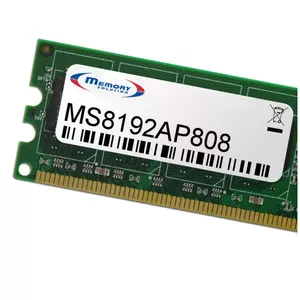
Memory module Memory Solution MS4096AP855 4 GB 1 x 1 GB
Delivery: 12.08.2026
18.49 €
Memory Solution
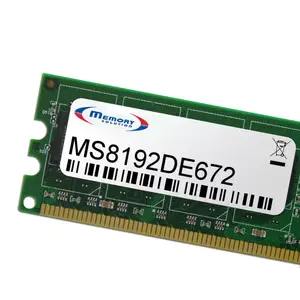
Memory Module Memory Solution MS8192DE672 DDR4 8GB 2400MHz
Delivery: 12.08.2026
52.49 €
Innovation PC
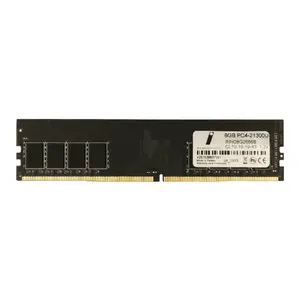
Memory module Innovation PC 8 GB DDR4 2666 MHz 1 x 8 GB 288-pin DIMM 1.2 V
Delivery: 05.08.2026
75.99 €
Open box
Memory Solution
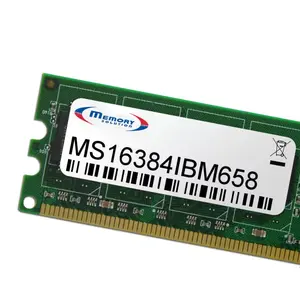
Memory module MemorySolution MS16384IBM658 — 16 GB internal DIMM for PC/Server
Delivery: 12.08.2026
24.49 €
Open box
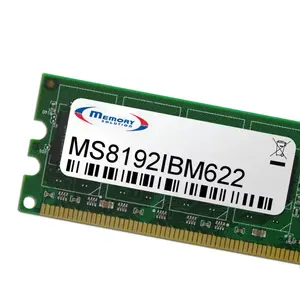
Memory Solution
Memory Solution 8GB DDR3-1600 memory module 1600 MHz for PC/Server
Delivery: 12.08.2026
37.49 €
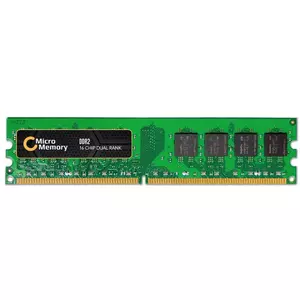
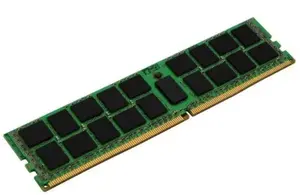
CoreParts
Memory module CoreParts MMDE046 1×8 GB DDR4 2666 MHz for PC/Server
Delivery: 29.07.2026
51.49 €
Renew
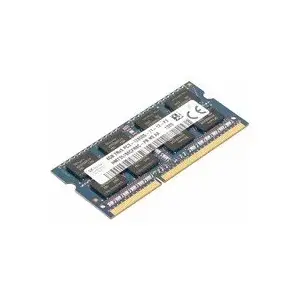
HP
Desktop memory module HP 4GB DDR3 PC3-10600 for compatible HP systems
Delivery: 29.07.2026
75.49 €
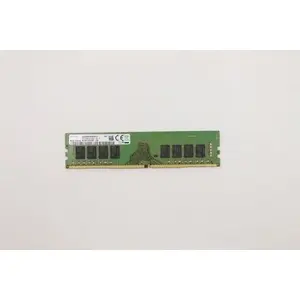
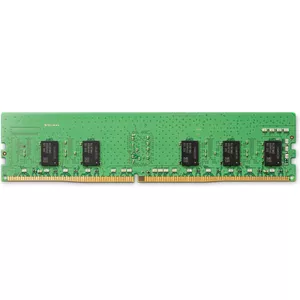
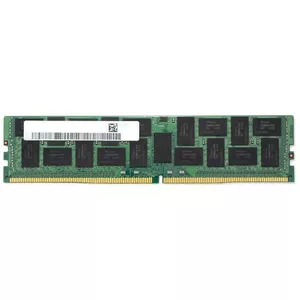
MicroMemory
DDR4 2400 MHz 16 GB memory module for PC/Server, MicroMemory MMHP067-16GB, 1 x 16 GB
Delivery: 29.07.2026
201.49 €
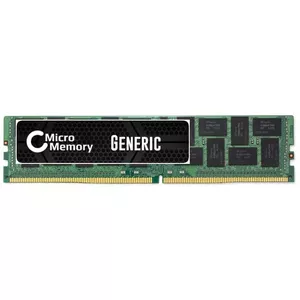
MicroMemory
Memory module DDR4 16 GB 2400 MHz MicroMemory MMKN088-16GB for PC/Server
Delivery: 29.07.2026
201.49 €
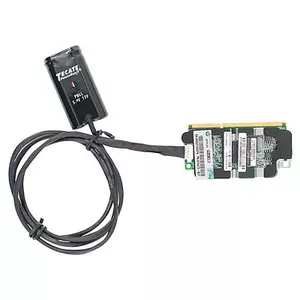
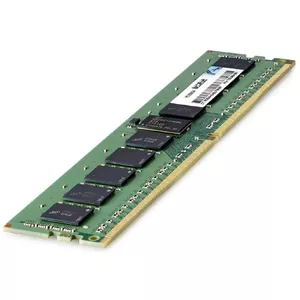
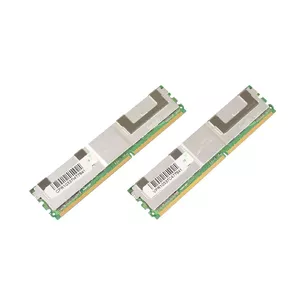
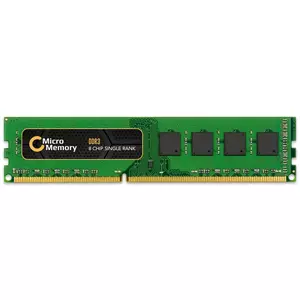
Memory for office PC includes desktop RAM modules and memory kits designed to improve responsiveness and multitasking in typical office applications. These products are chosen to expand capacity, replace faulty modules, or standardize configurations across workstations. Office memory typically prioritizes stability, compatibility with common motherboards, and energy-efficient operation over extreme gaming frequencies. Available options vary by capacity, speed and form factor to suit different PC models and business needs. Customers select office memory to reduce slowdowns when using productivity software, virtual meetings, and browser-based workflows.
Use cases of memory for office PC
Common scenarios where office PC memory is applied:
- Increasing RAM capacity to support multiple office applications and browser tabs.
- Replacing defective or incompatible modules to restore system stability.
- Upgrading older desktops to meet minimum requirements for modern productivity software.
- Standardizing memory across a fleet of workstations for easier IT maintenance.
- Improving virtual meeting and remote-desktop performance by reducing swapping to disk.
Types of memory for office PC
Office PCs typically use the following memory types and formats:
- DDR4 DIMM — widely used in many current desktop office systems; offers balanced speed and power efficiency.
- DDR5 DIMM — newer standard with higher bandwidth and improved efficiency, suitable for recent platforms.
- SO-DIMM variants — compact modules used in small-form-factor desktops and some all-in-one systems.
- Single modules and matched memory kits — kits ensure compatibility and dual/triple channel operation when required.
Key features to consider
When selecting memory for an office PC, compare these technical and practical features:
- Capacity (GB) — determine based on typical workloads; 8–16 GB is common for standard office use, higher for heavy multitasking.
- Memory type and speed (e.g., DDR4 2666–3200 MT/s, DDR5 higher) — ensure motherboard and CPU support the chosen standard and speeds.
- Form factor — DIMM vs SO‑DIMM compatibility with the target desktop or small-form-factor case.
- Latency and timings — lower latency can help responsiveness but is less critical than capacity for office tasks.
- Voltage and power consumption — lower voltage modules can reduce power draw in large deployments.
- Compatibility and vendor specifications — check motherboard QVL and BIOS support; matched kits reduce configuration issues.
How to choose memory for office PC
Follow a practical selection process to choose appropriate office memory:
- Check the current system specifications: motherboard manual or system information to identify supported memory type and maximum capacity.
- Decide on target capacity per machine based on workloads and future needs; allocate budget for upgrades across multiple PCs if needed.
- Choose the correct form factor (DIMM or SO‑DIMM) and purchase modules or kits with matching speeds and timings where possible.
- Prefer well-documented modules from reputable brands and verify compatibility with your platform; consult the motherboard QVL if available.
- Consider purchasing memory kits for dual-channel operation and aim for modules with adequate warranty for business use.
- Plan installation during minimal business disruption and test systems after installation to confirm stability and expected performance gains.
Which memory (ram) are the most popular and affordable in 2026?
The full list of popular models at affordable prices is available on this page. In 2026, the following models show high demand and an excellent price-to-quality ratio:
- Cable Sleeve DeLOCK Glass Fiber Aluminium 2m x 10mm for 9.49€
- Memory Module G.Skill DDR3 4GB 1600MHz for 31.49€
- Memory Module G.Skill DDR3 4GB 1600MHz F3-12800CL11S-4GBSQ for 31.49€
- Memory Module Kingston DDR4 4GB 3200MHz for 34.49€
- Memory Module G.Skill DDR3 4GB 1600MHz for 35.49€
Why is it worth buying memory (ram) at AiO.lv?
At the AiO.lv online store, you can place an order at a great price with delivery across Latvia — to Riga, Daugavpils, Liepaja, Jurmala, Ventspils, and other cities, as well as throughout Europe. We offer products from leading manufacturers: Acer, APACER, ADATA, BIOSTAR, Canon, Cisco, CORSAIR, Dell, FUJITSU, HAMA, HP, IBM, INTEL, KINGSTON, Kyocera, Lenovo, Lexmark, Microsoft, Panasonic, PNY. When you shop with us, you get:
- official warranty and guaranteed quality;
- convenient payment options (including installment and credit);
- fast and reliable delivery across Latvia and to any EU country.
FAQ
Where can you find a memory (ram) with cheap prices?
You can buy cheaper at the AiO.lv online store. We offer competitive prices and regular discounts, so you always have the chance to find a great deal.
What is the delivery time for memory (ram)?
If you place your order today, delivery will take between 1 and 5 business days depending on the chosen method.
How long is the warranty period for memory (ram)?
Our store provides an official manufacturer’s warranty ranging from 12 to 36 months, depending on the model and brand. If needed, you can always contact our customer service department or the manufacturer’s authorized service center for support.
Are memory (ram) purchasable with leasing?
Yes, if the selected product costs more than €50. You can learn more about installment purchase options and the terms of application on the Payment page.
Can memory (ram) be purchased for a company (with VAT)?
Yes. AiO.lv works with legal entities in Latvia and throughout Europe. All product prices are shown with VAT included. In certain cases, a 0% VAT rate may apply — for example, when purchasing from other EU countries with a valid VAT number. We issue an invoice immediately after the order is placed, support BIS electronic invoices, and automatically generate all required accounting documents. To complete a purchase for a company, simply select the company profile during checkout.


