Dreame vacuums for fast and efficient cleaning!

{{ totalProductsCount }}
In cart {{totalProductsCount}} item(s)
In cart {{totalProductsCount}} item(s)
Total:
{{sum | formatAmount}}
Your cart is empty
Network Accessories
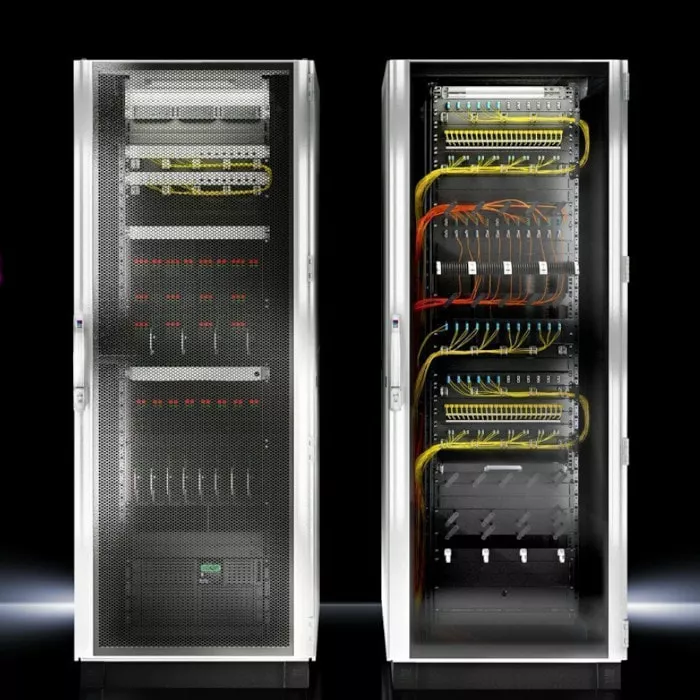
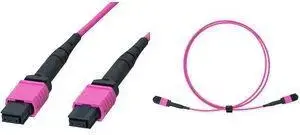
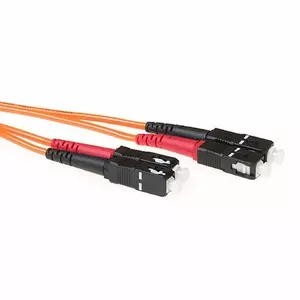
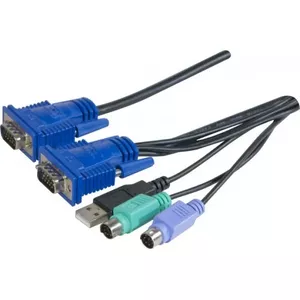
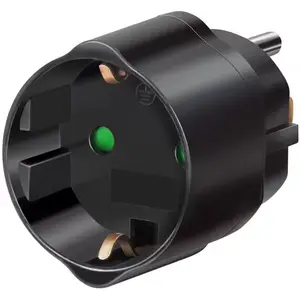


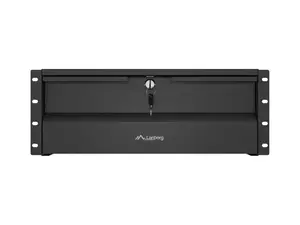
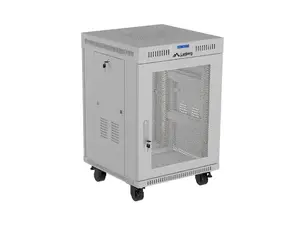
Network accessories are hardware and small devices that support installation, maintenance, and optimization of wired and wireless computer networks. They include passive components such as cables, connectors and patch panels, and active items like power injectors and media converters; they help link devices, extend signal reach, and adapt physical or logical connections in home, office, and industrial environments. These products are chosen when a complete networking solution (switches, routers) is already present or when specific functionality—such as cabling, signal conversion, mounting, or cable management—is required. Network accessories are used to ensure stable connections, proper grounding, organized cabling, and compliance with installation standards, and they are selected based on performance needs, environment, and compatibility with existing equipment. Proper selection and correct installation of accessories reduce signal loss, interference, and downtime while simplifying maintenance and future upgrades.
Types of Network Accessories
Common categories of network accessories include the following:
- Cables and connectors: Ethernet (Cat5e, Cat6, Cat6a) cables, fiber optic cables, RJ45 plugs, LC/SC connectors.
- Patch panels and keystone jacks: rack-mounted or wall-mounted panels for structured cabling and port organization.
- Adapters and converters: media converters, USB-to-Ethernet adapters, PoE injectors and splitters.
- Mounting and management: cable trays, racks, cable ties, labels, and wall plates for tidy installations.
- Power and grounding: surge protectors, UPS accessories, grounding kits, and inline power modules for network devices.
- Testing and monitoring: cable testers, tone generators, and basic network diagnostic tools.
What are Network Accessories used for?
Network accessories perform specific support functions that complement primary networking hardware:
- Establishing physical connections between network devices using appropriate cable types and connectors.
- Extending or converting signals (for example, fiber-to-Ethernet conversion) to bridge different media or longer distances.
- Providing power to devices over existing cabling using Power over Ethernet (PoE) injectors or splitters.
- Organizing and securing cabling to maintain airflow, reduce interference, and simplify troubleshooting.
- Protecting equipment from electrical surges and ensuring proper grounding for safety and signal integrity.
- Verifying and diagnosing cabling issues with testers and measurement tools to confirm installation quality.
Key Differences between Network Accessories
Network accessories differ by technical specifications, intended environment, and compatibility considerations:
- Performance and category: cable categories (Cat5e, Cat6, Cat6a) and fiber types (single-mode, multi-mode) determine bandwidth and supported distances.
- Connector and port types: RJ45, LC, SC, ST and other connector standards affect interoperability with equipment.
- Power capabilities: PoE standards (IEEE 802.3af, 802.3at, 802.3bt) dictate how much power can be delivered over Ethernet cabling.
- Environmental ratings: indoor vs. outdoor cable jackets, UV resistance, plenum ratings, and temperature ranges define suitable installation locations.
- Form factor and mounting: rack-mounted vs. wall-mounted accessories, modular keystone systems, and space requirements influence installation choices.
How to Choose Network Accessories?
Choose accessories by matching technical requirements, installation conditions, and future needs:
- Assess bandwidth and distance needs to select the appropriate cable category or fiber type.
- Confirm connector types and pinouts to ensure compatibility with existing hardware and patch panels.
- Consider PoE requirements for powered devices and select injectors or switches that meet the required standard and wattage.
- Evaluate environmental conditions and select materials and ratings suitable for indoor, outdoor, or plenum installations.
- Plan cable management and mounting options to allow tidy runs, cooling, and easy maintenance.
- Use basic testing tools after installation to verify signal integrity and document the network layout for future troubleshooting.


