A curated selection of maximum value offers!

{{ totalProductsCount }}
In cart {{totalProductsCount}} item(s)
In cart {{totalProductsCount}} item(s)
Total:
{{sum | formatAmount}}
Your cart is empty
Optical Drives (ODD)
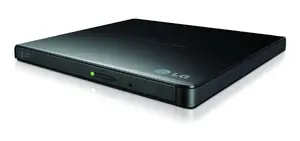
HITACHI-LG
External USB 2.0 Optical Disc Drive HITACHI-LG GP57EB40 — DVD±RW, DVD±R 8x, CD 24x, M-DISC support
Delivery: 26.10.2026
27.49 €
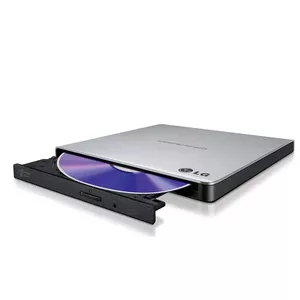
LG
External DVD±RW optical drive LG GP57ES40, USB 2.0, tray, M-DISC support, silver/black
Delivery: 26.10.2026
27.49 €
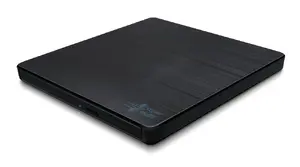
Hitachi-LG Data Storage
Hitachi-LG Slim Portable DVD-Writer GP60NB60 External DVD±RW USB 2.0 Black Tray CD 24x DVD+R 8x
Delivery: 26.10.2026
30.99 €
Fast shipping
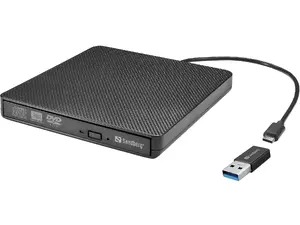
SANDBERG
Sandberg USB-C/A DVD Drive External Optical Drive Tray DVD Super Multi DL Black for Desktop and Laptop
Delivery: Wednesday
27.99 €
Fast shipping
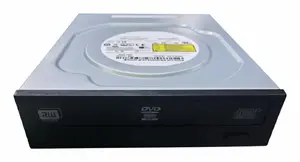
GEMBIRD
Gembird DVD-SATA-01 Internal Optical Disc Drive DVD-RW Black Serial ATA Desktop
Delivery: Tuesday
22.99 €
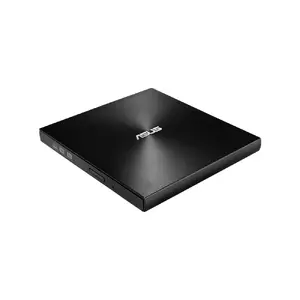
Fast shipping
Excellent choice
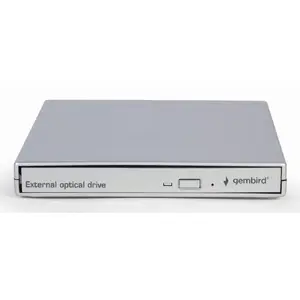
GEMBIRD
Internal DVD±RW drive Gembird DVD-USB-021-SV, USB 2.0, silver, tray, desktop, 24x CD / 8x DVD
Delivery: Wednesday
14.49 €
Fast shipping
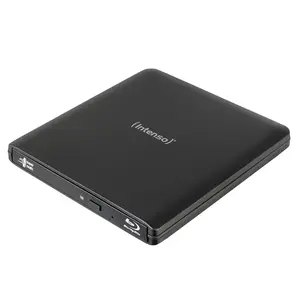
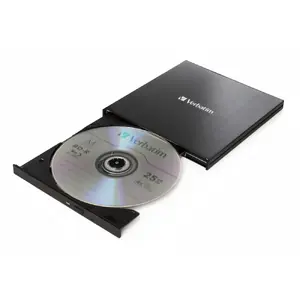
Fast shipping
Excellent choice
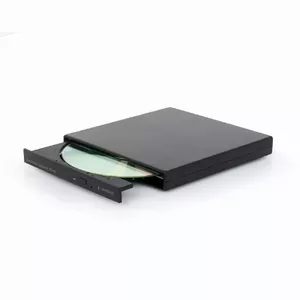
Fast shipping
Excellent choice
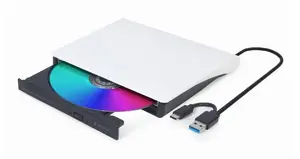
GEMBIRD
Gembird DVD-USB-031-BW Internal DVD±RW Optical Drive USB Type-C Black
Delivery: Tuesday
17.49 €
Fast shipping
Excellent choice
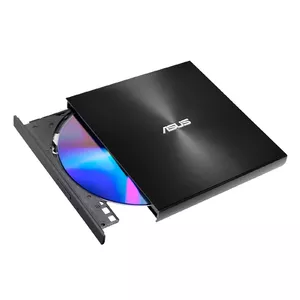
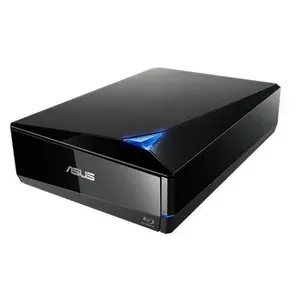

New Arrival
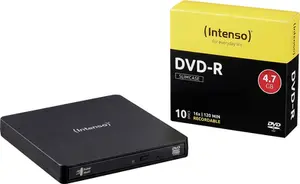
INTENSO
Intenso External DVD Burner USB 3.2 Gen 1 Micro-USB B Black Retail Bundle
Delivery: 09.11.2026
71.99 €
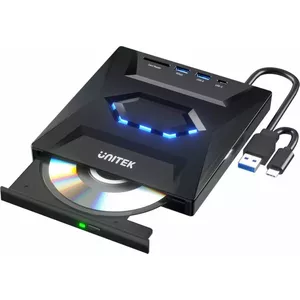
Unitek
External DVD Recorder Unitek T1037A01 with USB Hub 5Gbps and SD Card Reader
Delivery: Thursday
39.49 €


Dell
Palmrest assembly for Dell laptops, model Palmrest, No Security — replacement palmrest component
Delivery: 26.10.2026
10.49 €
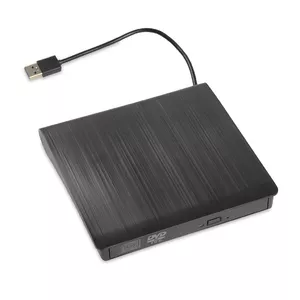
IBOX
DVD-ROM external optical drive IBOX IED02, USB 3.2 Gen 1, DVD-ROM (8x) / CD-ROM (24x), Black
Delivery: 21.10.2026
14.49 €
Optical Disc Drives (ODD) are hardware devices designed to read and/or write data on optical discs such as CDs, DVDs, and Blu-ray discs. They connect to computers or other compatible systems via internal interfaces or external ports and are used to access stored content, install software, create backups, and play multimedia. ODDs are chosen when physical media is required for data exchange, archival storage, media playback, legacy software support, or when networks are unavailable or unsuitable. These drives vary by supported disc formats, read/write speeds, and interface type, which affects compatibility and performance. Many users select an external ODD for portable or laptop use, while internal ODDs are common in desktop systems that include drive bays.
Types of ODD
Common types of optical disc drives differ by form factor, supported formats, and recording capabilities.
- Internal ODD — installed inside desktop computer drive bays, typically connected via SATA.
- External ODD — USB-connected devices for laptops or systems without internal bays.
- CD-ROM / DVD-ROM / Blu-ray ROM — read-only drives that can only access pre-recorded discs.
- CD-RW / DVD±RW / BD-RE — rewritable drives that can record and erase discs multiple times.
- Combo drives — read/write for some formats and read-only for others (for example, DVD±RW with Blu-ray read support).
What are ODD used for?
Optical disc drives serve several practical functions across personal, professional, and archival use cases.
- Data access and transfer — reading files from discs created on other systems or older archives.
- Software installation — installing operating systems, drivers, or applications distributed on discs.
- Media playback — playing audio CDs, DVD movies, or Blu-ray video for entertainment or review.
- Data backup and archival — storing backups on optical media for long-term retention or offline security.
- Creating discs — burning audio, video, or data discs for distribution, sharing, or offline storage.
Key Differences between ODD
Differences between optical disc drives determine compatibility, speed, and suitable applications.
- Supported formats — whether a drive handles CD, DVD, and/or Blu-ray discs affects what discs can be used.
- Read/write capabilities — read-only versus writeable or rewritable drives determine whether you can create discs.
- Interface and connectivity — SATA internal interfaces versus USB, USB-C, or USB-A external connections impact setup and portability.
- Speed ratings — measured in multiples (e.g., 16x, 48x) that indicate how fast a drive can read or write a particular disc type.
- Form factor and power — slim, tray, or slot-loading designs and whether external drives require separate power or draw USB power.
How to Choose ODD?
Selecting an optical disc drive depends on required disc formats, system compatibility, portability needs, and intended use.
- Check format support — ensure the drive reads and/or writes the specific disc types you need (CD, DVD, BD).
- Consider connection type — choose internal SATA for desktops or USB/USB-C external drives for laptops and portability.
- Assess read/write needs — pick a rewritable drive for creating or updating discs; a read-only drive is sufficient for playback and access.
- Verify speed and quality — higher speed ratings reduce transfer time, but verify reliability and error correction features for burning media.
- Look at form factor and power requirements — slim external drives are more portable; some high-power drives may need external power adapters.
- Confirm operating system compatibility — check drivers and OS support for disc burning and playback functions on your system.
Which optical drives (odd) are the most popular and affordable in 2026?
The full list of popular models at affordable prices is available on this page. In 2026, the following models show high demand and an excellent price-to-quality ratio:
- Lenovo Mechanical Optical Drive for 64.49€
- Intenso External DVD Burner USB 3.2 Gen 1 Micro-USB B Black Retail Bundle for 71.99€
Why is it worth buying optical drives (odd) at AiO.lv?
At the AiO.lv online store, you can place an order at a great price with delivery across Latvia — to Riga, Daugavpils, Liepaja, Jurmala, Ventspils, and other cities, as well as throughout Europe. We offer products from leading manufacturers: Acer, Dell, FUJITSU, HITACHI, HP, INTENSO, LACIE, Lite On, Lenovo, Lexmark, Panasonic, SANDBERG, VERBATIM, Asus, LG, Konica Minolta, GEMBIRD, TRANSCEND, Unitek, MikroTik. When you shop with us, you get:
- official warranty and guaranteed quality;
- convenient payment options (including installment and credit);
- fast and reliable delivery across Latvia and to any EU country.
FAQ
Where can you find a optical drives (odd) with cheap prices?
You can buy cheaper at the AiO.lv online store. We offer competitive prices and regular discounts, so you always have the chance to find a great deal.
What is the delivery time for optical drives (odd)?
If you place your order today, delivery will take between 1 and 5 business days depending on the chosen method.
How long is the warranty period for optical drives (odd)?
Our store provides an official manufacturer’s warranty ranging from 12 to 36 months, depending on the model and brand. If needed, you can always contact our customer service department or the manufacturer’s authorized service center for support.
Are optical drives (odd) purchasable with leasing?
Yes, if the selected product costs more than €50. You can learn more about installment purchase options and the terms of application on the Payment page.
Can optical drives (odd) be purchased for a company (with VAT)?
Yes. AiO.lv works with legal entities in Latvia and throughout Europe. All product prices are shown with VAT included. In certain cases, a 0% VAT rate may apply — for example, when purchasing from other EU countries with a valid VAT number. We issue an invoice immediately after the order is placed, support BIS electronic invoices, and automatically generate all required accounting documents. To complete a purchase for a company, simply select the company profile during checkout.


