Dreame vacuums for fast and efficient cleaning!

{{ totalProductsCount }}
In cart {{totalProductsCount}} item(s)
In cart {{totalProductsCount}} item(s)
Total:
{{sum | formatAmount}}
Your cart is empty
Computer Peripherals

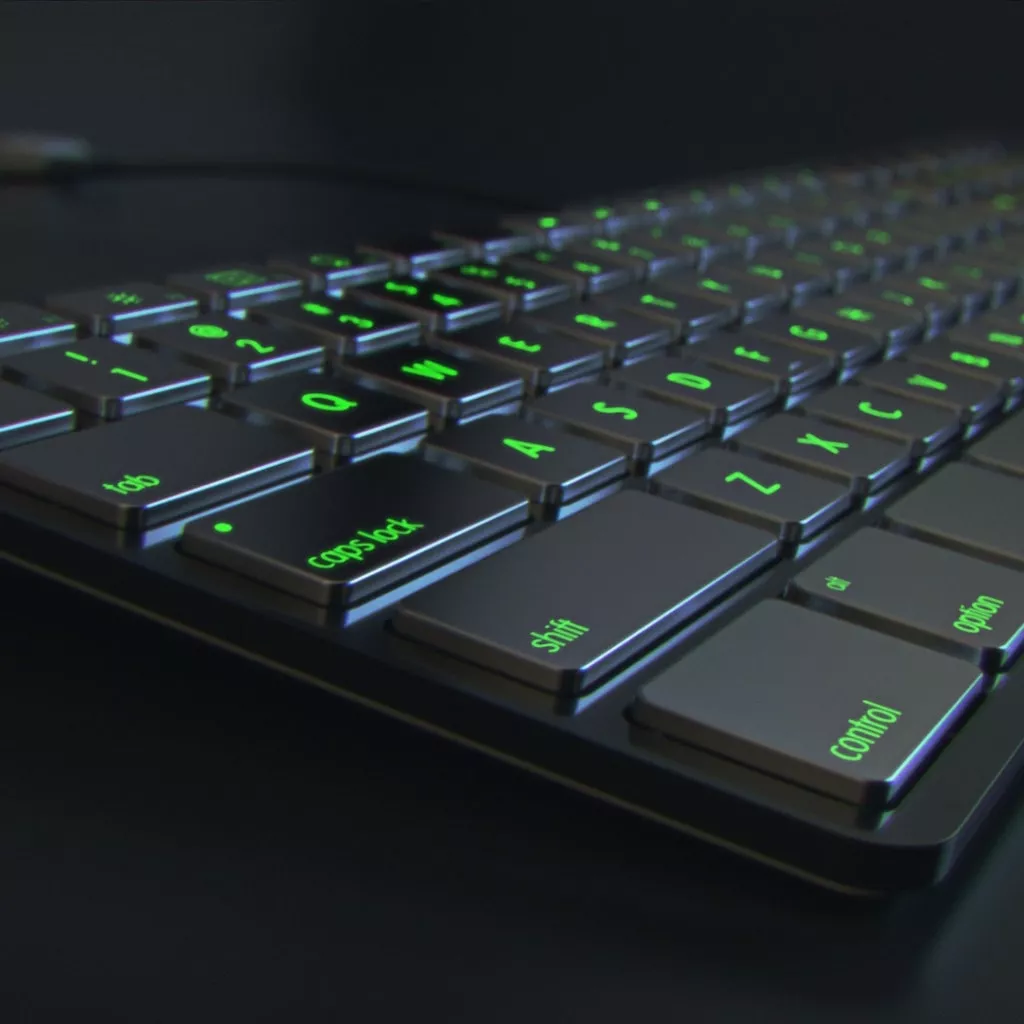
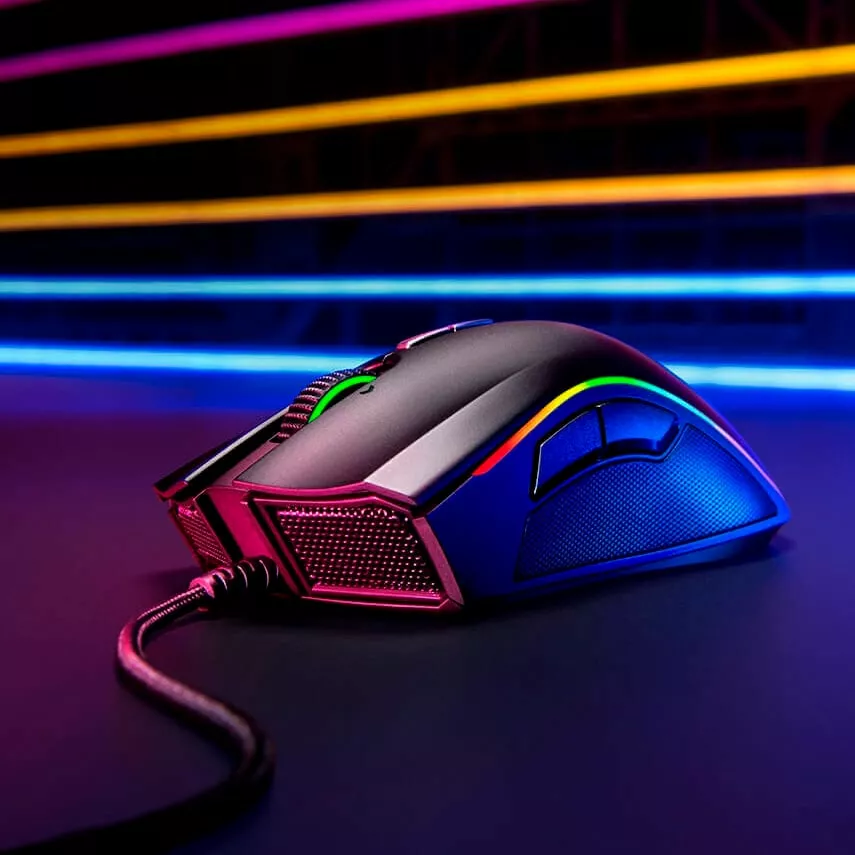
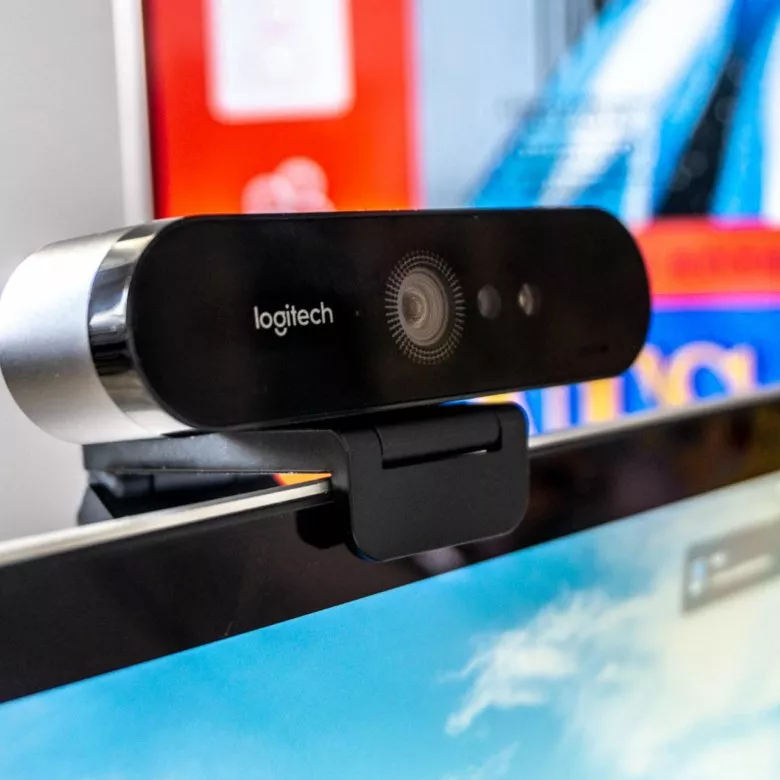
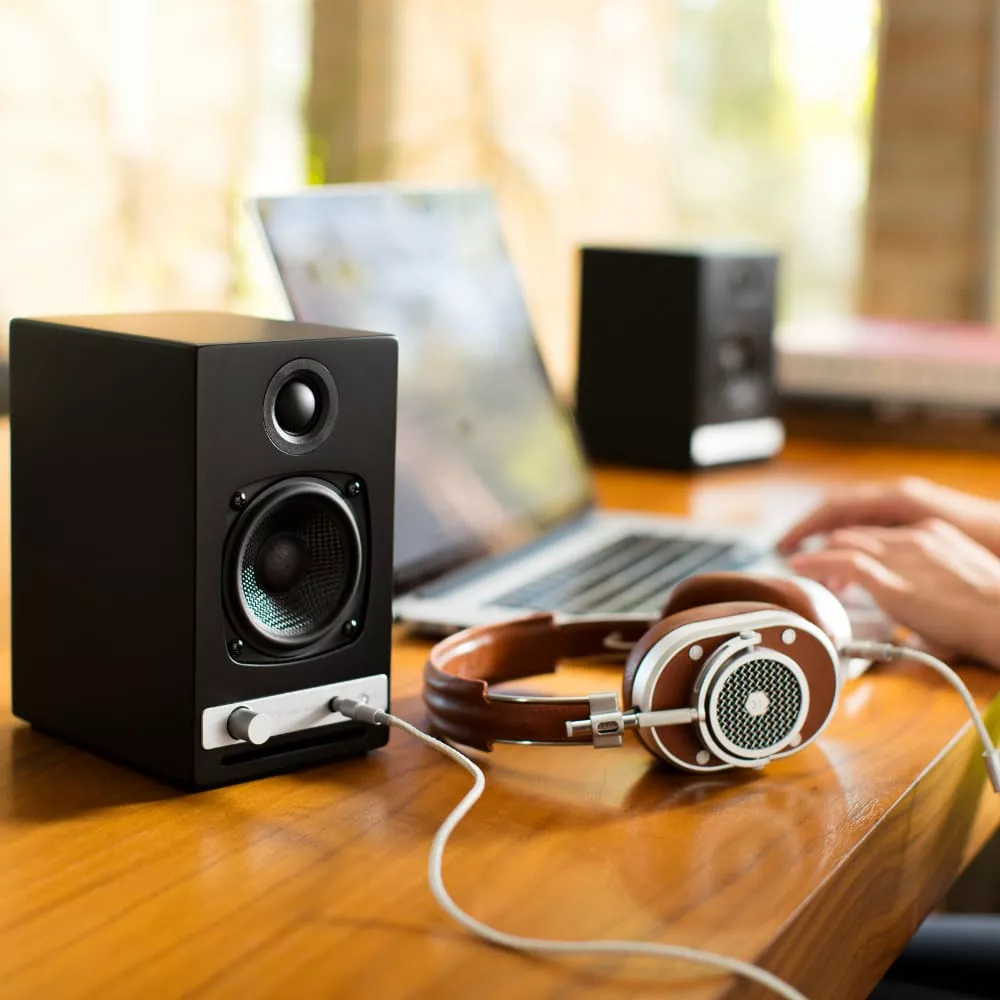
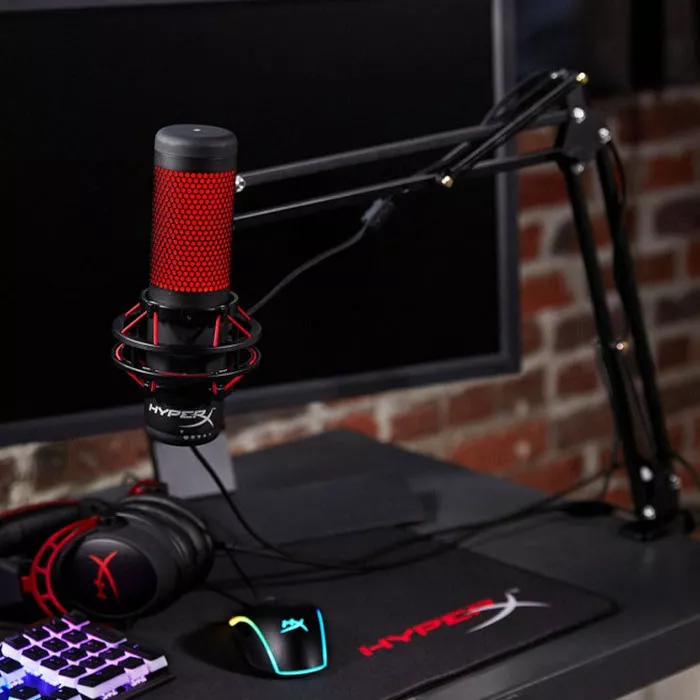
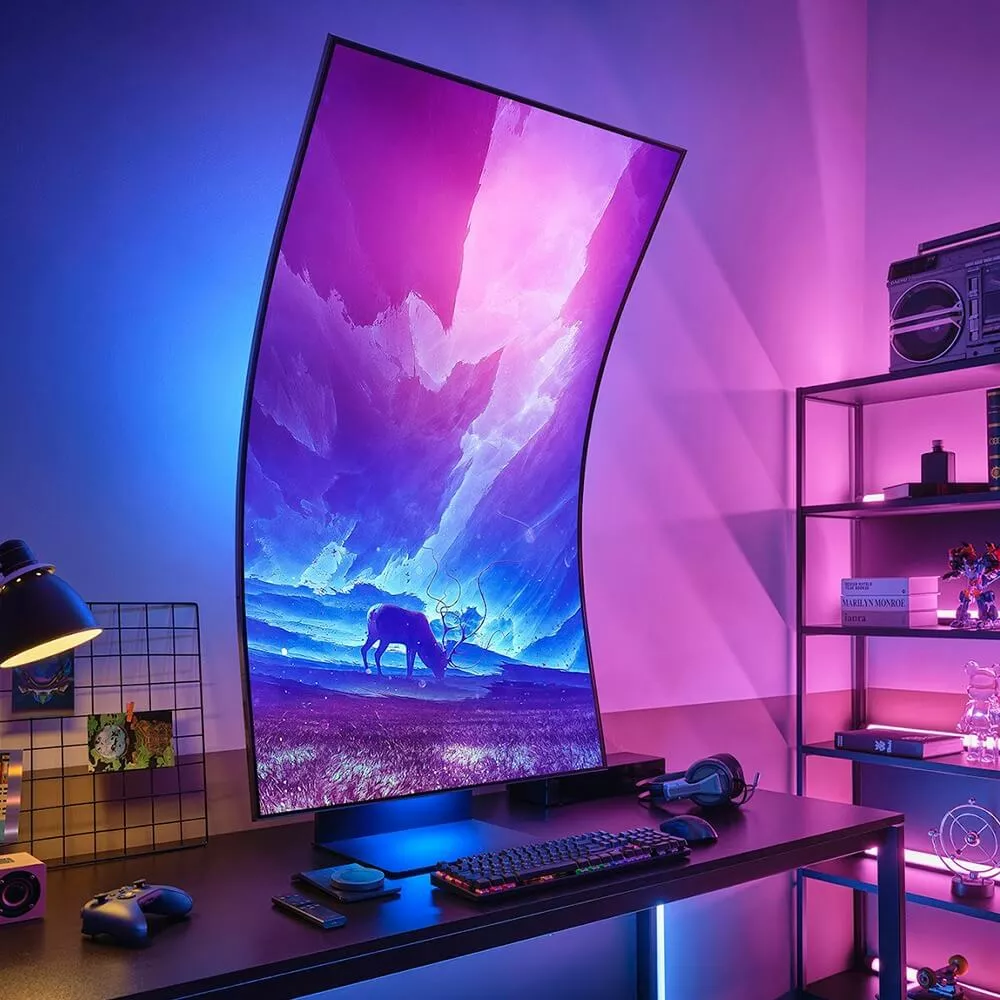
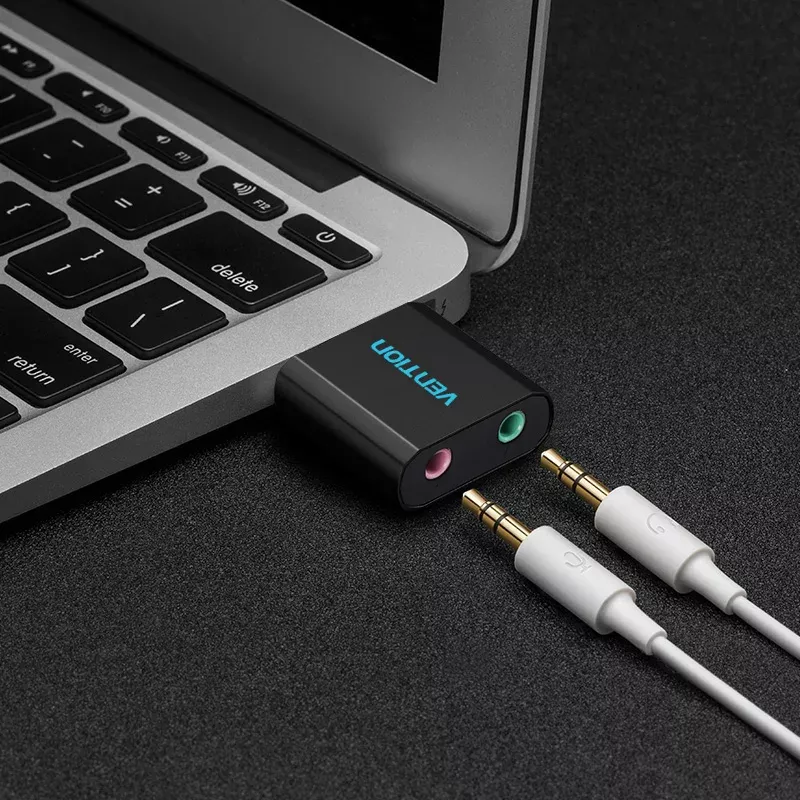
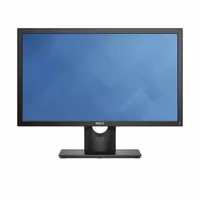
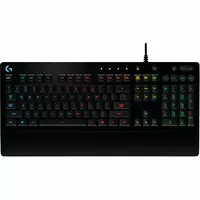

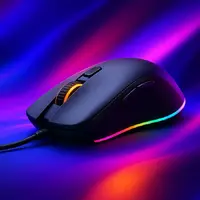
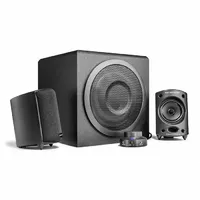
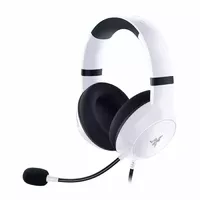
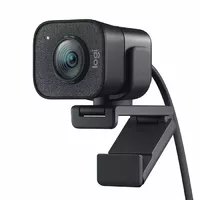
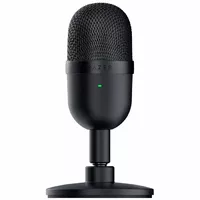
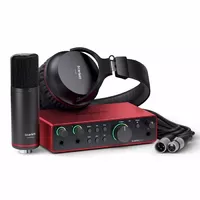
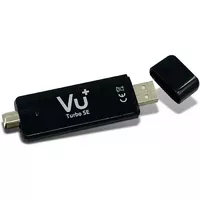
Computer peripherals are external devices that connect to a computer to extend its functionality for input, output, storage, or communication. These devices include keyboards, mice, monitors, printers, external drives, webcams, speakers, docking stations, and more, and they are used with desktops, laptops, and workstations in home, office, education, and professional environments. Peripherals can connect via wired interfaces such as USB, HDMI, DisplayPort, and Ethernet, or wirelessly through Bluetooth and Wi‑Fi. Users choose peripherals to improve productivity, enable specific tasks (printing, scanning, audio/video capture), expand connectivity, or replace built‑in components. Selection often depends on compatibility with the computer’s ports and operating system, performance specifications, and the intended use case such as gaming, office work, media production, or general web browsing.
Types of Computer Peripherals
Common categories of peripherals cover several functional groups.
- Input devices: keyboards, mice, trackpads, graphic tablets, scanners.
- Output devices: monitors, printers, projectors, speakers, headphones.
- Storage and backup: external hard drives, SSDs, USB flash drives, NAS devices.
- Communication and networking: modems, routers, network adapters, webcams, headsets.
- Docking and expansion: docking stations, port replicators, USB hubs, video adapters.
What are Computer Peripherals used for?
Peripherals perform tasks that the main computer cannot or should not handle internally. They allow users to enter data, view and print information, store and back up files, and connect to networks and other devices. Specific uses include text and data entry, graphic design and video editing with specialized input devices, multi‑monitor setups for increased screen space, audio recording and playback, and secure external storage for backups. Peripherals also enable legacy or specialized interfaces when a computer lacks native ports.
Key Differences between Computer Peripherals
Peripherals differ by connection type, performance, compatibility, and intended purpose.
- Connection interface: wired (USB, HDMI, DisplayPort, Ethernet) versus wireless (Bluetooth, Wi‑Fi) affects latency, bandwidth, and reliability.
- Performance metrics: monitor resolution and refresh rate, printer speed and print quality, storage capacity and transfer speed for drives.
- Compatibility: operating system drivers, port availability, and protocol support determine whether a peripheral works with a given computer.
- Form factor and ergonomics: size, weight, and design influence user comfort and portability.
- Specialized features: programmable keys, mechanical switches, RGB lighting, hardware encryption, or professional audio codecs target specific user needs.
How to Choose Computer Peripherals?
Selecting peripherals requires assessing device compatibility, intended use, and technical specifications.
- Identify required ports and interfaces on your computer and check driver support for your operating system.
- Match performance to the task: high‑resolution, high‑refresh monitors for graphics or gaming; fast SSDs for editing and loading large files.
- Consider ergonomics and form factor for devices used long term, such as keyboards, mice, and monitors.
- Compare connectivity options: wired for stable, low‑latency connections; wireless for convenience and mobility.
- Review warranty, durability, and replaceable components when long‑term reliability is important.

14-Day Return Policy
We are confident in our quality, but if the purchase doesn’t fit — you have 14 days to return the product with peace of mind.

Fast Delivery
Get your orders as quickly as possible — right to your door, parcel lockers, or pickup points across Latvia and the EU.

Secure Payment
Pay the way you prefer: cash, VISA, MasterCard, Apple Pay, Google Pay, bank transfer, or 0% installment plan.

Quality Since 2008
AiO.lv has been on the market for over 18 years and has earned trust — with more than 6000 genuine positive reviews on Google.