A curated selection of maximum value offers!

{{ totalProductsCount }}
In cart {{totalProductsCount}} item(s)
In cart {{totalProductsCount}} item(s)
Total:
{{sum | formatAmount}}
Your cart is empty
Hard Disk Drives (HDD)
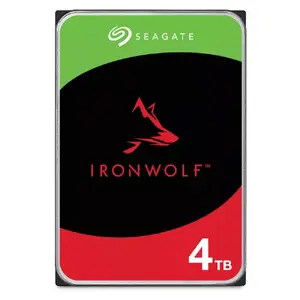
Fast delivery available
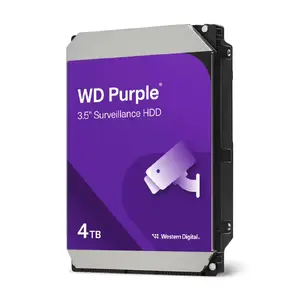
Western Digital
Internal HDD Western Digital Purple 4 TB 5400 RPM 128 MB 3.5" Serial ATA III
Delivery: 19.10.2026
227.99 €
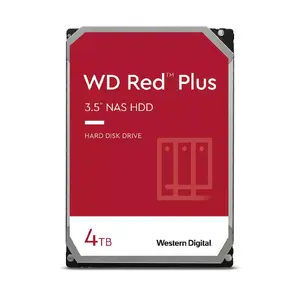
Western Digital
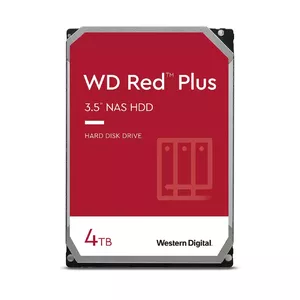
Internal Hard Drive Western Digital 4TB 3.5" Serial ATA III WD40EFPX
Delivery: 19.10.2026
230.49 €
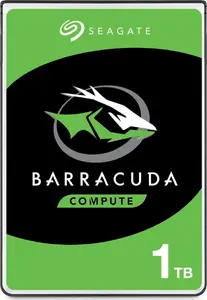
Demo
SEAGATE
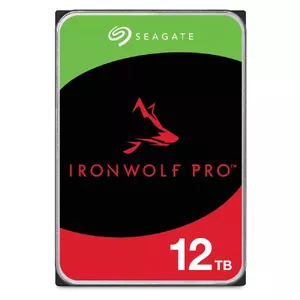
HDD Seagate IronWolf Pro 12 TB 3.5" Serial ATA III ST12000NT001
Delivery: 19.10.2026
598.49 €
Fast delivery available
Get it Today
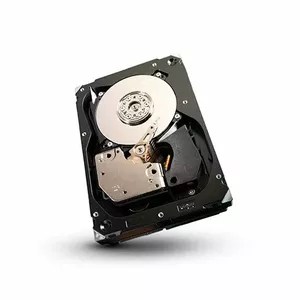
SEAGATE
Hard drive, Seagate Cheetah, 450GB, Fibre Channel, 3.5"
Delivery: Today
Markdown: Used, Grade A
19.00 €
Get it Today
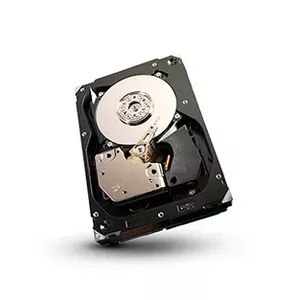
SEAGATE
Seagate Cheetah 450GB 3.5" SAS internal hard drive 15000 RPM 16 MB 3.5"
Delivery: Today
Markdown: Used, Grade A
35.00 €
Get it Today
Fast delivery available
Fast shipping
Excellent choice
Fast delivery available
You save: 62.50 €
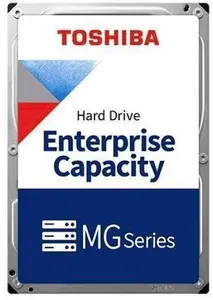
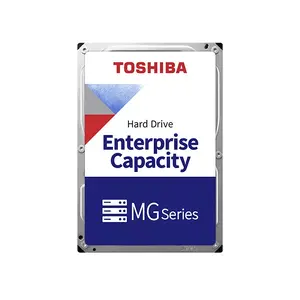
Toshiba
Internal Hard Drive Toshiba MG11ACA20TE 20 TB 7200 RPM 1024 MB SATA III 3.5"
Delivery: 12.10.2026
838.49 €
775.99 €
The discount is valid from 05.10.2026 to 02.11.2026
Fast delivery available
Excellent choice
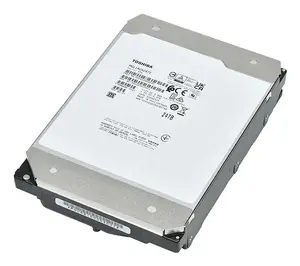
Toshiba
Internal HDD Toshiba MG11ACA22TE 22 TB 7200 RPM 1024 MB 3.5" SATA III
Delivery: 19.10.2026
884.99 €
Fast shipping
Excellent choice
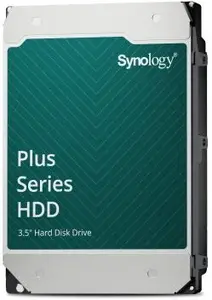
SYNOLOGY
Internal 3.5" HDD Synology HAT3320-20T 20 TB SATA III 7200 RPM for NAS
Delivery: Wednesday
913.99 €
Fast delivery available
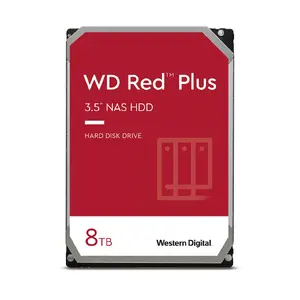
Western Digital
HDD Western Digital Red Plus 8 TB 3.5" Serial ATA III WD80EFPX
Delivery: 19.10.2026
410.49 €
New Arrival
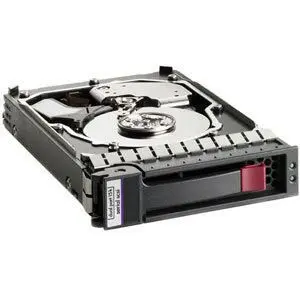
HP Enterprise
Hewlett Packard Enterprise 146GB Hard Drive SAS Small Form Factor 15000 RPM Dual Port
Delivery: 19.10.2026
24.49 €
Hard disk drives (HDD) are magnetic storage devices that store digital data on rotating platters. They combine one or more spinning disks with read/write heads mounted on an actuator arm to record and retrieve information. HDDs are commonly used for bulk storage where capacity and cost-per-gigabyte are primary considerations, and they are available in different form factors and performance levels to match desktop, laptop, server, and external storage needs. These drives are chosen when large volumes of data, long-term file retention, or cost-effective archiving are required. HDD technology coexists with solid-state storage and is often selected for capacity-oriented tasks, sequential read/write workloads, and backup systems. Proper selection considers interface type, rotational speed, cache size, and physical form factor to ensure compatibility and expected performance.
Types of HDD
Common HDD types and classifications include:
- Desktop HDDs — 3.5-inch drives designed for consumer desktop computers and NAS enclosures.
- Laptop HDDs — 2.5-inch drives optimized for portable computers with lower power consumption and smaller size.
- Enterprise HDDs — drives built for data center use with higher reliability ratings, sustained performance, and longer duty cycles.
- NAS HDDs — drives tuned for network-attached storage with firmware and features for multi-drive environments and 24/7 operation.
- External HDDs — HDDs enclosed with an interface (USB, USB-C, or Thunderbolt) for portable or desktop external storage.
- Surveillance HDDs — drives optimized for continuous write workloads in video recording systems.
What are HDD used for?
HDDs are used for storing and preserving digital information across many applications:
- Mass data storage — large collections of files, media libraries, archives, and backups.
- Operating system and application storage — where budget or capacity needs favor HDD over SSD.
- Network storage — centralized file storage in NAS devices and file servers.
- Surveillance recording — continuous video recording in CCTV systems where high capacity is needed.
- Cold storage and backup — cost-efficient retention of infrequently accessed data.
Key Differences between HDD
Important differences to consider when comparing HDD models:
- Form factor — most commonly 3.5-inch for desktops and 2.5-inch for laptops; impacts compatibility and power consumption.
- Interface — SATA, SAS, and USB/Thunderbolt for external enclosures; determines bandwidth and connectivity options.
- Rotational speed — measured in RPM (e.g., 5,400; 7,200; 10,000); affects sequential throughput and access latency.
- Capacity — ranges from hundreds of gigabytes to multiple terabytes; choose based on storage needs and redundancy plans.
- Cache size — on-drive DRAM or buffer that can improve performance for certain workloads.
- Reliability and workload rating — mean time between failures (MTBF), workload rate limits, and warranty terms differ by model and intended use.
How to Choose HDD?
Steps and criteria to select an appropriate HDD:
- Define capacity needs — estimate current and future storage requirements, including backups and growth.
- Match form factor and interface — verify drive size and connector compatibility with your system or enclosure.
- Consider performance needs — choose rotational speed and cache size that meet throughput and latency expectations.
- Assess reliability — select drives with appropriate workload ratings, MTBF values, and manufacturer specifications for your use case.
- Plan for redundancy and backups — use RAID or separate backup solutions for critical data rather than relying on a single drive.
- Check power and thermal limits — ensure your chassis or enclosure supports drive power draw and cooling requirements.
- Evaluate cost-per-gigabyte — balance budget with capacity and expected lifespan to achieve desired value.
Which hard disk drives (hdd) are the most popular and affordable in 2026?
The full list of popular models at affordable prices is available on this page. In 2026, the following models show high demand and an excellent price-to-quality ratio:
- Internal hard drive INTENSO 7600113 — 3.5-inch SATA (model 7600113) for 5.49€
- Internal hard drive INTENSO 7600213 — internal HDD for desktop/laptop, SATA interface for 5.49€
- Internal hard drive INTENSO 7600913 — internal storage drive, model 7600913 for 5.49€
- Hard drive, Seagate Cheetah, 450GB, Fibre Channel, 3.5" for 19€
- Hewlett Packard Enterprise 146GB Hard Drive SAS Small Form Factor 15000 RPM Dual Port for 24.49€
Why is it worth buying hard disk drives (hdd) at AiO.lv?
At the AiO.lv online store, you can place an order at a great price with delivery across Latvia — to Riga, Daugavpils, Liepaja, Jurmala, Ventspils, and other cities, as well as throughout Europe. We offer products from leading manufacturers: Cisco, Dell, FUJITSU, HITACHI, HP, IBM, INTENSO, INTEL, Lenovo, Lexmark, SANDISK, SEAGATE, SYNOLOGY, Samsung, Toshiba, Western Digital, Silicon Power, AXIS, FSC, QNAP. When you shop with us, you get:
- official warranty and guaranteed quality;
- convenient payment options (including installment and credit);
- fast and reliable delivery across Latvia and to any EU country.
FAQ
Where can you find a hard disk drives (hdd) with cheap prices?
You can buy cheaper at the AiO.lv online store. We offer competitive prices and regular discounts, so you always have the chance to find a great deal.
What is the delivery time for hard disk drives (hdd)?
If you place your order today, delivery will take between 1 and 5 business days depending on the chosen method.
How long is the warranty period for hard disk drives (hdd)?
Our store provides an official manufacturer’s warranty ranging from 12 to 36 months, depending on the model and brand. If needed, you can always contact our customer service department or the manufacturer’s authorized service center for support.
Are hard disk drives (hdd) purchasable with leasing?
Yes, if the selected product costs more than €50. You can learn more about installment purchase options and the terms of application on the Payment page.
Can hard disk drives (hdd) be purchased for a company (with VAT)?
Yes. AiO.lv works with legal entities in Latvia and throughout Europe. All product prices are shown with VAT included. In certain cases, a 0% VAT rate may apply — for example, when purchasing from other EU countries with a valid VAT number. We issue an invoice immediately after the order is placed, support BIS electronic invoices, and automatically generate all required accounting documents. To complete a purchase for a company, simply select the company profile during checkout.


