Save time and money with our discounts!

{{ totalProductsCount }}
In cart {{totalProductsCount}} item(s)
In cart {{totalProductsCount}} item(s)
Total:
{{sum | formatAmount}}
Your cart is empty
Printers & MFPs
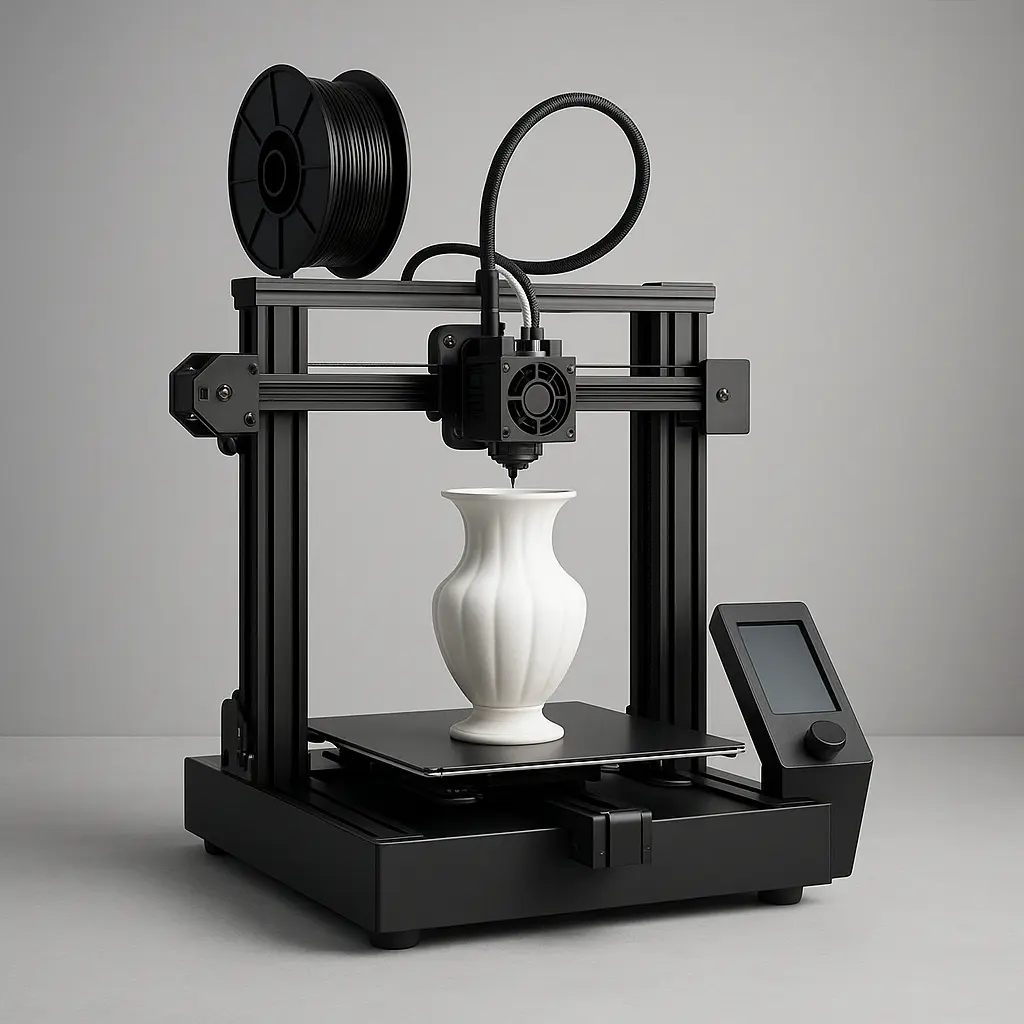
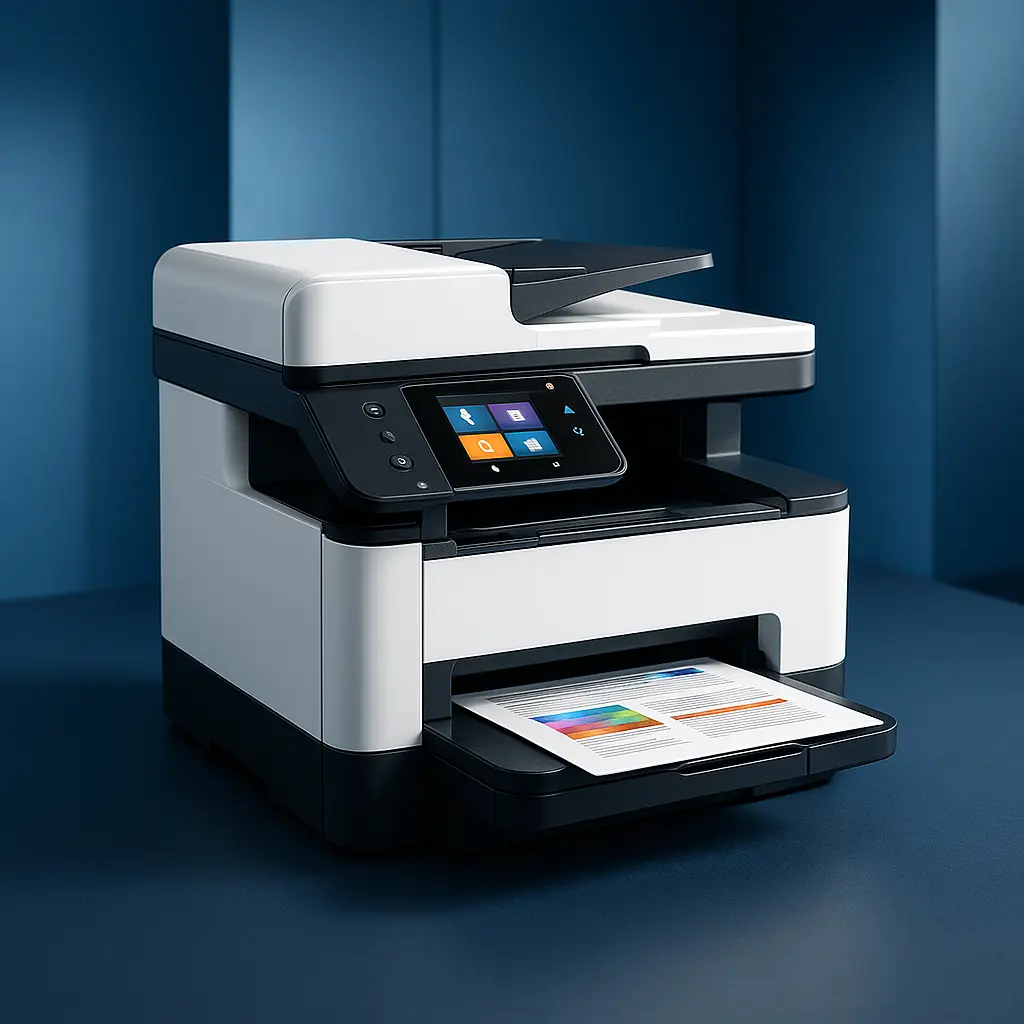
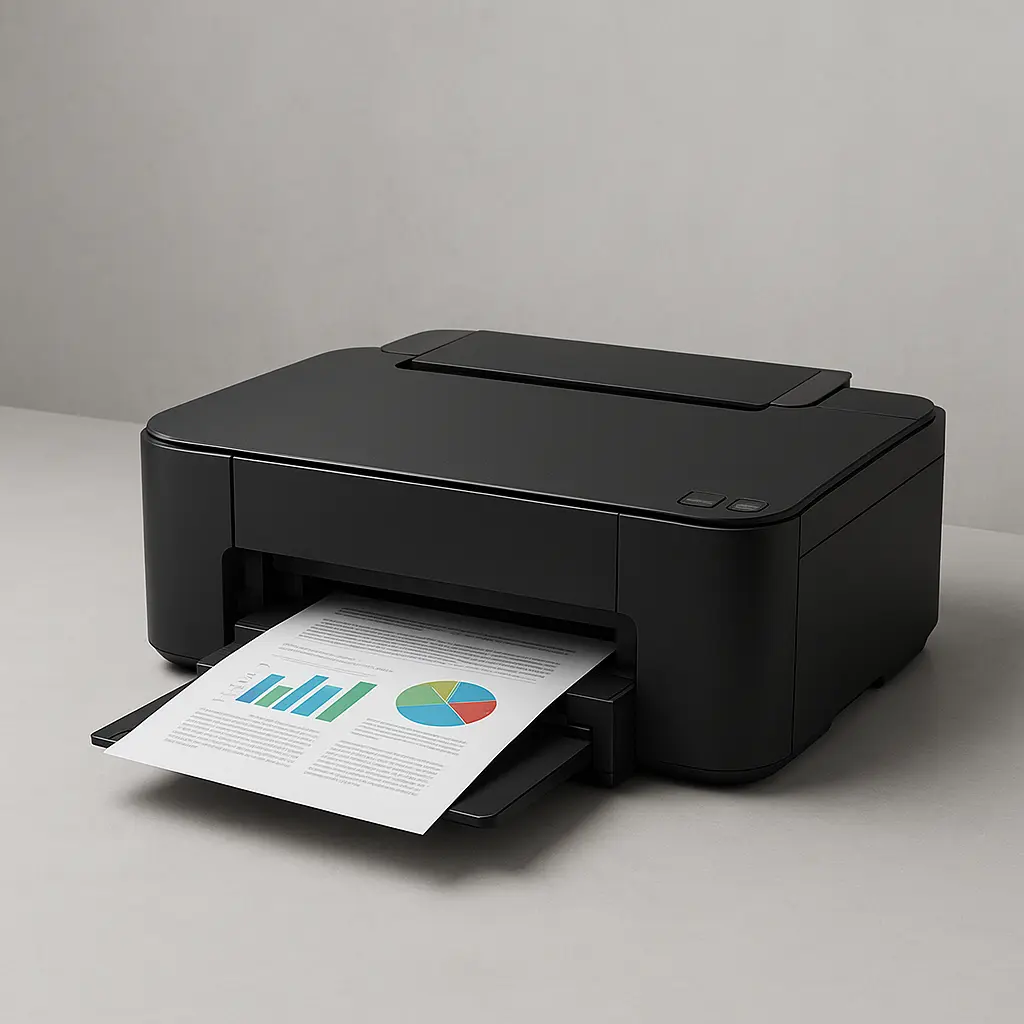
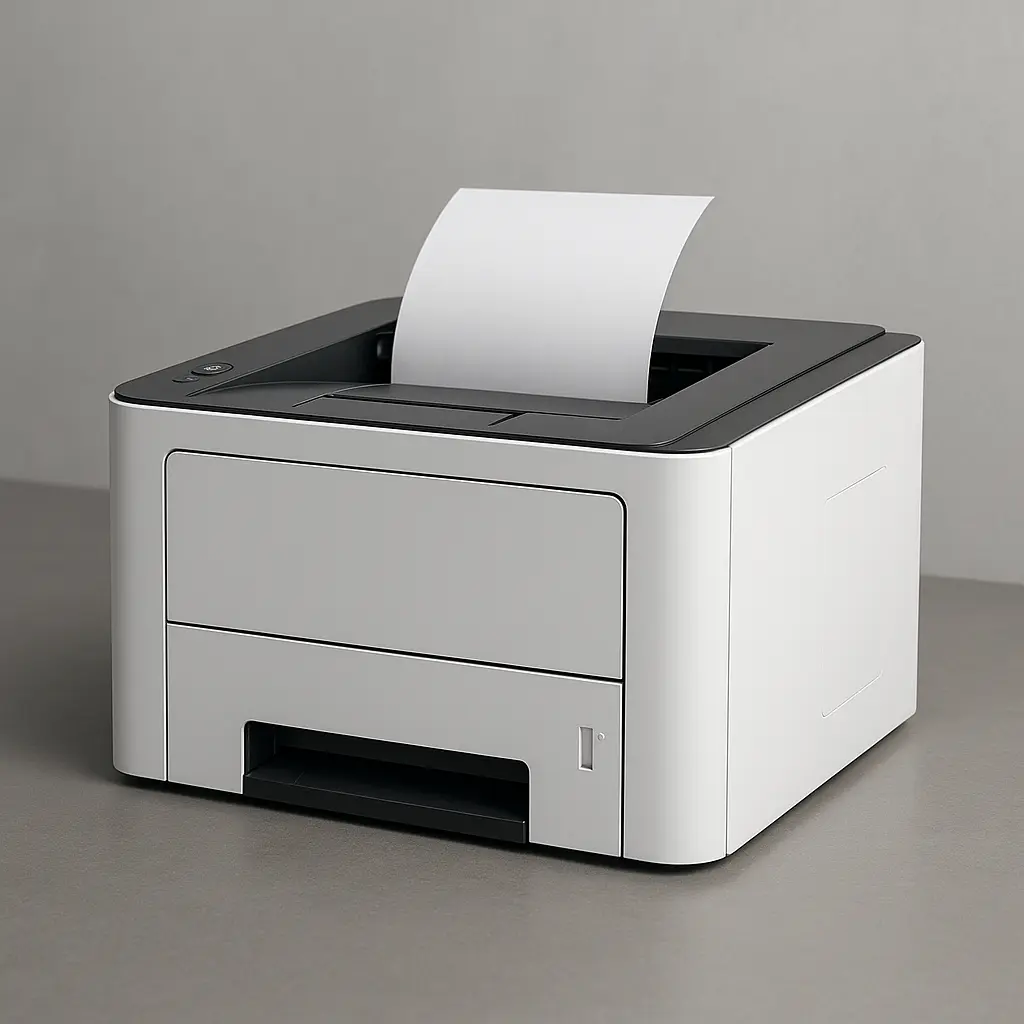

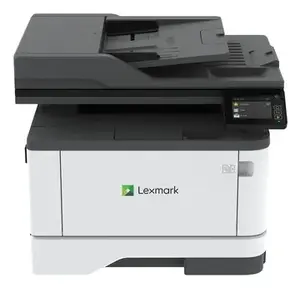
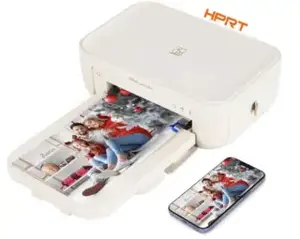
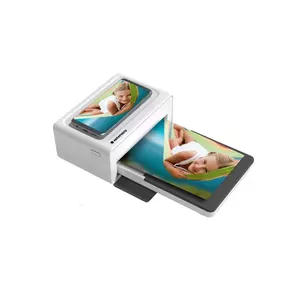
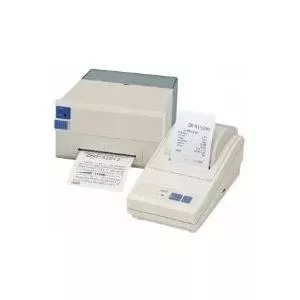

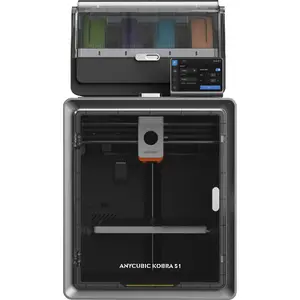
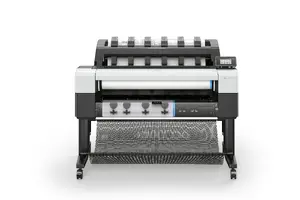
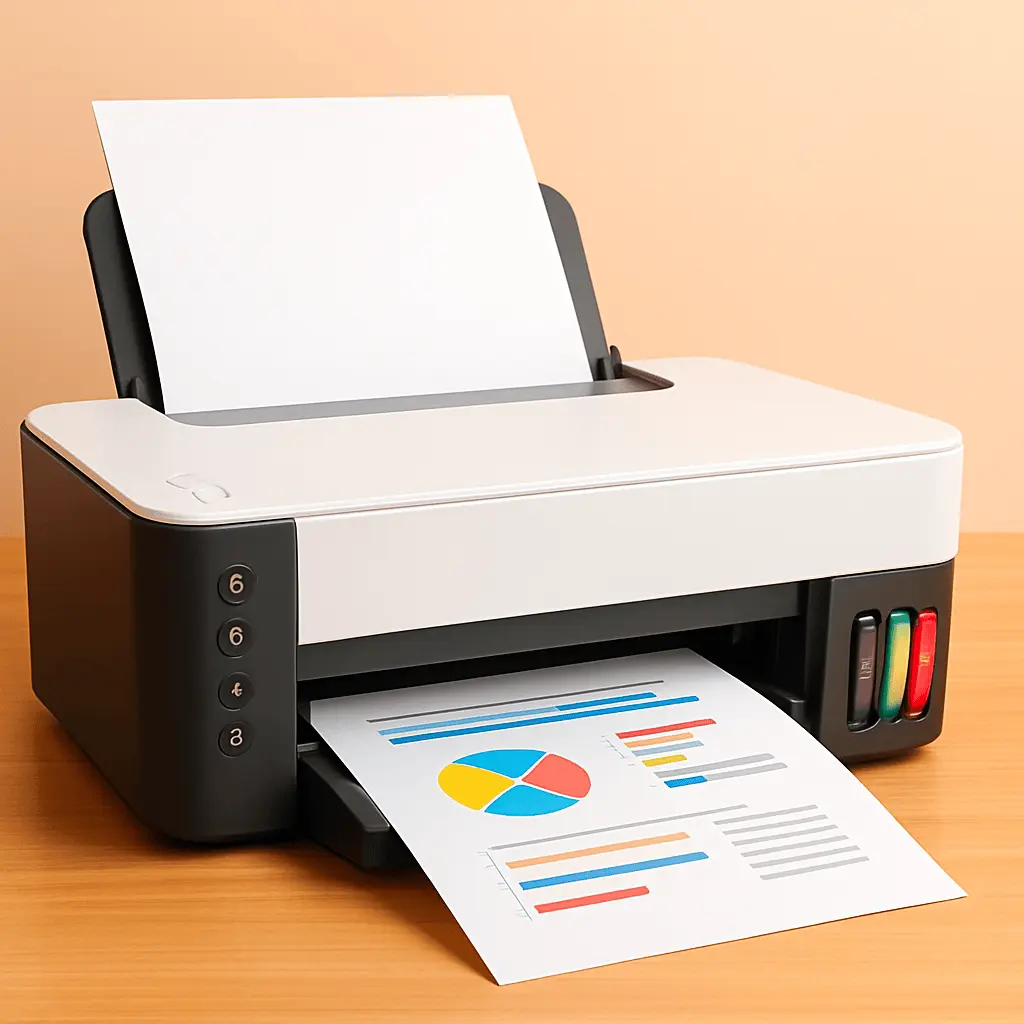
Printers and MFPs are office and home imaging devices that produce physical copies of digital documents and images. They range from simple single-function printers that handle basic text and graphics to multifunction printers (MFPs) that combine printing, scanning, copying, and sometimes faxing in a single unit. These devices are used in homes, small offices, and large workplaces where document production, record keeping, and digital-to-paper conversion are required. Users select models based on print volume, required functions, media handling (paper size and weight), and connectivity options such as USB, Ethernet, and wireless networks. Energy efficiency, consumable costs (ink, toner, paper), and ongoing maintenance needs are common practical considerations when choosing between different models.
Types of Printers and MFPs
Common product types within the category include:
- Inkjet printers — use liquid ink cartridges suitable for color photos and mixed document types.
- Laser printers — use toner and are typically chosen for higher-speed black-and-white or color document output.
- Multifunction printers (MFPs) — integrate printing with scanning, copying, and often faxing for consolidated workflow.
- Photo printers — specialized inkjet models optimized for high-quality photographic prints and color accuracy.
- Label and receipt printers — compact printers for labels, receipts, and small-format printing in retail and logistics.
- Large-format printers — designed for wide media such as posters, technical drawings, and signage.
What are Printers and MFPs used for?
Printers and MFPs serve several practical functions across different environments:
- Producing paper copies of documents, reports, invoices, and correspondence.
- Creating color or black-and-white marketing materials, flyers, and presentations.
- Scanning paper documents into digital formats for archiving, sharing, or editing.
- Copying documents quickly without a computer connection when an integrated copier is available.
- Printing photos and images for personal or professional use with color-capable models.
- Generating labels, receipts, and tickets where specialized printers are required.
Key Differences between Printers and MFPs
Key distinctions that affect selection and use include:
- Function set — printers perform printing only; MFPs combine printing with scanning, copying, and sometimes faxing.
- Space and integration — MFPs can reduce the number of separate devices and save desktop space, while single-function printers may be smaller and simpler.
- Performance and speed — laser models generally offer higher page-per-minute rates; inkjets may excel in photo quality but typically print slower for large volumes.
- Cost structure — purchase price, per-page consumable cost, and maintenance differ between inkjet and laser technologies and between standalone printers and MFPs.
- Connectivity — devices vary in available interfaces (USB, Ethernet, Wi-Fi, mobile printing) and in support for networked environments or cloud services.
How to Choose Printers and MFPs?
Consider the following factors when selecting a device:
- Volume and duty cycle — estimate monthly page count to choose a model rated for that workload.
- Required functions — decide whether scanning, copying, or faxing are needed alongside printing.
- Print quality and color needs — choose inkjet for high-quality photos or color graphics, and laser for sharp text and high-speed output.
- Running costs — compare ink or toner yield, cost per page, and availability of high-capacity or subscription consumables.
- Connectivity and compatibility — ensure support for your operating systems, network setup, and mobile printing standards.
- Paper handling — check input tray capacity, duplex (automatic double-sided) printing, and supported paper sizes and weights.
- Maintenance and reliability — review manufacturer specifications for service intervals, warranty, and user-replaceable parts.


