

Powerful EcoFlow stations for energy anywhere!
In cart {{totalProductsCount}} item(s)
Your cart is empty
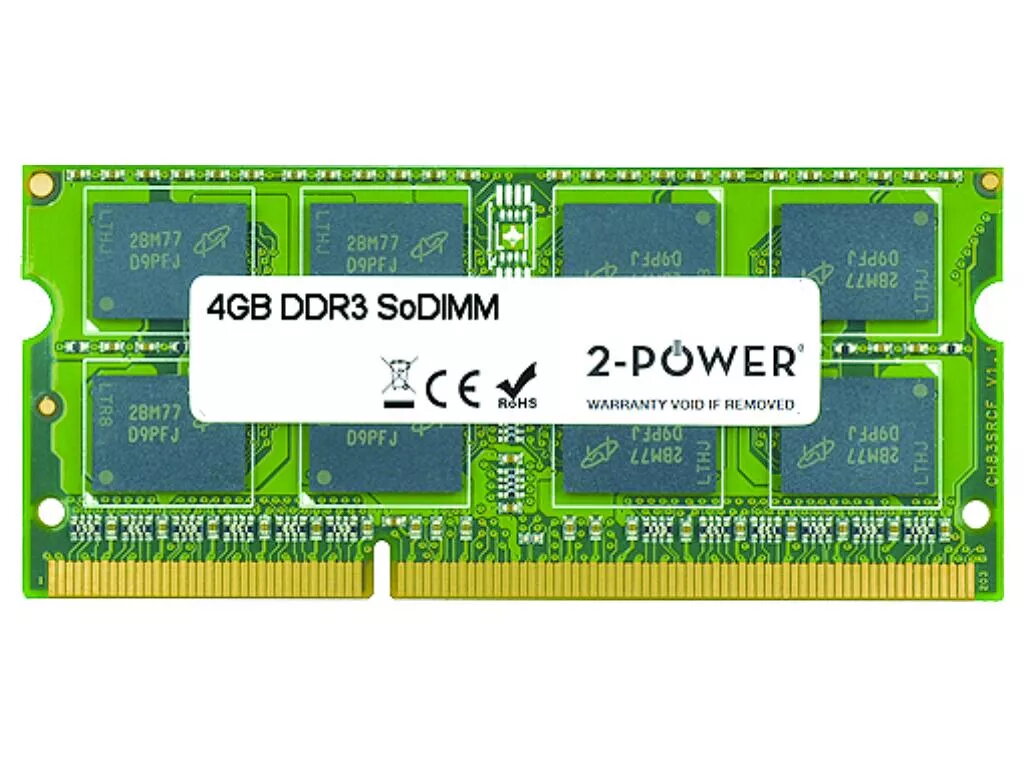
2-Power 4GB SoDIMM Memory DDR3L 1600 MHz CAS 11
Keep your laptop responsive and capable of running multiple applications by upgrading to the 2-Power 4GB SoDIMM DDR3L 1600 MHz CAS 11 memory. This 4GB DDR3L module is designed for laptop SoDIMM slots and provides a balanced improvement in multitasking and general system responsiveness without replacing the machine. The module follows 2-Power compatibility standards and is backed by a lifetime warranty.
This 2-Power memory module increases available RAM to help reduce slowdowns during web browsing, office work and light multitasking. Operating at 1600 MHz with CAS latency 11, it offers stable performance with low-voltage DDR3L power efficiency. The SoDIMM form factor is compatible with most laptops that accept DDR3L SO-DIMM modules, and 2-Power guarantees compatibility and provides a lifetime warranty for added assurance.
Power off the laptop and disconnect it from mains power. Open the laptop’s memory compartment according to the manufacturer’s instructions, remove the existing SO-DIMM if necessary, and align the notch on the 2-Power module with the slot. Press the module gently into place at an angle until the retaining clips engage. Reassemble the laptop, reconnect power, and start the system. Verify that the operating system recognizes the new 4GB module in system settings or BIOS.
Before installation, consult your laptop manual or manufacturer website to confirm support for DDR3L 1600 MHz SO-DIMM memory and maximum supported RAM. Handle the module by its edges and avoid electrostatic discharge by grounding yourself.
{{highlightedFeature.featureTitle}}:
{{getProductFeatureValueById(product, highlightedFeature.featureId)}}
{{ productComparisonGenerationError }}
