
Hurry and order now – up to 50% off!
In cart {{totalProductsCount}} item(s)
Your cart is empty
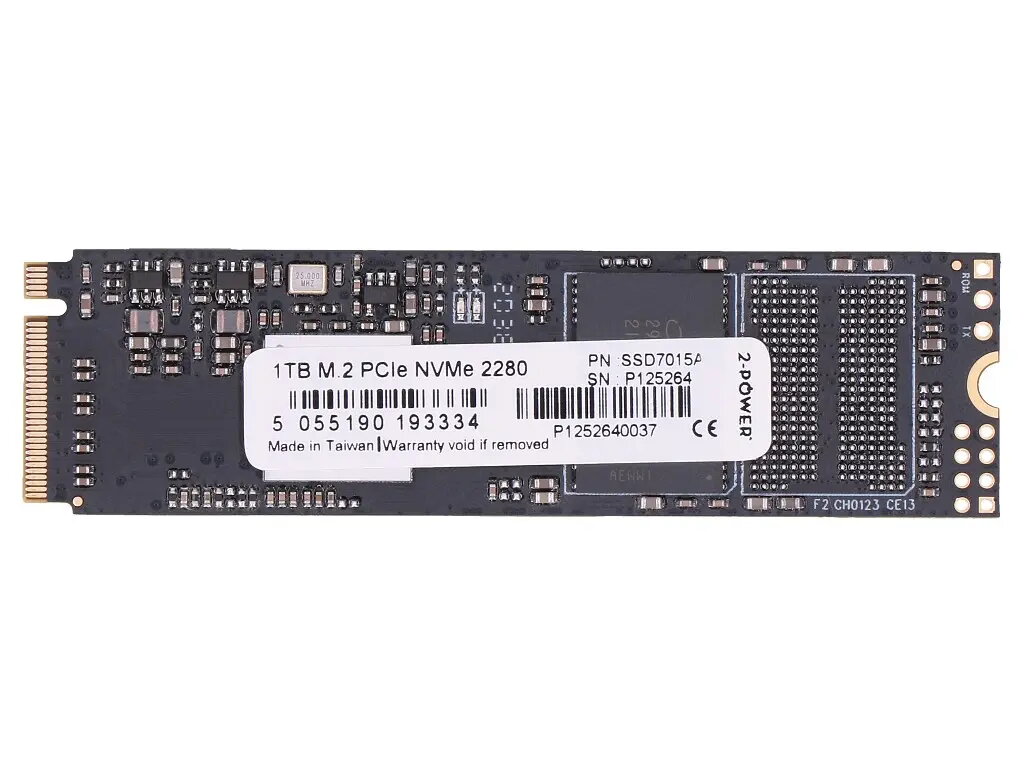
Internal Solid State Drive 2-Power 2P-4XB1L68662 1 TB M.2 PCIe NVMe
The 2-Power 2P-4XB1L68662 is a 1 TB internal solid state drive in M.2 form factor with a PCIe NVMe interface, intended primarily for laptop upgrades. It provides faster data transfer and lower access times compared with traditional hard drives, allowing improved system responsiveness and shorter application load times.
The M.2 PCIe NVMe design delivers higher sequential and random read/write speeds than SATA drives, reducing boot and load times. Its compact M.2 size is suitable for slim laptop interiors and saves physical space. As a solid state drive, it has no moving parts, which increases shock resistance and quiet operation while lowering power consumption compared with mechanical drives.
Power down the laptop and disconnect any power sources. Open the access panel or remove the back cover to locate the M.2 slot. If required, remove any existing drive and unscrew the mounting screw. Insert the 2-Power M.2 SSD at a slight angle into the slot until it is fully seated, then press down and secure it with the mounting screw. Reassemble the laptop, reconnect power, and power on. Initialize and partition the new drive in the operating system or clone your existing drive before first use if migrating data.
Verify motherboard compatibility with M.2 PCIe NVMe drives and check available slot keying and size (e.g., 2280). Back up important data before installation and follow laptop manufacturer service instructions to avoid warranty issues.
{{highlightedFeature.featureTitle}}:
{{getProductFeatureValueById(product, highlightedFeature.featureId)}}
{{ productComparisonGenerationError }}
