
Save time and money with our discounts!
In cart {{totalProductsCount}} item(s)
Your cart is empty
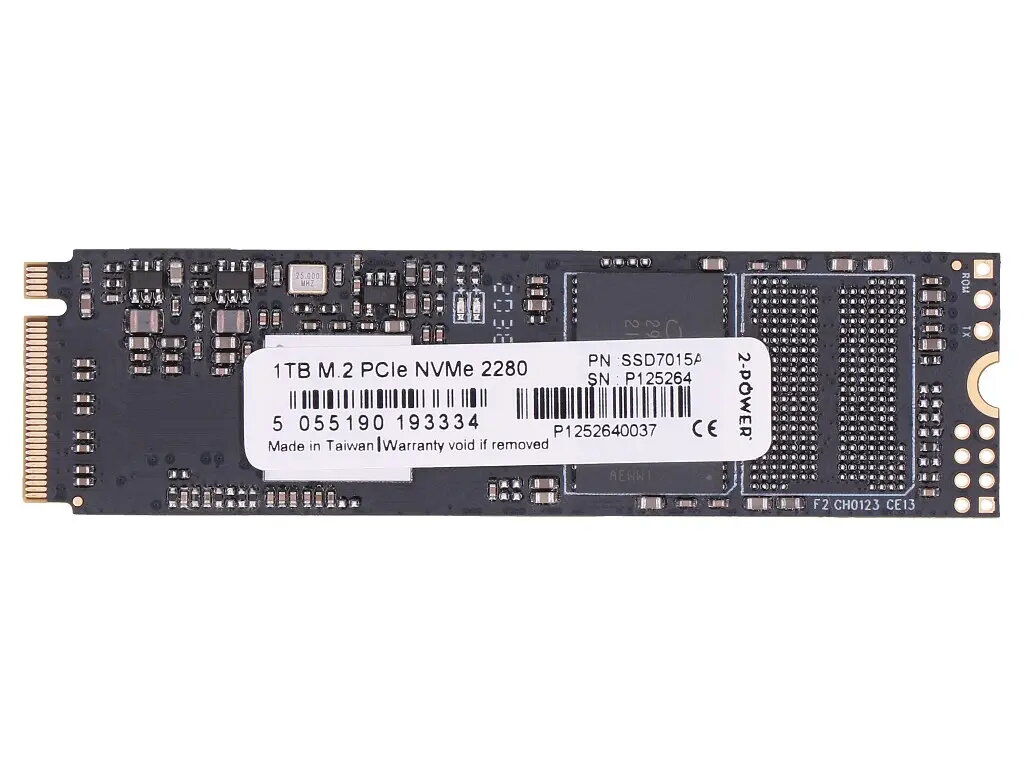
Internal Solid State Drive 2-Power 2P-4XB1M86955 1 TB M.2 PCIe NVMe
The 2-Power 2P-4XB1M86955 is a 1 TB internal solid state drive in M.2 form factor with PCIe 3.0 NVMe interface, designed for use in laptops. It increases storage capacity and delivers faster read/write performance compared with typical SATA drives, making it suitable for modern portable computers that require compact, high-speed storage.
The M.2 PCIe NVMe design offers lower latency and higher throughput than SATA-based drives, improving system responsiveness and application load times. Its 1 TB capacity provides substantial space for operating systems, applications and user data while maintaining a small physical footprint compatible with many notebook M.2 slots. The internal SSD has no moving parts, which reduces noise and mechanical failure risk compared with traditional hard drives.
Power down the laptop and disconnect it from any power source. Open the laptop service panel according to the manufacturer instructions, locate the M.2 slot, and carefully remove any existing M.2 drive if required. Insert the 2-Power M.2 SSD at the correct angle into the slot until it seats, then secure it with the retaining screw. Replace the service panel, reconnect power, and boot the system. Use the operating system installer or disk management tools to initialize, partition and format the new drive or clone your previous drive if restoring an existing system.
Ensure your laptop supports M.2 PCIe NVMe drives and that the slot length and keying match the SSD. Back up important data before performing an upgrade. For optimal performance, install the latest system BIOS/UEFI and NVMe drivers provided by the laptop manufacturer.
{{highlightedFeature.featureTitle}}:
{{getProductFeatureValueById(product, highlightedFeature.featureId)}}
{{ productComparisonGenerationError }}
