
Save time and money with our discounts!
In cart {{totalProductsCount}} item(s)
Your cart is empty
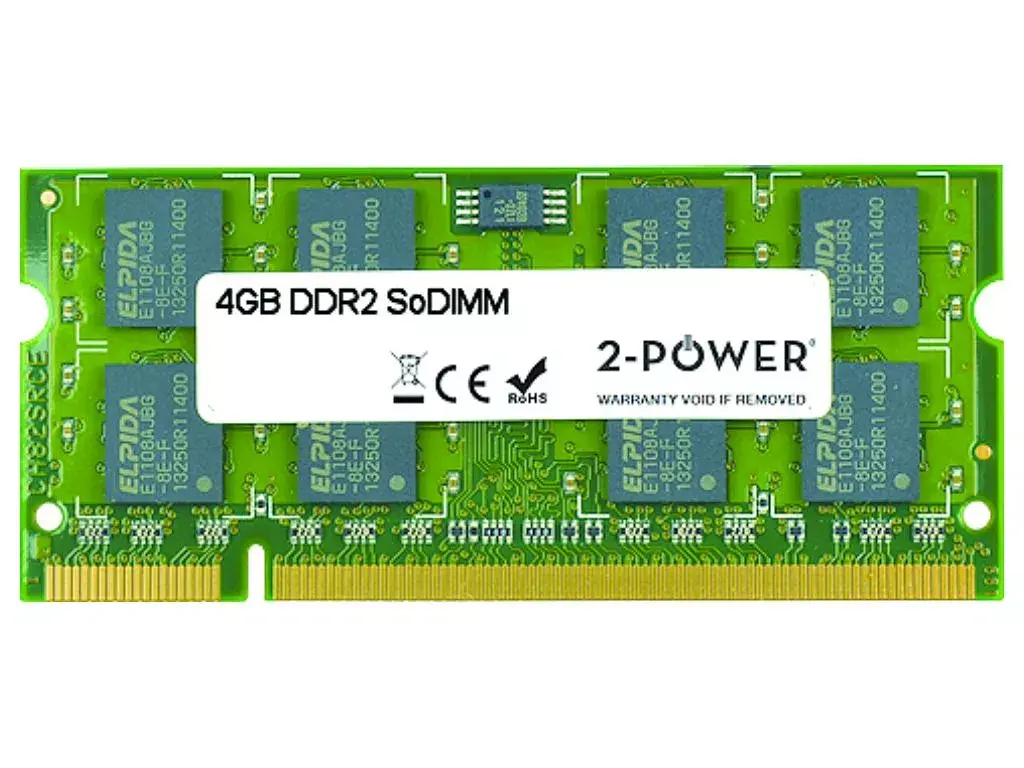
2-Power 4GB DDR2 800MHz SoDIMM Memory A2578601 Laptop RAM
Keep your laptop responsive and improve multitasking with the 2-Power 4GB DDR2 800MHz SoDIMM Memory (2P-A2578601). This 4GB DDR2 SO-DIMM module runs at 800MHz with CAS latency 6 and is designed specifically for notebook systems that accept DDR2 SO-DIMM memory, offering a straightforward upgrade path without replacing the whole device. 2-Power products are backed by compatibility checks and a lifetime warranty.
The 4GB capacity increases available working memory for applications and browser tabs, while the 800MHz clock and CL6 latency deliver stable performance for legacy DDR2 platforms. The SO-DIMM form factor matches laptop memory slots and enables an easy installation. A lifetime warranty from 2-Power provides long-term support for the module.
Power off the laptop and remove the battery (if applicable). Open the memory compartment or keyboard area according to your laptop manual. Align the notch on the SO-DIMM with the slot, insert the module at an angle and press down until the side clips lock it into place. Reassemble the laptop, reinstall the battery, and power on. Check system BIOS or operating system memory information to confirm the new 4GB is recognized.
Ensure your laptop supports DDR2 SO-DIMM and the 800MHz speed before purchase. For best results, match the new module with the existing memory in capacity and timings where possible, and consult the laptop manufacturer’s documentation for maximum supported RAM.
{{highlightedFeature.featureTitle}}:
{{getProductFeatureValueById(product, highlightedFeature.featureId)}}
{{ productComparisonGenerationError }}
