
Hurry and order now – up to 50% off!
In cart {{totalProductsCount}} item(s)
Your cart is empty
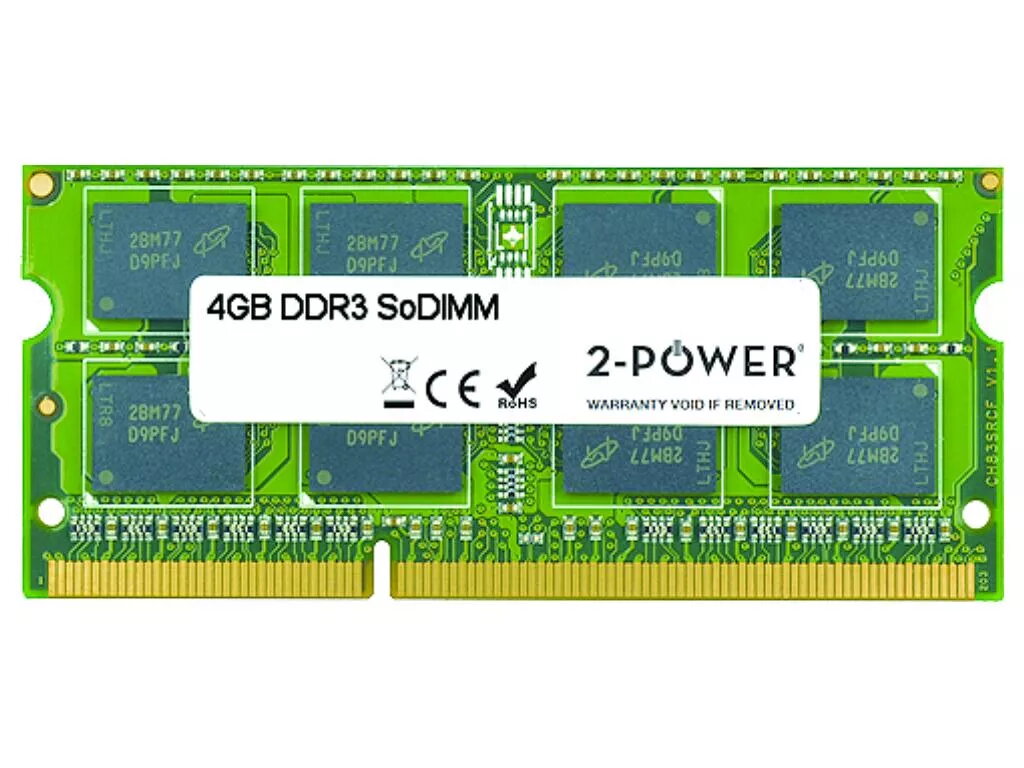
2-Power 4GB MultiSpeed 1066/1333/1600 MHz SoDIMM Memory DDR3L
Keep your laptop responsive and capable of handling multiple applications with the 2-Power 4GB MultiSpeed 1066/1333/1600 MHz SoDIMM Memory DDR3L. This single 4GB DDR3L SoDIMM module operates at up to 1600 MHz with CL11 timing and is intended as a straightforward memory upgrade to improve system responsiveness without replacing the entire machine. The module is compatible with devices supporting DDR3L SoDIMM memory and is backed by a lifetime warranty from 2-Power.
The 2-Power 4GB DDR3L SoDIMM increases available RAM for smoother multitasking and faster application load times. MultiSpeed support for 1066/1333/1600 MHz allows the module to operate at the best available frequency supported by the host system. As a single 4GB module, it provides a simple, cost-effective upgrade path and comes with guaranteed compatibility and a lifetime warranty from the manufacturer.
Power off the laptop and disconnect any power sources, including the battery if removable. Open the access panel or keyboard area to reach the SoDIMM slot(s) according to the laptop manufacturer’s service instructions. Align the notch on the 2-Power SoDIMM with the slot, insert the module at a slight angle and press down until the retention clips click into place. Reassemble the laptop, reconnect power and start the system; the operating system should recognize the additional memory automatically. Check BIOS/UEFI settings if necessary to confirm detected speed and capacity.
Install this module in laptops that explicitly support DDR3L SoDIMM memory and verify maximum supported capacity and speed in the device manual. For best results with dual-channel configurations, install matched modules of the same capacity and speed. Ensure ESD precautions when handling memory modules.
{{highlightedFeature.featureTitle}}:
{{getProductFeatureValueById(product, highlightedFeature.featureId)}}
{{ productComparisonGenerationError }}
