
Save time and money with our discounts!
In cart {{totalProductsCount}} item(s)
Your cart is empty
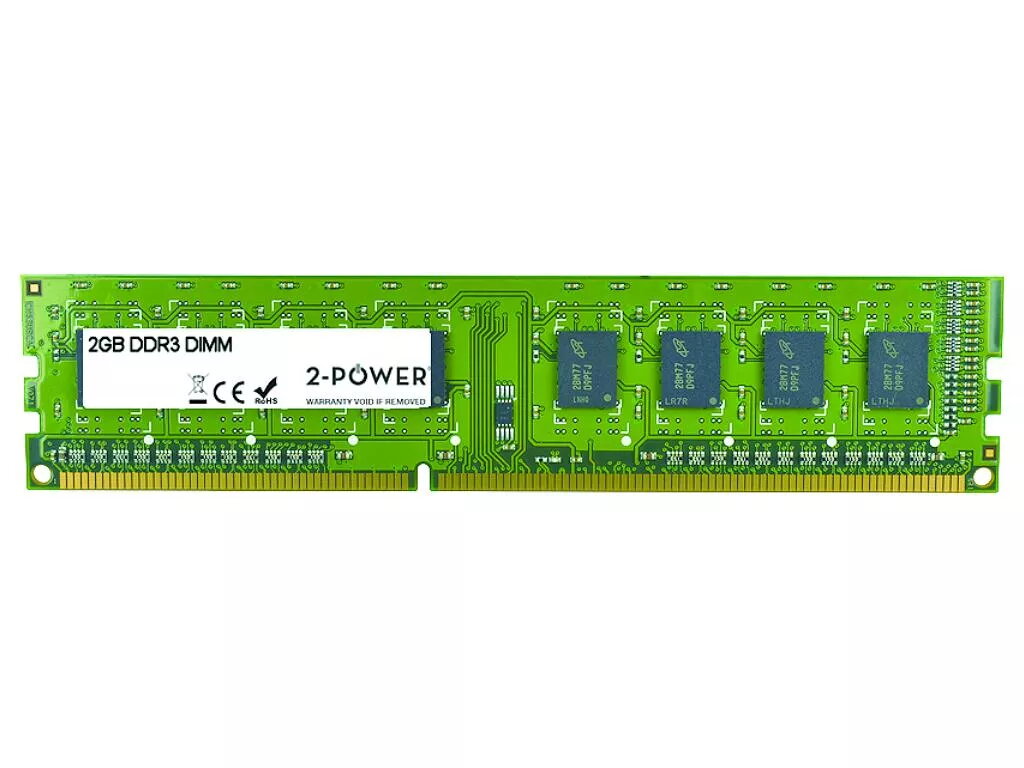
Memory Module 2-Power 2P-AT024A6 2 GB DDR3 1333 MHz Laptop
The 2-Power 2P-AT024A6 2 GB DDR3 1333 MHz Laptop memory module is a single SODIMM designed to expand the working memory of compatible laptops. Operating at 1333 MHz with a CAS latency of 9, this DDR3 module increases available RAM to support everyday computing tasks, reduce swapping to disk and improve application responsiveness. It is intended as a straightforward upgrade to increase multitasking capacity and overall system fluidity on systems that accept DDR3 SODIMM modules.
This 2 GB DDR3 memory module provides a compact, low-power solution to increase a laptop's usable RAM without significant changes to hardware or software. With a 1333 MHz operating frequency and CL9 latency it offers predictable timing and stable performance for typical office applications, web browsing and media playback. The module is built to industry SODIMM form factor standards to fit compatible laptop memory slots and is covered by a manufacturer lifetime warranty for long-term reliability.
Power down the laptop and disconnect any power sources, including battery if removable. Open the memory access panel or remove the back cover according to the laptop manufacturer's instructions to expose the SODIMM slots. Align the module with the slot notch and insert at an angle, then press down until the module clicks into the retention clips. Replace the cover, reconnect power and start the system. Check system BIOS/UEFI or the operating system to confirm the new memory is recognized and functioning.
Before installation, verify that the laptop supports DDR3 SODIMM modules and that the total memory capacity and speed are compatible with the motherboard. For best results pair this module with matching capacity and frequency modules when adding memory to a second slot to enable dual-channel operation where supported. Handle the module by its edges and avoid touching contacts; discharge static from your body before installation.
{{highlightedFeature.featureTitle}}:
{{getProductFeatureValueById(product, highlightedFeature.featureId)}}
{{ productComparisonGenerationError }}
