
Powerful EcoFlow stations for energy anywhere!
In cart {{totalProductsCount}} item(s)
Your cart is empty
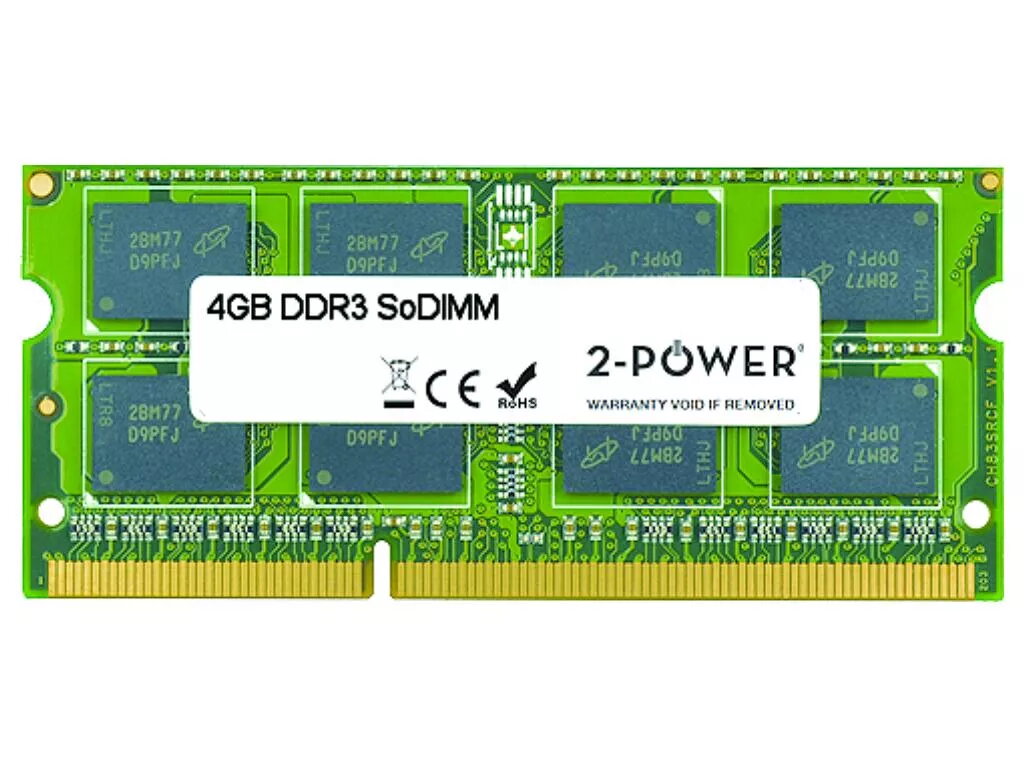
2-Power 4GB MultiSpeed 1066/1333/1600 MHz SoDIMM Memory DDR3L
The 2-Power 4GB MultiSpeed 1066/1333/1600 MHz SoDIMM Memory DDR3L is a compact laptop memory module that boosts system responsiveness and multitasking. Featuring DDR3L technology and compatibility with 1066, 1333 and 1600 MHz clock speeds, this 4GB module offers improved application loading and smoother overall performance without replacing the whole device. The module is covered by a lifetime warranty and is sold under the 2-Power brand with model number 2P-GX70J36383.
This DDR3L SoDIMM increases available RAM to reduce swapping and speed up switching between applications. MultiSpeed support ensures compatibility with laptops running 1066, 1333 or 1600 MHz memory controllers. The low-voltage design (DDR3L) helps maintain energy efficiency while delivering reliable performance. 2-Power guarantees 100% compatibility and provides a lifetime warranty for the product.
Power down the laptop and disconnect it from any power source. Open the memory compartment or back cover according to the laptop manufacturer’s instructions. Ground yourself to prevent static discharge, remove the existing SoDIMM if present, and align the notch of the 2-Power SoDIMM with the slot. Insert at an angle and press down until the retaining clips lock the module into place. Reassemble the laptop, reconnect power, and boot the system. Verify that the operating system recognises the new 4GB module in system settings or BIOS.
Install this 4GB DDR3L SoDIMM in laptops that explicitly support DDR3L 1066/1333/1600 MHz modules. For best results when upgrading, match voltage and speed with existing modules or install identical modules in pairs where supported. Follow the laptop manufacturer’s service manual for safe installation and static handling precautions.
{{highlightedFeature.featureTitle}}:
{{getProductFeatureValueById(product, highlightedFeature.featureId)}}
{{ productComparisonGenerationError }}
