Hurry and order now – up to 50% off!
In cart {{totalProductsCount}} item(s)
Your cart is empty
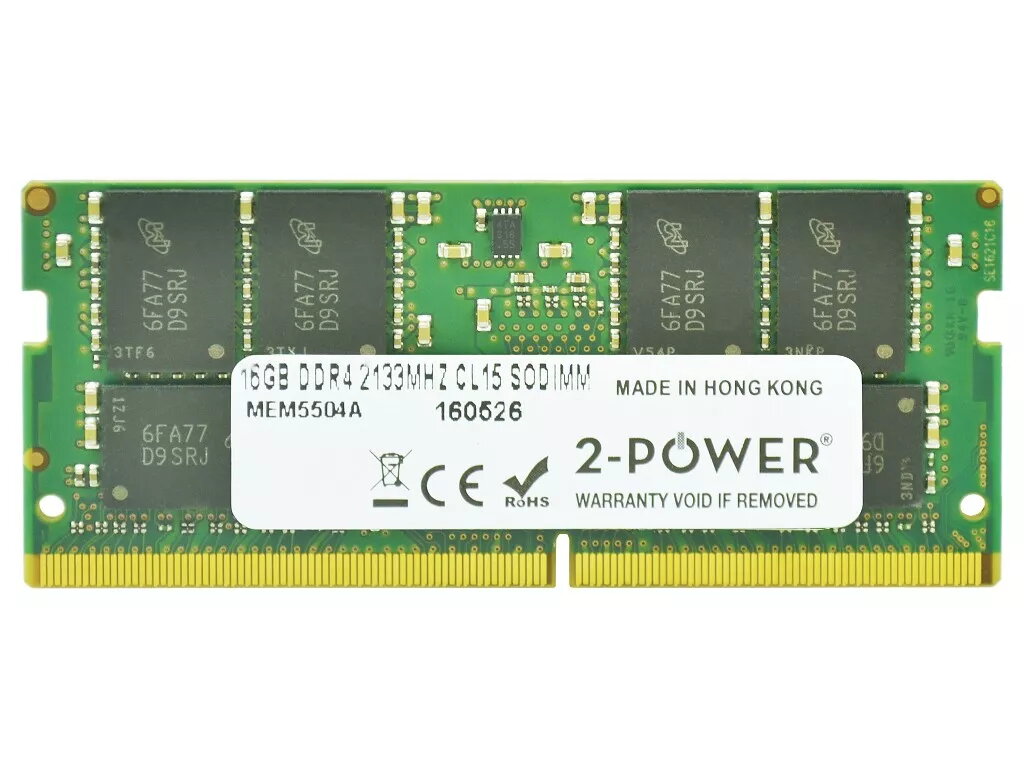
2-Power 16GB DDR4 2133MHz CL15 SoDIMM Memory for Laptop
The 2-Power 16GB DDR4 2133MHz CL15 SoDIMM Memory for Laptop provides a 16GB DDR4 module designed to upgrade laptop performance. With a clock speed of 2133MHz and CAS latency CL15, this SoDIMM module improves responsiveness and enables smoother multitasking without replacing the entire machine. Compatibility is guaranteed by the 2‑Power brand and the module is covered by a lifetime warranty.
This 16GB DDR4 2133MHz CL15 SoDIMM increases available system memory for faster application loading and more efficient multitasking. The module conforms to standard laptop SoDIMM form factors and is backed by 2‑Power's stated 100% compatibility guarantee and lifetime warranty.
Power off the laptop and disconnect any power sources. Open the laptop access panel following the manufacturer’s instructions, locate the SoDIMM slot, and carefully remove any existing memory if required. Align the notch on the 2‑Power DDR4 module with the slot and insert at an angle, then press down until the retaining clips engage. Replace the access panel, reconnect power, and start the laptop; the operating system should recognize the additional memory automatically.
Verify your laptop’s specifications and supported memory types and speeds before installation. For optimal performance, install in matched pairs when the laptop supports dual‑channel memory. Handle the memory module by the edges and use an anti‑static wrist strap or ground yourself to avoid electrostatic damage.
{{highlightedFeature.featureTitle}}:
{{getProductFeatureValueById(product, highlightedFeature.featureId)}}
{{ productComparisonGenerationError }}