Hurry and order now – up to 50% off!
In cart {{totalProductsCount}} item(s)
Your cart is empty
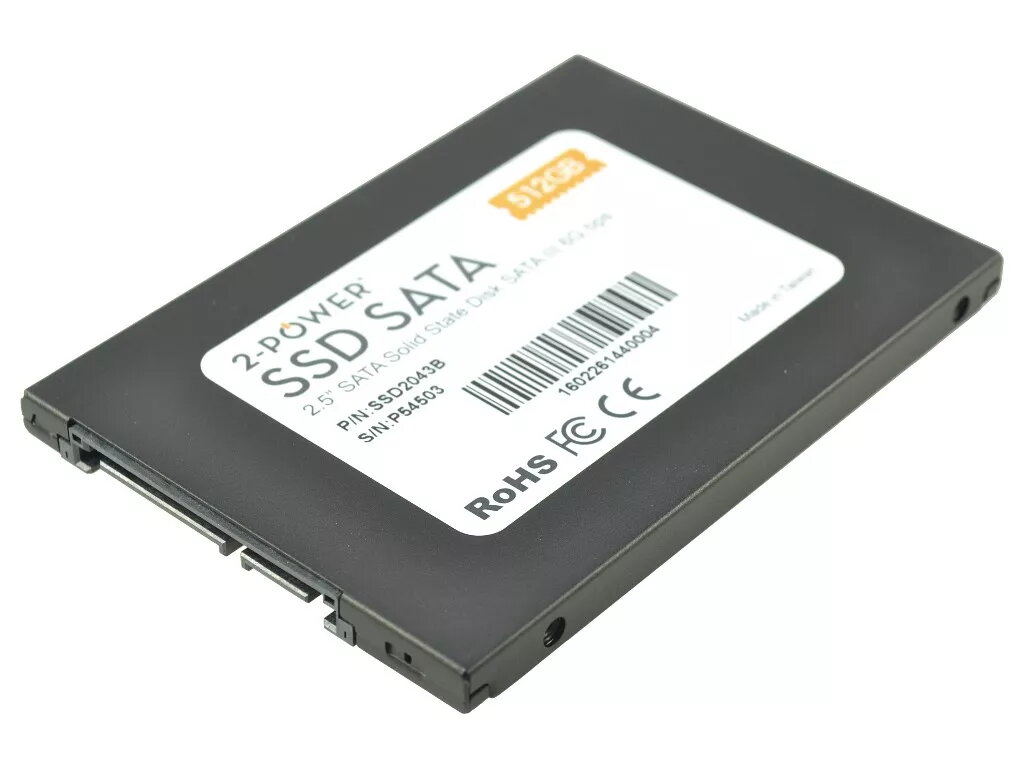
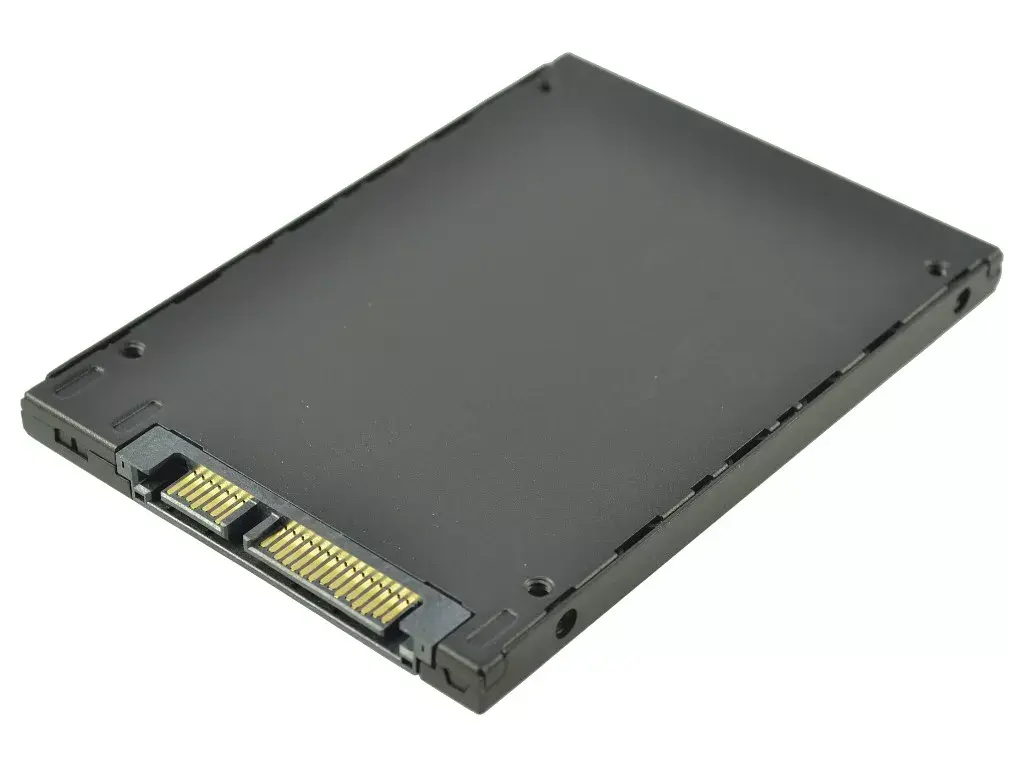
Internal Solid State Drive 2-Power 2P-INSSD500GS625P5 500GB 70mm x 100mm x 7mm
The 2-Power 2P-INSSD500GS625P5 is a 500GB internal solid state drive designed for storage upgrades in laptops and desktop PCs. With compact dimensions of 70mm x 100mm x 7mm, this SSD provides fast data access and improved responsiveness compared to traditional hard drives. The drive is intended for internal installation in systems that accept its form factor and interface, offering reliable flash-based storage suitable for operating systems, applications and file storage.
This SSD delivers quicker boot times, faster application launches and reduced file transfer times through solid-state memory performance. Its 500GB capacity balances space for the operating system, programs and user files while remaining compact and energy-efficient. The drive's physical dimensions and thin profile make it compatible with many laptop and desktop bays where a 7mm height is required.
Power down the computer and disconnect it from the mains before installation. Open the device’s access panel or drive bay according to the manufacturer’s instructions. Insert the SSD into the appropriate 2.5-inch bay or mounting bracket and secure it with screws or the device’s retention mechanism. Connect the drive to the motherboard and power supply using the compatible interface and cables. Close the computer, reconnect power and boot the system. If installing as a replacement or new system drive, initialize the drive, create partitions and install or migrate the operating system and applications as required.
Prior to installation, back up important data from any existing drive. Verify your device accepts a 2.5-inch, 7mm-thick internal SSD and confirm the correct interface type. Use the latest firmware and follow safe handling practices to avoid electrostatic discharge. For best performance, enable AHCI mode in the system BIOS/UEFI when applicable and consider performing an OS alignment or migration using recommended cloning tools.
{{highlightedFeature.featureTitle}}:
{{getProductFeatureValueById(product, highlightedFeature.featureId)}}
{{ productComparisonGenerationError }}