
Save time and money with our discounts!
In cart {{totalProductsCount}} item(s)
Your cart is empty
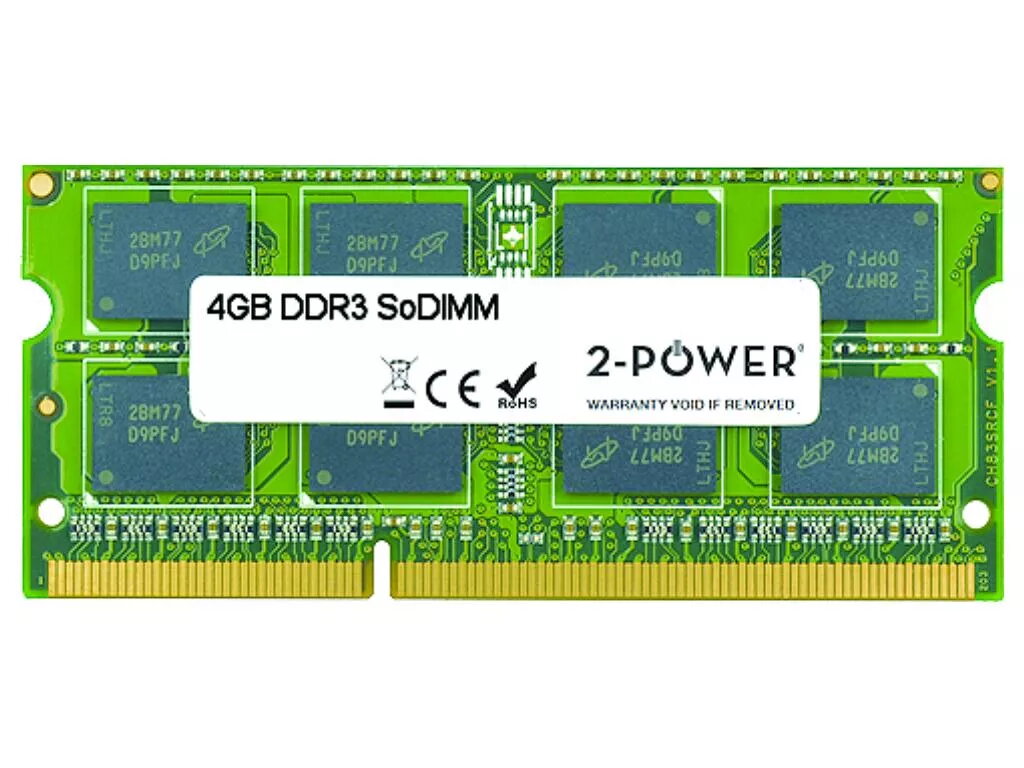
2-Power 4GB DDR3 1333MHz SoDIMM Memory KCP313SS8/4 Laptop RAM
Upgrade your laptop memory with the 2-Power 4GB DDR3 1333MHz SoDIMM. This single 4GB module operates at 1333 MHz with a CAS latency of 9, offering a straightforward capacity increase to improve multitasking and responsiveness without replacing the whole machine. The module is designed for laptop SoDIMM slots and adheres to DDR3 standards; 2-Power guarantees 100% compatibility and backs the memory with a lifetime warranty.
The 2-Power 4GB DDR3 SoDIMM delivers a simple and cost-effective way to boost system performance for everyday computing. By adding one 4GB module you can reduce application load times and improve the ability to run multiple programs simultaneously. The module’s DDR3 1333 MHz speed and CL9 timing provide balanced performance for typical laptop workloads, and the product is covered by a lifetime warranty for long-term reliability.
Power off the laptop and disconnect it from any power source. Open the memory compartment or access panel according to the laptop manufacturer’s instructions. Ground yourself to avoid static discharge, then remove the existing module (if replacing) by releasing the retaining clips. Align the notch of the 2-Power SO-DIMM module with the slot and insert it at a slight angle, then press down until the clips secure it. Close the access panel, reconnect power, and start the laptop to verify the system recognizes the new 4GB module in BIOS or the operating system.
Check your laptop’s specifications or user manual to confirm support for DDR3 1333MHz SO-DIMM modules and maximum supported RAM capacity before installation. If mixing modules, ensure compatible speeds and timings for stable operation.
{{highlightedFeature.featureTitle}}:
{{getProductFeatureValueById(product, highlightedFeature.featureId)}}
{{ productComparisonGenerationError }}
