
Save time and money with our discounts!
In cart {{totalProductsCount}} item(s)
Your cart is empty
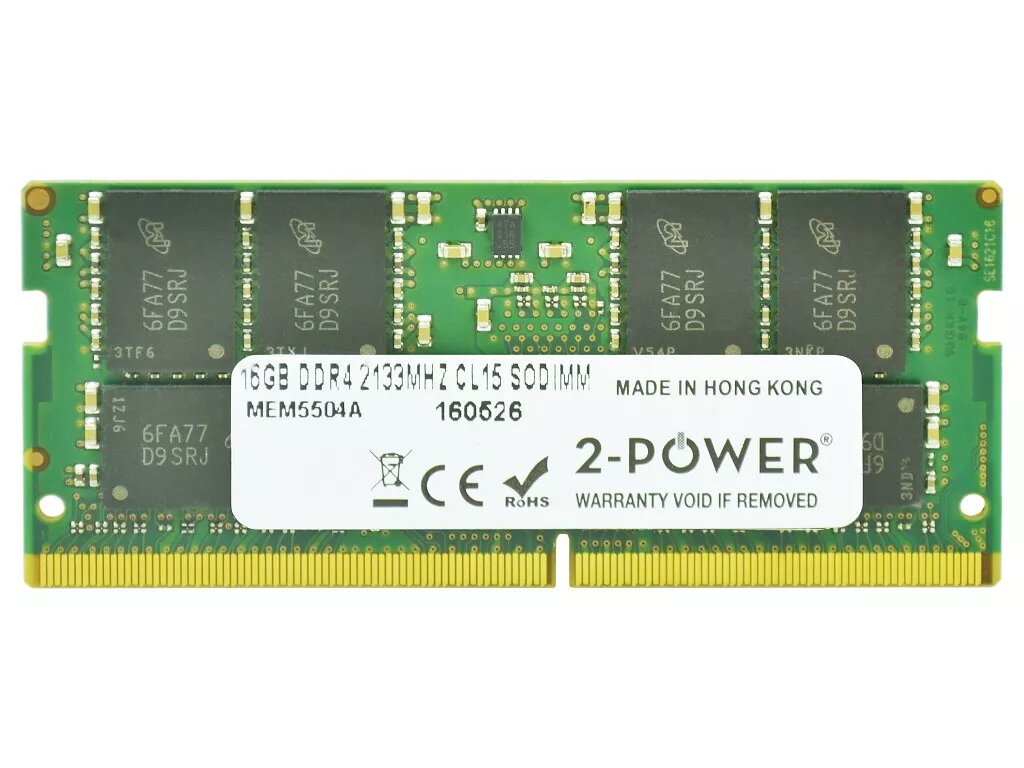
2-Power 16GB DDR4 2133MHz CL15 SoDIMM Memory
Upgrade your laptop performance with the 2-Power 16GB DDR4 2133MHz CL15 SoDIMM Memory. This 16GB DDR4 memory module operates at 2133MHz with CL15 latency, providing additional RAM capacity and responsiveness for multitasking and demanding applications. The module is designed for laptop SoDIMM slots and is backed by 2-Power's lifetime warranty and guaranteed compatibility.
The 2-Power 16GB DDR4 2133MHz CL15 SoDIMM increases available system memory to reduce swapping and improve application load times. Its 2133MHz clock and CL15 timing balance speed and stability for typical laptop workloads. The SoDIMM form factor ensures compatibility with most notebooks that accept DDR4 SODIMM modules, and the product includes a lifetime warranty for long-term reliability.
Power off the laptop and disconnect from any power source. Open the laptop's memory compartment or remove the back cover according to the manufacturer's instructions. Ground yourself to avoid electrostatic discharge, remove the existing SoDIMM if replacing, and insert the 2-Power DDR4 16GB module into the slot at a 30-degree angle until it clicks into place. Reassemble the laptop, reconnect power, and start the system. Check BIOS/UEFI and the operating system to confirm the new memory is recognized.
Verify laptop compatibility with DDR4 2133MHz SO-DIMM modules in the device manual before purchase. When upgrading, pair modules according to the laptop's supported configurations (single or dual channel) and avoid mixing modules with significantly different speeds or timings to ensure stable operation.
{{highlightedFeature.featureTitle}}:
{{getProductFeatureValueById(product, highlightedFeature.featureId)}}
{{ productComparisonGenerationError }}
