Filters you can trust. Pure water every day.
In cart {{totalProductsCount}} item(s)
Your cart is empty
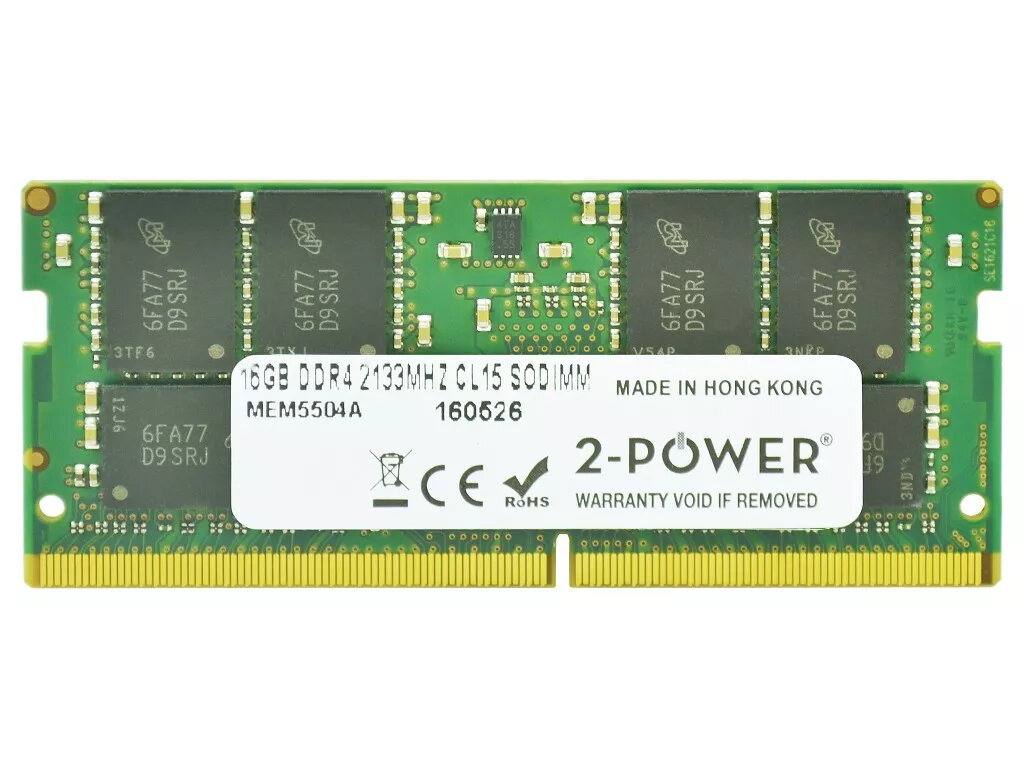
2-Power 16GB DDR4 2133MHZ CL15 SoDIMM Memory
The 2-Power 16GB DDR4 2133MHz CL15 SoDIMM Memory is a single-module laptop memory upgrade designed to improve multitasking and overall system responsiveness. With a clock speed of 2133 MHz and CAS latency CL15, this 16GB DDR4 SoDIMM fits compatible notebooks and small-form-factor systems to deliver smoother application switching and faster load times without replacing the whole device.
This 2-Power memory module increases available RAM with a 16GB capacity, enabling more applications to run concurrently and reducing swapping to disk. Its DDR4 2133MHz frequency and CL15 timing provide balanced performance and efficiency for typical laptop workloads. 2-Power guarantees 100% compatibility for supported systems and backs the product with a lifetime warranty for long-term reliability.
Power off the laptop and disconnect it from mains and battery where applicable. Open the memory compartment or remove the bottom cover following the device manufacturer’s instructions. Locate an available SoDIMM slot or remove the existing module if replacing it. Insert the 2-Power 16GB DDR4 SoDIMM at the correct angle and press down until the retention clips engage. Reassemble the device, reconnect power, and boot to verify the system recognizes the new memory in BIOS/UEFI or the operating system.
Check your laptop or motherboard documentation for supported memory specifications and maximum capacity before installation. When possible, install memory in matched pairs for dual-channel operation. Ensure static precautions (use an anti-static wrist strap or discharge static) when handling the module.
{{highlightedFeature.featureTitle}}:
{{getProductFeatureValueById(product, highlightedFeature.featureId)}}
{{ productComparisonGenerationError }}