Powerful EcoFlow stations for energy anywhere!
In cart {{totalProductsCount}} item(s)
Your cart is empty
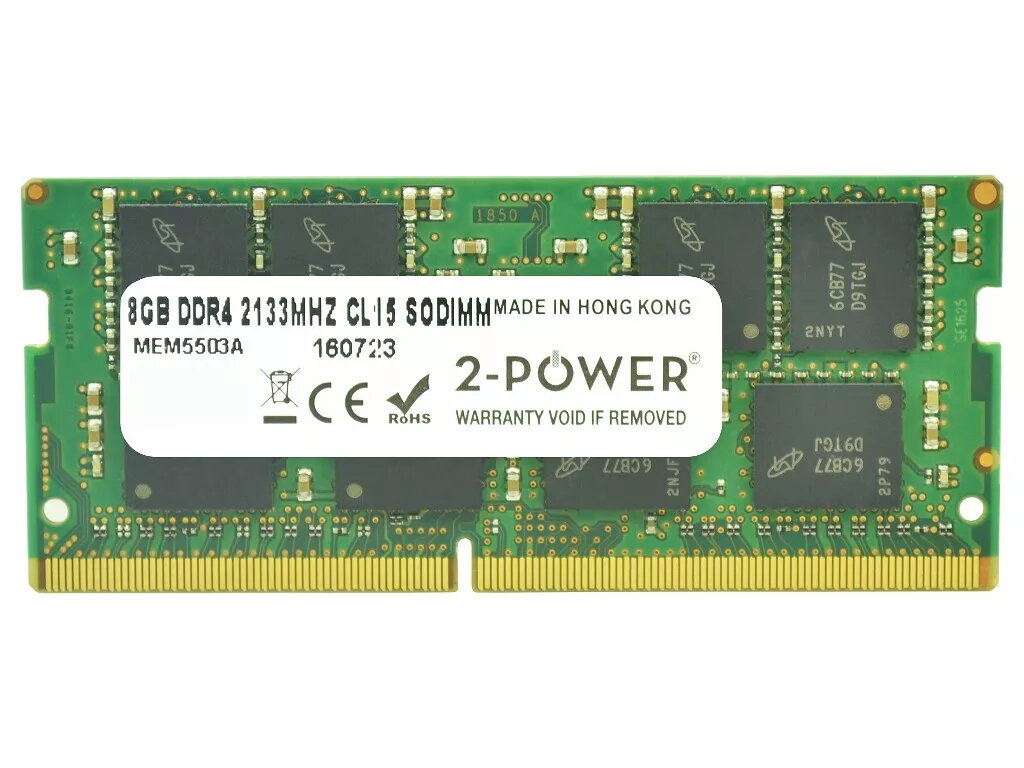
2-Power 8GB DDR4 2133MHz CL15 SoDIMM Memory
The 2-Power 8GB DDR4 2133MHz CL15 SoDIMM Memory is a laptop memory module designed to improve system responsiveness and multitasking without replacing the entire machine. With a clock speed of 2133MHz and CAS latency (CL) 15, this 8GB DDR4 SoDIMM provides reliable performance for everyday productivity and light to moderate multitasking. The product is covered by a lifetime warranty and is sold under the 2-Power brand with guaranteed compatibility.
This 8GB DDR4 2133MHz CL15 SoDIMM increases application loading speed and overall system responsiveness while maintaining low power consumption typical of DDR4 modules. Its CAS latency of 15 balances latency and throughput for common laptop tasks. 2-Power provides a lifetime warranty and compatibility assurance to simplify upgrades.
Power off the laptop, disconnect any power sources and remove the battery if applicable. Open the memory compartment according to the laptop manufacturer’s instructions, release the retention clips and remove the existing module if replacing. Align the notch on the SoDIMM with the slot, insert the module at an angle and press down gently until the clips lock it into place. Close the compartment, reconnect power and boot the system—verify the new memory is recognized in BIOS or the operating system.
Install memory in matching pairs where possible for dual-channel operation; consult your laptop manual for supported memory capacity and configuration. Handle the module by its edges and avoid touching the gold contacts to prevent damage from static or oils.
{{highlightedFeature.featureTitle}}:
{{getProductFeatureValueById(product, highlightedFeature.featureId)}}
{{ productComparisonGenerationError }}