Save time and money with our discounts!
In cart {{totalProductsCount}} item(s)
Your cart is empty
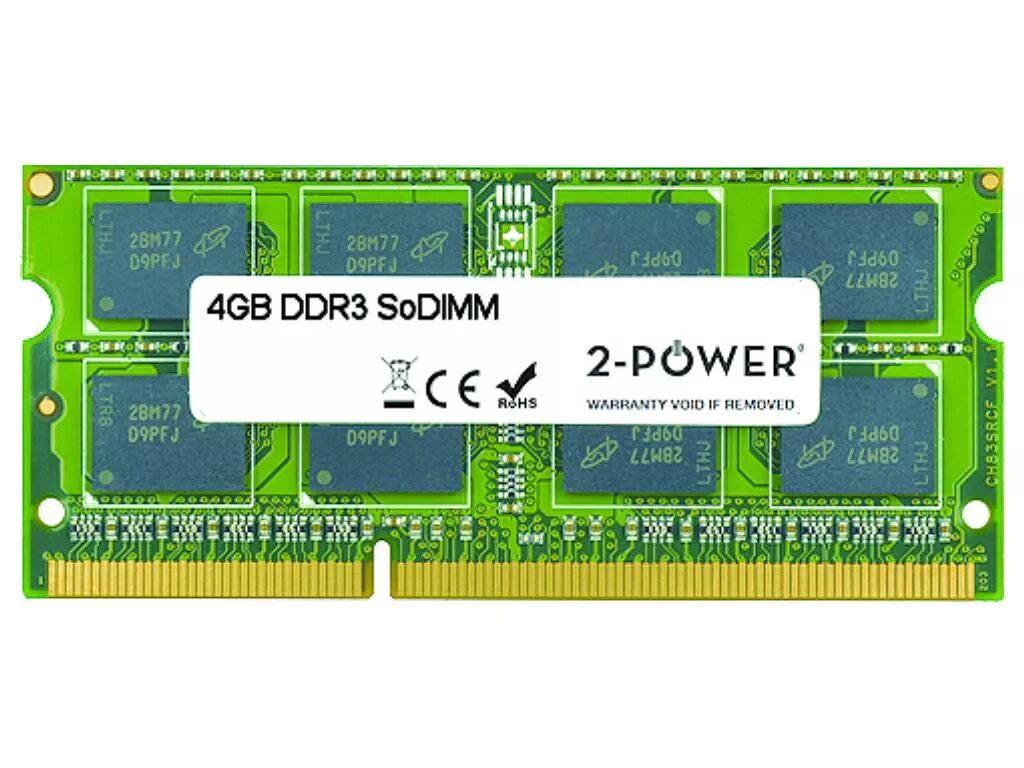
2-Power 4GB DDR3 1333MHz SoDIMM Memory replaces PX72C 2P-PX72C
2-Power 4GB DDR3 1333MHz SoDIMM Memory replaces PX72C and provides a straightforward RAM upgrade for compatible laptops. This 4GB DDR3 module runs at 1333MHz and is intended to restore or improve system responsiveness for everyday computing without the need to replace the whole device. The module is offered by 2-Power and is a direct replacement for part numbers PX72C and 2P-PX72C.
The 4GB DDR3 1333MHz SoDIMM increases available system memory to reduce slowdowns when running multiple applications, speed up application load times and improve multitasking. It follows JEDEC DDR3 standards and is tested for compatibility with systems that accept DDR3 1333MHz SoDIMM modules. The product is backed by a lifetime warranty from 2-Power.
Power down the laptop and disconnect it from mains and battery where applicable. Open the laptop memory compartment according to the manufacturer’s instructions, remove the existing SoDIMM if necessary by releasing the retaining clips, and align the notch on the 2-Power DDR3 module with the slot. Insert the module at an angle and press down until the clips engage. Replace the cover, reconnect power, and start the device to confirm the system recognises the new memory.
Confirm your laptop supports DDR3 1333MHz SO-DIMM modules and check maximum supported memory capacity in the device manual before installation. If you are unsure, consult the laptop manufacturer’s documentation or a qualified technician.
{{highlightedFeature.featureTitle}}:
{{getProductFeatureValueById(product, highlightedFeature.featureId)}}
{{ productComparisonGenerationError }}