
Filters you can trust. Pure water every day.
In cart {{totalProductsCount}} item(s)
Your cart is empty
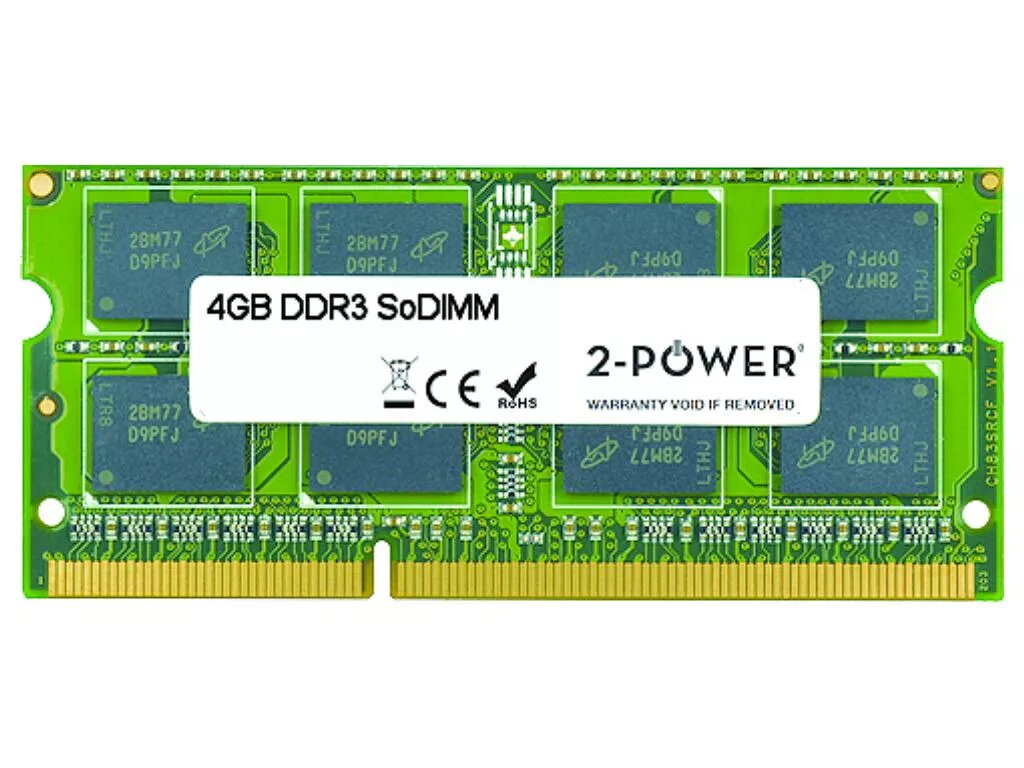
Memory Module 2-Power 2P-S26391-F1402-L400 4 GB DDR3L 1600 MHz
The 2-Power 2P-S26391-F1402-L400 is a 4 GB DDR3L 1600 MHz memory module for laptops that boosts system responsiveness and multitasking without replacing the entire device. It operates at 1600 MHz with CAS latency 11 and is designed for everyday computing tasks and light application workloads. The module is sold by 2-Power and comes with a lifetime warranty, with compatibility guaranteed for supported systems.
This 4 GB DDR3L memory module increases application responsiveness and reduces load times for common tasks. Its 1600 MHz clock frequency and CL11 latency provide stable performance for web browsing, office software and media playback. The SO-DIMM form factor is optimized for laptop upgrades, and 2-Power guarantees compatibility and backs the product with a lifetime warranty.
Power off the laptop and disconnect it from any power source. Open the laptop service panel or memory compartment following the manufacturer’s instructions, then locate the SO-DIMM slot. Align the notch of the DDR3L module with the slot, insert at an angle, and press down until the side clips engage. Replace the panel, reconnect power, and boot the system. Check the BIOS or operating system to confirm the new memory is recognized.
Before installation, consult your laptop manual to confirm DDR3L support, maximum supported memory and slot availability. Handle the module by its edges and avoid touching contacts. For dual-channel operation, install matching modules in the appropriate slots as specified by the laptop manufacturer.
{{highlightedFeature.featureTitle}}:
{{getProductFeatureValueById(product, highlightedFeature.featureId)}}
{{ productComparisonGenerationError }}
